 Skip to content
Web space determines the speed, security and growth of every website - I summarize the most important options, criteria and tools for 2025. With my guide you choose Hosting sovereign, judge Webspace efficiently and get measurable performance from your budget.
Key points
I filter out the following key points from my daily practice - they help with a quick check before concluding a contract.
- SSD and RAM as a performance driver
- Uptime and Backups as risk protection
- Server location and DSGVO for legal certainty
- Bandwidth and Traffic for scaling
- Support and Tools for everyday efficiency
What is web space - and why does it determine real website performance?
Webspace is the Memory on a server on which all your website files are stored: HTML, images, videos, databases and logs. If there is not enough space or the storage is slow, the loading time and thus the conversion suffers - especially for media, stores and apps [1]. Modern providers rely on SSD-memory instead of HDD, which significantly reduces access times and at the same time increases stability under load [1]. I recommend starting at around 50 GB for small projects; for stores, magazines or learning platforms, I plan from 100 GB so that there is room for caches, staging and backups [1]. For a structured start, a compact overview like this is worthwhile Webspace-Guidewhich bundles definition, functions and selection criteria.
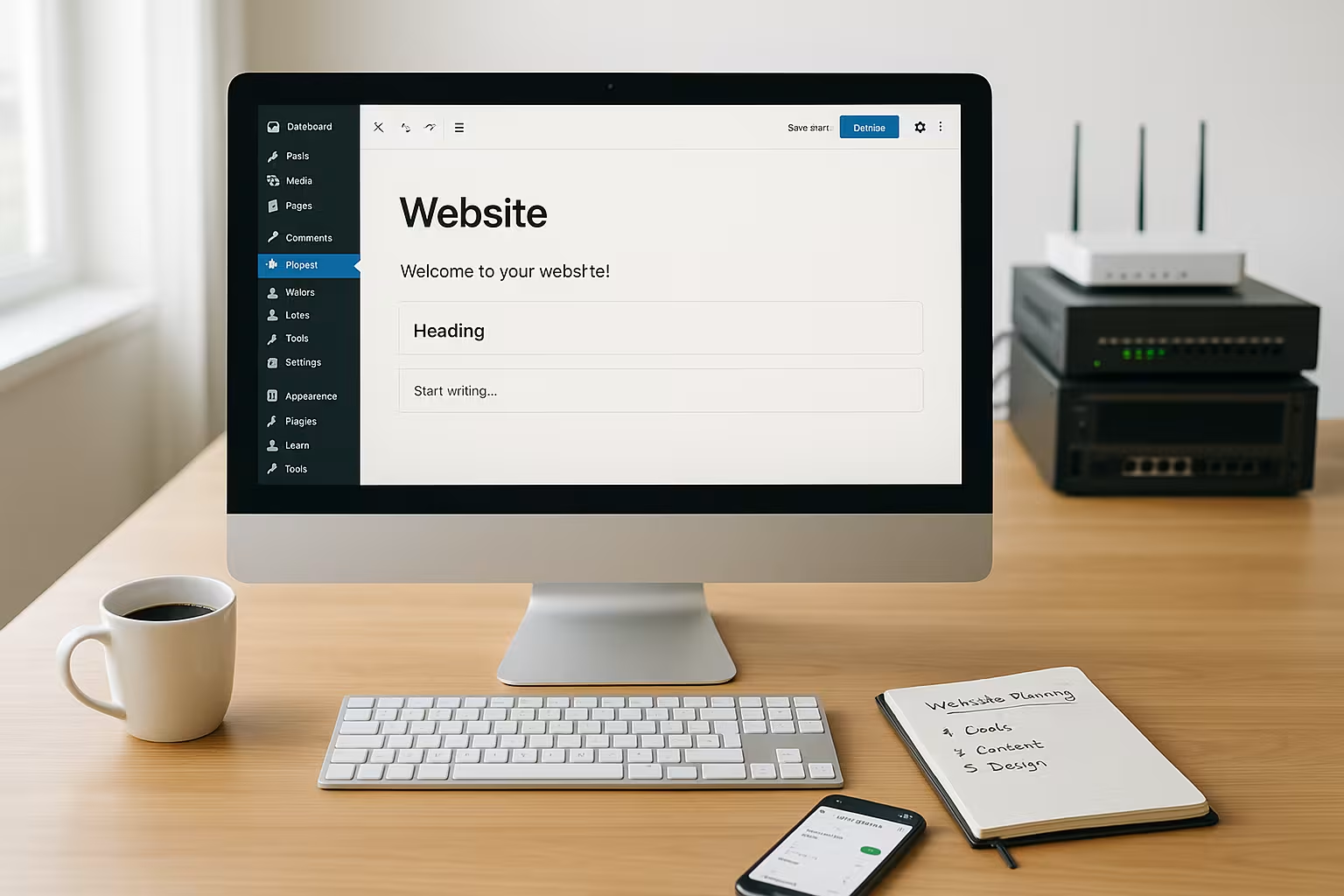
Hosting types at a glance: Shared, VPS, Dedicated, Managed WordPress
I always choose the hosting type according to requirements Performancecontrol and budget. Shared hosting is sufficient for landing pages and small blogs if visitor numbers are to remain moderate and costs are to be kept low. A VPS (Virtual Private Server) is suitable as soon as I pursue my own services, special modules or stricter performance targets; here I separate resources more cleanly and scale more specifically. I use dedicated servers for high loads, sensitive data or individual setups with maximum control. With WordPress, I prefer managed packages because updates, security fixes, caching and support work together in a coordinated manner - this allows me to focus more on content rather than administration [1][3].
The most important selection criteria: Memory, bandwidth, PHP limits, location
For a solid comparison, I first look at Webspace in GB, bandwidth and the limits for RAM and PHP memory, as these factors have a direct impact on CMS and store performance [1]. Without an SSL certificate, you are giving away ranking opportunities and security; the certificate should be included in the package. I plan domains, subdomains, mailboxes and databases with a buffer so that projects can grow without having to change tariffs immediately. I require daily backups, simple restore functions and monitoring to avoid outages and data loss. The server location remains crucial: for target groups in the EU, a data center in Germany ensures short latencies and GDPR compliance; the provider should communicate this transparently [1][3].

Webspace comparison 2025: strong providers and fair tariffs
I check the price, Supporttechnology and contract details - discounts are tempting, but everyday performance counts for more. In 2025, established providers in particular score points with SSD storage, consistent 24/7 support and transparent limits [1][3][4]. In tests, webhoster.de stands out: lots of storage, fast platform and German-speaking help that solves problems quickly [1][3]. For beginners, a low starting tariff makes sense, while growing projects fare better with scalable resources. The following table shows a compact market overview with core values from current comparisons [1][3][4].
| Provider | Price from | Webspace | Support | Rating |
|---|---|---|---|---|
| webhoster.de | 2.95 € / month | up to 1,000 GB SSD | 24/7, German | Test winner |
| Hostinger | 1,49 € / month | up to 200 GB | international | For beginners |
| IONOS | 1,00 € / month | up to 500 GB | 24/7, German | Price-performance |
| Bluehost | 2.95 € / month | up to 100 GB | WordPress-certified | Blogger |
DNS, e-mail and domains: setting up deliverability and administration properly
In my opinion, good web space includes solid DNS functions and e-mail components. I check whether SPF, DKIM and DMARC are easy to configure - this significantly improves the delivery rate of transactional emails (orders, password resets). For productive stores, I use separate sender domains or dedicated SMTP services so that marketing newsletters do not damage the reputation of the main domain. Limits and quotas that are transparently visible in the console make sense: Mailbox sizes, maximum attachments, connection and sending limits per hour. For DNS, I rely on short TTL during the move (e.g. 300 seconds) to enable fast cutovers and increase the TTL again later - this is how I combine agility and caching efficiency. I plan subdomains for staging, CDN or media (e.g. media.my-domain.tld) at an early stage so that the structure remains consistent in the long term [1].
Databases, caching and PHP: where performance is really gained
Many bottlenecks are not in the web space, but in Databases and PHP. I check available versions (MySQL/MariaDB or PostgreSQL), use InnoDB with a sufficient buffer pool and keep connections lean. Indexes on frequently queried columns, lean queries and regular analysis of slow logs often bring more than additional CPU overhead. For WordPress/shop systems, I work with Object cache (Redis/Memcached) and activate OPcache with generous limits; this is how I reduce PHP cold starts and database load. With PHP-FPM, I control the number of workers, max_children and process manager settings to match the RAM size - too many workers increase the context switches, too few produce queues. I set sensible values for memory_limit, max_execution_time, upload_max_filesize and post_max_size so that uploads and importers run smoothly. For bursts (e.g. product launches), I plan server-side full-page caching to reduce TTFB and CPU load [1][3].
Tools and workflows: how to use web space really efficiently
What counts in everyday life is a fast File manager in the hosting console to edit files directly, adjust permissions and unpack archives. For larger uploads, I set up FTP/SFTP; clear instructions on how Set up FTP access saves time and avoids rights errors. I use 1-click installers for WordPress, Joomla or Drupal in a targeted manner, test updates in a staging instance first and only then move them to the live system. Caching (e.g. OPcache, object cache) and GZIP/Brotli compression speed up delivery and reduce data transfer. I consider regular, automated backups - including database dumps - to be mandatory, ideally with a retention period and a simple restore option [1].

Deployment and automation: Git, CI/CD and zero downtime
I deploy code reproducible via Git: Build steps (Composer, npm) run in CI, the result is delivered as an artifact. On the web space, I link to the new version via symlink switch (atomic deploy) - without downtime and with a simple rollback option. Sensitive data (API keys) belong in Environment variables or saved configs, not in the repository. Maintenance windows are useful for WordPress and stores; I reduce the interruption to seconds with blue-green deployment or staging pushes. I automate post-deploy tasks (database migrations, cache warmup, search index) so that releases remain consistent.
CDN, edge and media strategies: relieve traffic, reduce loading times
I serve static assets (images, CSS, JS) via a CDN with HTTP/2/3 and TLS 1.3, set long cache headers (immutable) and use cache busting via file names. For images I use WebP/AVIF and responsive variants, I stream videos adaptively (HLS/DASH) instead of providing them as a download. I decouple large media from the original web space (e.g. via object storage or a separate media domain) and thus regulate I/O peaks. Regional PoPs shorten the latency, protect against load peaks and at the same time reduce the bandwidth at the origin - this quickly pays off, especially for international target groups [1][4].
Security and data protection: SSL, WAF, DDoS protection, GDPR
I activate SSL by default and renew certificates automatically so that there are no gaps. A web application firewall (WAF) and malware scanning block attacks at an early stage, while DDoS filters cushion peak loads and ensure accessibility [1][3]. Security updates, plugin hygiene and minimal plugins keep the attack surface small; I consistently delete unnecessary admin accounts. Server location in Germany facilitates GDPR compliance; I treat logs and backups sparingly and delete outdated data. Monitoring with alarm thresholds for CPU, RAM, I/O and response time creates transparency and prevents surprises.
Compliance, contracts and SLAs: legally compliant and predictable operation
For professional projects I include a AVV (order processing) with clear TOMs (technical and organizational measures). The provider should document data processing, sub-processors and locations transparently. A SLA with defined uptime, response time and escalation levels provides planning security; I also define RTO (restart time) and RPO (maximum data loss) for backups and disaster recovery. Log retention, export options (portability) and a clean exit process in the event of a change of provider are also important. For international transfers, I pay attention to EU locations and data location - this reduces legal risks and latencies [1][3].
Realistically calculating costs: how to plan your budget and reserves
With prices starting at €1.00 per month for entry-level packages and €7.95 to €37.95 per month for business tariffs, I soberly compare features with the expected Traffic [1][3][4]. I rate starting discounts as a nice bonus - the decisive factor is the term after the promo and the notice period. I take into account future add-ons such as additional domains, storage, CPU cores or email packages so that the total costs remain realistic. An upgrade path without downtime saves stress later on, especially for campaigns, product launches or seasonal business. If you deliver internationally, calculate latencies and CDN costs in order to serve target markets with high performance.

Sustainability: efficiency pays off in terms of costs and climate
I prefer data centers with modern cooling and good PUE-value - efficient infrastructure saves electricity costs and improves the environmental footprint. At application level, I reduce server load through caching, lean code and image optimization; this not only reduces response times, but also energy consumption. Right sizing is a must: instances that are too large burn up budget, while those that are too small generate peak loads and failures. With periodic capacity reviews, I adapt resources to the real load - a pragmatic way to achieve both: more performance and fewer emissions.
Best practices for growth and performance
Right from the start, I rely on ScalingSufficient memory, generous PHP limits and sensible caching strategies. I optimize larger image files in the pipeline, reduce unnecessary scripts and load assets as asynchronously as possible. Staging environments and version control (e.g. Git) make rollbacks safe and deployment reproducible. I schedule cron jobs lean so that they do not block I/O; resource-hungry tasks run at night. For recurring audits, I use benchmarks (TTFB, Core Web Vitals) and adjust server parameters step by step.
High availability and scaling: when "more of the same" is not enough
From a certain size, vertical scaling (more CPU/RAM) is no longer sufficient. I decouple responsibilities: Load balancer in front, several app nodes behind, sessions outsourced (Redis/DB) - so the application stays stateless and horizontally scalable. Media is stored on shared memory or distributed via a CDN. Jobs, queues and search indices (e.g. for stores) run on separate worker instances so that they do not affect web traffic. I test failovers in real life - including database switchovers - and document runbooks for emergencies. This creates real resilience instead of pure peak performance [3][4].
Monitoring, backups and uptime: how to keep the site accessible
I measure Uptimeresponse times and error rates with external checks from several regions to map real user paths. Backups run automatically every day; I test restores regularly and keep several generations available. I clean databases of revisions, sessions and temporary tables so that queries remain fast. I evaluate error logs weekly, prioritize recurring errors and fix them permanently. For scheduled updates, I communicate maintenance windows early and minimize downtime with rolling deployments [1].

Observability and troubleshooting: find faster, fix more precisely
I combine metrics (CPU, RAM, I/O), Logs (access, errors) and traces (e.g. slow requests) to create a holistic picture. Threshold alerts are good - trend analyses and anomaly detection are more important, so that problems become visible before user complaints. I keep a small Runbook library before: Steps to fix common errors (full partition, certificate expired, database connections exhausted) in minutes. For audits, I document changes (changelog) to quickly establish correlations between deployments and performance anomalies.

Practice check: What I check before changing tariff
Before making a change, I look at Limits (inodes, processes, simultaneous connections) and compare them with the load curve of the last few months. I check how cleanly the provider automates migrations, whether test environments are available and what the restore time and support response time look like. I then check the terms and conditions, term, extension, notice period and possible set-up fees to ensure that the overall costs are right. I create a short playbook for everyday routines: Deploy steps, cache purge, checks after go-live and escalation paths. This compact guide to Tips for efficient web hostingwhich I like to use as a notepad.
Typical mistakes - and how I fix them in minutes
- Mixed content/without HTTPS: Force redirects (HSTS), replace non-secure resources.
- No OPcache/object cache: Activate and dimension appropriately - often the fastest performance lever.
- TTL too high before relocation: Reduce to 300 before changing, then increase again.
- Huge pictures/originals live: Pipeline with Resize, WebP/AVIF, Lazy Loading; Originals into the archive.
- Backups unchecked: Test restore quarterly, document RPO/RTO.
- Open directories/permissions: Deactivate directory listing, 644/755 instead of 777.
- .env/.git is exposed: Block access via web server rules, sensitive files outside the Docroot.
- Debug live active: Debug/Query Monitor only in staging, error logs rotate.
Summary: Choose web space wisely, operate it cleanly, scale it securely
With sufficient WebspaceSSD storage, clear limits and reliable support create the basis for fast, stable websites. I tailor the type of hosting to the project goal: Shared for small, VPS for growing projects, dedicated for maximum control, managed WordPress for convenience. I work with automation, backups, monitoring and staging so that changes remain secure and predictable. Security is provided by SSL, WAF, updates and a GDPR-compliant site - performance through caching, optimization and lean processes. If you keep an eye on costs, technology and workflows, you can operate hosting with peace of mind, speed and scaling reserves [1][3][4].


