 Skip to content
The .well-known folder is an essential component of secure web services and is used for automatic certificate validation, identity management and other web protocols. Website operators benefit from simpler integration thanks to standardized paths, especially for SSL certificates and automated processes.
Key points
- Automation of certificate processes through standardized paths
- Verifications via structured URLs such as /.well-known/pki-validation/
- Machine readability central metadata for services such as OpenID or OAuth2
- Hosting compatibility with shared, managed or cloud hosting
- Security concepts through policy-based files such as security.txt
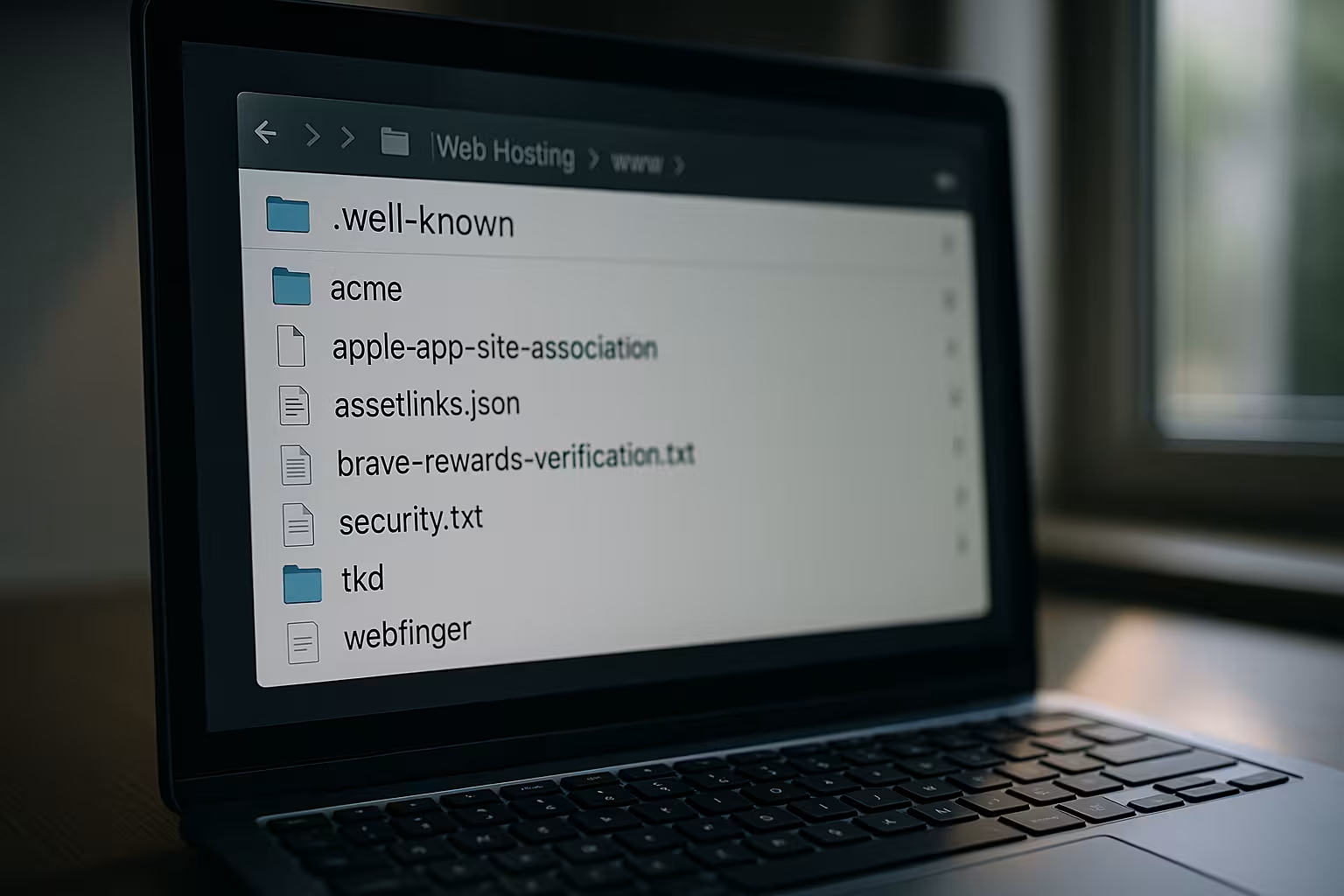
A look at how it works
The .well-known folder is based on specifications such as RFC 8615 and ensures that certain files are accessible under fixed paths. For example, if an SSL certificate provider wants to check ownership, it expects the validation code under https://deinedomain.de/.well-known/pki-validation/. The big advantage: services do not have to be customized or contacted individually - this saves effort and reduces errors.
This standardization also strengthens the Interoperability of modern web infrastructures. Called services pull configuration or metadata independently. This means that integrations for security, app links or access control work as if by themselves - provided the folder is set up correctly.
One important aspect remains the placement: The folder must be placed in the root directory of the web space such as /public_html/ or /htdocs/.
In order to better understand the mechanisms behind the Well-Known paths, it is helpful to examine the role of different web server configurations. Whether Apache, NGINX or IIS - central elements such as rewrite rules and access rights (permissions) play a decisive role. With Apache, for example, the .htaccess file can ensure that requests to .well-known are not inadvertently redirected or blocked. With NGINX, however, server-wide configuration blocks are often defined in the main configuration file or in virtual host files, which regulate smooth access to the directory. This makes it all the more important to keep an eye on the corresponding server logs, as error messages can be found there if, for example, an unintentional redirect makes the files inaccessible.
The clear separation of regular website content is particularly useful when using the .well-known directory. Services and protocols can rely on validation or discovery files being available in a defined form. At the same time, the risk of your own content colliding with the validation process is minimized. Search engines also generally do not actively index the .well-known directory, which can be an advantage for security-relevant data. Nevertheless, you should be aware that some scanners or crawlers will head for this folder to collect valuable meta information, which is why a clean configuration is particularly essential.
Typical application scenarios in practice
In the everyday life of website operators, the .well-known folder is required for numerous processes. The spectrum ranges from SSL validation to the storage of legal information.
The most common use cases include:
- SSL validationLet's Encrypt or other CAs request a file with hash in the directory /.well-known/acme-challenge/
- Safety instructions: Files like
/.well-known/security.txtDefine contact person for incident management - Identity servicesOpenID Connect expects standardized discovery documents at fixed locations
- App integrationMobile apps (Android, Apple) validate domain ownership for universal links
- Data protection registerSpecifications use central paths to make GDPR-compliant contact points public

There are also special cases in which companies or institutions define additional entries of their own in the .well-known directory in order to make internal guidelines or access authorizations machine-readable. OAuth2 servers and other authorization services also benefit from uniform discovery endpoints, which can contain all relevant information on token endpoints or encryption methods. This not only simplifies the onboarding process for new applications, but also creates clarity about which services are trustworthy and which policies apply.
Proprietary applications are also increasingly coming into play. Large software or network companies use the folder concept to check the authenticity of a license, for example, or to monitor the status of a specific installation. This can be done via simple JSON files or via advanced frameworks that update automatically when a provider defines new requirements. Those who want to use their .well-known folder can seamlessly add such integrations at any time without disrupting the overall system.
Step-by-step setup of the directory
Whether your hosting package is with Plesk or another provider is running - creating the .well-known folder is simple and effective at the same time. You can create the folder via FTP, SFTP or via the file manager of the hosting control panel. The folder name is exactly .well-known with dot and lower case letters.
The correct structure looks like this:
| Path | Use |
|---|---|
| /.well-known/pki-validation/ | Domain confirmation for SSL certificates |
| /.well-known/acme-challenge/ | Let's Encrypt verification |
| /.well-known/security.txt | Publish security contact |
| /.well-known/oauth-authorization-server | OAuth2 discovery for APIs |
It is also important to set the access rights to at least 755 - otherwise files will remain invisible. The URLs must be publicly available. A simple browser test will show you whether the file is really accessible from outside.
For more advanced projects, it may be advisable to manage a whole series of validation or configuration files in parallel instead of a single file. Especially for larger projects that link several subdomains and services, it is common for the /.well-known folders exist to separate verifications cleanly from one another. This allows different teams in the company to work independently without getting in each other's way. However, clear documentation of which file is in which subfolder is essential to prevent confusion later on.
In many cases, hosting or server management tools such as cPanel, Plesk or ISPConfig already support the provision of the folder natively. Sometimes the SSL setup with Let's Encrypt automatically creates a .well-known folder is created as soon as the auto-renew function is activated. Nevertheless, it is advisable to check the folder and its contents regularly to ensure that no links are missing. Shedding light on possible sources of error saves trouble later in everyday life - especially if certificate renewals are automated and you rarely actively check them.
WordPress and dealing with hidden folders
When I use WordPress, the .well-known folder sometimes comes into conflict with existing rewrite rules in the .htaccess file. These prevent requests from being passed through to the folder. To work around this behavior, I recommend adding a snippet to the .htaccess that explicitly allows access to /.well-known.
Alternatively, you can use a plugin that automatically provides Well-Known interfaces. This is particularly helpful with Setting up a free SSL certificate for WordPress. This means that domain validation takes place automatically in the background.
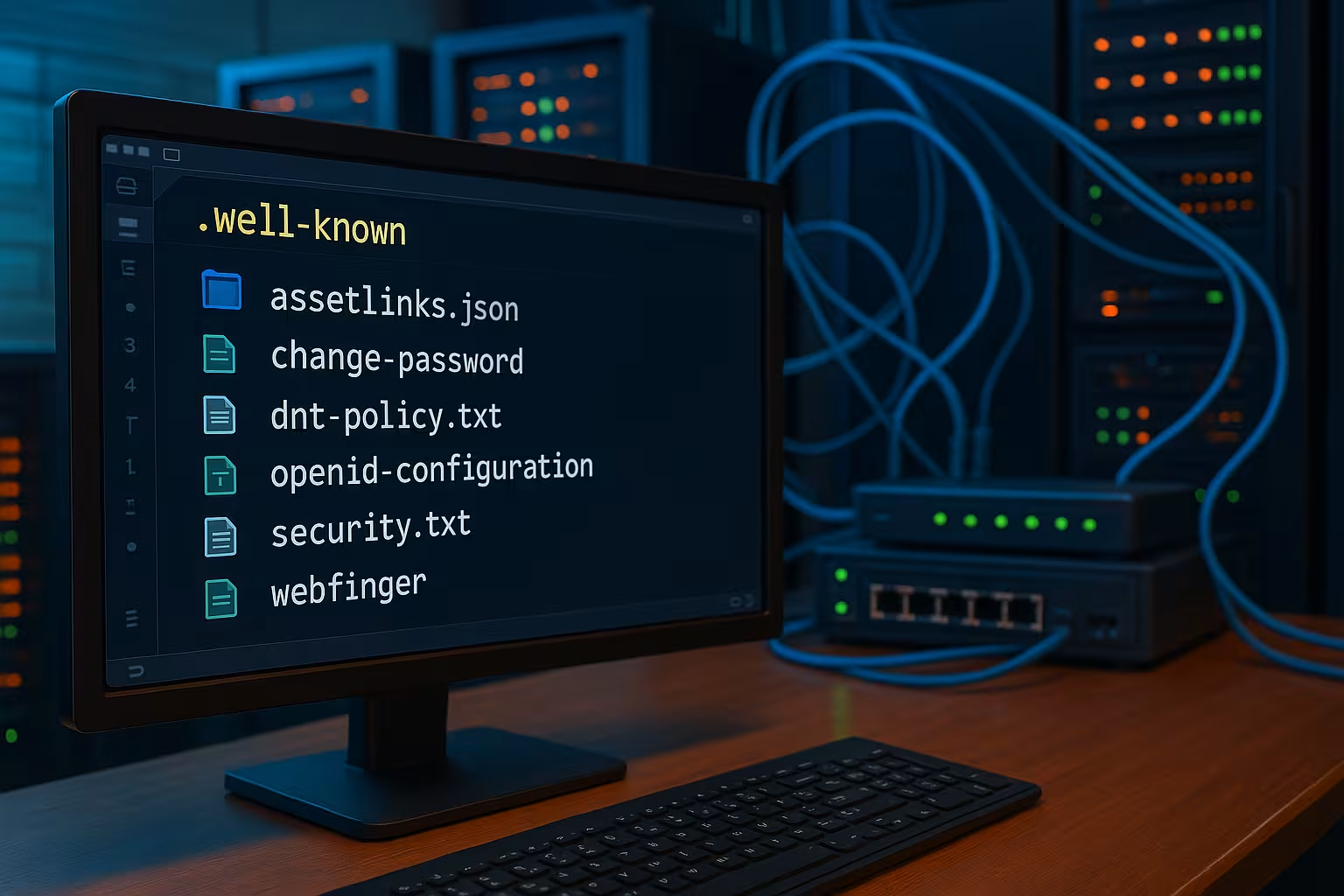
With WordPress in particular, however, there are other aspects that should be considered when .well-known is used. Numerous plugins work with their own URL rewrite rules. For example, an SEO plugin could decide whether certain paths are indexable. A security plugin, on the other hand, could impose stricter restrictions on system folders. It is therefore good practice to carry out a manual "health check" from time to time and check how WordPress and its extensions are handling the .well-known directory. This is especially true after updates, where new security functions could come into effect automatically.
In addition, you may encounter unexpected problems in multisite installations of WordPress, as each site uses its own rewrite rules. In this setup, it is recommended to use a central location for the .well-known folder and only adjust any configurations or similar there. This prevents individual subsites from blocking access. Anyone who attaches great importance to automated certification or similar services can benefit enormously from this clear structure.
Safety concerns and tripping hazards
Since the .well-known folder is publicly accessible, only functional data and no sensitive data should be stored there. Otherwise, a potential attacker can draw conclusions about the services used. I specifically advise you to only store exactly the files you need there.
A common error also lies in the server configuration itself. Rewrite rules, redirects or authorization settings can unintentionally block access to individual paths. This causes certificate validation to fail, for example - particularly annoying for automated processes such as auto-renewal.
Another point concerns security with regard to possible manipulation. Although the risk of someone directly manipulating files in the .well-known directory, but you should always ensure that access rights (CHMOD) are not set to 777 or similar settings. It is also worth taking a look at the log files to identify unusual accesses. Attackers could try to store fake validation files in order to claim the domain for their own purposes, for example. Regular checks and updates of the server software reduce this risk.
Especially in shared hosting environments, where many users share the same physical server, small misconfigurations can have major consequences. So if you notice that certificates cannot be renewed or validations are constantly failing, you should contact your hosting provider's support team. They can often quickly clarify whether any server-side protection mechanisms are in place to prevent access to hidden folders. Some providers even allow .well-known to be treated as an access-relevant directory in the HTTP header so that no global rule blocks it.
Additional tools and best practices
If you use a modern hosting service such as Webhoster.de, the connection to Let's Encrypt or other CAs is automated. If necessary, a manual setup can still help, for example if you use an external certificate provider.
In such scenarios, a securely structured SSL setup guide useful. It shows the paths, explains file names and makes it easier to control the interaction of all instances. Tools such as curl, wget or browser extensions help to test accessible paths.

For developers working in continuous integration and continuous deployment environments (CI/CD), the integration of .well-known into the build pipeline is particularly valuable. With each deployment, you can automatically check whether all the necessary validation files are still up-to-date and whether the paths have been set correctly. This prevents the security infrastructure from being inadvertently paralyzed despite a successful software update. Special scripts or plugins for common CI/CD systems such as Jenkins, GitLab CI or GitHub Actions make it easier to automate and document these processes.
It is also helpful to use certain metrics or monitoring solutions that observe the status of the .well-known directory. Tools such as UptimeRobot, Nagios or Prometheus can direct queries specifically to the existing files in the folder and sound the alarm if they are suddenly no longer accessible. This guarantees a fast response time, for example if a faulty deployment, a firewall change or an expired certificate disrupts access. If you react in good time, you often save yourself time-consuming troubleshooting.
Future of the Well-Known Paths
The importance of the .well-known directory is constantly growing. Not only new protocols, but also devices from the IoT environment use standardized retrieval paths. For example, APIs, smart devices or cloud services dynamically request security or configuration information from web servers.
Discovery protocols can also be efficiently integrated via this folder in the area of digital identities, Web3 or blockchain applications. Decentralized identity platforms, for example, provide connection paths via .well-known.

It is becoming clear that the concept of .well-known is no longer limited to browsers and classic web servers. More and more mobile applications, frameworks and platforms are defining their own resources that can be accessed via this special path. This promotes interoperability in a rapidly growing technology world. The trend is for software to no longer rely on a single protocol or structure, but to flexibly support multiple options. For website operators, this makes it clear that the .well-known directory is not a niche topic, but a strategically important element of a modern web presence.
New best practices are also developing around Well-Known URIs. The RFC standards are extended at regular intervals to create space for further scenarios. The exciting thing is that the community is actively working on new specifications in forums and Git repositories. Those who are informed at an early stage can adopt innovations more quickly and thus secure a competitive advantage. In some cases, it is even possible to map your own company standards in .well-known paths and later establish them on a larger scale if they prove themselves in practice.
It is also conceivable that the role of the .well-known folder will evolve towards an automated "handshake" process between devices and servers. For example, smart homes or autonomous vehicles could exchange metadata when establishing a connection in the future. Security researchers are already working on protocols in which pinning information (e.g. for HSTS or certificate pinning) can be queried via defined Well-Known URLs. The resulting standardization creates clarity and a high level of security at the same time, without users having to deal with it manually.
Concluding view: standardization with added value
The .well-known folder serves today more than ever as a modern key to automated web processes. It is a reliable interface for certificates, API access or security messages. Correct placement at server level and consistent accessibility via HTTPS remain important.
For me, setting up this folder is one of the first things to do when launching a website. Efficient, standardized, indispensable - and easy to control. When hosting, software and security are intertwined, the .well-known folder forms the interface between people and machines.


