Database collations control how MySQL compares and sorts character strings – and they directly influence CPU load, index usage, and I/O. If I choose a slow collation or mix settings, queries take longer, conversions occur, and there is a risk of „illegal mix“ errors.
Key points
- Character set/collationIncorrect combinations force conversions and slow things down.
- IndicesCase-insensitive reduces selectivity, case-sensitive speeds up matches.
- Unicode: utf8mb4 is more accurate, but costs more CPU.
- Consistency: Uniform settings prevent file sorting and full scans.
- Tuning: Combine collation selection with memory, pooling, and query design.
What collations are—and why they cost or save performance
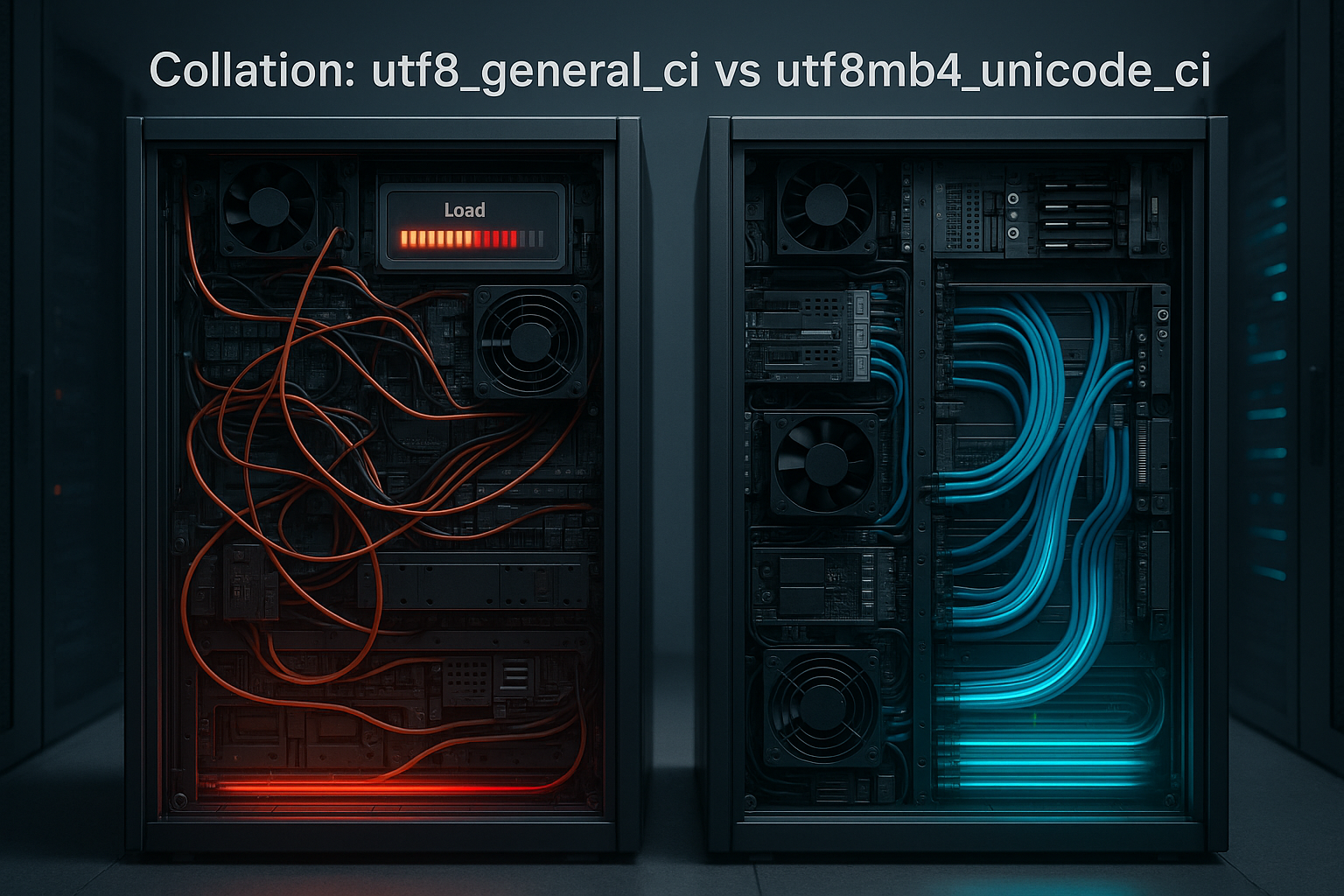
I use Collations, to define comparison and sorting rules for strings. They are associated with the database character set that determines the character encoding, such as utf8mb4 or latin1. If I choose a more precise Unicode collation such as utf8mb4_unicode_ci, the computing costs per comparison increase. In measurements with MySQL 8.0, OLTP workloads with newer Unicode collations ran 10–16 % slower in some cases, but comparisons for languages and emojis are more accurate (source [2]). For pure speed workloads, simple rules such as utf8_general_ci work, but they deliver less accurate results (source [2]).
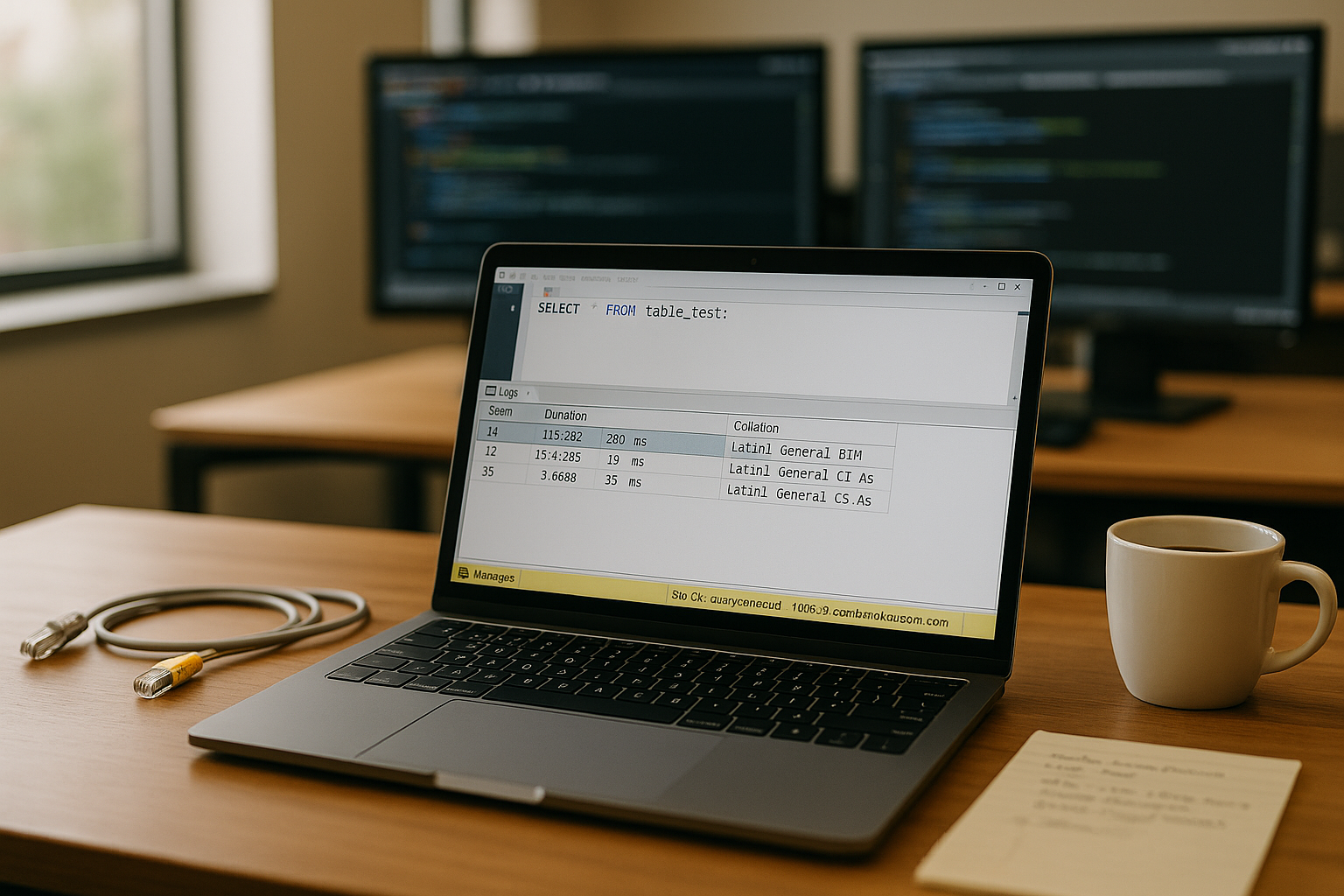
Charset vs. collation: small differences, big impact
The Character set determines how MySQL stores bytes, while collation determines how MySQL compares these bytes. If I mix collations in JOINs or WHERE conditions, MySQL converts on the fly – which is noticeably more expensive with large tables (source [2]). This costs CPU, creates temporary tables, and can lead to filesort on disk. I therefore keep the app level, database, tables, and columns strictly consistent. For broader optimization, I include the topic of collation in my measures for Optimize SQL database in.
Versions and defaults: what has changed between 5.7 and 8.0
When upgrading, I pay attention to DefaultsMySQL 8.0 relies on utf8mb4 and in many builds on utf8mb4_0900_ai_ci. Older installations often use Latin1 Swedish CI or utf8_general_ci. The change affects not only the encoding, but also the sorting order and equality rules. This means that ORDER BY-results look different, UNIQUE-Indexes collide again or duplicates suddenly appear that were previously „the same“ (or vice versa). I therefore plan upgrades so that I check in advance: SELECT @@character_set_server, @@collation_server, @@collation_database; and deliberately set the defaults in the target system. At the same time, I test how utf8mb4_0900_ai_ci opposite utf8mb4_unicode_ci in my real queries, because the 0900 variants (ICU-based) often come with more precise but more expensive rules (source [2]).
Indexes and query plans: where collations slow things down
Collations control the Index usage Case-insensitive (_ci) broadens the search but reduces selectivity – the optimizer then uses the index less frequently. Case-sensitive (_cs) speeds up exact matches but does not suit all requirements. If a column changes its collation, the comparison rules change and with them the plan – filesort appears more frequently, sometimes with temporary tables (source [1], [3]). I cover more background information on the effect of indexes in „Indexes: Benefits and risks“.

Common errors and direct solutions
The message Illegal mix almost always indicates mixed collations. I solve this in the short term with COLLATE in the query, and in the long term I standardize the columns. If filesort and high latencies occur, I check the ORDER BY columns and adjust the collation to the index definition (source [3]). For JOINs with TEXT/VARCHAR columns, I make sure the collations are identical, otherwise conversions force the optimizer to use poor plans. Consistency often brings immediate measurable gains in milliseconds.
The MySQL hierarchy: from server to expression
MySQL recognizes collations on five levels: Server, database, table, column, expression. The lowest level wins, so deviations lead to surprises. I check settings with `SELECT SCHEMA_NAME, DEFAULT_COLLATION_NAME FROM INFORMATION_SCHEMA.SCHEMATA`, `SHOW TABLE STATUS`, and `SHOW FULL COLUMNS`. If a query hits `col1 COLLATE utf8mb4_unicode_ci = col2`, different column collations evaluate the comparison – which takes time (source [1]). Before making changes, I set up backups and test the recoding in staging to avoid data corruption.
Connection and session settings: where bugs occur
Many problems do not occur in the scheme, but in the Session. I check the variables. character_set_client, character_set_connection, character_set_results and collation_connection. ORMs sometimes set SET NAMES and thus override server defaults; mixed deployments lead to „invisible“ conversions. I adhere to clear rules: The app sends UTF-8 (utf8mb4), the connection sets SET NAMES utf8mb4 COLLATE utf8mb4_unicode_ci; or have it set by the driver option. For debugging, I use SHOW VARIABLES LIKE 'collation%'; and SELECT COLLATION(column), COERCIBILITY(column) respectively COLLATION('literal'). If values differ here, I can usually quickly find the cause of temporary tables and mismatch errors (source [1]).
Case-insensitive vs. case-sensitive: when to choose which option
With _ci I ignore upper/lower case, which increases user-friendliness. However, this reduces selectivity, and LIKE searches access indexes less cleanly. With _cs I make exact comparisons, get faster point queries, but lose convenience. For logins, tokens, or IDs, I use _cs, and for search fields, I often use _ci. I keep both cleanly separated to prevent misuse and conversions.
Subtleties: Accent, width, and binary rules (_ai, _as, _bin)
I distinguish more than just case sensitivity. _ai (accent-insensitive) treats „é“ and „e“ as the same; _as (accent-sensitive) distinguishes them. In East Asian languages, the Width a roll (full/half width), while _bin performs pure byte comparisons – fastest, but without linguistic logic. For logs, hashes, and IDs, I use _bin or _cs, for user searches frequently _ai, so that typos and accents don't matter. I deliberately test examples: SELECT 'street' = 'street' COLLATE utf8mb4_0900_ai_ci; supplies TRUE, while ... COLLATE utf8mb4_0900_as_cs; FALSE Such rules determine how many rows an index range scan covers—and thus latency and I/O.
Reading benchmarks correctly: Accuracy costs CPU
Unicode collations such as utf8mb4_unicode_ci and utf8mb4_0900_ai_ci correctly cover languages, diacritical marks, and emojis. The comparison logic is more complex, which costs more CPU per comparison. In OLTP scenarios with many string comparisons, measurements show 10–16 % longer runtimes, depending on the workload and data set size (source [2]). Small tables are less affected, while broad searches and sorts are more affected. I decide on a case-by-case basis and take user requirements into account.
Index size, prefix limits, and storage requirements
With utf8mb4 I deliberately plan the index width, because a character can occupy up to 4 bytes. InnoDB limits the length of index keys (historically 767 bytes, in newer versions and row formats effectively up to 3072 bytes). This affects VARCHAR-columns, composite indexes, and covering indexes. So I check: Are 191 characters (191×4≈764 bytes) sufficient for email or URL? In 5.7 setups, this was often the safe choice, but in 8.0 I can often go up to 255 – as long as composite indexes don't go overboard. Where necessary, I set Prefix indexes: CREATE INDEX idx_email ON users(email(191)); This saves space but reduces selectivity; I measure the effect with EXPLAIN ANALYZE and the slow query log (source [3]). Larger keys also bloat the buffer pool: each additional byte increases cache pressure and I/O – collation decisions therefore have an impact on storage costs.
Hosting tuning: Considering collation, buffering, and pooling together
I raise the innodb_buffer_pool_size, so that indexes and hot data remain in memory. Connection pooling reduces overhead per request, and proxy layers reduce spikes. I adjust the target workload for file formats, redo log size, and page size. In addition, I deliberately choose the storage engine; a look at InnoDB vs. MyISAM shows typical differences in transactions, locks, and crash safety. Without consistent collations, some of this tuning is wasted.

Best practices: Selection based on application scenario
For modern web apps, I use utf8mb4 as the character set because it provides emojis and full Unicode coverage. If I need maximum accuracy for sorting in multiple languages, I use utf8mb4_unicode_ci or utf8mb4_0900_ai_ci. For pure speed in simple comparisons, utf8_general_ci is often faster, but accepts inaccuracies (source [2]). I keep the collation strategy consistent at the server, schema, table, and column levels. Tests with EXPLAIN ANALYZE and slow query log confirm the decision (source [3]).
| collation | Accuracy | Speed | Emoji support | Suitable for |
|---|---|---|---|---|
| utf8_general_ci | Low | High | No | Quick Searches |
| utf8_unicode_ci | High | Medium | No | Unicode apps |
| utf8mb4_unicode_ci | Very high | Low | Yes | Modern Web |
| utf8mb4_0900_ai_ci | Highest | Medium | Yes | Multilingual |
Step by step: Migration without downtime
I start with InventoryWhich schemas, tables, and columns use which collations? I then back up data, export critical tables, and create rehearsals in staging. The conversion is performed with `ALTER TABLE … CONVERT TO CHARACTER SET utf8mb4 COLLATE utf8mb4_unicode_ci;`, starting with tables that are rarely used. For large tables, I plan maintenance windows or use online migration tools such as Percona Toolkit (source [1], [2]). After the conversion, I check EXPLAIN, the slow query log, and compare latencies.

Diagnosis: asking the database the right questions
I check DIAGRAMS and `SHOW FULL COLUMNS` to reveal discrepancies. If filesort and temporary tables occur, I don't blindly increase sort_buffer_size, but rather eliminate the collation mismatch. With EXPLAIN, I can see whether an index is being used or whether full scans are taking place. With Performance Schema, I measure tmp_disk_tables and sort_merge_passes to identify sorting-related I/O. This allows me to find bottlenecks that originate directly from string comparisons (source [3]).
GROUP BY, DISTINCT, and UNIQUE: semantic consequences of collation
Collations define when values are considered „equal.“ This affects Deduplication and uniqueness rules. If I switch from _cs at _ci or from _as at _ai, a UNIQUE-Index suddenly reports collisions. Before migrations, I search for potential conflicts: SELECT col, COUNT(*) FROM t GROUP BY col COLLATE utf8mb4_0900_ai_ci HAVING COUNT(*) > 1;. This allows me to see which lines coincide in the target collation. I also note this in GROUP BY and DISTINCTThe number of groups depends on the set of rules, and thus also on the plan (more or less sort/hash effort). For report tables, a deliberately „rough“ collation that generates fewer groups can be useful; for cash register IDs and logins, however, it is risky.
Design patterns: Binary, generated columns, and functional indexes
I separate Representation and SearchThe visible column remains in a „nice“ collation (e.g. utf8mb4_0900_ai_ci), I'll add a generated column that is normalized for high-performance comparisons—for example, lowercase and binary. Example: ALTER TABLE user ADD name_search VARCHAR(255) GENERATED ALWAYS AS (LOWER(name)) STORED, ADD INDEX idx_name_search (name_search); With a _bin- or _cs-Collation on name_search I get accurate, fast matches at WHERE name_search = LOWER(?). In MySQL 8.0, I can also use the Collation in the index specify: CREATE INDEX idx_name_ai ON user (name COLLATE utf8mb4_0900_ai_ci); This means that the column remains, for example. _cs, while the index deliberately _ai – useful for fuzzy searches without a full scan. I document these patterns in the schema so that the app's query generator uses the correct column or index.
LIKE, prefixes, and full text: what really speeds things up
At LIKE-Searches are subject to the normal collation rules. A leading wildcard (LIKE 'c') prevents index usage – regardless of how well the collation is chosen. I therefore reform the search pattern so that prefixes are used (LIKE 'abc%') and pay attention to collation compatibility so that MySQL does not convert in between. For large free texts, I use FULL TEXT-Indexes; tokenization is largely independent of collation, but character encoding and normalization affect hits. In CJK environments, NGRAM parsers help; in Western languages, I avoid „coarse“ collations so that stemming/stop words don't throw too much together. Here, too, consistency from the field to the connection prevents temporary tables and filesort (source [3]).
Practical application: Keeping WordPress, shops, and APIs running fast
Content and shop systems benefit from utf8mb4_unicode_ci, because slugs, categories, and user content sort cleanly. I make sure that plugins do not create deviating collations. In APIs and auth paths, I set _cs for tokens to ensure exact matches via index. For reports with ORDER BY on large text fields, I combine collation consistency and matching covering indexes. In addition, I look at the tips from Optimize SQL database on.
Compact summary
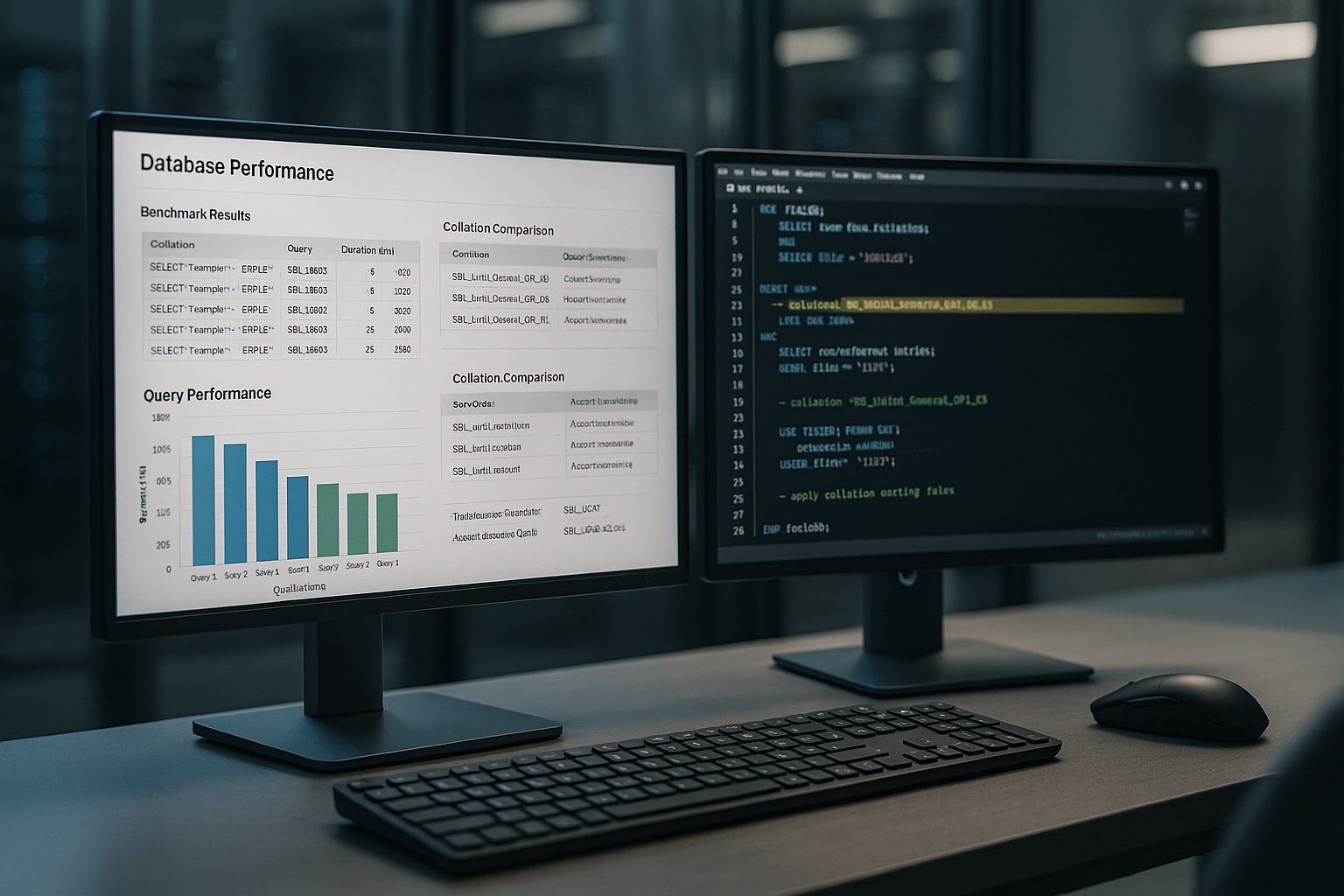
I choose Collations Conscious: Speed, accuracy, and user expectations determine the decision. Uniform settings prevent conversions, file sorting, and inefficient plans. Unicode variants deliver better results but cost more CPU; measurements with MySQL 8.0 show losses of 10–16 % for intensive string workloads (source [2]). With clean schema design, indexes, buffer pool, and pooling, the MySQL instance scales reliably. Systematic checking, testing, and consolidation reduces latency and noticeably increases MySQL collation performance.