 Skip to content
Passkeys and WebAuthn put an end to risky password logins in hosting and make attacks on access data impractical. Anyone who today WebAuthn Hosting reduces phishing, prevents credential stuffing, and significantly speeds up the login process.
Key points
- Phishing protection through domain binding
- Without shared secrets
- passkeys instead of passwords
- Faster Biometric login
- Compliance becomes easier
Why passkeys and WebAuthn logins are now necessary in hosting
I see every day how Passwords Hosting accounts are at risk and support teams are under strain. Phishing emails, data leaks, and password reuse lead to account takeovers and lengthy recovery processes. Passkeys and WebAuthn solve this fundamental problem because there is no longer a secret password on the server that attackers could steal. Even if a criminal knows the username and host, they cannot gain access without the private key on my device. As a transitional aid, it is worth taking a look at useful Password policies, until I switch completely to passkeys.

How WebAuthn works technically – explained simply
WebAuthn uses public key-Cryptography instead of passwords. The hosting server sends me a challenge, my device signs it locally with the private key and only returns the signature. The server checks this signature with the public key it has stored for my registration. The private key always remains on my device, never leaves it, and cannot be intercepted. Browsers also check the origin of the page, which blocks logins to fake domains and prevents me from logging in to deceptively genuine copies.
Passkeys in everyday life: devices, synchronization, emergency codes
A passkey is my registration key for a domain protected by biometrics or PIN on my devices. I can synchronize passkeys across devices, which makes logging in on my laptop, smartphone, and tablet seamless. If one device fails, I remain operational because I can use the same passkey on other devices or store a hardware key. In case of an emergency, I have recovery options available, such as a second registered security key. This ensures that convenience does not come at the expense of security and that I retain access at all times.

Phishing resistance and domain binding
Passkeys are linked to the Domain bound to the device on which I register it. I cannot use my passkey on a phishing site because browsers and authenticators check the genuine origin. Even perfectly copied login pages automatically fail. Attacks that intercept access data lose their effect because no reusable secrets are transmitted. I relieve myself and my team of the burden of having to laboriously check every suspicious email before logging in.
Security architecture without shared secrets
With passwords, the Load On the server: hashing, salting, rotation, and protection against data leakage. WebAuthn turns this model on its head, because the server only stores my public key. A leak therefore provides attackers with no material they could use to forge logins. Credential stuffing becomes ineffective, as each passkey is only valid for one specific domain and account. It is precisely this decoupling that makes host accounts resistant to widespread attacks.
| Criterion | Passwords | WebAuthn/Passkeys |
|---|---|---|
| Secret on server | Yes (Hashes) | No (public key only) |
| phishing resistance | Low | High (Domain binding) |
| Reuse | Frequently | Impossible (scoped) |
| user convenience | Low (Remember, type) | High (Biometrics/PIN) |
| support effort | High (Reset) | Low (Recovery Flow) |

Passwordless hosting in practice
I register my device once via biometrics or PIN, the server stores the public key, and that's it. The next time I log in, I confirm the login with my fingerprint or facial recognition, without having to type in any character strings. I can also integrate a hardware key if guidelines require multiple factors. For a smooth introduction, I use a clear setup process with good onboarding text and recovery options. Anyone planning to get started with the technology will find helpful steps in this guide to Implementation of WebAuthn.
Compliance, audits, and legal requirements
Strong authentication supported Audit-Requirements, because I can clearly assign events. WebAuthn reduces liability risks, as the server no longer stores passwords that could put affected users at risk in the event of a leak. For audits, I can provide authentication logs and extend policies to hardware keys or biometric approvals. This facilitates internal security reviews and external audits. Companies benefit because clear evidence and fewer vulnerabilities help avoid conflicts with regulations.
User experience: Fast, secure, simpler
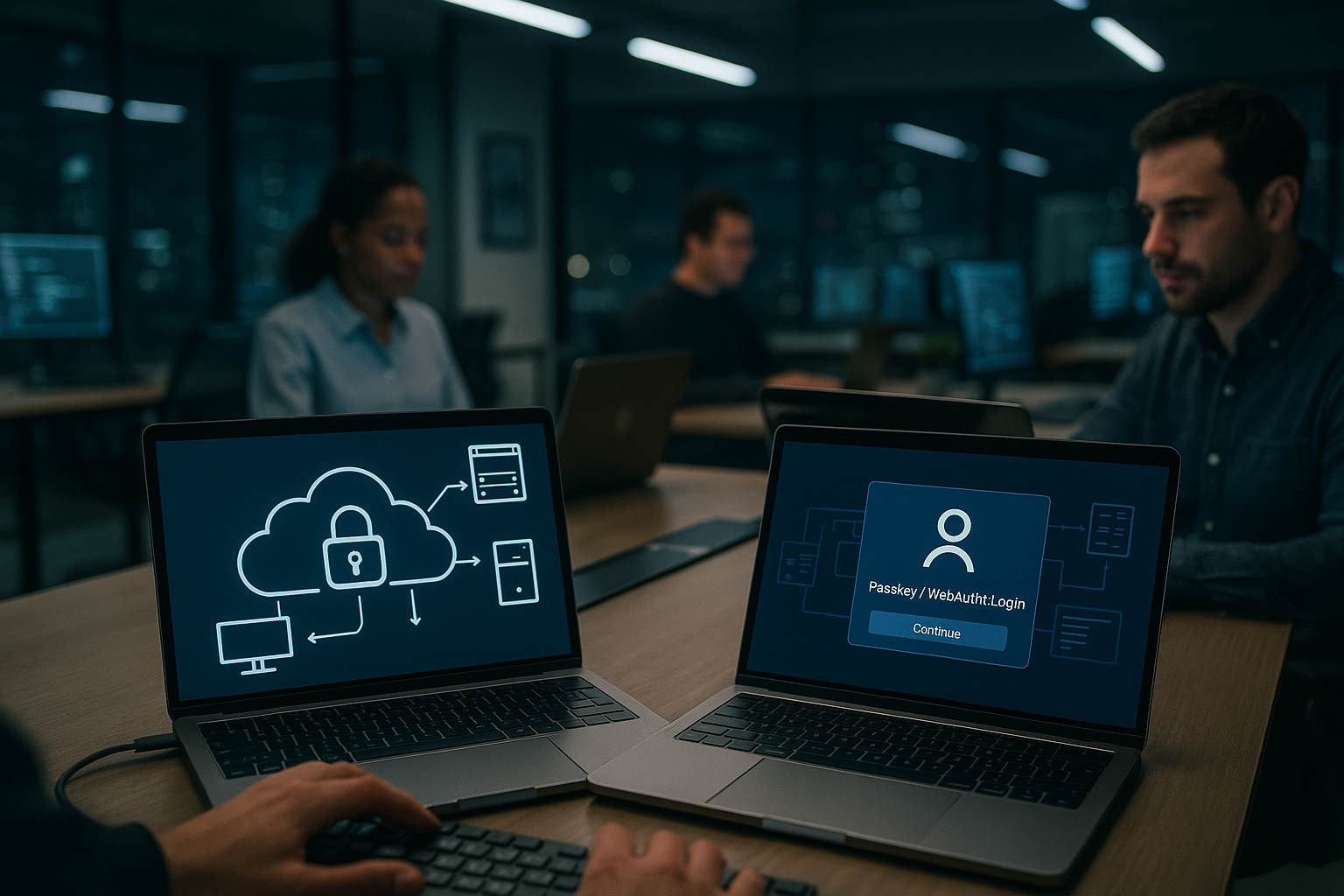
I save time because I don't have to Passwords more typing or resetting. Logging in feels like unlocking your smartphone: confirm, done. Support tickets due to forgotten passwords, expiry, or blocking are visibly decreasing. For admin teams, the focus remains on work instead of password maintenance. Those who also appreciate single sign-on can elegantly combine passkeys with OpenID Connect SSO and further reduces friction.
Seamless introduction: transition strategies
I'm starting with WebAuthn as Primarymethod and temporarily allow fallbacks for older devices. Browser coverage is already very high, so most users will benefit directly. I consistently implement HTTPS, HSTS, and host header validation to ensure that scoping works properly. For older systems, I plan to use temporary one-time codes or stored passwords until the transition is complete. Clear communication remains important: why passkeys are more secure, how recovery works, and what steps users need to take.

Frequently asked questions answered
If my device is lost, the key Certainly, because biometrics or PINs protect it locally. I also store a second passkey or hardware key so that I can log in again immediately. I resolve shared access by assigning each person their own login and clearly defining their rights. This is more secure and traceable than sharing a password. For automation, I use API tokens instead of personal logins so that I can control rights and processes clearly.
Technical depth: Registration, signatures, and benchmarks
For a robust implementation, I pay attention to details: The rpId must match exactly the domain or subdomain I am securing. Challenges are random, unique, and short-lived (e.g., 60–180 seconds) so that replays come to nothing. In addition to the public key, I also store credentialId, userHandle and counters/signature counters to detect clone indicators. When it comes to algorithms, I do well with P-256 or Ed25519; I prohibit weak or outdated curves. I handle attestation as needed: in open hosting, „none“ is usually sufficient; in regulated environments, I can allow selected AAGUIDs if I want to prescribe specific hardware keys.
Platform vs. hardware keys, discoverable credentials
I differentiate between Platform authenticators (e.g., laptop, smartphone) and Cross-platform keys (Hardware security keys). Platform passkeys are convenient and often sync automatically, while hardware keys are ideal as a second factor and for administrators with higher privileges. Discoverable credentials (also known as „passkeys“) facilitate logins without a username, while non-discoverable credentials are good for strictly managed accounts. It is important to register at least two independent authenticators for each critical account so that I don't create a gap when changing devices.
Roles, clients, and delegation in hosting
In everyday hosting, there are Teams, resellers, and clients. I therefore separate access cleanly: each person receives their own login with a passkey, and I assign rights via roles instead of shared access data. I limit temporary access to a specific time period, for example for external developers. For resellers, I rely on delegation: they manage customer accounts without ever knowing their secrets. Audit logs and unique key pairs help me to assign actions to individuals or roles later on.
SSH, Git, and API: Passwordless, but different
In addition to web login, I am considering SSH and Git. WebAuthn is browser-based; for server access, I use modern key methods (e.g., FIDO2 or classic SSH keys), not passwords. For deployments and CI/CD, I rely on short-lived tokens with narrow scoping instead of automating personal accounts. This preserves the principle of decoupling: people authenticate themselves via passkey, machines via token or key material, which I can rotate and minimize.
Meetings, step-up, and sensitive actions
After successful authentication, I start a short-lived session and renew them securely. For particularly sensitive actions (e.g., SSH key upload, backup download, invoice or DNS changes), I require current user verification („step-up“) via passkey, even if a session is still active. This reduces abuse through session theft. I prevent session fixation, bind cookies to the origin, and set strict SameSite and Secure flags.
Accessibility and support experience
I think of AccessibilityUsers need clear instructions on what happens during passkey approval. I write meaningful error messages („This device does not support passkeys for this domain“) and offer a PIN alternative to biometrics. For the help desk, I document standard cases: adding a new device, locking a lost device, replacing a hardware key, transferring accounts when employees change jobs. This keeps support processes short and reproducible.
Data protection: Fewer personal risks
Biometric data does not leave my devices; it only unlocks the private key locally. I store a minimum amount of data on the server: public key, ID, metadata for security and audits. I clearly define retention periods and deletion concepts. Since there are no more passwords, the impact of potential leaks on end users is noticeably reduced. This makes it easier to assess the consequences for data protection and reduces information obligations in the event of an emergency.
Measurable effects and metrics
I measure the success of my transition using specific metrics: percentage of passwordless logins, time to successful login, registration abandonment rates, number of password resets (should drop significantly), phishing-related tickets, fraud or lockout incidents per month. I have observed that login times are getting shorter and logins are more consistent, which also improves conversion in self-service portals.
Handle error messages cleanly
I am aware of the typical obstacles in advance: Incorrect rpId or subdomain mismatches lead to rejected requests. Time drift can cause challenges to appear invalid; I keep server clocks synchronized. Blocked pop-ups or restricted browser profiles prevent the WebAuthn prompt from appearing; I explain the necessary permissions. When changing devices, I clearly refer to the second registered passkey or the stored hardware key and have a verified recovery process in place that prevents abuse through social engineering.
Scaling, performance, and costs
WebAuthn reduces the load on my infrastructure where password resets, lockouts, and TOTP drift have previously tied up support and backend resources. The cryptography itself is fast; latency is primarily caused by user interaction (biometrics/PIN), not by the server. I benefit from less brute force and login DDoS because there is no need for rate limiting on password attempts. Overall, TCO is noticeably lower: fewer tickets, fewer security measures around password storage, and lower risks of data theft.
Checklist for getting started
- Set HTTPS, HSTS, and correct rpId/Origin
- Registration with at least two authenticators per admin
- Clear recovery strategy without weak fallbacks
- Define step-up for sensitive actions
- Record audit logs for registration, login, and recovery
- Create onboarding texts, error messages, and help desk playbooks
- Introduce KPIs and evaluate them regularly
In summary: How I begin with passkeys
I activate WebAuthn in the hosting panel and register at least two factors: a biometric device plus a hardware key. Then I set up recovery options and remove old passwords as soon as everyone involved has switched over. I document the process, communicate changes early on, and prepare a concise help desk article. After that, I regularly check whether all admin accounts are really working without passwords. In this way, I am gradually building a login model that eliminates the basis for phishing and credential stuffing.



