Skip to content
I automate woocommerce invoices legally compliant, implement GDPR requirements properly and prepare my store for the 2025 e-invoicing obligation. In this article, I explain in practical terms which plugins, settings and processes are required for legally compliant PDFs, ZUGFeRD/XRechnung and GoBD archiving.
Key points
The following key statements will give you a quick orientation for a legally compliant Implementation with WooCommerce.
- Automation saves time: invoices are created when the status changes and are sent directly to customers by e-mail.
- Legal certainty thanks to plugins: mandatory information, consecutive numbers, GoBD archiving and GDPR help.
- E-bill from 2025: ZUGFeRD/XRechnung avoids media disruptions and fulfills public requirements.
- Data protection in the checkout: consents, data minimization, export/deletion on request.
- Interfaces for accounting: sevDesk, Lexoffice, Lexware for end-to-end workflows.
Why WooCommerce reaches its limits in Germany without an invoice extension
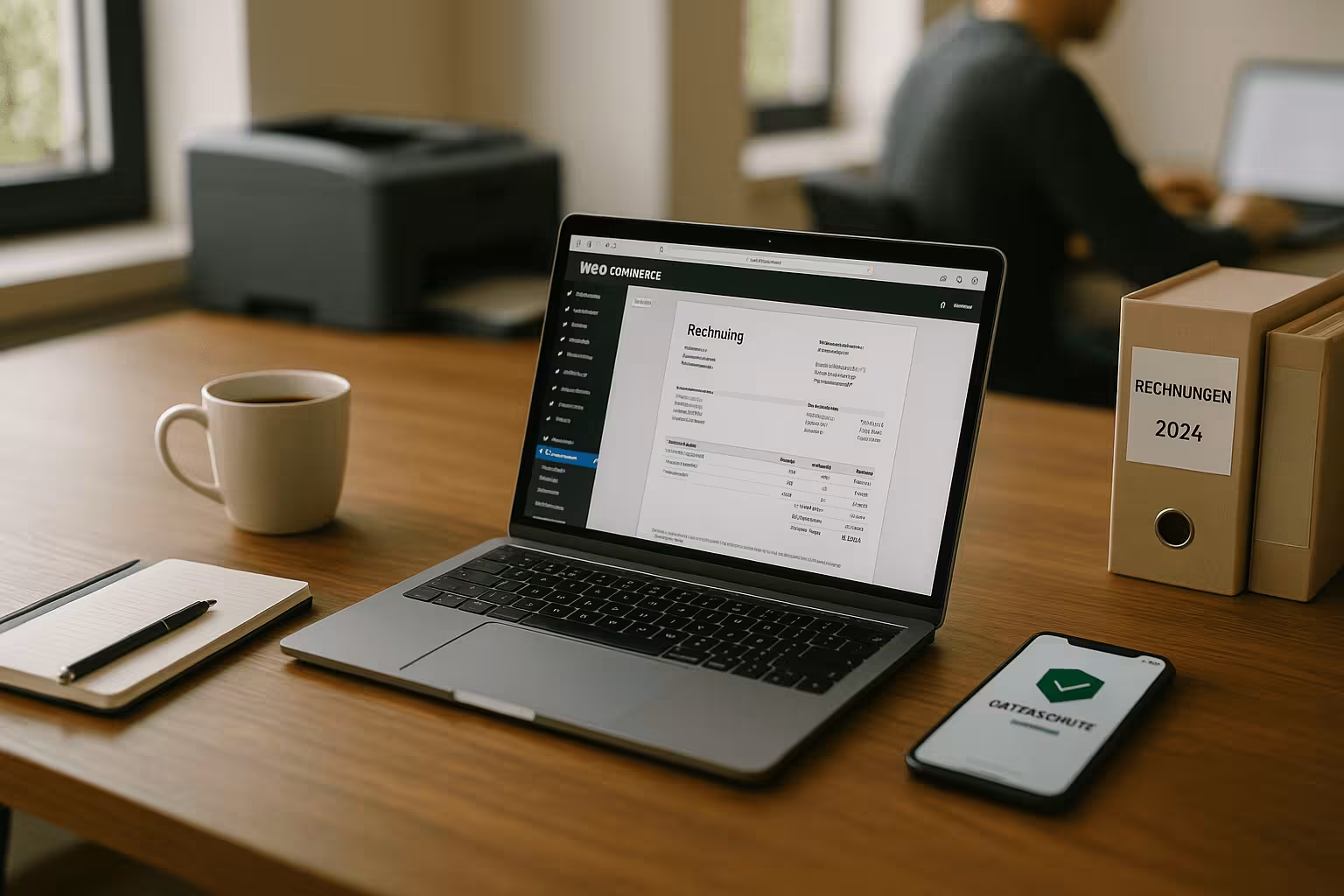
By default, WooCommerce does not provide officially recognized Invoiceswhich quickly leads to gaps in Germany. Without an extension, consecutive number ranges, mandatory legal information and secure PDF outputs in accordance with GoBD are missing. Tax rules such as reduced and regular VAT or intra-Community deliveries require reliable illustrations. I also implement legal texts, checkboxes and clear consents in the checkout much more securely with plugins. I avoid manual rework, typing errors and discussions with the accounting department.
Duties 2025: e-invoicing, ZUGFeRD and XRechnung briefly explained
From 2025, public clients will only accept electronic invoices in recognized formats. Standards. In Germany, these are primarily ZUGFeRD and XRechnung, which provide structured data and are machine-readable. Good WooCommerce extensions generate these formats automatically together with the PDF. I store mandatory fields such as routing ID, order references or delivery date directly in the order process. This allows me to meet deadlines and send compliant receipts without exporting by hand.
E-invoicing in practice: profiles, validation and dispatch
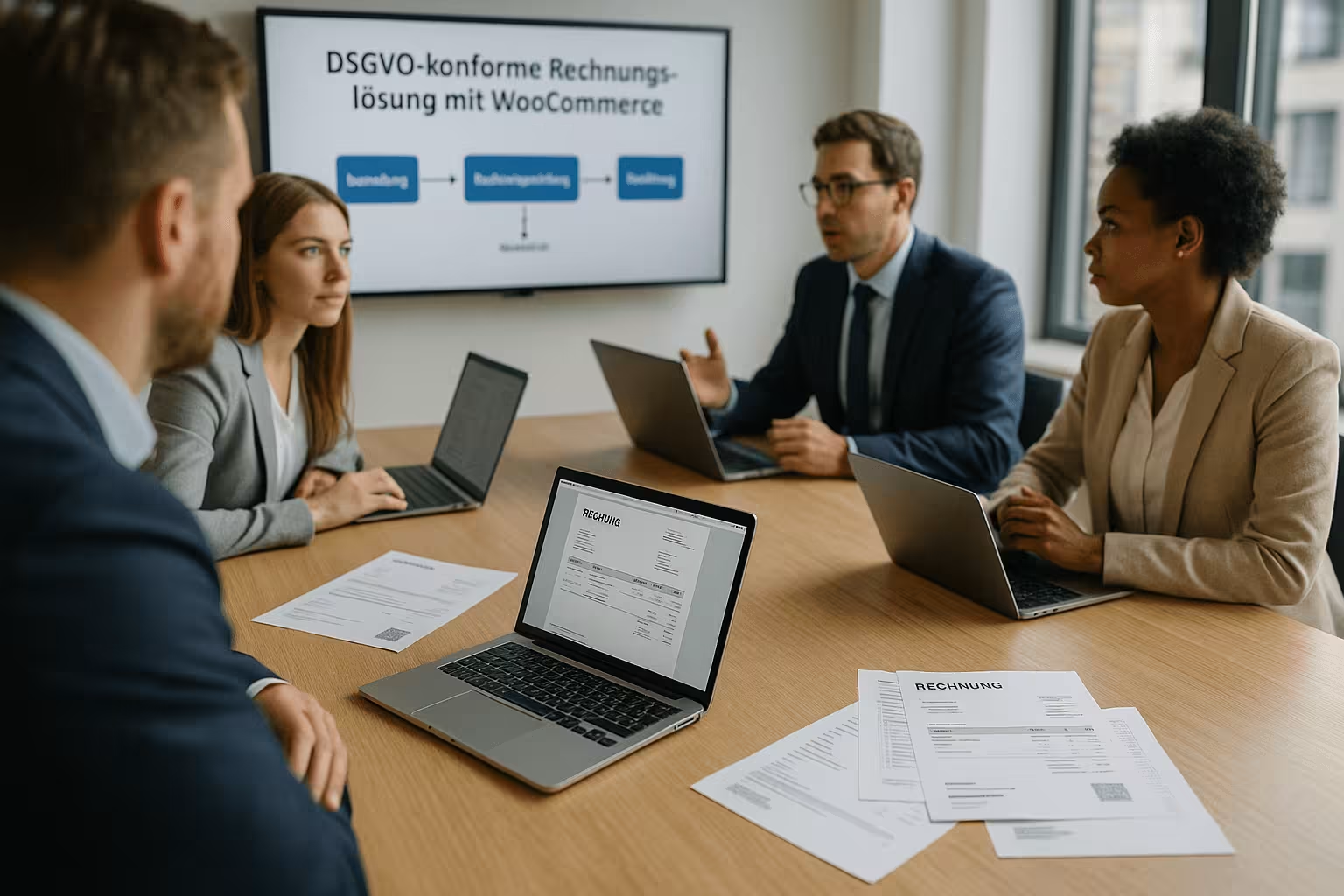
For ZUGFeRD, I use practical profiles (e.g. Comfort) so that all relevant fields for items, taxes and delivery data are included. For XRechnung, I set up mandatory information in accordance with EN 16931 and the German CIUS. Important is the ValidationI check generated XML files with common validators and transfer them in a structured way instead of converting PDFs afterwards. For the public sector, I use Peppol or defined portals; the routing ID belongs in a separate field, as do order and supplier references. I only include attachments (e.g. terms and conditions) if the profile allows them and adhere to size limits. Versioning (e.g. ZUGFeRD 2.2/2.3) allows me to remain compatible without having to revisit workflows every year.
Number ranges, document types and corrections
I separate number ranges according to document type: offer, order, Invoice, cancellation invoice/credit note, pro forma and delivery bill if applicable. Each circle is consecutive and ideally year-based (e.g. 2025-000123). Instead of changing an invoice, I create a new invoice in the event of errors. Cancellation invoice and then create a correctly numbered follow-up invoice. For down payments, I use down payment and final invoices that correctly show the tax already paid. I test partial and collective credit notes with return processes so that amounts, tax codes and references to the original invoice are consistent. In this way, I comply with GoBD principles on immutability and keep the document chain clearly traceable.
Clearly map tax logic: OSS/IOSS, reverse charge, small businesses
I map VAT with clear logic: For EU-wide B2C deliveries, I use OSS rates for each destination country and store the country-specific threshold values. For imports up to €150, IOSS supports rapid processing. In the B2B environment, I check the VAT ID automatically and, if the check is qualified, I set the VAT threshold if necessary. Reverse charge um. For digital goods, I take into account the place of performance principle. Whoever Small business regulation hides the tax and displays the legally required notice ("No VAT shown..."). I keep my tax rates centrally maintained, avoid individual product overrides and regularly test rounding and gross price logic to minimize cent differences.
Work in compliance with GDPR: Data minimization, rights of data subjects, encryption
I only process data that is required for payment, delivery and Invoice are required. For everything else, I obtain verifiable consent, log it and offer information, export and deletion at any time. I encrypt emails, backups and databases and provide up-to-date TLS certificates. In the checkout, I transparently explain what data I use for what purpose. In this way, I protect customer data, reduce risks and meet the requirements of the GDPR and GoBD.
DSGVO in depth: DP contracts, deletion concept and roles
I conclude contracts with all service providers (hosting, e-mail, accounting). Order processing contracts and document technical and organizational measures. I define a Deletion conceptInvoice data is retained for tax reasons, other personal data is deleted as soon as it is no longer required. Role and rights concepts ensure that only authorized persons see invoices and order data. I activate 2-FA for admins, log logins, restrict API keys and turn off old accesses. I use separate consents for newsletters (double opt-in) and avoid linking them to the purchase.
Plugins in comparison: German Market vs. Germanized
For legally compliant automation, I use a Pluginwhich masters invoices, GDPR help and e-billing standards. German Market and Germanized for WooCommerce have proven particularly successful. Both create PDFs automatically, add mandatory information and integrate interfaces to accounting solutions. They also have functions for consent in the checkout and for documentation. The following table provides a direct overview of the most important features.
| Rank | Plugin | Automated invoice | E-bill standard | GDPR tools | Accounting interface |
|---|---|---|---|---|---|
| 1 | German Market | Yes | Yes (ZUGFeRD, XRechnung) | Yes | Yes (e.g. sevDesk, Lexware) |
| 2 | Germanized for WooCommerce | Yes | Yes | Yes | Yes (e.g. Lexoffice) |
When making my selection, I pay attention to clean number ranges, stable PDF generators and Interfaces for accounting. Another decisive factor is how well the plugins map returns, cancellation invoices and credit notes. Anyone working with public clients needs reliable ZUGFeRD/XRechnung profiles. A good export function also facilitates audits and exchanges with tax consultants.
Technical implementation: Hooks, queues and e-mail deliverability
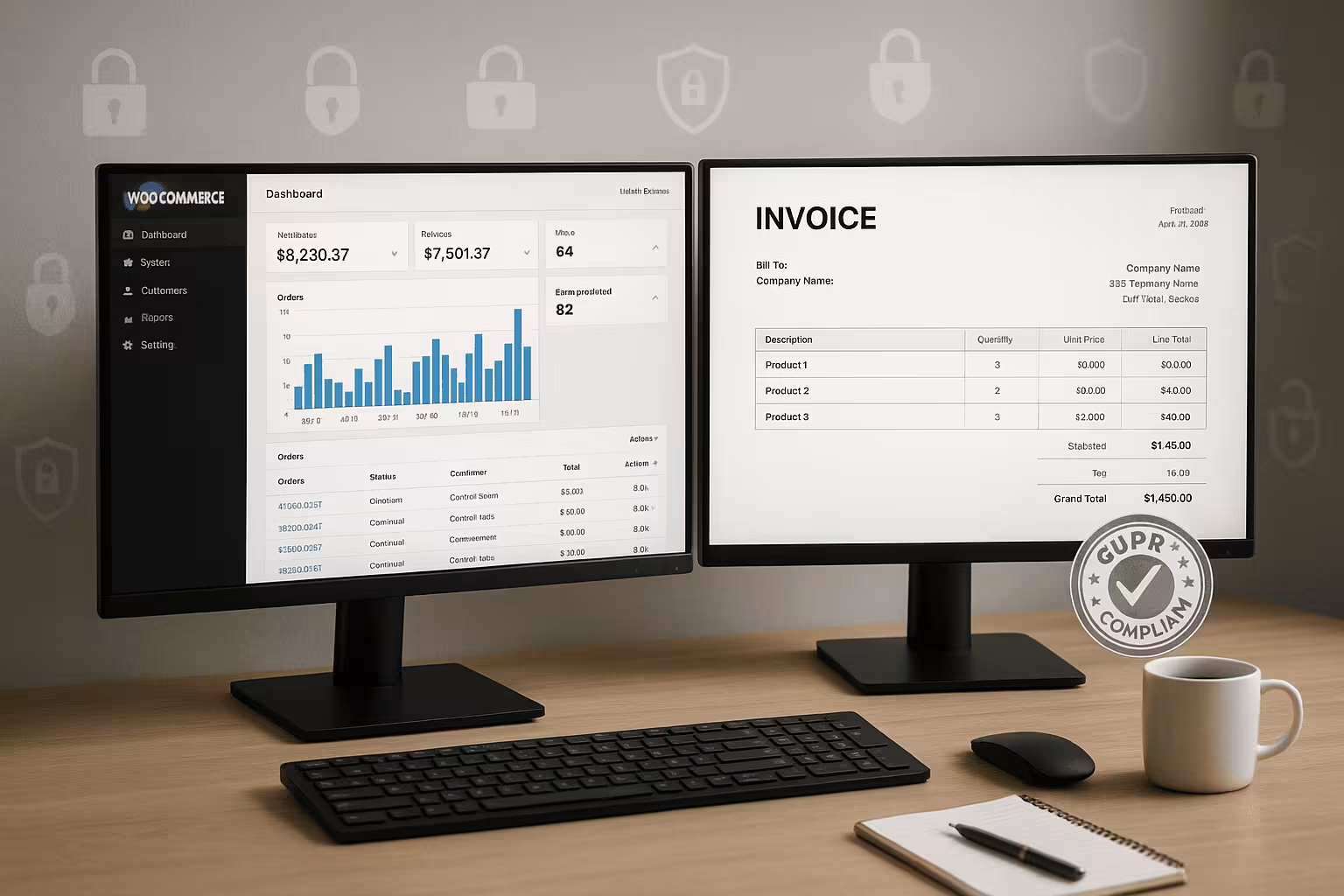
I link the invoice creation with stable WooCommerce hooks like woocommerce_order_status_completed or woocommerce_payment_complete. For large volumes, I rely on asynchronous Generation via background queues to keep the checkout fast. I add attachments via woocommerce_email_attachments only where they are legally required. I set up SPF, DKIM and DMARC to ensure the deliverability of my emails, check bounce logs and keep an eye on sending limits. For retries, I prevent duplicate invoices through idempotence and consistent status transitions. I route errors to a queue with notification so that no document is "lost".
Legally compliant mandatory information on invoices and in the checkout
Every invoice needs complete company data, consecutive number, invoice date, Service datetax rates and amounts. I also check the VAT ID, if available, and store it consistently everywhere. If you offer B2B, you should automate the check to avoid tax errors. I use suitable plugins and workflows that create documents from the order status "completed". This guide shows you how to reliably query the VAT ID: VAT ID legally compliant.
Automated process: from ordering to proper archiving
I control invoice generation via order status and e-mail events so that customers can receive the PDF without having to wait for it. Default receive. At the same time, I send copies to an audit-proof archive that meets GoBD requirements. Cancellations automatically trigger a credit note, which I also file. For recurring purchases, I use subscription postings to generate error-free serial invoices. This article summarizes what is legally important when it comes to filing: Legal e-mail archiving.

GoBD in everyday life: procedural documentation, protocols and immutability
I hold a Process documentation in which I describe every step from ordering to archiving. This includes responsibilities, systems, approvals, number ranges and correction processes. I ensure immutability through read-only storage, logs (who did what and when?) and ideally hash checksums on PDF/XML files. PDF/A can help, but is not essential - more important is the Traceability and machine evaluability. For external audits, I export in a structured manner (document data, journal, master data) and document the auditor accesses. If an invoice is canceled, I refer to the original number in the credit note and archive both documents in a fixed link.
Multilingualism, currencies and B2B/B2C logic
In international stores, I define separate tax keys and display formats for each currency. I show invoices in the Transaction currency and document conversions (exchange rate, date) if the accounting department posts in EUR. For multilingual PDFs, I make sure that mandatory texts (e.g. reverse charge notice) are translated correctly. In the B2B area, I check company fields more strictly, separate company checkouts from private customer checkouts and show fields depending on the context. This keeps the checkout lean, while the invoice contains all legal information.
Interfaces to accounting: sevDesk, Lexoffice, Lexware
I use the API to transfer order data, payments and Receipts directly to the accounting department. This reduces double entry and noticeably shortens month-end closings. One clear rule is important: WooCommerce remains the leader for customer data, the accounting software for account assignment. I match number ranges and clearly define account mappings and tax keys. This means that every invoice ends up in the right place and the tax consultant can work quickly.
Performance & hosting: Why fast servers support automation
Invoice PDFs, e-invoice files and Hooks during status changes put a strain on the system. High-performance hosting with up-to-date PHP, sufficient PHP workers and caching makes all the difference. Data should be stored in the EU, with encrypted backups and clear restore scenarios. For more in-depth settings, I use empirical values for cron jobs, queues and mail queues. This overview provides a practical introduction: Automatic invoicing.

Authorizations, security and failure scenarios
I separate admin and store manager rights, limit access to billing functions and enforce strong password policies. In an emergency, I plan Failure scenariosIf PDF generation fails, a background service recreates the documents as soon as the service is available again. I monitor system resources, log files and queue lengths to identify bottlenecks at an early stage. I apply security updates promptly and test critical changes in a staging environment before they go live.
Implementation: Step-by-step plan for your store
First, I make a current backup and update WordPress, WooCommerce and Plugins. I then install German Market or Germanized and set up number ranges, mandatory information and email templates. In the next step, I activate ZUGFeRD/XRechnung and test the export with realistic test orders. I then configure the interface to the accounting department and check the tax logic, chart of accounts and credit memo scenarios. Finally, I document processes, responsibilities and retention periods for internal quality assurance.
Common mistakes and how to avoid them
Many stores generate PDFs too early, before payments are received. be fixedwhich leads to cancelations and corrections. I link the creation to meaningful statuses such as "paid" or "completed". Another error is inconsistent company data, logos or footers, which raise questions during audits. Missing credit notes for returns are also a risk; I test these cases regularly. Finally, I make sure that cron jobs run reliably and that emails really do leave the outbox.
Checklist for GDPR and GoBD-compliant processes
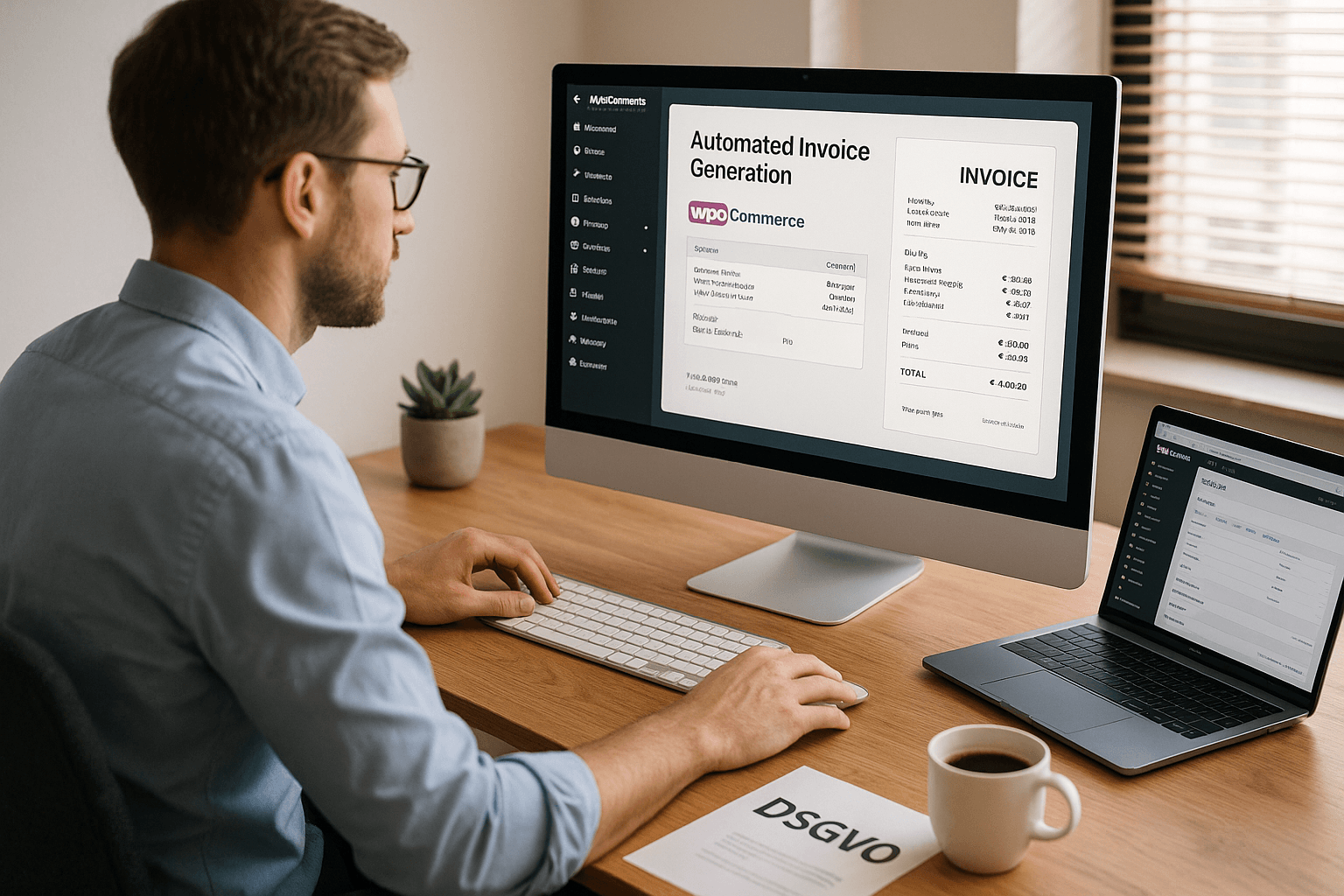
I check whether consents are properly recorded and whether Data exports remain possible at all times. Invoices contain all mandatory data including consecutive number and service date. Archiving is unchangeable, traceable and audit-proof. ZUGFeRD/XRechnung are activated, tested and documented. I also keep software, certificates and security measures up to date so that auditors can quickly gain insight.
Brief summary: What counts now
If you automate invoices in WooCommerce, you save time, reduce errors and stay legally compliant. With German Market or Germanized, I implement mandatory information, e-invoicing and GDPR cleanly. Interfaces to accounting solutions close the loop all the way to tax returns. Stable hosting ensures that PDFs, e-invoices and emails are created without delay. This allows me to focus on sales and service again, while the process works reliably in the background.