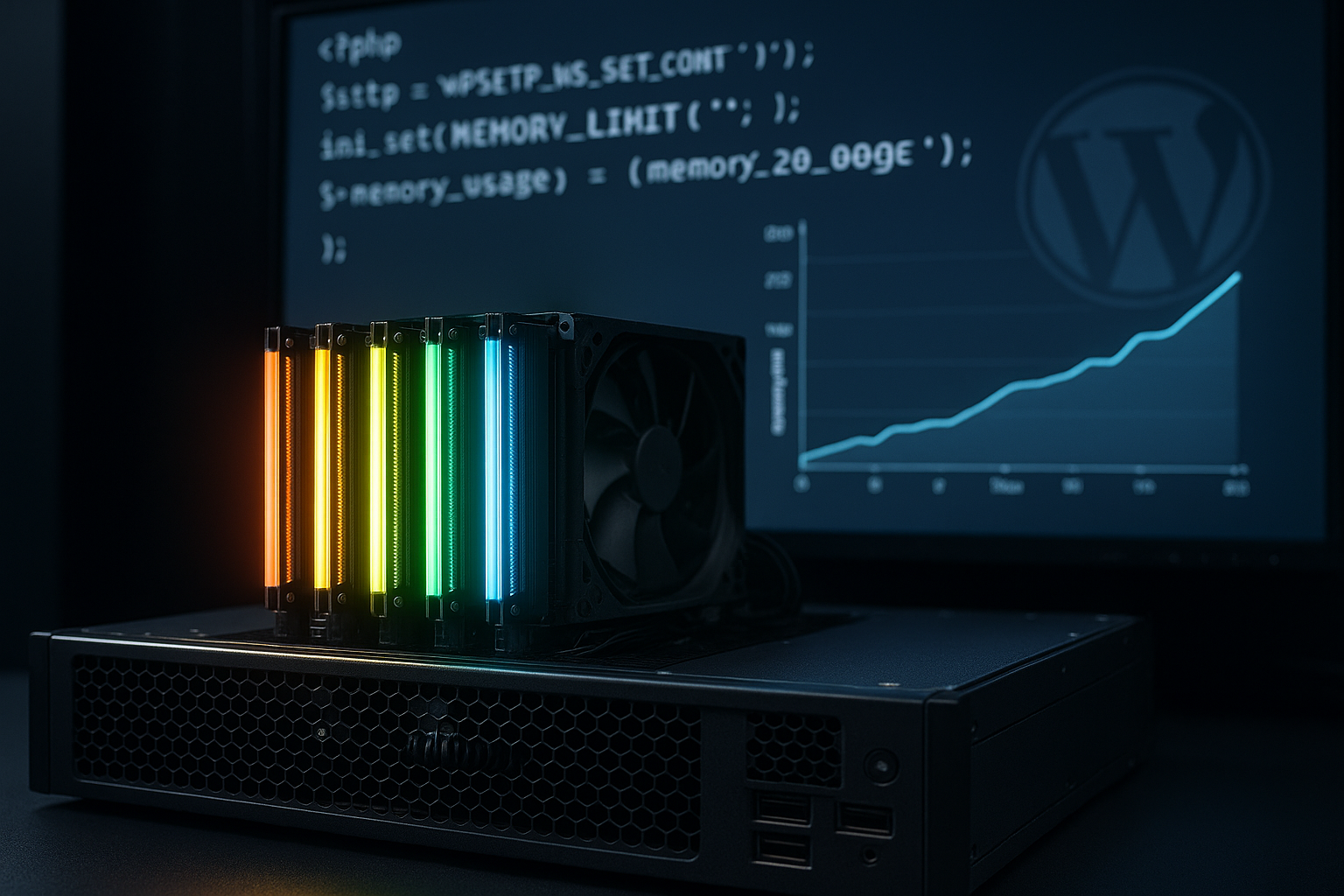
WordPress feels weak when WordPress hosting often feels like a grab bag: sometimes everything loads quickly, then shortly afterwards the speed collapses. This is not so much due to WordPress itself, but rather to resources, latency, PHP workers and caching, which can all be affected by poor hosting. inconsistent are available.
Key points
- ResourcesShared servers distribute CPU and RAM unevenly, which leads to fluctuating performance.
- CachingLack of page and object caching forces WordPress to render pages again and again.
- DatabaseSlow queries and growing tables generate long waiting times under load.
- Front endRender-blocking CSS/JS and heavy plugins exacerbate the loading time problems.
- NetworkHigh latency without CDN and jitter generate different response times worldwide.

Why poor hosting makes WordPress inconsistent
WordPress generates dynamic content and therefore requires reliable Resources. When CPU, RAM, I/O and PHP workers fluctuate depending on the load, the much-cited wordpress inconsistent performance occurs. In quiet times, the site appears fast, but with traffic or cron jobs, the TTFB shoots up and visitors experience noticeable speed issues. Poor wp hosting quality manifests itself in peaks, spikes and timeouts, not consistent behavior. I therefore plan capacity with a buffer so that load peaks can also be Response time not blow up.
Shared environments: Resource lottery and neighborhood effects
Inexpensive shared hosting distributes CPU time, RAM and I/O across many projects, which makes the Plannability destroyed. If a neighboring page draws traffic, the CPU steal time increases and my queries block longer than necessary. More processes pile up, PHP workers work behind schedule and sessions become sluggish. If you want to measure such patterns, you should CPU-Steal and Noisy Neighbor more closely. For constant response times, I use limits, monitoring and, if necessary, switch to an environment with guaranteed response times. Resources.
PHP version, PHP worker and server stack in interaction
Current PHP versions deliver more requests per second and shorten the TTFB. PHP workers are also crucial: too few workers generate queues, too many workers overload RAM and I/O. I dimension workers according to the traffic profile and check whether FastCGI, LSAPI or PHP-FPM are working properly. The article provides a compact overview PHP worker bottleneck, which explains how balance is created. In addition, I pay attention to OPcache, HTTP/2 or HTTP/3 and a web server with efficient Scheduling.
Caching, database and I/O: the often overlooked triad
Without a page cache, WordPress rebuilds every page again and encounters slower Database and file systems. Object cache reduces repeated queries, but weak I/O values slow down even perfect caching. I check query counts, indexes and consistently clean up revisions, transients and spam. Plugins that write too many options in wp_options prolong autoload and increase the latency of the first Query. Getting a grip on the triad eliminates many speed issues even before the first byte.
Frontend slowdowns: render blocking, assets and overloaded plugins
CSS and JS block rendering if the server and network are already at the Border work. I minimize and bundle assets, load non-critical scripts asynchronously and move render blocking parts. Each external dependency adds DNS lookups, TLS handshake and latency, which are doubly significant on weak hosting. Heavy themes and plugins create additional queries and more DOM, increasing the time to interactive state. Reduced assets and lean plugins make for smoother loading. Loading times.
Understanding server location, latency and jitter
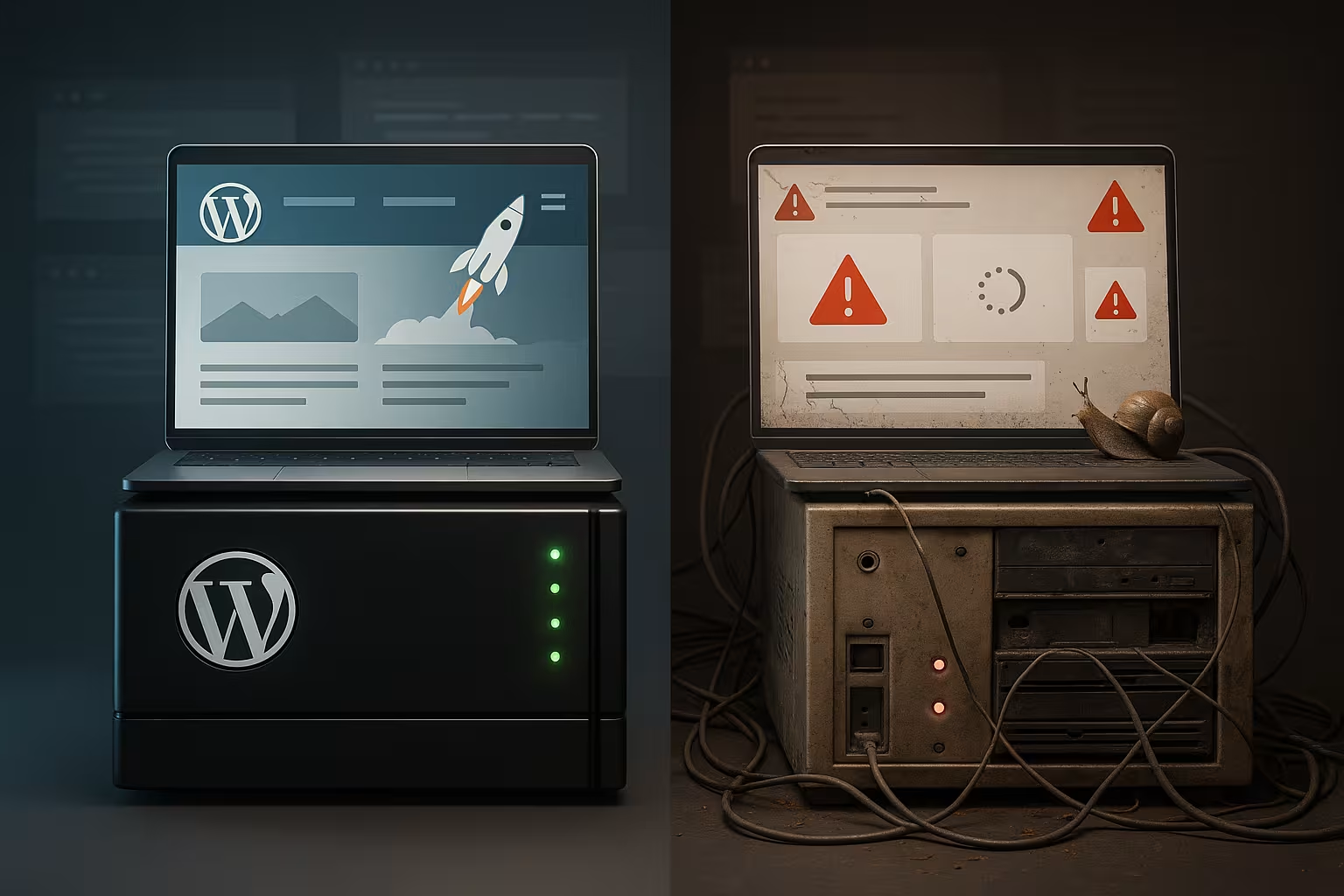
distance increases RTT, and geographically distant servers worsen the Access noticeable. In addition to medium latency, jitter spikes destroy the user experience because content arrives unevenly. I measure latency over several points and check whether routing and peering are tipping at peak times. A good place to start is the guide to Explain network jitter, which makes typical symptoms tangible. Those who host locally or use edge capacity achieve more reliable Response times.
Using CDN and international reach sensibly
A CDN brings static assets closer to users and reduces the RTT worldwide. I activate cache keys for cookies, pay attention to cache control headers and use Stale-While-Revalidate. In this way, pages remain responsive even with backend weaknesses, while the CDN absorbs peak loads. Nevertheless, a high-performance Origin remains important, as admin, personalized content and API endpoints pass through. Properly configured, the CDN prevents many speed issues and smoothes out global fluctuations.

Hardware counts: NVMe, RAM and CPU profiles
Modern NVMe SSDs greatly reduce I/O latency and accelerate the Data-delivery. Sufficient RAM prevents swapping, which is particularly important for database and PHP worker peaks. CPUs with high single-core performance improve dynamic requests that do not parallelize widely. I check hoster benchmarks, not just nominal cores, to assess real performance. Good hardware keeps wp hosting quality on track and reduces noticeable Peaks.
Managed, VPS or root? The choice with consequences
Managed WordPress takes the strain off updates, caching and security, which ensures constant Processes promotes. A VPS offers guaranteed resources and predictability, but requires its own tuning. Root servers give you full control but require discipline when it comes to security, backups and monitoring. For stores and publishers with peak loads, a VPS or managed stack with dedicated limits is often worthwhile. The important thing is not the name of the tariff, but measurable Limit values for CPU, RAM, I/O and processes.
Practice: Reading and prioritizing measured values correctly
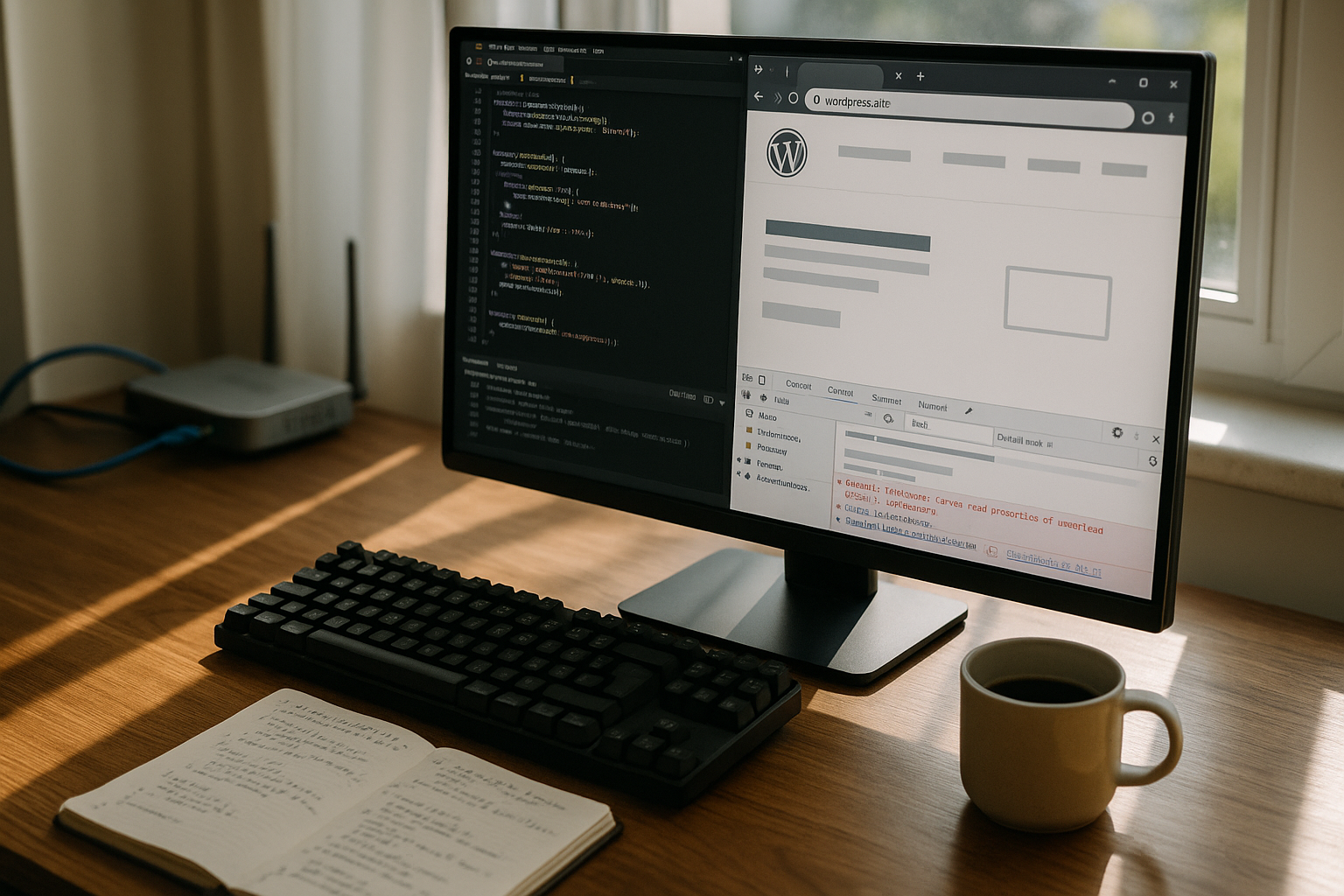
I monitor TTFB, LCP, INP and error logs to distinguish between backend and Front end-brakes. If TTFB rises sharply, I first look for CPU steal, worker queues or I/O bottlenecks. If LCP varies, I track asset size, render blocking and image formats. Different values per region indicate latency, routing or a missing CDN. Fine-tuning is only worthwhile once the basis is clean Details.
Provider comparison: prices, uptime and special features
I don't compare tariffs according to marketing, but according to Limit values, measurements and additional functions. German servers offer advantages for local target groups in terms of latency and legal issues. Managed stacks with caching, backups and monitoring significantly reduce the maintenance effort. In tests, providers with optimized stacks deliver noticeably more consistent response times. The following table ranks price, location, uptime and features for a fast Overview:
| Provider | Price from | Server location | Uptime | Special features |
|---|---|---|---|---|
| webhoster.de | 2.95 € / month | Germany | 99,9% | Free migration, backups, fast support |
| Hostinger | 1,49 € / month | Worldwide | 99,9% | LiteSpeed, favorable entrances |
| All-Inkl | Variable | Germany | High | Reliable for shared environments |
| Hetzner | Higher | Europe | High | Good performance for VPS/Root |
| Contabo | Inexpensive | Europe | Solid | Good price-performance ratio |

Action plan for consistent performance
I start with a clean slate. Hosting: up-to-date PHP, guaranteed resources and a suitable server stack. I then activate the page cache, object cache and OPcache, and validate the effect with measurements. I regularly optimize the database, remove revisions and set meaningful indexes. In the front end, I reduce assets, load scripts asynchronously and use modern image formats. A CDN ensures proximity to the user, while monitoring and alarms detect outliers at an early stage recognize.
WooCommerce, memberships and logged-in users
Store and community pages exacerbate the inconsistency because Cache-hit rates fall. Shopping cart, account and checkout pages are personalized and often bypass the page cache. I therefore separate routes: edge-cache public HTML as much as possible, while critical endpoints (cart fragments, REST API, AJAX) are specifically optimized. For logged-in users, I increase PHP-Worker and object cache capacity, activate OPcache preloading and reduce query costs (indexes, clean meta-queries). Fragment caching in the theme can isolate personalized parts so that the rest of the page remains out of the cache. Result: fewer load peaks during campaigns and sale phases.
WP-Cron, background jobs and maintenance windows
By default, WP-Cron depends on visitors. If there is little traffic, tasks run late, if there is a lot of traffic, jobs start in parallel and load the system. Resources. I deactivate wp-cron.php trigger-based and set a system cron at fixed intervals. I move heavyweight tasks (image generation, imports, e-mail dispatch) to Cues with rate limits. The action scheduler of many e-commerce plugins needs a stable database: I clear canceled jobs, archive logs and schedule maintenance windows for re-indexing or sitemaps. This means that TTFB remains unaffected by visitors, while back office processes controlled run.
Bot traffic, WAF and rate limiting
A large part of the load does not come from real users. Scrapers, price bots and aggro crawlers eat up PHP-Worker and I/O. I use a WAF, limit request rates per IP/ASN and block known bad agents. robots.txt is no protection, but helps to control legitimate bots. For search engines, I provide fast 304/ETag responses and set meaningful Cache control-header for assets to speed up revalidations. Result: less queue formation, more stable LCP values for real visitors and fewer false alarms in monitoring.
Header strategy: cache, compression and protocols
Consistent headers reduce server load. I set long TTLs for versioned assets, stale-while-revalidate for HTML at the edge and gzip/Brotli compression with sensible thresholds. Vary rules remain minimal: only vary on cookies where personalization is necessary to limit cache footprint. HTTP/3 reduces latency damage in the event of packet loss; TLS with OCSP stapling and session resumption accelerates handshakes. For images I use Content-DPR, size specifications in HTML and server-side WebP/AVIF delivery without overloading the backend pipeline.
Observability: metrics, logs and tracing
Uniformity comes from visibility. I separate RUM (real users) from synthetic tests (controlled locations), correlate TTFB with backend metrics (CPU, RAM, I/O, worker queue) and keep error and slow query logs cleanly rotated. APM/Tracing at PHP level shows which hooks, plugins and queries cost time. For the Database I activate the slow log with moderate thresholds and check „Rows examined“ instead of just time. SLOs like „p95 TTFB < 400 ms“ per region make deviations measurable; alarms trigger for queue length, 5xx rates and cache hit drop.
Capacity planning and worker mathematics
I calculate backlog instead of gut feeling. Key figures: Requests per second, average service time per PHP-Worker, cache hit rate, proportion of dynamic pages. With 20% cache bypass and 100 ms service time, one worker achieves ~10 RPS; with 10 workers therefore ~100 RPS dynamically. Safety margin for spikes and cron determine the target number. Too many workers increase RAM pressure and swap risk; too few generate queues and increasing TTFB. I also adjust the web server (Keep-Alive, Max-Conns) so that frontend sockets do not block, while backend workers remain free.
Database and object cache tuning
InnoDB lives on RAM. I dimension innodb_buffer_pool_size according to the amount of data, keep log file sizes balanced and avoid fragmentation through regular maintenance (ANALYZE, OPTIMIZE selectively). I check problematic wp_options with high autoload, move rarely used options and eliminate bloat. The Object cache (Redis/Memcached) needs enough memory plus buffer; the eviction policy should not displace hotsets. Persistent strategies, separate DBs for cache and sessions and clean namespaces prevent collisions. Result: fewer query peaks and more stable response times under load.
Deployment, staging and rollbacks
Faulty releases generate „sudden“ speed issues. I deploy atomically: create build artifacts in advance, run database migrations in maintenance windows, OPcache controlled invalidation and cache warmup after release. Staging environments mirror the stack and test realistic data volumes. Feature flags allow incremental rollouts while monitoring detects regressions. I plan backups and snapshots in such a way that they do not burden I/O during traffic peaks; replication and incremental backups protect the Resources.
Law, location and data flow
Performance and compliance complement each other. For EU target groups, I reduce latency through Proximity to location and keep data flows transparent: logs with limited retention, IP anonymization, clear cookie scopes for caches. I configure CDNs so that only necessary data passes through; admin and API accesses remain at the origin. This results in predictable response times without legal loopholes, and caching strategies do not collide with data protection regulations.
Contract details and hidden limits
Marketing figures often hide LimitsCPU credits for burstable instances, inode limits, process and open file limits, throttling for „fair use“. I check these values in advance and have them confirmed in writing. Backups, malware scans and on-demand imaging put a strain on I/O - I schedule them outside peak times. Clarifying these details avoids surprises and maintains WordPress performance constant, instead of losing them to the tariff fine print.
Briefly summarized
Inconsistency with WordPress arises when hardware, network and software do not provide a reliable Performance deliver. Shared bottlenecks, too few PHP workers, poor caching and high latency create speed issues that users notice immediately. If you guarantee resources, use caches correctly and mitigate frontend bottlenecks, you will achieve consistent response times. Brands such as webhoster.de score points with fast German servers, good tools and consistent wp hosting quality. So WordPress no longer feels like a lottery, but responds noticeably constant.