Skip to content
With a WordPress Child Theme gives you the opportunity to customize your website design - without the risk of losing individual changes in future updates. This method separates updates from the actual customization code and gives you full control over styles, templates and functions. This not only minimizes potential sources of error, but also gives you long-term flexibility and stability for your entire web project.
Key points
- Security your customizations for theme updates
- More flexible Getting started with theme customization
- Upgradeable Solution for long-term operation
- Independent Control over styles and layouts
- Better Performance through targeted optimization
What is a WordPress child theme really?
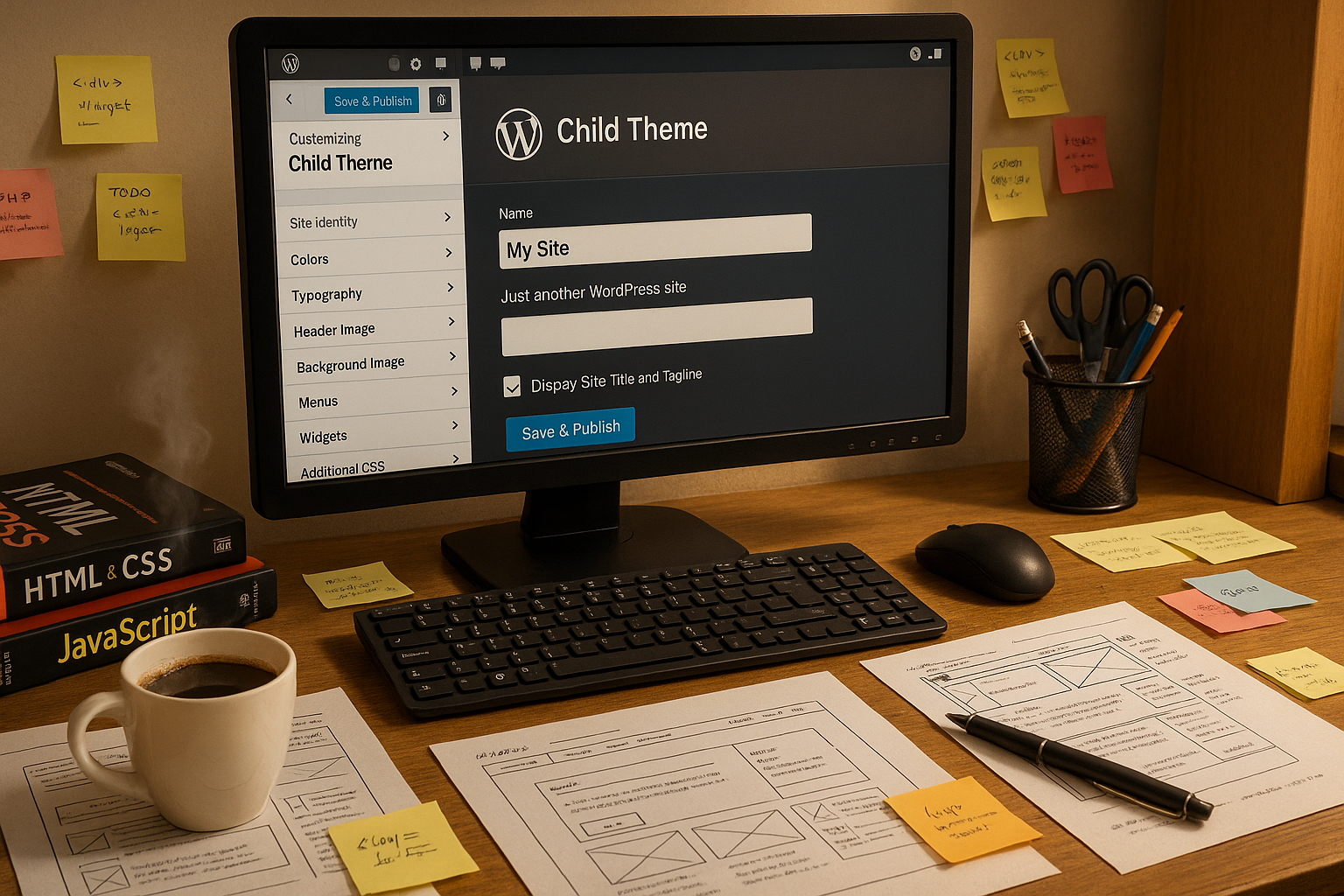
A child theme is based on an existing Parent Theme. It takes over its complete functionality, but allows you to make your own adjustments - independently of the original code. The structure is retained and you only change what is necessary. This keeps your theme clean, secure and updateable.
Instead of making changes directly in the parent theme (which would be overwritten during updates), you add your own styles or templates separately in the child theme. WordPress automatically prefers your versions, if available. This means: You have the freedom to make targeted optimizations and extensions without risking unwanted side effects after updates.
You can also use your child theme to extend central functions such as hooks or filters, so that you can even fine-tune plugins or change global actions. A typical example is adding your own functions in the functions.phpwhich you can use to define custom image sizes or override certain WordPress default settings. By not making these adjustments directly in the parent theme, you have them all in view and avoid conflicts when your parent theme is updated.
This principle is worth its weight in gold, especially for more extensive projects in which various plugins and code elements interact: you maintain an overview, document all changes in a central location and can always see which adjustment affects which part of your theme. Unwanted side effects or duplicate declarations that could affect performance can be avoided in this way.
Why you should always use a child theme
You save time and stress. When you update your parent theme, no individual changes are lost because all customizations are stored in your own theme folder. You also work more efficiently and in a more structured way - especially with large projects or sites that are managed over the long term.
Another advantage: You can focus on individual components - such as the menu layout, page structure or certain functions - and change them selectively. This makes it easier to maintain your site. At the same time, you get a clear separation between the original files and your individual modifications.
Especially with responsive themes, SEO adjustments or performance tuning, it is essential to have everything under control. The child theme is therefore not a luxury, but a necessary tool. Especially with fast-growing projects, you benefit in the long term because you don't have to think about whether your changes will be accidentally overwritten every time.
In addition, you can easily experiment and test different layouts, styles or template structures without jeopardizing your live system. You can combine your child theme with new ideas and changes via local development environments or staging environments. Once you have found an ideal solution, you can adopt it in no time at all.
How to set up your own WordPress child theme
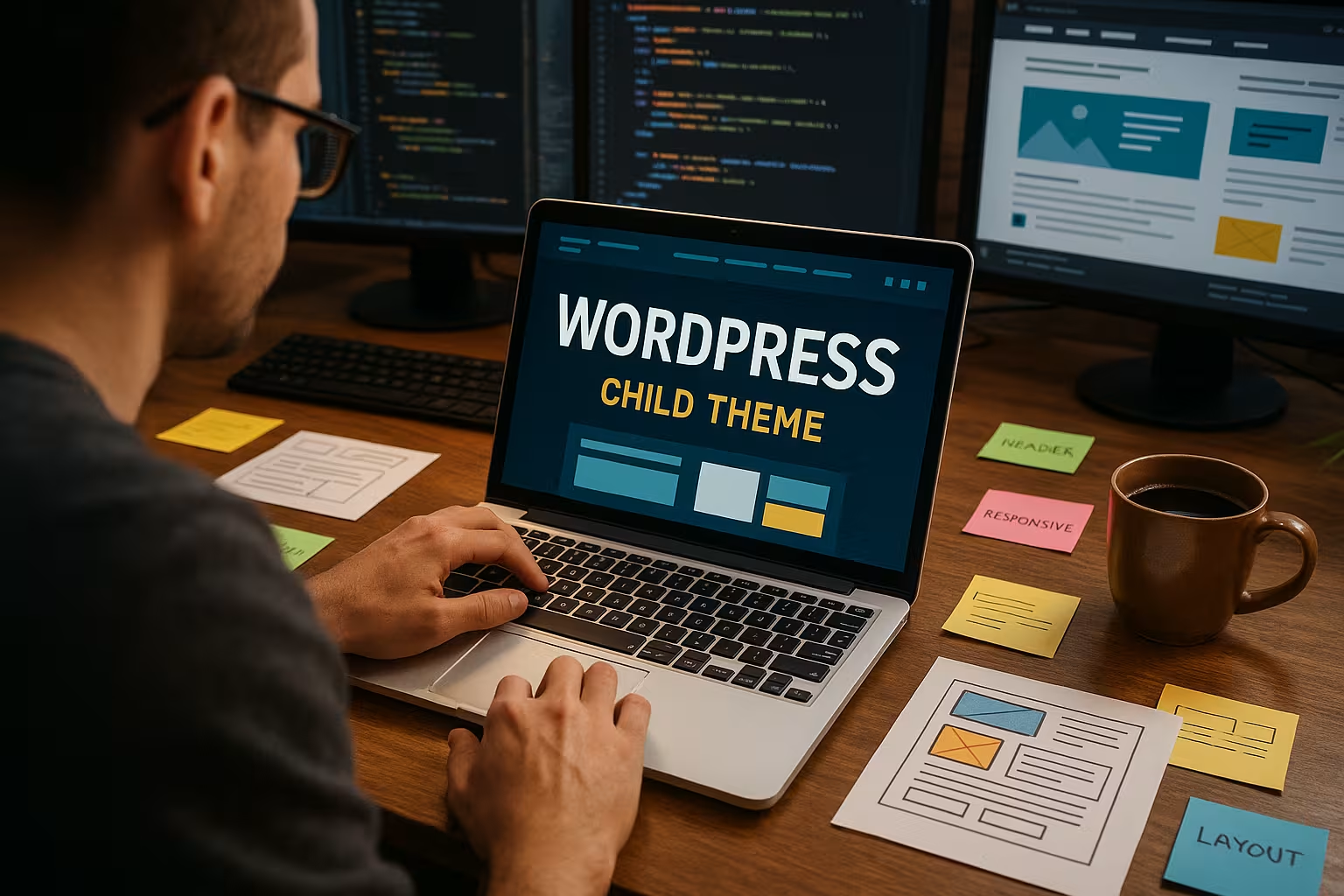
The structure is uncomplicated. You create a new folder in the theme directory and give it a suitable name - for example "astra-child" or "hello-elementor-child". Important: The "Template" entry in your style.css must exactly reflect the folder name of your parent theme.
Then create the file functions.php to integrate the stylesheets correctly. You use the hook wp_enqueue_scriptsto load your new theme styling. You can of course add further functions here to expand the functionality of your theme. For example, you can implement your own shortcodes or define specific template tags.
If you want to integrate additional scripts or fonts, it is also advisable to include this in the functions.php of your child theme. Make sure to prioritize the hooks correctly to avoid conflicts with the parent theme. For example, you can delay the loading of a certain script or place it in the footer to increase performance.
As soon as you have familiarized yourself with the structure of your parent theme, you will quickly realize which files you want to overwrite in the child theme. For minor customizations, it is often sufficient to use only the style.css and the functions.php to work. For more extensive changes, however, copy the corresponding template files into the child theme.
Example structure of your child theme
| File | Function |
|---|---|
| style.css | Design adjustments and meta information |
| functions.php | Integration of styles & additional functions |
| header.php | Individual header structure (optional) |
| single.php | Presentation of individual contributions (optional) |
It can also be a useful addition to create a separate folder for user-defined code snippets or prototypes in your child theme. This makes it easier for you to troubleshoot later because you know exactly where the respective code is located. It also makes it much easier to switch individual experiments on and off.
Make adjustments efficiently
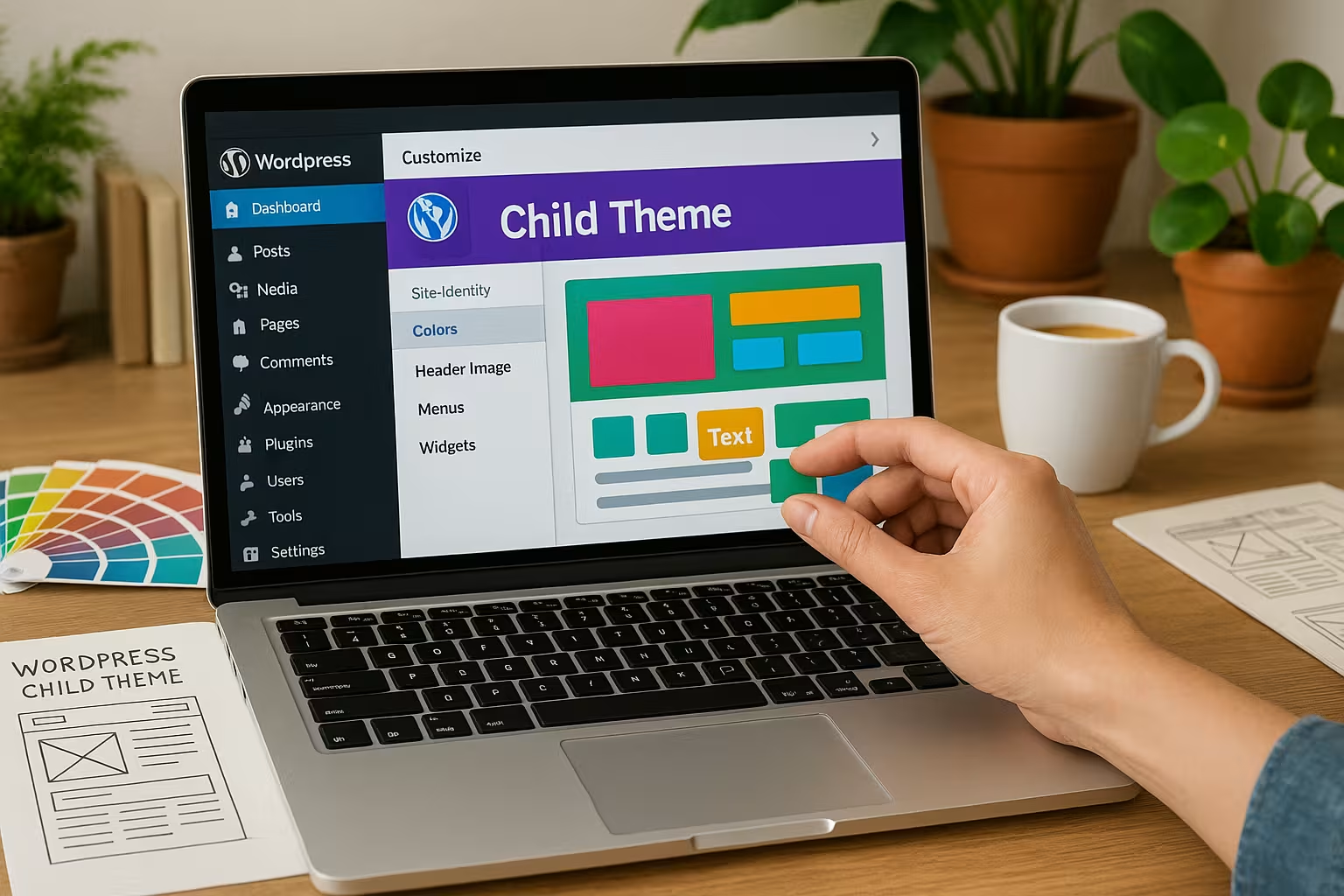
As soon as your child theme is active, you can start fine-tuning it. The easiest method is via CSS. You can customize typography, colors, layouts and animations. Particularly useful: Your browser immediately recognizes whether styles have been loaded from the parent or child theme.
Also Templates can be overwritten. Simply copy the required file from the parent theme into your child theme and adapt it there. WordPress will then automatically use your customized version. Pay particular attention to the folder structure: for example, if template files are in a "template-parts" folder, you must replicate the same folder hierarchy in your child theme.
To ensure that your site also performs well in SEO measurements, I recommend that you use the WordPress performance optimization regularly. This keeps you visible faster, better and error-free. For even finer tuning, you can also use your own hooks to implement meta tags or important SEO settings directly in your child theme. This gives you full control over all areas of your website.
It is also important to create regular backups of your active child theme files. If you are experimenting or making complex changes, such a backup will protect you. In the event of problems, you can quickly revert to the last stable version.
Performance boost through child themes
An optimized child theme not only improves the functionality, but also the Loading time. To do this, you should minify CSS and JavaScript files. Tools such as Autoptimize help you to remove unnecessary spaces and comments from your files. With such optimization, you will load much faster, which is appreciated not only by users but also by search engines.
The combination of a child theme with a meaningful Browser cache you benefit twice. You keep loading times low and reduce server load. You can find out more in the article Delete WordPress cache. Make sure to keep an eye on the compatibility with your parent theme for all performance measures.
It also makes sense to only load those functions or scripts in the child theme that you really need. Stylesheets or JavaScript files that you do not use are often included by default. You can use your child theme to selectively deactivate or bundle such integrations. This not only reduces the file size, but can also highlight critical CSS code so that it loads faster.
By integrating your performance measures directly into the child theme, you create a clear overview. You avoid data waste and can see exactly which resources you actually need. If your parent theme later adds optimizations or new functions, you can react flexibly and make specific adjustments or extensions in your child theme.
Using visual content intelligently
A child theme has particular advantages for image-heavy pages: You control lazy loading, image sizes and compression. Make sure to optimize large images to less than 200 KB without losing clarity. Tools such as TinyPNG or ShortPixel do this automatically.
For international retrievals, a CDN (Content Delivery Network) ensures that your content is delivered quickly. This allows you to reach more visitors - with shorter loading times. In the child theme, you can specify how your images should be delivered by default, for example whether you want to further adapt the internal WordPress mechanism for "Responsive Images". This ensures that your adjustments take effect at every point in the frontend without having to intervene manually at various points.
A child theme can also be used for video content by adapting specific template files to include automated preview images or transcript content, for example. This allows you to enhance particularly media-heavy websites and at the same time meet important SEO criteria such as accessibility.
Common mistakes and how to avoid them
Many users forget the exact spelling of the parent theme in the "Template" field of style.css. A small typo is enough for WordPress to ignore your child theme. Therefore, before activating it, check once again whether your style.css the exact folder name is really specified. Upper and lower case letters must also be correct.
Also avoid direct changes in the parent theme. If you update the footer.php there, for example, your changes will be lost with the next update. Instead, copy the file to the child theme and adapt it there. This way, you are on the safe side and don't have to worry about having to make laborious adjustments again.
And even if you don't make any major changes: keep your theme and child theme compatible. Keep an eye out for new functions, security vulnerabilities or PHP versions. By keeping yourself regularly informed, you can ensure that there are no conflicts with the parent theme or new WordPress versions. Also bear in mind that some themes may have dependencies on plugins, which is why you should also carry out compatibility checks there if necessary.
Another common stumbling block is forgetting important functions in the child theme.functions.php. For example, the lack of a proper wp_enqueue_scripts-function is often responsible for styles or scripts not being loaded correctly. Therefore, always check whether your enqueue function is active and whether it is correctly prioritized.
Special use of child themes
For bloggers, a child theme often means better readability: you can consciously adjust the typography, line spacing and layout accordingly. This not only increases the length of stay, but also the click rate. Readers quickly notice that your site is not only visually appealing, but also accessible and well-structured.
You can use specific WooCommerce templates for online stores. Customize product pages, filter functions or checkout processes according to your requirements. This will help you stand out from the competition. At the same time, if necessary, you can slow down the loading of certain WooCommerce functions or make them leaner to keep an eye on performance.
Portfolio websites also benefit: creative projects need individual gallery layouts, clean project pages and optimal image presentation. All of this can be designed in a controlled manner in the child theme. Use your own custom post types to structure your work even better. In the child theme, you can customize the corresponding template and use special layouts for different post types. This allows you to present your content professionally and distinctively.
Another special use is branding for agencies or freelancers. Even if a customer later wants different design elements, you can change them quickly and cleanly in the child theme without having to touch the parent theme every time. This allows you to manage several style variants, for example for seasonal events or special marketing campaigns.
Combine technical setup with optimal hosting
Even if your theme is technically well-built, you won't be able to use its full potential without fast hosting. Providers such as Webhoster.de offer you special WordPress-optimized packages that combine SSD storage, caching, CDN and security features. A sophisticated caching system significantly speeds up every page, as important files are stored locally on the server or in the browser cache.
For child themes, hosting with high PHP compatibility and fast response times is crucial. If you also need Analysis tools for performance optimization you have control over your loading times at all times. At the same time, solid hosting enables a smooth testing and development phase. In a staging environment, you can safely develop your child theme further and only transfer it to your live site after successful testing.
If you want to manage several projects on one server, it is often worth working with different staging instances or subdomains for your child themes. This allows you to try out ideas for different customers or marketing campaigns without interfering with each other. However, make sure to organize the directory structure in such a way that you can quickly track changes and updates later on.
For high-traffic websites, such as news portals or e-commerce stores, an upgrade to a more powerful hosting package can quickly pay off. Here you benefit even more from SSD storage, LightSpeed or NGINX servers and an optimal configuration for WordPress that smoothly supports your child theme customizations. This reduces downtime and keeps access speeds high.
Summary: Your setup for the future
A WordPress child theme is the key to maintainable, expandable and visually appealing sites. It separates your customizations from the original theme and at the same time reduces any update hurdles. Especially for larger projects or long-term websites, you save yourself repair work and loss of control.
Whether you are optimizing your first website or running a WooCommerce store - a child theme gives you freedom of choice. You don't need to avoid theme updates, but can use them in a targeted manner while retaining your functionality. Your readers benefit from a coherent appearance that can be dynamically adapted without losing layouts or important functions.
The effort for a well-structured child theme is therefore worthwhile on all levels - from user-friendliness to the speed of your site. If you focus on a clear separation between basic functions and individual customizations from the outset, you can integrate innovations in the long term and be sure that future updates will not become a problem. This ensures that your website remains solid, powerful and flexible - and becomes the foundation of your successful online presence.