Skip to content
Email marketing can be seamlessly integrated into WordPress - offering huge benefits for automated newsletters, personalized campaigns and targeted communication. With the right tools and strategies, contacts can be systematically acquired, managed and activated with powerful automations.

Key points
- Seamless integration in WordPress via plugins such as MailPoet or Mailchimp
- Automation of workflows such as welcome mails or follow-ups
- Lead generation through intelligent forms (e.g. WPForms)
- Performance tracking directly in the WordPress dashboard
- GDPR-compliant Tools specifically for the German-speaking market
Why WordPress users rely on email marketing
WordPress offers an open ecosystem with plugins that integrate perfectly into existing marketing processes. Thanks to the direct connection with the backend Newsletter campaignsforms and automations without an external platform. This saves time - and opens up opportunities for creative campaigns. Particularly valuable: some providers offer GDPR-compliant solutions that have been specially developed for the European market.
Technically savvy users also benefit from the option to create API-based connections to extended CRM or sales systems. It remains important: Choosing the right tool determines the range of functions and long-term success. Some providers such as Mailchimp or ActiveCampaign offer in-depth automationothers score points with simple forms or editorial newsletters such as Newsletter Glue.
Top providers for email marketing in WordPress
There is a large selection of tools - but not every tool integrates reliably. If you rely on WordPress, you should choose providers that are compatible with common plugins, are user-friendly and enable secure data transfer.
| Place | Tool | Special features | Price |
|---|---|---|---|
| 1 | MailPoet | Directly in the WordPress dashboard, GDPR-compliant | Free of charge / from 10 €/month (Premium) |
| 2 | Mailchimp | Visual Automation, Popup Builder, Templates | Free of charge / from € 4.50/month |
| 3 | WPForms | Fast form creation, provider integration | From 49.50 $/year |
| 4 | HubSpot | CRM & e-mail in one, drag-and-drop | Free / from 20 €/month |
| 5 | Brevo | GDPR-safe, email & SMS campaigns | Free of charge / from 25 €/month |
| 6 | Constant Contact | Simple operation, social media features | From 20 €/month |
| 7 | ActiveCampaign | AI, automation, segmentation | From 29 €/month |
Mailchimp: All-rounder with a deep WordPress connection
Mailchimp impresses with its visual user interface, ease of use and flexible automation. Particularly helpful: the integration into WordPress works reliably and allows, among other things, the creation of Segmentstriggers and follow-ups. With the built-in A/B testing, subject lines, sending times and layouts can be tested against each other. The large template library makes it even easier to get started - without any knowledge of design or HTML.
Thanks to pop-up forms, growth analyses and e-commerce links, Mailchimp is popular with store systems such as WooCommerce. The basic version remains free up to 500 contacts, after which the costs increase on a sliding scale depending on the scope of services. Additional functions require the Essentials or Standard plan.

MailPoet: Fully integrated in the WordPress ecosystem
As a genuine WordPress plugin, MailPoet can be operated directly from the dashboard. Newsletters, automations and user lists can be maintained without an external platform - ideal for website operators who want to manage everything in one place. MailPoet is particularly suitable for small and medium-sized projects. resource-saving and easy to configure.
MailPoet also supports registration forms, segmentation and double opt-ins. In the premium version, unlimited recipients can be addressed - with simultaneous hosting on MailPoet's own servers or via SMTP on your own web hosting.
WPForms: Getting started with lead generation
WPForms was programmed for uncomplicated forms - e.g. newsletter registrations, contact requests or queries in the sales process. Within a few minutes Form fields via drag-and-drop without having to write HTML.
In particular, the integration with email marketing services such as Mailchimp, Constant Contact or Brevo makes WPForms a hub for data-driven decisions. Combined with tracking services and conversion analyses, it provides a comprehensive overview of visitor interactions.
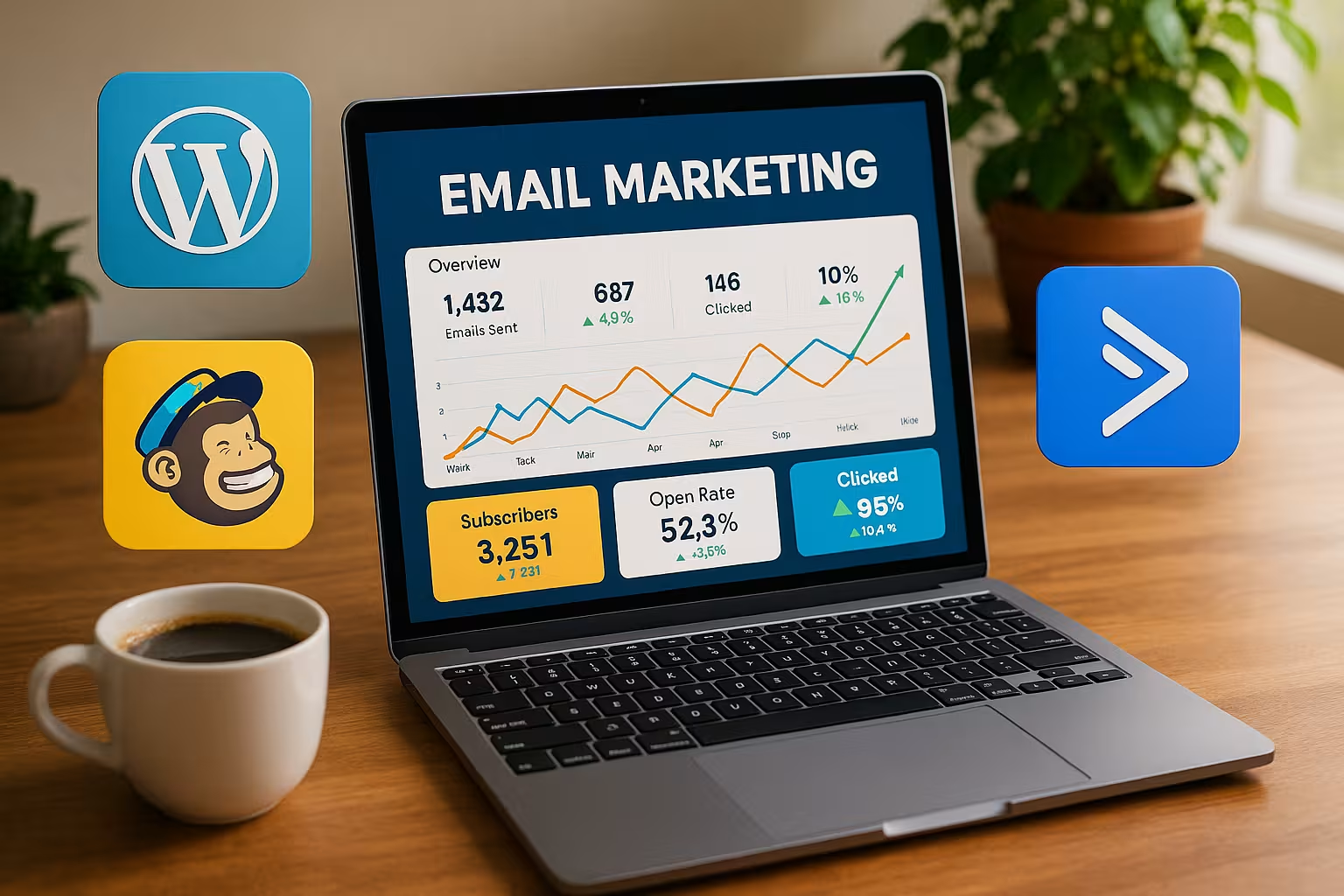
Automations: Workflows, triggers and dynamics
If you want to say goodbye to manual mailing, you can rely on automation. Modern tools send messages automatically as soon as certain actions take place - for example after registration, shopping cart abandonment or downloading a PDF. These Behavioral triggers can be combined and prioritized.
Some useful automations:
- Welcome email with discount or e-book
- Shopping cart abandonment reminder email
- Segmented campaigns for webinar participation
- Reactivation of inactive recipients after 60 days
AI-supported providers such as ActiveCampaign go even further: they analyze interactions and optimize based on predictions - e.g. the optimal sending time or content. This increases the click rate and engagement - completely automatically.

Special solutions for special requirements
Newsletter Glue, for example, connects the blog with the list: Posts can be automatically sent to readers as emails. This saves time and ensures a consistent flow of content. Uncanny Automator, on the other hand, links forms, member areas and email campaigns in workflows - for onboarding or upselling sequences, for example.
Partners like FunnelKit go even further and integrate deeply into WooCommerce. This allows you to Sales funnels with emails, including A/B testing, segmentation and conversion optimization.
Personalization and segmentation: More relevance for your recipients
In order to increase the success of email campaigns, targeted segmentation of the contact list is essential. You can divide your subscribers according to interests, purchase history or specific interactions on the website. For example, you can differentiate whether a user reads your blog regularly or is primarily receptive to special offers. With the help of WordPress plugins such as Mailchimp or ActiveCampaign, you can define rules that automatically move a recipient to a segment as soon as they perform certain actions, such as clicking on a link or filling out a form.
Personalization then goes even further: use dynamic placeholders to insert the first name or other individual data in the subject line or email text. Such extras may seem small, but have been proven to increase opening and click rates. A personal salutation conveys closeness and relevance. If you take a clever approach here, you can even recommend special products that are tailored to previous user behavior. The result: recipients feel understood, which strengthens loyalty and increases the likelihood of conversions.
Email sequences: From onboarding to customer loyalty
If you want to delve deeper into the world of automation, there is no getting around email sequences. A sequence is a time-controlled sequence of emails that build on each other. A classic example is the onboarding of new subscribers: After registration, a welcome email is sent, followed a few days later by a useful guide or checklist, followed by a round of introductions to your services or products. In this way, the recipient is introduced to the company and its added value step by step.
Sequences can also be used in a targeted manner for customer loyalty. A series of tips and tricks for using purchased products, regular updates or even exclusive webinars are measures you can use to keep satisfaction high. In WordPress-supported stores, such automated campaigns are a tried and tested means of supporting customers even after they have made a purchase and encouraging repeat purchases. It is important to find the right pace: Too frequent emails can be off-putting, while too long breaks can quickly lead to forgetfulness.
Depth of integration and data protection: What to look out for?
Data protection is a decisive factor, especially in German-speaking countries. Many providers such as MailPoet or Brevo are GDPR-compliant and offer server locations within the EU. This not only protects data, but also strengthens the trust of recipients. More importantly, the integration must work with tools such as Google Analytics, CRM systems and cookie consent solutions.
Some providers require individual API interfaces for deeper integrations, others offer plug-and-play modules. The decisive factor is that forms and tracking must be secure, properly programmed and integrated with high performance - an overview of this can also be found at Contact form plugins and security.
The double opt-in procedure is practically a must in order to guarantee legally compliant newsletter registrations. A confirmation email ensures that only those people who really want to be on the list are included. This way, you avoid complaints and keep your contact list clean at the same time. WordPress plugins in particular, such as MailPoet, make the process easy: you can select whether a double opt-in step should be necessary in the setup menu. At the same time, many tools allow you to automate the entire process, from confirmation to the first welcome email.
Technical tips for deliverability
Strong content is useless if the mail does not end up in the mailbox. Domain authentication (SPF, DKIM), avoiding spam words and good bounce management can help here. Tools such as Mailchimp and ActiveCampaign show Detailed analysis values for delivery rate and opening - often including color labeling depending on the condition.
However, a clean list with real contacts remains the most important lever. Detailed tips on optimizing the inbox quota can also be found in the Guide to deliverability.
It is also worth carrying out small "spring cleaning" campaigns on a regular basis. For example, remove contacts that have been inactive for months or use a reactivation campaign to ask whether there is still interest. A smaller but more active list increases your key figures for openings and clicks; a tidy recipient list also reduces costs for providers who charge according to contact volume.
Choosing the right mailing time also plays a role in deliverability. Factors such as the recipient's profession or time zone influence when a newsletter is most likely to be read. For B2B subscribers, mornings on working days may work, while private users are more likely to find time in the evening or at the weekend. Tools such as Brevo or Mailchimp usually offer A/B tests for mailing times in order to empirically determine what is best received by your target group.
Avoidance of spam filters: Best Practices
To avoid accidentally ending up in the spam folder, it is important to observe certain rules. Large quantities of images without sufficient text can be spam triggers. Lurid subject lines, too many exclamation marks or words written entirely in capital letters are also counterproductive. So make sure you have a good balance between text and images.
Casual, yet serious language is better received by recipients and spam filters than clumsy advertising phrases. Check which terms are on spam lists and avoid them if possible. Using a reliable sending address on your own domain also underlines seriousness. Checked SMTP servers or the dedicated infrastructure of the respective provider can be used here to minimize spam suspicion.
The right choice for individual use
Whether you want to send newsletters, collect leads or address e-commerce customers: The choice of the right tool depends on the number of contacts, range of functions and level of integration. While Brevo scores with flexible price plans, Mailchimp offers sophisticated design and automation at entry level.
Technology fans often prefer ActiveCampaign, while agencies like to rely on CRM solutions such as HubSpot. It remains important: Features, pricing and compatibility should match your own infrastructure.
Another aspect is long-term scaling. What happens when your newsletter grows from a few hundred to several thousand subscribers? A tool that was initially free could become more expensive in the premium area or reach its functional limits. It is therefore worth considering long-term planning today so that you do not have to switch providers later. After all, every move requires data cleansing, conversion of the API interfaces and familiarization with a new interface.

Measurable key figures: The power of analysis
Data-supported decisions are fundamental in email marketing. Classic key figures are open rates, click rates and the unsubscribe rate. However, you also have other interesting metrics:
- Conversion rate: How many users actually made a purchase, filled out a form or registered for an event after clicking on an offer?
- Bounce rate: How many emails were not delivered because a mailbox was full or the address no longer exists?
- List growth: Is your subscriber list stable or stagnating?
- Engagement rate: Summary of all clicks, redirects and replies to evaluate the general interest.
You can use these values to make targeted adjustments: If you send too many emails in a short space of time, the unsubscribe rate could increase. If there is no clear call to action, the click rate will fall. A/B tests help to optimize subject lines, layouts or sending times. In this way, you can navigate step by step towards a well thought-out and successful email marketing strategy - linked to the other WordPress functions, such as a quickly accessible analytics dashboard.
Continuous optimization and brainstorming
Even the best campaign can usually be improved. Think of email marketing as a living process that can always be developed further. New content, seasonal promotions or fresh designs will keep your mailing list happy. Especially in the WordPress environment, it is worth regularly testing additional plugins or extensions to implement new ideas. This can range from surveys within the email to dynamic content that takes into account the user behavior of recent website visits.
Sharing success stories or customer experiences in newsletters can also build trust. With just a few clicks, you can integrate customer testimonials directly into your WordPress site and link them to suitable email campaigns. This seamless integration promotes credibility and shows prospective customers what is possible if they take a closer look at your offers. In this way, your email distribution list becomes more than just a list - it becomes the hub of a close-knit community.
Outlook: Email marketing as a growth driver
With the right strategy and suitable tools, email marketing can be efficiently integrated into WordPress - including automation, segmentation and clean tracking. Whether as a simple newsletter, an active sales channel or an informative editorial system: the choice is huge, as are the possibilities. From lead generation to loyalty building, MailPoet, Mailchimp, HubSpot and co. offer a well thought-out option for every scenario.
This makes email communication an integral part of every professional online project. Rely on tools that not only manage techniques, but also support your goals - and start the next growth cycle with well thought-out email marketing. Consistent evaluation of key performance indicators and fine-tuned automation routes allow you to constantly leverage new potential. Those who also take the personalization factor seriously and nurture their contacts will be rewarded with sustainably increasing click rates, more customer loyalty and higher sales. This makes email marketing in conjunction with WordPress a real growth engine in your digital cosmos.