 Skip to content
WordPress hosting cheap only succeeds when price, Performance and support fit together and there are no hidden additional costs. I'll show you what I look for in tariffs with SSL, backups, NVMe SSDs and fair conditions so that your site loads quickly and remains accessible.
Key points
- Performance and uptime: fast NVMe SSDs, 99.9 % availability
- Security Including: SSL, updates, malware and DDoS protection
- Backups Automatic: frequency, storage, restore costs
- Support fast: German-speaking, 24/7, clear SLAs
- Transparency for costs: flexible terms, no additional fees
What does cheap really mean when it comes to WordPress hosting?
A low monthly Price says little if the loading time, support or security are weak. I therefore pay attention to the contents of the package: NVMe SSD storage, fair CPU/RAM allocation, SSL included and automatic backups determine suitability for everyday use. Tariff details such as staging, WP-CLI and a clean PHP configuration make operation noticeably easier. The following is also important to me Server location in the EU or Germany, so that data protection and latency are right. Those who combine supposed bargains with long terms often end up paying more - short commitments and transparent renewal prices protect against surprises.
Measure performance: CPU, PHP, NVMe and Uptime
Good loading times hang on first NVMe-SSDs, a current PHP version and sensible limits on shared servers. I check whether OPcache is active, HTTP/2 or HTTP/3 is available and whether the host offers LiteSpeed or NGINX with caching. Availability from 99.9 % is mandatory, but I also look at monitoring, status pages and historical values. A short WordPress hosting test with WebPageTest or Lighthouse often reveals bottlenecks immediately. If you notice a drop in performance under load, this indicates that the Allocation of resources there.
Read resource limits correctly
Many low-cost tariffs only communicate their limits in footnotes. I check specifically: How many simultaneous PHP processes (workers) are allowed? How high are Memory limit, I/O throughput (MB/s), inode limits and process numbers? A short Entry Process-limit leads to 503 errors during traffic peaks. For typical blogs, 2-4 PHP workers are often enough, for WooCommerce and learning platforms I plan for 6-8. Also important is the OPcache-memory so that PHP files do not have to be constantly compiled. Also relevant: maximum execution time, upload limits and available PHP extensions (intl, imagick, zip), because they affect plugins.
I also pay attention to CPU burst and fair usage rules. Good hosters do not throttle immediately, but work with soft limits and transparent communication. If logs show that requests are being queued, an upgrade of one level often helps - cheaper than hours of troubleshooting.
Understanding the caching stack: from page to object cache
A smart caching stack saves money because less server performance is required. Server-side page cache (e.g. LiteSpeed Cache or NGINX FastCGI) delivers static HTML copies in milliseconds. I combine this with browser caching, Gzip/Brotli and OPcache. For dynamic projects, a Object cache (Redis/Memcached) is worth its weight in gold to eliminate recurring database queries. It is crucial that the host integrates these components properly and provides clear instructions for WordPress plugins to avoid duplicate caching or outdated content.
A CDN with edge caching is worthwhile for an international audience, whereas a fast EU site is often more beneficial for a purely German audience. No matter how: I measure TTFB and LCP after every change so that optimizations become visible in practice.

Security first: SSL, updates and DDoS protection
Fair WordPress hosting includes SSL-certificates at no extra cost, ideally via Let's Encrypt with auto-renewal. I check whether security updates for WordPress and plugins run automatically and whether a web application firewall is active. Basic DDoS protection and malware scanning reduce downtime and cleaning times after incidents. Two-factor login for the panel and SFTP/SSH access significantly increase control. The more of these points are integrated ex works, the smoother the operation in the Everyday life.
Backups: frequency, storage and restoration
Backups decide on recovery time if something goes wrong, so I look at daily Snapshots and a retention period of at least 7 to 14 days. Granular restores are important so that I can restore files, databases or entire instances separately. Some hosters charge fees for restoring - this drives up the real costs. A staging system helps me to safely test updates and changes before I go live. Without reliable Restoration any downtime becomes unnecessarily long and expensive.
Monitoring, logs and test routines
I don't just rely on the hoster's uptime display. My own checks with external monitoring, cron monitoring and 24/7 alerts give me security. Access to Error logsslow query logs and real-time statistics (e.g. status pages for PHP/MySQL) speeds up the analysis. After major changes, I run a short test routine: clear cache, log in frontend/backend, checkout/test forms, image uploads, cron jobs, and then measure Lighthouse. This way, I recognize regressions immediately instead of days later in live operation.
GDPR and compliance in practice
In addition to the location, the AV contract, technical and organizational measures and the handling of backups are important to me. I ask questions: Where are Backups geographically, are they encrypted, and how are they deleted when they are terminated? Is data securely destroyed on replacement drives? A clean order processing contract, logs with limited storage and access controls (roles, IP restrictions) show how seriously a provider takes data protection. For sensitive industries, I also check whether there are documented emergency processes and how quickly security gaps are closed.
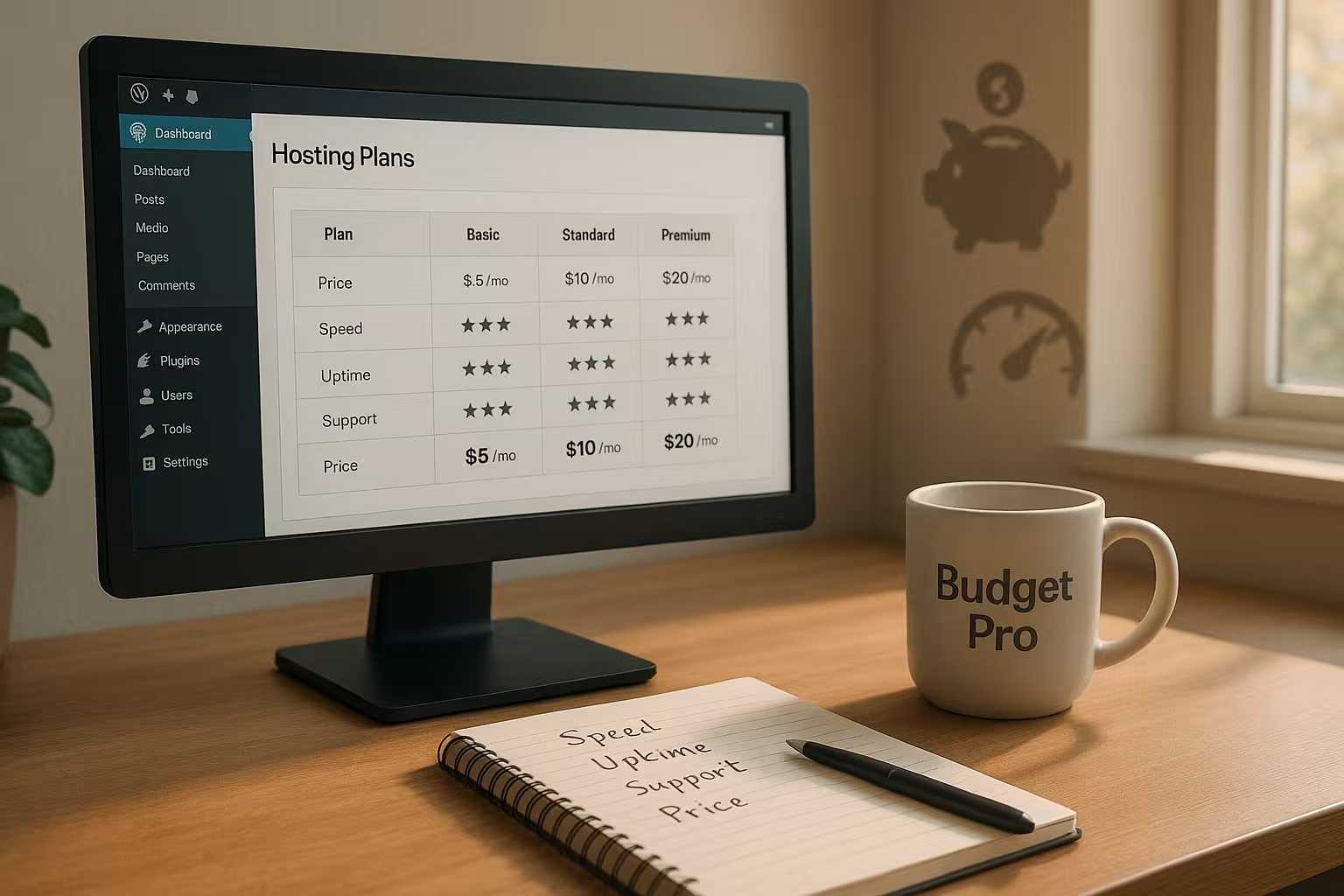
Contract details: avoid term traps and additional fees
I always check renewal prices, notice periods and set-up fees before I sign, because there are often real hidden risks here. Costs-drivers. SSL, domain, backups, recovery and e-mail should be clearly included in the tariff, otherwise the monthly amount will still add up. Short terms give me the freedom to switch quickly in the event of problems. I also look for fair limits for storage, inodes and traffic so that projects are not unexpectedly limited. If you want to delve deeper, this guide to affordable web hosting many other practical points to help with the decision.
Support quality: fast help instead of being put on hold
I attach great importance to German-language Supportwho is available 24/7 and doesn't turn away from WordPress errors. I prefer live chat and telephone, and I use tickets for more complex issues with a log. Response times of less than a few minutes in chat speed up the solution noticeably. Good documentation with clear steps also saves time. Even more important than channels are competent answers that really explain an error. fix and not just forward them.
Administration: 1-click installer, panel and tools
A clear panel such as Plesk or cPanel reduces the learning curve, so I check the Operation in advance with demos or screenshots. A 1-click installer for WordPress, auto-updates and a file manager are now part of the package. WP-CLI, SSH and Git make my day-to-day work faster, especially with themes and deployments. Staging and simple domain management speed up relaunches and test runs. The fewer clicks I need, the leaner my day-to-day work remains. Workflow.

E-mail, DNS and deliverability
Email is part of many projects. I clarify: How many mailboxes are included, how large is the memory and are there limits for outgoing mails per hour? Clean SPF/DKIM/DMARC-configurations prevent invoices or contact form messages from ending up in spam. Webmail, catch-all and distribution lists are practical. When it comes to DNS, I pay attention to DNSSEC, fast name servers and simple management of A/AAAA, CNAME, MX and TXT records. Those who send newsletters via external services benefit from clear instructions on how to integrate them.
Special cases: WooCommerce and other dynamic pages
Stores, membership or learning platforms generate more dynamic requests. I am planning for this more PHP-Workeractive object caching and targeted exclusion of sensitive pages (shopping cart, checkout) from the full-page cache. On the database side, current MySQL/MariaDB versions, correct indexes and a limit for search plugins that generate too many queries help. For cron jobs, I use a real system cron instead of WP-Cron so that tasks run reliably and without visitor traffic. Sessions and session storage should also be stable - ideal if the host offers optimized default settings here.
Scaling and upgrade paths
Start cheaply and grow easily: that's my goal. I check whether upgrades are possible without migration, how RAM/CPU levels can be staggered and whether I can make temporary changes in the short term. upscale (e.g. seasonal peaks). A clean path from shared hosting to managed VPS or dedicated instances saves time later on. It is important to me that IP, paths and deployments remain as unchanged as possible so that I don't suddenly have to adjust links, cron jobs or integrations. Good hosters also communicate the key figures (CPU minutes, I/O, worker utilization) at which they recommend an upgrade.
Comparison of common providers: Prices, locations, special features
When comparing tariffs with NVMeGerman location and clear inclusive services stand out positively. I not only evaluate the entry-level price, but also the extension, support quality and backup policy. webhoster.de stands out for me because GDPR, fast response times, migration and daily backups come together in the package. For a broad market overview, the following also help me Tips and trends 2025to realistically classify tariffs. The following table clearly summarizes the key points and shows where the strengths lie - I always understand prices as starting values for the Access.
| Provider | Price from | Server location | Uptime | Special features |
|---|---|---|---|---|
| webhoster.de | 2.95 € / month | Germany | 99,9 % | Free migration, daily backups, very fast support |
| Hostinger | 1,49 € / month | Worldwide | 99,9 % | LiteSpeed stack, low-cost entry |
| Bluehost | 2.95 € / month | USA | 99,9 % | Free domain, WP-friendly tools |
| SiteGround | 3.99 € / month | Europe/USA | 99,9 % | CDN integration, intuitive interface |
| WPspace | 19,00 € / month | Germany | 99,9 % | Agency focus, focus on loading times |

Free vs. cheap: a clear distinction
Free offers seem tempting, but advertising, rigid limits and a lack of SSL quickly slow down projects. I often lack basic PHP functions, support and reliable backups. An inexpensive entry-level plan for just a few euros saves me from such bottlenecks. For business sites in particular, I consider legal requirements and reliability to be more important than saving pennies. If you're serious about getting started, it's better to choose a low-cost package with solid Services.
For whom are entry-level tariffs worthwhile?
Beginners, bloggers and small companies benefit the most because they can Budget solid basic functions. Projects with moderate traffic run smoothly on shared hosting as long as the limits are set fairly. Seasonal websites or campaigns like flexible monthly models that I can scale up or down as required. Learning and test environments benefit from staging and fast restores, as the risk of errors is reduced. If the project grows, I can move to larger packages or vServers with just a few clicks, without the Structure to change.
Migration without downtime: my process
A clean migration saves nerves and money. 24-48 hours before the move, I lower the DNS-TTLcreate a fresh copy via plugin or SSH/rsync and test the function in staging (login, shopping cart, forms, images). I then set up the domain in the new panel, import the database and files, customize wp-config.php (DB access, salts) and check the Site URL. During the changeover, I switch the old site to maintenance mode, change DNS, wait for propagation and check redirects/SSL. Finally, I clear caches and regenerate permalinks. This ensures that the site remains accessible throughout.
How to make the decision: my practical path
I start with a shortlist of three providers and make a note of hard Criteria such as NVMe, uptime, location and backups. I then read the tariff details thoroughly and pay particular attention to renewal prices and restore fees. I then use a test instance to measure the loading time and compare support response times in the chat. In the fourth step, I check the operation in the panel, such as staging, WP-CLI and auto-updates. Finally, I make a decision based on my overall impression: does the support feel right? Speed and transparency, I book.
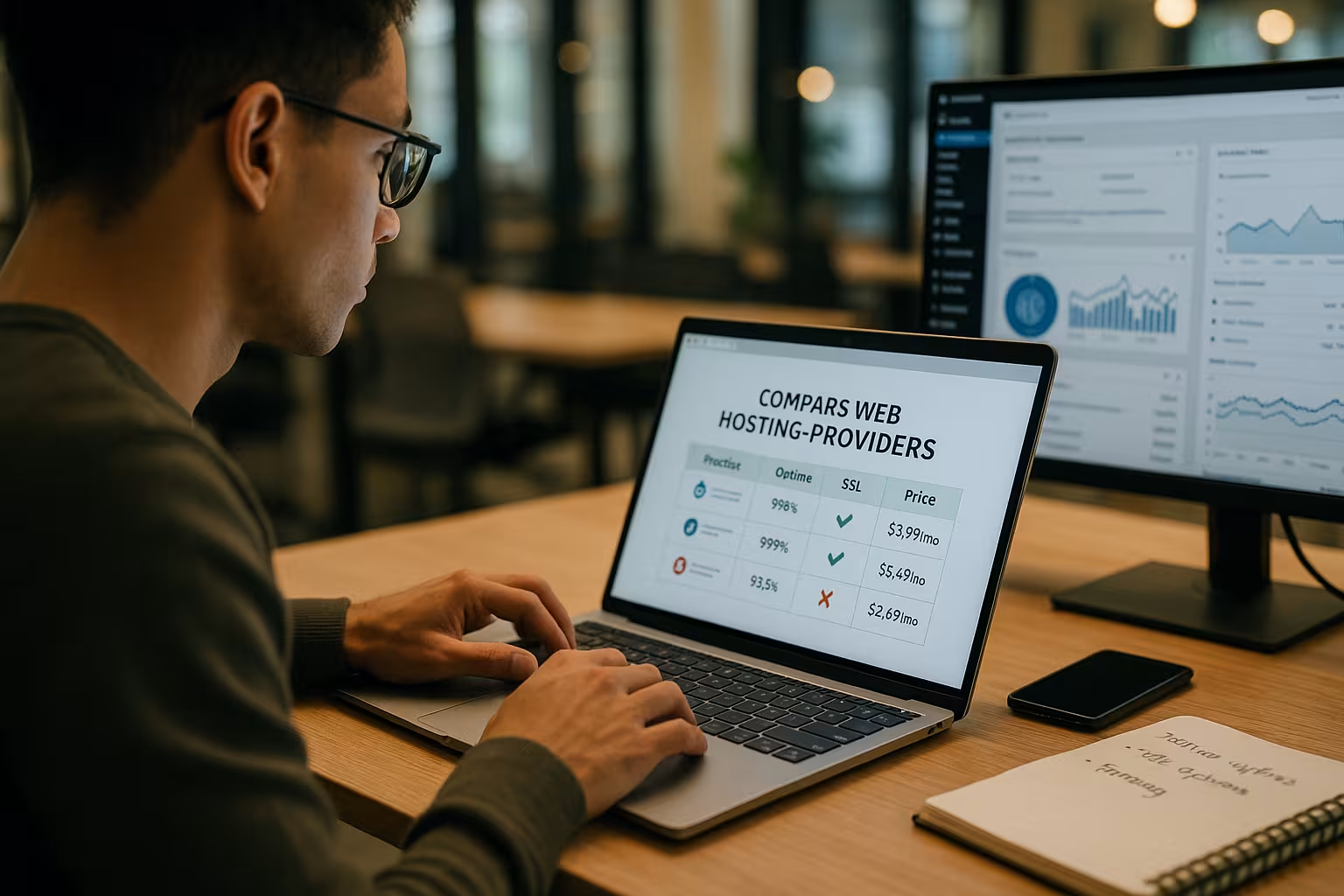
Buying arguments that really count
I prioritize real Performance before marketing terms, because loading time influences SEO and conversion. GDPR-compliant data centers in Germany or the EU facilitate legal certainty and reduce latency. Backups included and free restores protect projects against operating errors and attacks. Short contract terms keep me flexible if requirements change. Competent 24/7 support saves me hours and often money in case of doubt Money.
Briefly summarized
WordPress hosting cheap succeeds when I consider price and Performance together: NVMe, 99.9 % uptime, SSL and daily backups are my standard. German or European locations ensure data protection and good access timing. Fast support, transparent conditions and simple administration make the difference in everyday life. A cheap package is no substitute for diligence: I check limits, renewal prices and restoration carefully. If you take this approach, you will find hosting that costs fairly, Reliable runs and does not slow down growth.


