 Skip to content
WordPress hosting for agencies determines how quickly, securely and efficiently I manage client projects - from scalable resources to reliable support. Before purchasing, I specifically check performance, GDPR compliance, staging workflows and agency tools so that teams deliver faster and websites perform stably under load [1][2][3].
Key points
- Performance and caching as ranking and conversion levers
- Scaling for growing customer portfolios
- Security incl. WAF, DDoS, ISO-RZ in the EU
- Backups and staging for secure updates
- Support with WordPress expertise, 24/7
Why special hosting matters for agencies
Agency projects grow, need Scaling and require clean separation of customers, roles and billing [1][2]. I use hosting that natively supports multisite, staging and agency-friendly rights management so that I can organize projects without detours. Simple shared environments often deliver too little Performance for tests, deployments and simultaneous access to admin and frontend. Dedicated resources, server-side caching and NVMe storage create space for builds, backups and cron jobs. As soon as traffic peaks occur, edge caches and CPU reserves ensure the Availability. So I consistently adhere to timings and quality [1][2].
Performance, caching and architecture
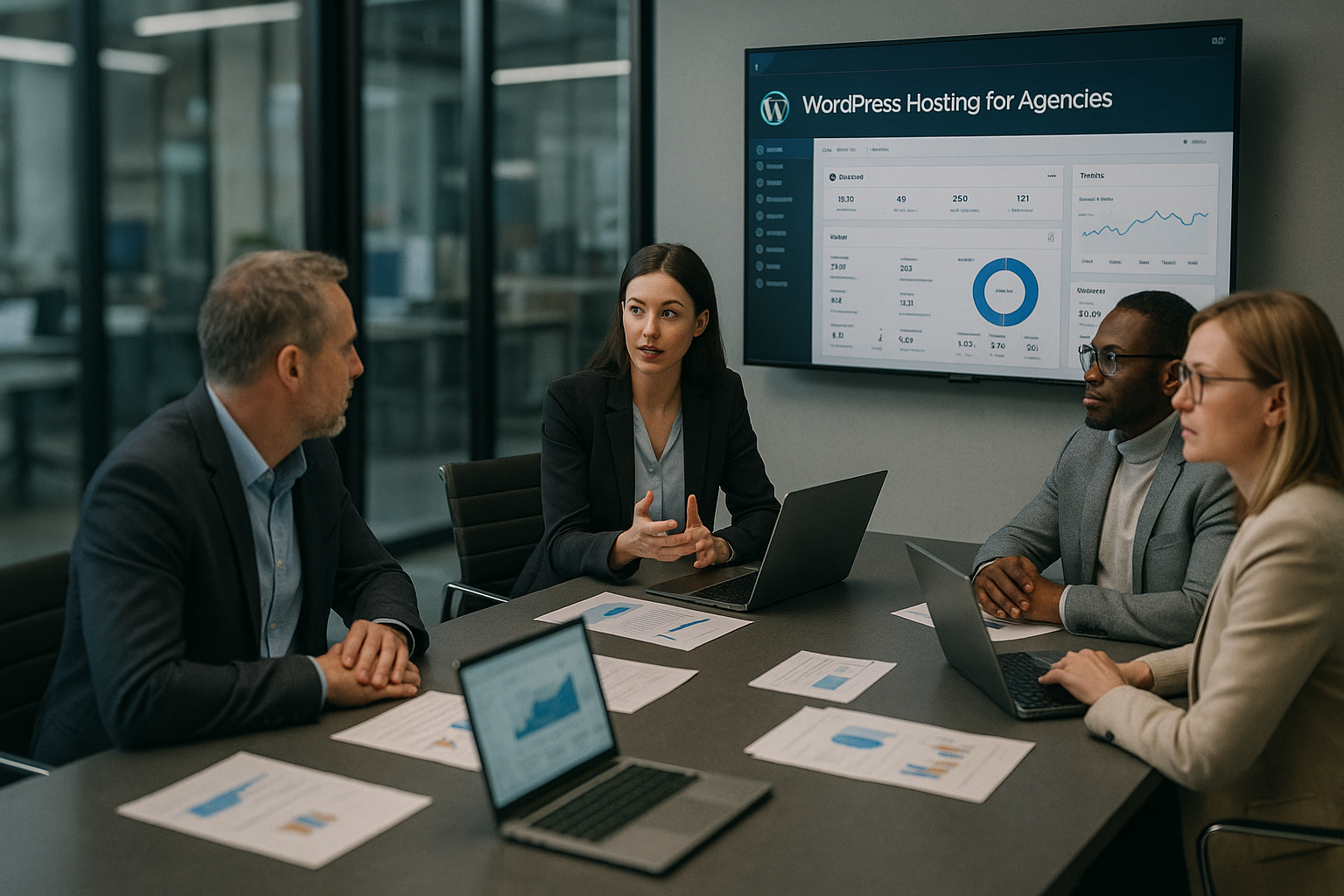
Fast loading times bring SEOconversion and fewer bounces - I don't plan them as a nice-to-have, but as a must. Server-side full-page caching, object caching (Redis) and PHP workers determine how many simultaneous requests run cleanly. NVMe SSDs, HTTP/2 or HTTP/3 and a lean PHP version raise the bar. Response times. A CDN with regional pops lowers latencies for international target groups and reduces the load on the origin server. I pay attention to clean OPCache settings, Brotli/Gzip and query monitoring to detect bottlenecks. Good hosters offer tools that help me with test runs and Error analysis not slow us down [1][2].
Scalability and traffic peaks
I need flexible Resourcesto intercept campaigns, product launches or viral posts [1][2]. Vertical scaling (more CPU/RAM) helps in the short term, while horizontal approaches (clusters, containers) distribute large peaks. A good provider allows upgrades and downgrades without downtime so that I can manage capacities with pinpoint accuracy. For the onboarding of new customers, I rely on templates that include plugins, themes and Policies predefined. This allows projects to be created, documented and audited in a standardized way. If you would like an overview of the options, click through to the compact Hosting for agencies Portrait.
Security and data protection according to GDPR
Safety starts with Updatesharder login and MFA and ends with network level, WAF and DDoS protection [2][3]. I rely on automatic malware scans, IP blocking and delayed login attempts to reduce brute force risks. Certified data centers in Germany or the EU facilitate GDPR coordination with business customers [2]. A clean rights concept with least privilege and separate environments prevents ricochets. Audit logs provide me with traceability for changes and deployments. With consistent patch management, I keep the Attack surface small [2][3].
Backups, updates and staging workflows
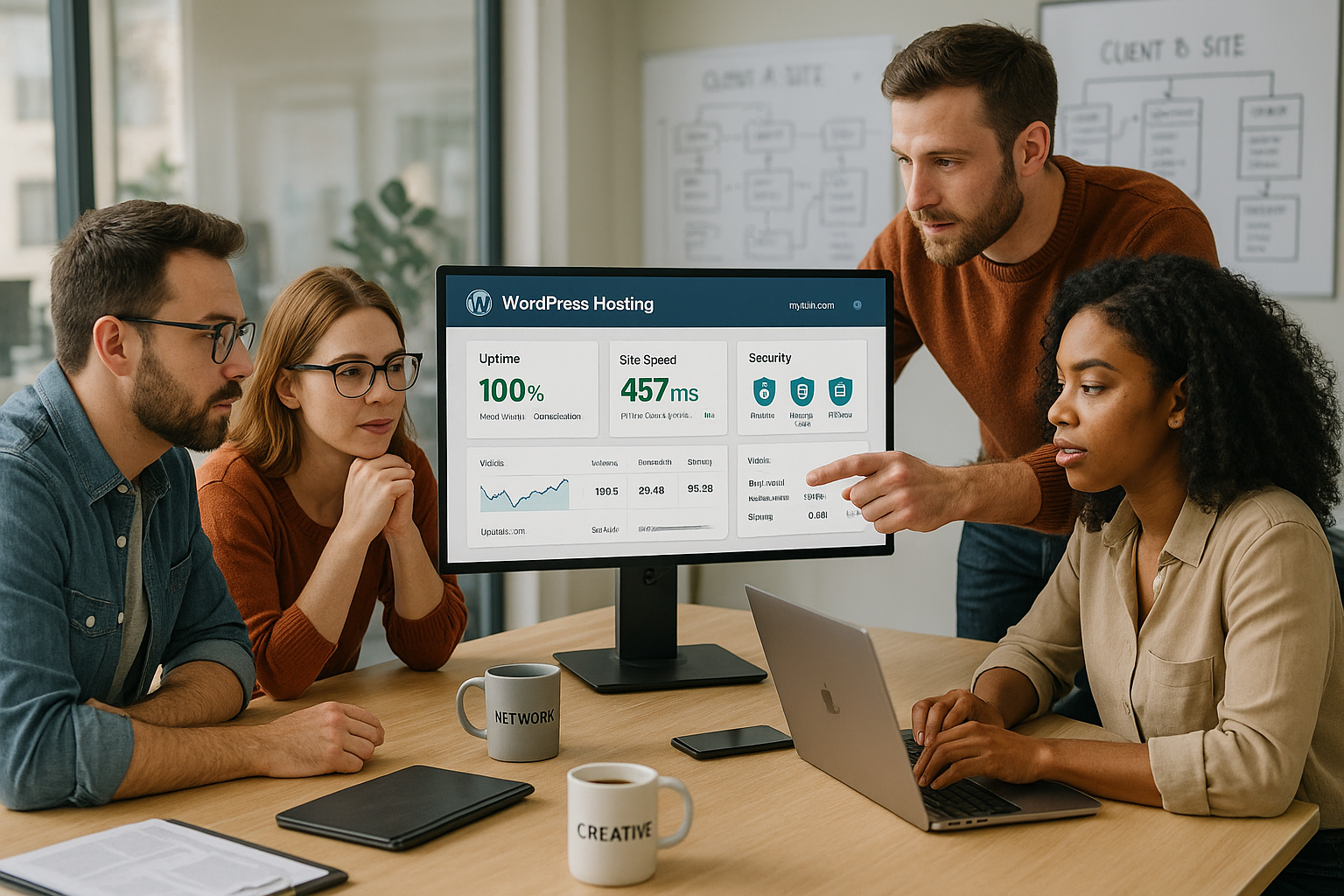
I rely on automatic Backups with storage, encryption and one-click restore so that I can quickly jump back in the event of errors. For updates, I use staging or a second production environment (Blue-Green) and test the code, database and cache warmup. Delta backups save memory and speed up restores, which remains essential for larger stores. Transaction-safe DB snapshots reduce inconsistencies when orders are running. If you want to delve deeper, you can find technical details in the compact guide to WordPress staging. How to secure deployments and minimize Risks in day-to-day business.
Agency tools and collaboration
Agencies need multi-client capability, roles and Approvals with different views of projects, domains, email and billing [1]. White label options strengthen your own branding in customer backends. API access connects ticketing, CI/CD, monitoring or billing with hosting. For multi-site landscapes, I rely on clear tenant boundaries and think carefully about when WordPress Multisite makes sense. This article provides practical tips on administration WordPress Multisite. With disciplined workflows, I save noticeably per week Time [1].

Check price structure and contract details
Calculation only succeeds when I cost drivers exactly: number of sites, domains, SSL, mail, CDN, backups, staging, extra support channels. Lure offers with long terms often hide fees for add-ons or migration. I also compare SLAs, response times and limits for inodes, cron jobs or bandwidth. I compare annual discounts with flexibility and cancelable terms. Agencies benefit if many functions are already included instead of being docked individually. Transparent price lists make it easier Offers to end customers [3].
Technical comparison 2025
A quick overview shows who Featuresperformance and service scores points. I look at computing power, agency tools, staging, GDPR requirements and support expertise. The following table summarizes key points and helps with a quick shortlist. It remains important: Prices apply from, not as an upper limit, and additional services may vary. My tip: Use the table as a starting point and then add your own Priorities lash down.
| Place | Provider | Special features | Price from |
|---|---|---|---|
| 1 | webhoster.de | Very good performance, flexible scaling, staging, agency tools, ISO-certified GDPR data centers, excellent support | from € 14.99 /month |
| 2 | WPspace | Strong performance, simple administration, automatic backups, PageSpeed consulting | from € 13.50 /month |
| 3 | HostPress | Premium support, Plesk interface, WP Rocket included, extremely fast loading times | from 19 € /month |
After tests and comparisons, I can see the Overall performance from webhoster.de as a coherent package [3]. Agencies benefit in particular from agency tools, staging and reliable support. However, I always take the project profile, budget and required integrations into account. If you manage several stores, you set different priorities than a content team with many editors. A short test phase on a project basis lowers the Risk of the misjudgment.
Migration without downtime
I plan removals with Checklist and set DNS TTL down early so that the switch takes effect quickly [2][3]. During the migration, I freeze order or form processes or temporarily reroute them to avoid inconsistencies. I then synchronize the database and uploads one last time and check caches and permalinks. A precise go-live plan specifies roles, fallbacks and escalation. Good providers offer free migration or support with the transfer of larger portfolios [2][3]. In this way, the site remains accessible and I maintain the Quality of the data.
Support, SLA and response times
Real WordPress expertise in the Support saves me hours of debugging. I pay attention to 24/7 availability, channels such as chat, telephone, ticket and binding SLAs. Documented escalation levels ensure help in the event of critical errors or security incidents. In my practice, clear error recording, reproducible steps and a shared understanding of priorities are important. Host-specific knowledge bases and best practices speed up the solution. The faster the team responds, the lower the Damage in the event of malfunctions [2][3].
Practice check: Performance test plan
Before the launch I test Load with realistic scenarios and test TTFB, FID and LCP. I measure frontend and backend in parallel because editor workflows count just as much. Tests are run with cold and warm cache so that I can evaluate both states. Edge caching, CDN rules and preload strategies are included in the measurement series. I solve bottlenecks with query optimization, image compression, critical CSS and clean lazy loading. I then log measures and ensure repeatable results. Results for future projects.
Avoid common mistakes
Too tight Resources slow down growth and increase the risk of timeouts. If you deploy to the live site without staging, you are inviting unnecessary downtime. Missing backups or untested restores lead to long recovery times in an emergency. Unclear support channels and a lack of SLA transparency make escalations more difficult [2][3]. Without clear roles and rights, admin accesses get mixed up and jeopardize security. I adhere to standards, document processes and thus reduce the Error rate.
Legal, compliance and AV contracts
To ensure that business customers sign securely, I clarify early on Order processing (AVV), technical and organizational measures (TOMs) and the list of sub-processors [2][3]. Data residency in the EU, ISO 27001-certified data centers and clear rules for third country transfers (SCC, risk assessment) are important. I check deletion and storage concepts, log retention and whether backups Encrypted are stored in a version-safe manner. Ideally, I can audit key management (KMS) and access in a traceable manner. For sensitive industries, I require penetration tests, emergency manuals and documented restore exercises. I don't save these documents for later - I integrate them into the Onboarding and in offers so that compliance does not become a showstopper [2][3].
Monitoring, observability and alerting
I don't rely on gut feeling, but on Metrics. Synthetic monitoring (uptime, transactions) complements real user monitoring (core web vitals), APM shows me slow queries, PHP stacks and external callouts. Centralized logs (web server, PHP-FPM, WAF) with sensible storage facilitate forensics. I manage alerts in Slack/Teams, with thresholds, deduplication and maintenance windows to prevent alert fatigue. For customers I define SLOs (e.g. 99.9 % uptime, P95 latency) and keep an eye on error budgets. Good hosters provide dashboards, export and API access so that I can automatically pull reports into my reporting [1][2].

E-commerce and transactional load
Stores do not forgive downtime. I plan checkout flows without a full-page cache, set specific edge rules and provide enough PHP-Worker for parallel sessions. Redis buffers shopping carts and sessions, while I keep an eye on cart fragments and admin Ajax. Indexes on order and meta tables help in the database; I outsource search functions to specialized engines if necessary. Background jobs (action schedulers) must not get bogged down - that's why I check cron reliability, queues and retries. I use WAF rules to limit bot traffic and prevent rate limits from hitting legitimate buyers. I test stock levels, vouchers and payments as Transactions under load, not just representative - so that I know what happens at the peak [1][2].
CI/CD, Git workflows and configuration management
I deploy reproducible and small. Git is the source of truth, builds run in CI/CD pipelines with Composer, code checks and automated tests. I strictly separate configuration from code (ENV variables, secrets management), must-use plugins prevent outliers. Deployments run blue-green or with short maintenance windows and WP-CLI scripts for database migrations (incl. search replacements). For feature branches, I use temporary staging environments so that specialist departments can be informed early on. release can. I document playbooks and rollbacks to avoid improvising in case of errors - and I maintain small, frequent releases instead of risky big bangs [1][3].

E-mail, dispatch and deliverability
Many hosters include mail, others deliberately separate it. For agencies, it often pays to have a dedicated mailing service for Transaction mails (orders, passwords) separately from marketing newsletters. I use SPF, DKIM and DMARC consistently, track bounces, spam complaints and keep suppression lists clean. IP reputation, warm-up and dedicated sender domains prevent important emails from ending up in spam. I plan fallbacks (e.g. alternative providers), log events (e.g. webhook logs) and also display critical emails in the user account. This is how I ensure delivery and avoid Loss of sales due to lost order confirmations [2].
Cost control, reporting and client billing
I tag projects so that resources, domains and add-ons Clients are clearly assignable. Budgets, quotas and warning thresholds prevent surprises - for example with bandwidth or storage. Monthly reports contain uptime, load times, security events and, if desired, cost breakdowns for showback/chargeback. Bundled invoices and recurring items make accounting easier; I track SLA credits transparently. In sales, I translate technology into customer benefits: Seconds faster loading time for better conversion, fewer outages through staging, lower risks through backups. This is how I make offers predictable and Comparable on [3].
Business continuity and disaster recovery
I define the RTO and RPO together with the customer: How long can it take to get everything back up and running, and how much data can be lost? I plan offsite backups, ideally immutableand test restores regularly - not just after major changes. Regional redundancy, status pages, clear communication channels and an escalation plan (including roles, contact persons, support contact) are all part of this. Fallback strategies such as read-only mode, maintenance pages or traffic throttling safeguard operations. After incidents, I create a post-mortem with measures to ensure that the same error does not happen twice. This creates trust and reduces the Operating costs [2][3].

Summary for 2025
For agencies, a Complete package of performance, scaling, security, staging and sound support. I evaluate hosting according to measurable key figures and everyday tools that simplify onboarding and operation. In comparisons, webhoster.de is the clear test winner with strong performance, agency functions and reliable, German-speaking support [3]. If you are planning for the long term, choose a solution that can handle traffic peaks, GDPR requirements and team workflows with ease. A short proof of concept with real project data provides security before making the switch. How to ensure reliable Results and keep budgets predictable.


