Skip to content
WordPress HTTPS protects login data, contact forms and cookies and helps me to increase ranking and conversion. In this guide, I'll show you the complete switch from HTTP to HTTPS in WordPress - with certificate, URL conversion, 301 redirects, mixed content fix and clean SEO steps.
Key points
- SSL Activate correctly and cover the domain
- URLs convert to WordPress
- 301 Force forwarding
- Mixed content Targeted elimination
- SEO retighten and check
Why HTTPS matters for WordPress
Without encryption, attackers can hijack sessions or read out forms, which is why I secure the entire Transmission between browser and server with TLS. HTTPS prevents warnings in the browser, increases trust and strengthens signals that search engines rate positively. Many APIs, payment services and browser features require secure connections anyway. I also benefit from HTTP/2 and HTTP/3, which load faster under TLS and enable parallelization. A clean switch to HTTPS prevents duplicate content, because I can restrict all variants to a unique Cannon (Canonical).
Prepare backup and SSL certificate
Before I touch any settings, I back up the files and database completely so that I can access them at any time. Backup can return. I then order or activate a certificate - Let's Encrypt is often sufficient at no extra cost, alternatively I use a DV/OV/EV certificate depending on my requirements. Many hosters provide a wizard that issues and renews certificates automatically. If you need step-by-step help, use this tutorial on the Set up free SSL. I then check whether the certificate chain is complete and whether both www and apex domains (without www) are covered by the certificate; I also take subdomains such as staging or cdn into account and keep their Validity at a glance.
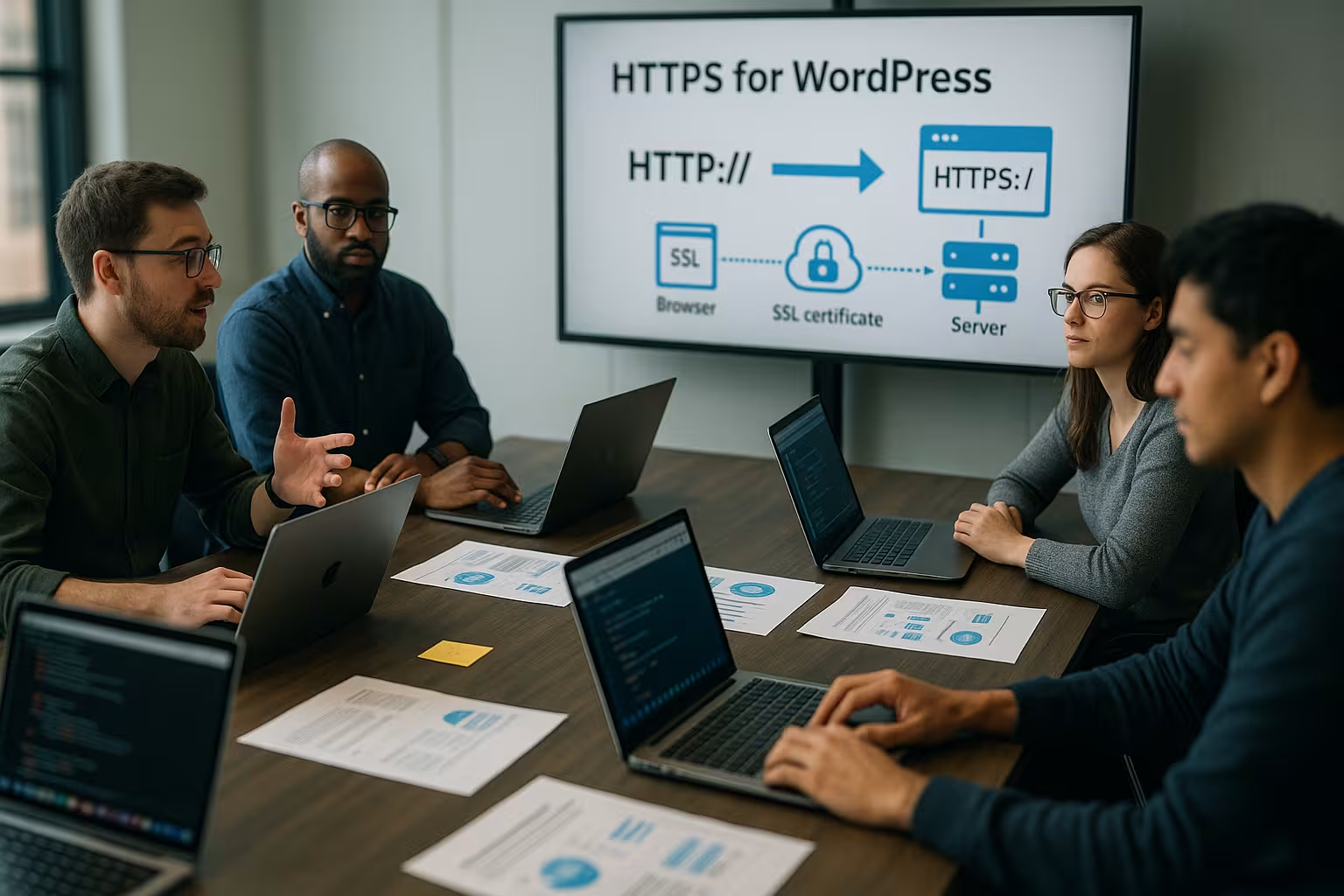
Certificate selection and key management
In addition to the initial activation, I also note some details that are missing in many instructions: Do I need a wildcard certificate (*.domain.tld) for many subdomains or is a SAN certificate with several explicit hostnames sufficient? For performance, I use ECDSA certificates (elliptic curves) instead of classic RSA keys wherever possible - they are smaller and speed up the TLS handshake. I strictly protect the private key (file permissions 600, server users only), and I document the Renewal-chain: Does the automatic renewal really go through, even if a CDN or reverse proxy is connected upstream? For ACME challenges, I check whether redirects, rate limits or maintenance pages interfere with validation. I also activate OCSP stapling and modern protocols (TLS 1.2/1.3) directly in the web server so that browsers can process certificate checks more quickly.
Change WordPress URLs
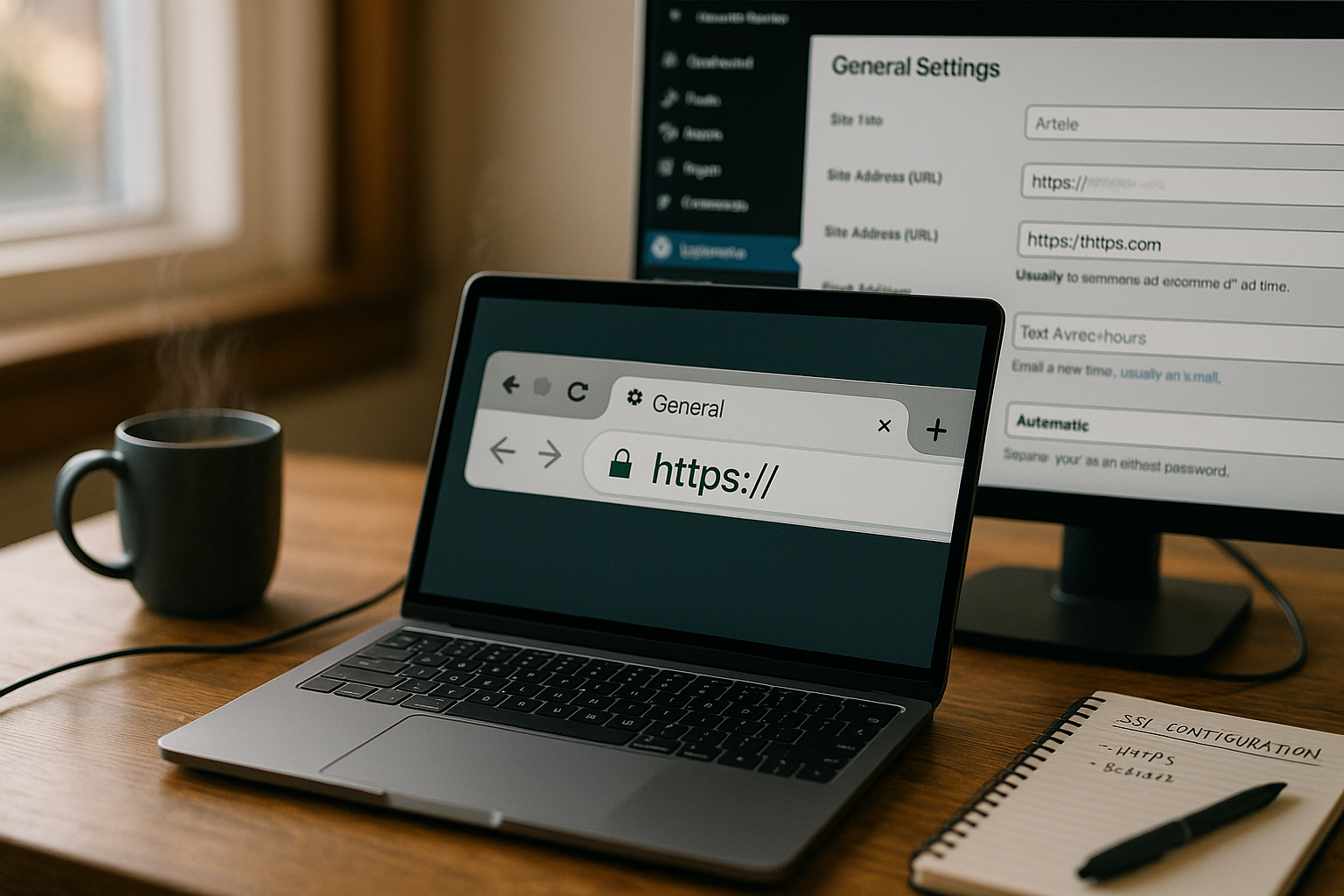
I log in to the dashboard and open Settings → General, then I set "WordPress address (URL)" and "Website address (URL)" to https://. After saving, I log in again if the session restarts. I then delete the browser cache and, if available, the cache of my caching plugin so that visitors immediately receive the secure version. I then take a look at widgets, menus and hard links, as they may still contain http links. For media in posts, I edit individual content or plan a clean Search in the database (see below).
Secure login and admin
For the admin area, I enforce TLS with a small addition in the wp-config.php. To do this, I add the following above the line "/* That's all, stop editing! */" and upload the file:
define('FORCE_SSL_ADMIN', true);
This means that login, cookies and the entire backend run strictly via HTTPS. If a reverse proxy or a CDN layer is connected upstream, I make sure that WordPress interprets the header "X-Forwarded-Proto: https" correctly. Otherwise, the application incorrectly treats the connection as insecure and sets cookies without Secure-flag.
More secure WordPress constants and proxy detection
If I cannot reach the URLs in the backend (e.g. loop due to plugins), I temporarily set explicit constants in wp-config.php and thus eliminate incorrect settings:
define('WP_HOME', 'https://deinedomain.de');
define('WP_SITEURL', 'https://deinedomain.de');
I also add detection behind proxies so that is_ssl() correctly:
if (isset($_SERVER['HTTP_X_FORWARDED_PROTO']) && $_SERVER['HTTP_X_FORWARDED_PROTO'] === 'https') {
    $_SERVER['HTTPS'] = 'on';
}
This prevents incorrect mixed content generation in the backend and ensures that auth cookies are consistently linked to the Secure-attribute are delivered.
Set up 301 redirects in .htaccess
To ensure that all requests permanently go to the secure version, I set up a Forwarding from http to https. In a classic Apache environment, I open the .htaccess in the WordPress root and add the rules above the WordPress block:
RewriteEngine On
RewriteCond %{HTTPS} !=on
RewriteRule ^ https://%{HTTP_HOST}%{REQUEST_URI} [L,R=301]
With Nginx, the forwarding takes place in the server configuration (server { listen 80; return 301 https://$host$request_uri; }). For details, variants and troubleshooting, you can find a clear guide to the HTTPS forwarding. Important: I keep the redirect chain short, i.e. http→https and, if necessary, www→non-www or vice versa in one jump, so that no unnecessary hops are created. Loading time increase.
Clean redirect strategy without loops
In addition to the basic forwarding, I set consistency rules: Either www or non-www - never both. With Apache, I solve this in one step with a host check:
RewriteEngine On
RewriteCond %{HTTPS} !=on [OR]
RewriteCond %{HTTP_HOST} !^deinedomain\.de$ [NC]
RewriteRule ^ https://deinedomain.de%{REQUEST_URI} [L,R=301]
I receive query strings (UTM parameters) automatically, reduce redirects to one hop and avoid loops by not activating any competing rules in the plugin or CDN. If an edge proxy uses "Flexible SSL" (Browser→CDN encrypted, CDN→Origin unencrypted), I switch to "Full (strict)" so that TLS is enforced for both the visitor and the origin - otherwise there is a risk of loop problems and mixed protocols.
Recognizing and eliminating mixed content
After the redirect, I check the page with the browser tools for "mixed content", i.e. content that can still be accessed via http are loaded. Images, fonts, scripts or stylesheets in themes, page builders or widgets are often affected. I correct hard-coded URLs by changing them to https in the editor, in the customizer or in the plugin settings. Tools such as "Really Simple SSL" help in the short term, but a permanent clean-up of the sources is better. Blocked content causes styling errors or hidden functions, so I clean everything up until the browser doesn't have any Warnings shows more.

Mixed content professional checklist
- I activate the CSP directive as a test
upgrade-insecure-requestsin report-only mode to see what the browser automatically upgrades to https - then I permanently clean up the sources. - Fonts and external styles often require CORS headers; without
Access-Control-Allow-Originthey appear as blocked. - I recognize CSS background images with absolute http links in developer tools and replace them with relative paths or https.
- iframes (e.g. maps, videos) must also speak https, otherwise the browser will hide them.
- In themes, I avoid hard-coded paths and use functions such as
home_url(),site_url(),plugins_url()andcontent_url()so that WordPress delivers the correct base URL.
Step-by-step overview
The following table summarizes all the tasks involved in the changeover in a compact format and helps me to Sequence to be complied with.
| Step | Recommendation/explanation |
|---|---|
| Create backup | Before each change complete Backup of files and database |
| Set up SSL certificate | Activate Let's Encrypt or paid version with the hoster |
| Customize URLs | Set to https in the backend under Settings → General |
| Set redirects | Configure .htaccess or Nginx server block for 301 to HTTPS |
| Check mixed content | Replace hard http links in content, themes and plugins |
| Replace database | Replace all http occurrences with a backup and a reputable tool |
| Update Google/SEO | Customize Search Console Property, Sitemap, Analytics and Canonicals |
Replace database URLs cleanly
Sometimes http links lie dormant in widgets, shortcodes or user-defined fields, so I use a tried and tested Tool like "Better Search Replace". I search for "http://deinedomain.de" and replace with "https://deinedomain.de", first in dry run, then really with backup. For serial renaming via WP-CLI, I use "wp search-replace", which is much faster for large pages. Serialized arrays and objects must be handled correctly, so I rely on tools that handle this properly. After the replacement, I check random samples in the frontend and in important Layouts.

Database: What I do not blindly replace
I only touch the GUID column in the wp_posts when I actually change the domain. The pure protocol change to https usually requires none Changing the GUIDs, as they primarily serve as a unique identifier. Before a global replace, I also check whether plugins reference external endpoints (webhooks, APIs) with http - I prefer to update these specifically and test the return channel. For large projects, I plan a short content freeze phase so that no new posts with old schemas are created during the search replace. I use WP-CLI to ensure speed and reproducibility:
wp search-replace 'http://deinedomain.de' 'https://deinedomain.de' --all-tables-with-prefix --precise --dry-run
wp search-replace 'http://deinedomain.de' 'https://deinedomain.de' --all-tables-with-prefix --precise
SEO checks after the changeover
After the change, I create a new property with https in the Search Console and submit an updated Sitemap on. I check internal links, canonical tags, hreflang references and open graph tags for https. Tracking snippets (Analytics, Tag Manager, Pixel) must also use the secure address. In SEO plugins, I check redirect rules and ensure that there are no "soft 404s". If social share counters are important, I test how the tool works with the new Address deals with.
Fine-tune feeds, robots and canonicals
I check whether RSS/Atom feeds are accessible via https and deliver valid content. In a statically maintained robots.txt, I adapt sitemap paths to https if necessary. I set canonical URLs consistently absolute with https so that search engines interpret signals unambiguously. hreflang pairs (multilingual sites) must not differ in the protocol, otherwise inconsistency arises.
Caching, CDN and performance under HTTPS
HTTPS is also worthwhile in terms of speed, as HTTP/2/3 enables multiplexing and header compression via a Connection. I pay attention to TLS session resumption, OCSP stapling and modern cipher suites, which speeds up the handshakes. A CDN delivers static assets closer to the visitor, but must run consistently on https. In caching plugins, I activate the "Cache for HTTPS" option, if available, and clear old artifacts. I then measure with tools such as Lighthouse and compare the Times before and after the change.
CDN/Proxy features
With an upstream CDN, I always set "Full (strict)" to Origin, upload the certificate there or use an Origin certificate and only allow https to be delivered. I check whether the CDN caches redirects (otherwise I see old states) and clear the edge caches after the changeover. Brotli compression, HTTP/3/QUIC and 0-RTT can also help - but it is important that page-wide rules no longer inject http resources. Finally, I send the correct Client IP-header (e.g. X-Forwarded-For) and configure the web server so that logs show the real visitor IP.
HSTS and other security headers
If the site runs entirely on HTTPS, I activate HTTP Strict Transport Security (HSTS) so that browsers only use the HTTPS-variant. I set the header like this, for example: Strict-Transport-Security: max-age=31536000; includeSubDomains; preload - but only if all subdomains are really securely accessible. For opportunities and pitfalls, I recommend the guide Activate HSTS. In addition, I set security headers such as X-Content-Type-Options, X-Frame-Options and a strict content security policy that allows https sources. These headers strengthen layers of protection against content injection, clickjacking and MIME-Sniffing.
Fine-tune security header
In addition to HSTS, I add a pragmatic header configuration: Referrer policy: strict-origin-when-cross-origin limits the transfer of sensitive paths, Permissions policy restricts browser APIs (e.g. camera, microphone), and a moderate CSP with default-src 'self' https: prevents unwanted foreign sources. I start with Report-OnlyI collect violations and then tighten the guidelines. This is how I prevent security headers from unintentionally "breaking" the site.
Testing, monitoring and troubleshooting
I am testing the changeover in a private window and on mobile devices so that no old Cookies or caches. The browser console log quickly shows mixed content warnings and blocked resources. I use "curl -I http://deinedomain.de" to check whether a 301 to the https version takes place and whether other chains occur. I then monitor error logs on the server and 404 reports in the SEO plugin or in the Search Console. If individual plugins no longer load, I check their external Dependencies and update it to the latest version.
Go-live control and ongoing monitoring
- I optionally activate a short maintenance mode before switching in order to establish consistent redirects and caches.
- I monitor certificate expiry (alarms) so that there are no nasty surprises.
- In the first few days, I monitor the 404 rate, ranking curves, crawl statistics and Core Web Vitals in order to take early countermeasures.
- For campaigns, I check whether UTM parameters are fully preserved via 301 redirection.
Special features of multisite, proxy and staging
For multisite, I change the network address to https and adjust mappings so that all sites have a uniform Forwarding use. Behind load balancers or CDNs, the web server must observe the "X-Forwarded-Proto" header, otherwise WordPress will think the connection is insecure and set the wrong URLs. For staging systems, I use my own certificates or protect them with Basic Auth so that search engines do not index them. After the live change, I switch caches back on, warm them up and monitor the load. In environments with their own proxies or firewalls, I document all changes so that later deployments can use the Configuration take over.
Multisite and commerce details that are often missing
In multisite setups I update per site the siteurl and home values, especially if domain mapping is involved. If a sunrise.php or special mapping plugins, I check whether they are https-aware. In stores (e.g. WooCommerce), I consistently set "Checkout" and "My account" to https, test payment and Webhook-returns and thank-you pages. Payment providers and shipping APIs often require updated callback URLs - I adapt them and verify the signature check after the change.
Common pitfalls and quick solutions
Incorrect certificates cause red warning signs - I therefore check the issue period, chain and whether all domains are included in the certificate so that the Connection runs without interruption. Missing 301 redirects create duplicate content; I regulate this with clear, short rules and avoid multiple hops. Mixed content often comes from hard-coded theme files; here I replace http schemes or use schemaless URLs ("//...") in the appropriate places. External services that still reference http block requests; here I update webhooks, endpoints and keys. If a plugin cannot handle the changeover, I test an update or replace it with a solution that fully supports HTTPS. Supports.
Summary: Switched securely to HTTPS
I start with a complete backup, activate the CertificateI switch WordPress URLs to https, enforce 301 redirects and consistently clean up mixed content. I then replace any remaining http entries in the database, update SEO settings and measure performance. HSTS and security headers further increase security, as long as all subdomains respond properly to https. For hosting, I rely on providers with good support, automatic renewal and fast TLS provisioning such as webhoster.de, which makes my work noticeably easier. This keeps the site secure, fast and visible - which is exactly what I expect from a sustainable website. HTTPS-changeover.