Skip to content
WordPress Multilingual Plugins drive up additional database queries, HTTP requests and PHP overhead, which is why the WordPress Multilingual performance often drops measurably. I clearly show where time is lost, which architectures slow things down, and how I can reduce loading times with targeted measures without sacrificing language diversity.
Key points
Before I explain the details, I will summarize the most important levers and put them into a practical context. I deliberately use clear wording so that you can make decisions more quickly. The following key points cover technology, architecture and tuning. So you can immediately see where you should start first. Each statement focuses on measurable effects and specific measures, which I then go into in more detail.
- DatabaseDuplicates per language increase queries and memory requirements.
- HTTP requestsMore scripts, styles and API calls increase the loading time.
- ArchitectureMultisite separates languages cleanly, but requires more administration.
- CloudExternal translation services save DB load, generate latency.
- TuningCaching, string strategy and CDN reduce waiting times.
Why translation plugins cost performance
Translation plug-ins dig deep into the WordPress architecture, because they have to provide content, strings, menus and permalinks in a language-specific manner. Each additional language increases the number of database queries because the system checks and loads variants of an object. In addition, there are language switchers, additional scripts and styles that generate more HTTP requests per view. I regularly see in audits that the PHP runtime and the number of loaded options increase as soon as a plugin activates translations at the level of posts, taxonomies and strings. Without tuning, this additional effort is reflected in Time to First Byte, Start Render and Largest Contentful Paint.
Database load: duplicates, queries and caching
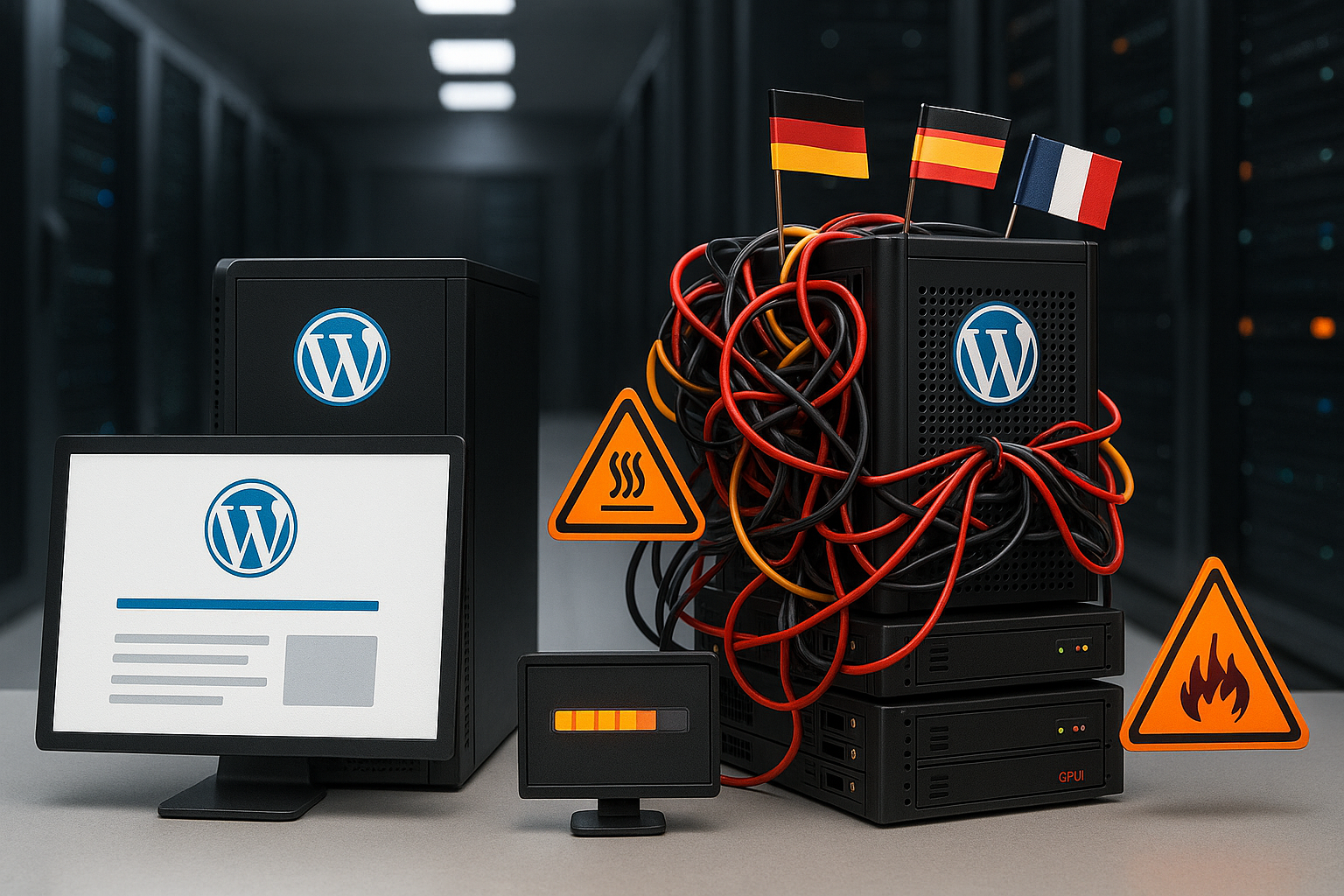
Many wp translation plugins store translations as separate posts, pages and taxonomies, which greatly inflates the database. If three or five languages are active, the wp_posts table and its relations grow considerably, and I then observe query jumps from around 4 to up to 16 per page view. This pattern particularly affects stores, as products, variants and metadata grow disproportionately. I reduce the impact by activating selective string translation, limiting the languages used and making targeted use of object caching. It also helps to clean up revisions, autodrafts and old string entries so that indexes remain smaller and the InnoDB buffer works more efficiently.

HTTP requests, assets and external services
In addition to database queries, additional HTTP-requests reduce the loading time, for example for language switches, stylesheets or editor integrations. If a service keeps translations in the cloud, this relieves the database, but shifts work to API calls and response times. This pays off for small pages, but becomes a bottleneck with long texts or many languages. Locally storing plugins benefit from cache hits as soon as recurring page views occur, but require clean asset management. I minimize the effect by bundling scripts, deactivating unused components and rendering CSS critically.
Multisite approach with MultilingualPress
A multisite setup distributes languages to separate Sites, This means that each instance uses its own database and avoids query collisions. This keeps queries per page low, even if many languages exist, which keeps the response time stable. The price for this is additional administration effort for themes, plugins and user rights, but this pays off for larger projects. I opt for multisite when there are many languages, different content or different teams involved. If you want to compare options first, you can find Tool comparison 2025 a good decision-making aid.
Measured values in comparison: plugins and key figures
I rate Performance always based on concrete key figures, because subjective perception is deceptive. Median load time, number of requests, transfer size and the number of database queries are decisive. The following table summarizes typical results from test scenarios that I use in audits. The values show that lean architectures offer advantages for the same function and need to be cached less aggressively. Especially in projects with a lot of dynamic content, a low query count counts more than raw throughput.
| Plugin | Median loading time | HTTP requests | File size | DB queries |
|---|---|---|---|---|
| No plugin | 0,764 s | 14 | 81 KB | 4 |
| WPML | 0,707 s | 18 | 82 KB | 16 |
| Polylong | 0,712 s | 15 | 79 KB | 4 |
| TranslatePress | 1,026 s | 22 | 127 KB | 7 |
| Weglot | 0,987 s | 19 | 138 KB | 4 |
Practical tuning: caching, database and media
I start every tuning with a clean Caching, because this is where the greatest time savings per call come from. Page and fragment caches reduce PHP runtime, while object caching intercepts recurring queries. At the same time, I keep string translations lean, deactivate automatic scans and delete old entries so that indexes remain fast. A CDN for images, web fonts and scripts noticeably reduces latency depending on the region, which directly accelerates multilingual traffic. If you want to delve deeper into the pitfalls, you will benefit from my notes on Performance antipatterns, that I regularly see in projects.
WooCommerce-specific stumbling blocks
Stores add their own Load, because products, variants and filters grow per language and multiply queries. I often observe an additional 0.3 seconds per language with extensive catalogs, which leads to noticeable aborts for mobile visitors. Product sitemaps, breadcrumbs and facets can slow things down considerably if the database is already bloated. I slow this down by removing unneeded meta fields from the translation, rebuilding search indexes and separating the shopping cart cache. I also set a rule: string translation only for texts that are actually visible, not for technical metadata.

Selection guide: Which solution suits which project?
I decide pragmatically according to Profile of the website, because no plugin serves all purposes at the same time. Smaller sites benefit from Polylang because it remains lightweight and generates few queries. For large projects with many content types, I use WPML, but pay strict attention to tuning and clear string strategies. For those who prioritize teamwork and low server load, a cloud approach like Weglot works well as long as API latencies remain under control. For content teams who want to play out onpage signals cleanly, I have a compact SEO guide which avoids typical pitfalls.
Monitoring: measuring, testing, optimizing
I measure reale performance with repeated tests, because caches, network effects and outliers are otherwise deceptive. Consistent test conditions, identical pages and clear budgets for TTFB, LCP and requests are important. I set target values for each language so that the roll-out of further translations does not secretly increase the loading time. A staging system prevents plugin updates from worsening measured values before they go live. I also track Core Web Vitals per language in order to detect conversion losses early on and take targeted countermeasures.
Architecture comparison: WPML, Polylang, TranslatePress, Weglot
The architecture of the translation plugin determines where costs are incurred. WPML duplicates content as independent posts and links them via mapping tables; in parallel, strings end up in separate tables. This increases planning reliability, but costs queries and option overhead. Polylang attaches languages primarily to a taxonomy and works with simple relations - lean in the query, as long as synchronizations (e.g. for media) are deliberately configured. TranslatePress writes translations in its own tables and renders many things at runtime, which makes frontend changes quick, but can increase PHP time if the pages vary greatly. Weglot keeps translations in the cloud on the server side and injects them into the frontend; the local database remains small, but costs are shifted to API latencies and additional requests. I choose the model according to content types: Many custom post types and complex taxonomies tend to favor Polylang or Multisite, heavily text-heavy pages without special logic can be controlled well with WPML or TranslatePress, cloud approaches are worthwhile for teams without server maintenance.
URLs, Hreflang and SEO signals without performance traps
The URL strategy has a direct effect on caching and crawling. Subdirectories (/en/) are the cheapest in administrative terms and can be easily mapped in the cache key; subdomains (de.example.com) separate cleanly, but require more DNS/CDN maintenance. Query parameters (?lang=de) are the simplest, but interfere with proxy and edge caches. I define clear rules per project: Language as path, consistent trailing slashes, 301 redirects set cleanly and no language switching via JavaScript without changing the URL. Hreflang should be maintained completely per page, including x-default. Sitemaps per language make crawling easier for search engines and reduce unnecessary hits on irrelevant language versions. Important: The cache key must contain the language, otherwise the wrong user will receive the wrong version. Cookies vary with standard plugins (e.g. wpll_language), which are often ignored in caches - here I define a „Vary by Cookie“ rule or, better, work purely path-based.
Caching per language: Edge, Vary and Prewarm
Effective caching determines whether Multilingual remains fast. I rely on:
- Page cache with „Vary on Language“ (path prefix instead of cookie) for maximum hit rates.
- Fragment caching for recurring widgets (e.g. menus) so that translation logic is not rendered with every call.
- Edge cache in the CDN with short TTL plus „stale-while-revalidate“ to avoid penalizing cold languages.
- Targeted prewarming of important landing pages per language according to deployments.
In the frontend, I reduce render blocking by keeping critical elements inline and loading the rest asynchronously. HTTP/2/3 allows many parallel requests, so instead of bundling, I blindly prioritize everything into one file. I subset fonts per writing system (Latin, Cyrillic, CJK) so that not every language loads the same large font. For dynamic pages with a shopping cart or personalization, I strictly separate cache zones, otherwise currencies, languages and user states collide.
Server setup and PHP tuning that really works
The best plugin choice is useless if the stack slows you down. I plan with PHP 8.2+, OPcache enabled, sufficient memory and an FPM pool that matches the traffic and CPU (pm dynamic, limited max_children). Object caching via Redis reduces round trips dramatically - the key is to avoid flush orgies and to define cache groups with language context cleanly. On the database side, I keep the InnoDB buffer large enough to fit working data and activate slow query logs to make language-related „N+1“ patterns visible. I avoid transients with long runtimes and „autoload = yes“ in the options table; autoload only belongs to entries that are really needed. Background jobs run via real system cron, not just WP cron, so that translation queues can be planned and processed outside of peak times.
Workflow, cron and prebuilds for smooth editorial work
Many brakes arise in everyday life: automatic string scans with every change, live sync of menus or media and uncoordinated batch translations. I move expensive operations to off-peak time windows, deactivate real-time scans and work with manual syncs before releases. Large sites benefit from prebuilds: I pre-render the most important templates per language, warm caches and check LCP/TTFB against budgets. I integrate translation APIs as a queue, not inline in the editor - timeout and retries strategies prevent individual languages from blocking the entire publishing process. Change windows per team and clear responsibilities per language avoid duplication of work and reduce metadata chaos.
Media, font and layout: Language-specific, but lean
Media multiplies quickly if each asset is duplicated for each language. I primarily translate metadata (alt, title, captions) and keep binary files shared, provided the motif is identical. For languages with other writing systems, I rely on my own, lightweight font subsets and variable fonts with targeted axis usage. RTL languages require separate styles; I separate the additional CSS load instead of delivering it globally. I render images identically responsive for each language (srcset, sizes), but with language-specific overlays only where it brings conversion. For LCP elements, I set fetchpriority=high and make sure that this applies consistently in all language variants - this is a frequent outlier in audits.
Database engineering: indexes, autoload and hygiene
More languages without index planning are a performance multiplier in the wrong direction. I check whether the fields used by plugins in postmeta, termmeta or my own tables have suitable composite indexes (e.g. language_code + object_id). For very large catalogs, I aggressively reduce revisions, set up regular cleanups of orphans and orphaned string entries and pay attention to the autoload size of the options table. Small adjustments also work: limits for heartbeat in the editor, deactivated comment counts in archives and avoiding expensive „LIKE %%“ queries on large meta tables. The result is reproducibly lower query times, especially on product lists and facet filters.
Typical error patterns and quick remedies
- Incorrect cache keyLanguage is missing in the key, users see mixed content. Solution: Use path prefixes or set „Vary on Cookie“ correctly.
- N+1 queriesString translations per menu item individually. Solution: Activate preloading/batching, fragment-cache menu output.
- Inflated optionsAutoload strings grow silently. Solution: Review autoload=yes, archive old domains/languages.
- API bottlenecksCloud translation serial and without cache. Solution: Define TTLs, backoff strategies, activate edge cache.
- WooCommerce cart fragmentsBypassing every cache in all languages. Solution: Check cart fragment strategy, cache separate endpoints per language.
For diagnosis, I rely on query and hook analysis, compare trace data per language and isolate outliers in the editor and frontend. Just a few targeted fixes often halve the PHP time without saving on content.
Compact summary for quick decisions
More languages mean more Work for database, requests and PHP, but smart selection and tuning keep pages fast. I first plan the architecture and target values, then I choose the plugin according to how it handles queries, assets and strings. Multisite works well for multilingualism with heterogeneous content, while a lightweight plugin is sufficient for lean sites. If you use store functions, you should take the synchronization of product data and filters very seriously and install caching from the outset. This will extend the reach of your content without putting user patience and rankings at risk.