Skip to content
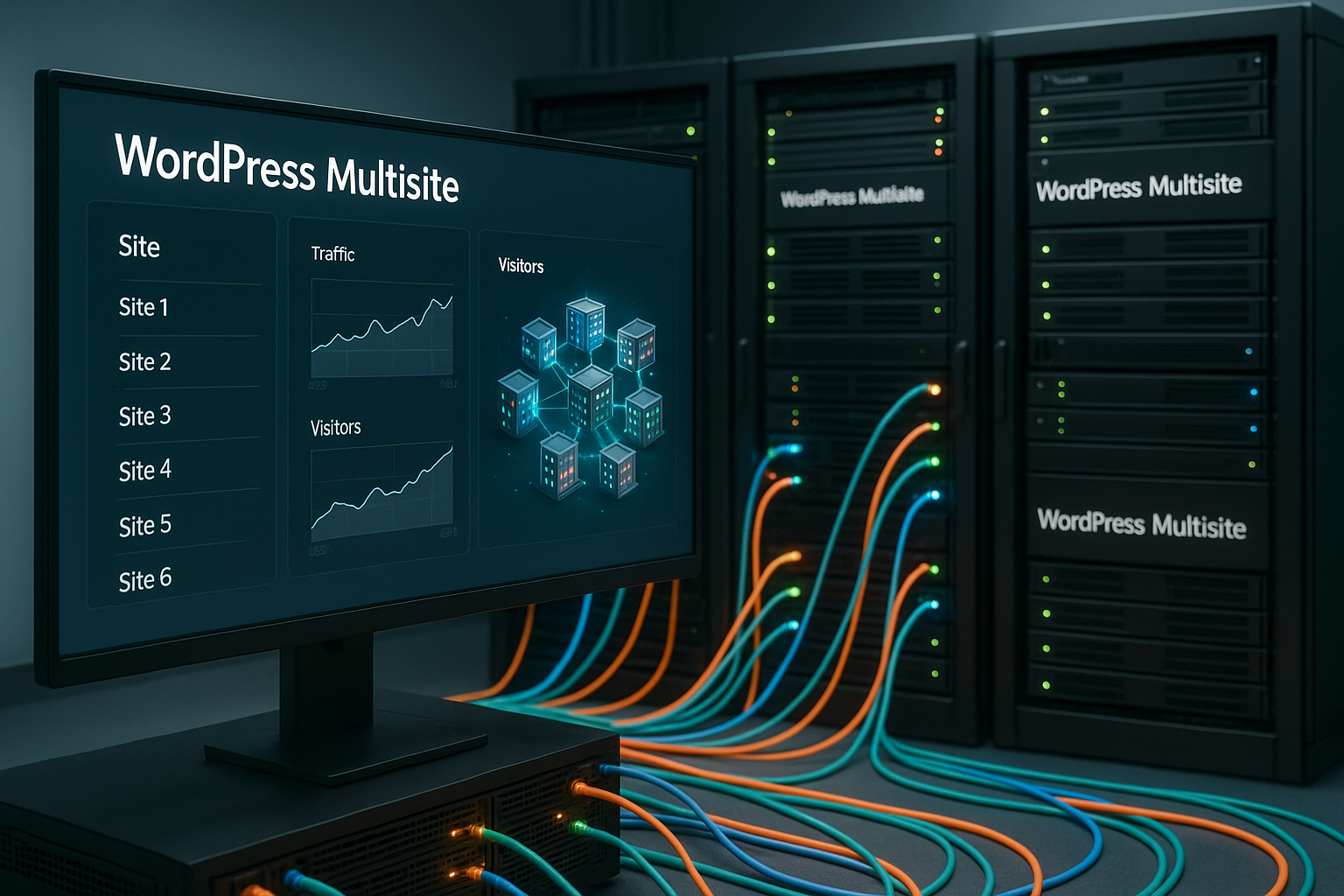
What counts with wordpress multisite hosting is a strong Infrastructurethat carries many websites in a network without noticeable delays. I rate providers according to Performance, security, scaling, backups and real WordPress support to keep a growing setup reliable.
Key points
- Performance first: NVMe, caching, RAM reserves
- Security holistic: SSL, WAF, 2FA, malware protection
- Scaling without breakage: flexible resources, load balancing
- Backups Reliable: automated, fast recovery
- Support with multisite experience: 24/7 and solution-oriented
What is WordPress Multisite?
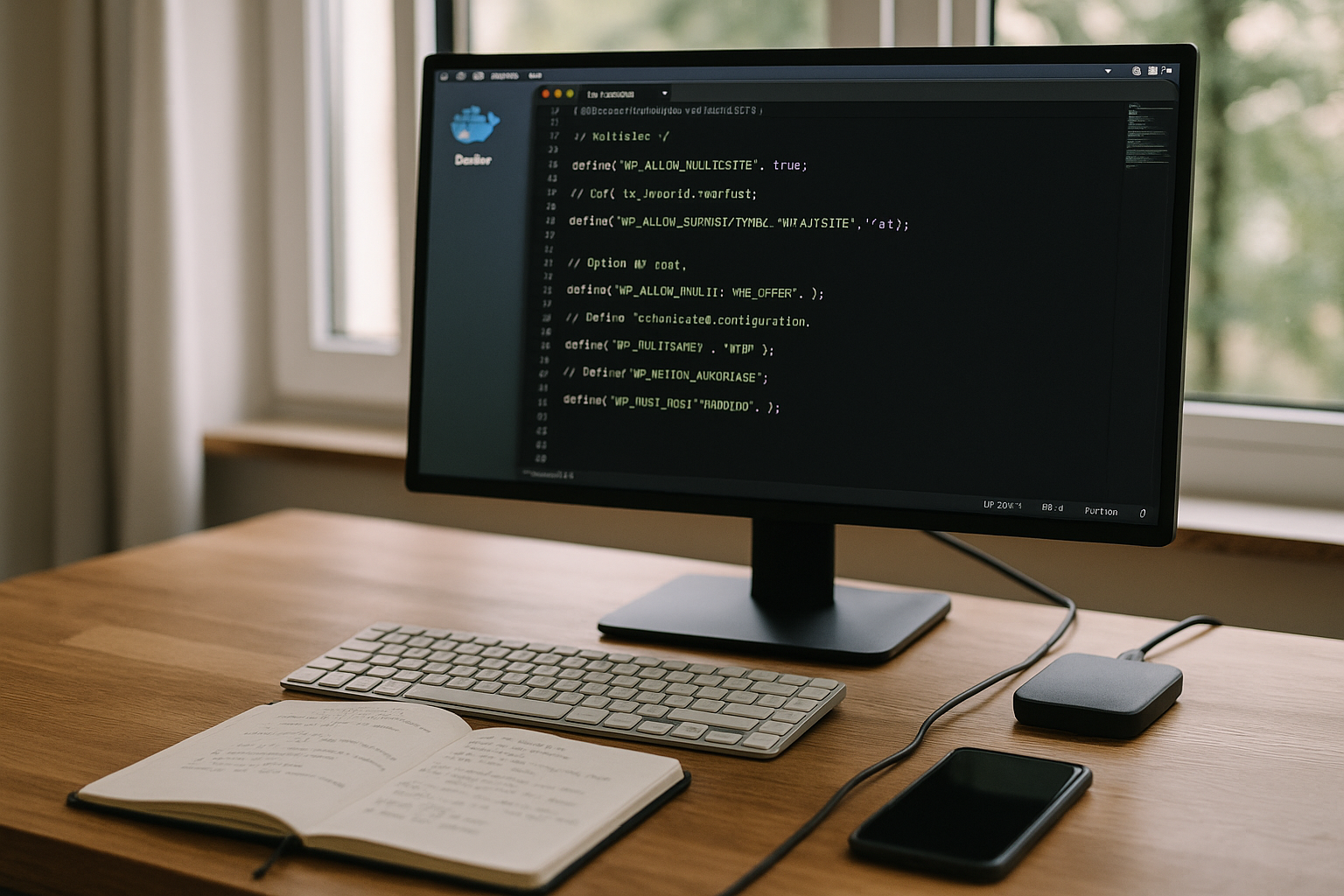
With WordPress Multisite, I control many websites via one installation, including centralized Updatesuser rights, themes and plugins. This saves time, reduces costs and simplifies audits via a shared network. It remains important that each site can have its own subdomain, subdirectory or domain, depending on requirements. Larger networks require more RAM, CPU and fast storage, otherwise loading times will drop. I therefore plan capacities early on and define clear Guidelines for themes, plugins and roles.
Choose the right domain mapping and structure
Right at the start, I decide whether subdomains, directories or my own domains make sense. Subdomains scale well technically and allow wildcard SSL, but are to be evaluated differently in the SEO strategy than directories. Directory structures appear compact from the user's point of view, but can reach their limits with complex authorizations. Own domains are suitable for clear client separation and brand management, but require consistent certificate and DNS management. I therefore check wildcard certificates, automatic issuance per subsite and cookie domains to ensure that logins work properly.
Central administration and costs
Multisite noticeably reduces the administrative effort, as I can make core changes once in the Network support. Agencies and companies with many microsites benefit because deployments, roles and security policies are standardized. In terms of costs, one strong server is often sufficient instead of operating many individual packages. This allows me to bundle storage, databases and monitoring in one place. Whoever assets and drawbacks makes better decisions and avoids bottlenecks in ongoing operations, especially when projects grow and new subsites are created that require additional resources. Resources draw.
Plan performance and scaling correctly
I check NVMe SSDs for hosting, enough RAMmodern CPUs and a fast network connection, because Multisite bundles many simultaneous requests. Caching, object cache and PHP-FPM must work together, otherwise processes will jam. For growth, I choose flexible plans that switch up RAM and CPU at short notice. During traffic peaks, load balancing and separate database servers help to keep response times low. Without clean performance reserves, timeouts and the UX suffers noticeably, which reduces conversions.
Architecture models: from single server to cluster
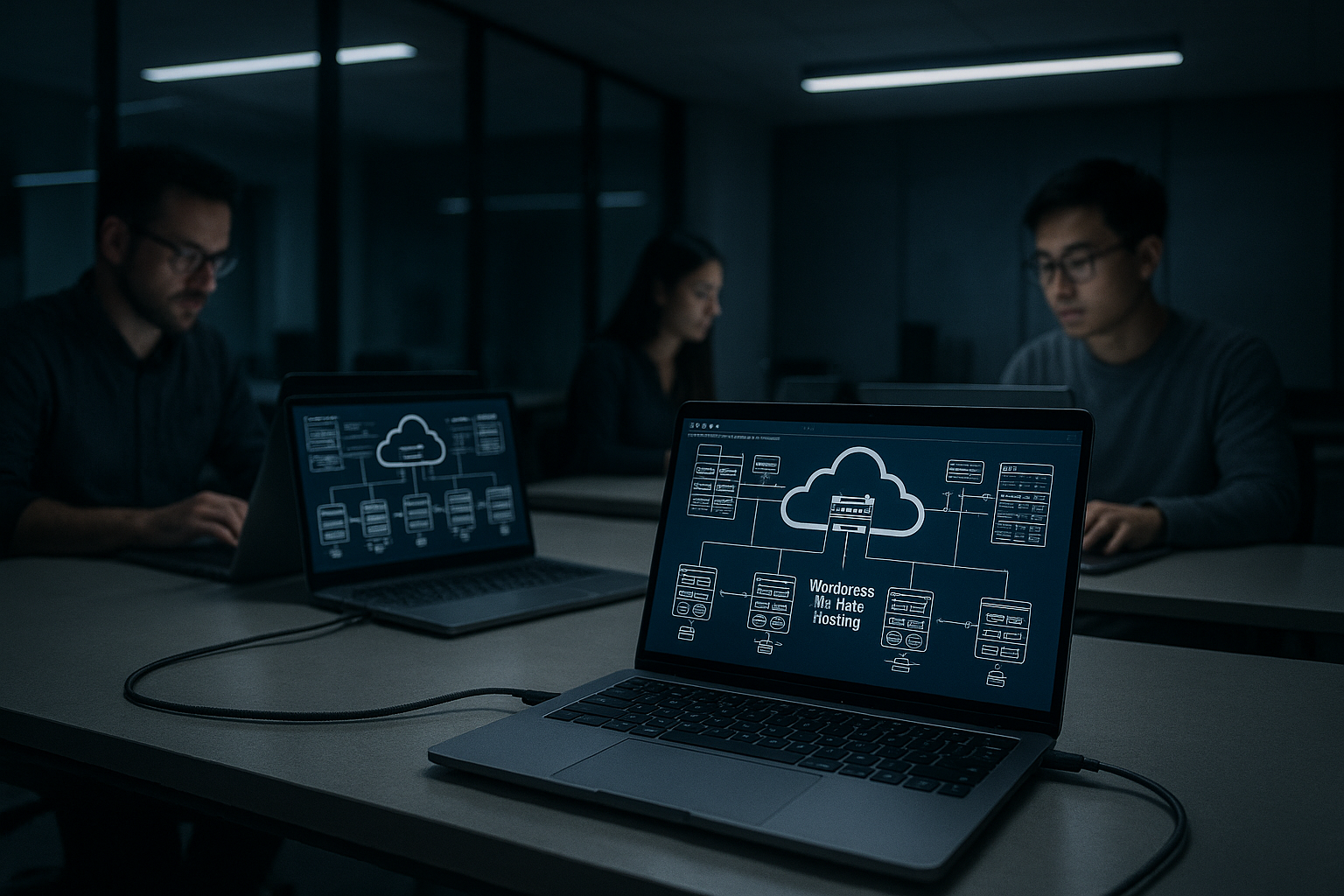
For small networks, a high-performance single server with NVMe and persistent object cache is sufficient. If the load increases, I separate the web and database layers and place a cache layer (Redis/Memcached) in front of them. In the next stage, I scale horizontally: several web nodes behind a load balancer, sessions via cookies instead of the file system, uploads to a shared storage (e.g. object storage) and a dedicated database instance with replication for read access. It is critical that cache keys are unique for each subsite and that cron jobs are centrally coordinated to prevent duplicate processing.
Database tuning and object storage
Multisite creates separate tables for each subsite. I pay attention to indices for wp_posts, wp_postmeta and wp_options per blog ID, reduce autoloaded options and monitor table growth. A persistent object cache buffers expensive queries and noticeably reduces the load on the database. I move media of medium size and above to an external object storage with versioning so that web nodes remain stateless and deployments become easier. Lifecycle management pays off, especially with many uploads per subsite, to keep storage clean.
Security and backups
I rely on consistent Security with SSL/TLS, WAF, malware scanning, brute force protection and two-factor login. A multi-stage backup concept (daily, weekly, externally mirrored) saves time if an error affects all sites. Important points are encrypted backups, versioning and restore tests to ensure that restores work reliably. Logging creates transparency for changes in the network and helps with forensic analyses. Regular updates of the core software, themes and plugins minimize risks and keep the Plugins compatible.
Roles, rights and client separation
The super admin has a special responsibility. I restrict network rights, deactivate file editors in the backend and consistently use roles. I only activate plugins network-wide if they affect everyone; otherwise I give subsite admins specific options. Upload limits, quotas and clear media guidelines prevent individual teams from overloading the system. Where compliance is required, I separate sensitive projects using separate domains and isolated user groups.
Backup strategies for individual subsites
The supreme discipline is the selective restore: I plan backups so that I can extract a single subsite from tables and uploads without rolling back the entire network. This shortens downtimes and reduces collateral damage. Consistent snapshots (files and database synchronized over time) and test restores in a staging environment are important so that there are no surprises in an emergency.
Caching and performance tools
For fast response times, I use page cache, object cache and browser cache with tools such as Redis or LiteSpeed. I check cache invalidations for updates so that users always see the latest content. I specifically exclude critical paths such as login, checkout or forms from the cache. A properly configured CDN edge cache reduces the load on the origin and shortens latencies globally. If you restart, you will find Plesk Multisite Guide helpful steps for setup, SSL and caching so that the Platform runs fast right from the start.
CDN and edge cache in detail
I define cache keys so that language, currency, device class and login status are correctly taken into account. I prevent set cookie headers on cached pages so that edge nodes can work efficiently. For multisite, I pay attention to hostname-based differentiation, different TTLs per content type and fast purges during deployment. Image transformations at the edge (WebP/AVIF, Resize) save bandwidth and significantly accelerate mobile access.
Media optimization and offloading
I minimize image sizes with modern formats, regeneration of suitable thumbnails and lazy loading. For international target groups, globally distributed storage with CDN integration pays off. I use dedicated endpoints for video and large download files so as not to overload the WordPress instance. Standardized naming rules and archiving keep media inventories clear and audit-proof.
Support and experience of the provider
I make sure that the support Multisite actively supported instead of just tolerating it. A team with WordPress experience recognizes typical error patterns more quickly. These include plugin conflicts, cache misconfigurations or limits in PHP and databases. Response times and genuine solution expertise clearly beat advertising promises. Ideally, I get escalation paths, clear SLAs and instructions on how to solve the problem. Network low maintenance.
Monitoring, logs and SLOs
I monitor TTFB, Apdex, PHP worker utilization, Redis hit rate, database latency and error rates. I forward application logs, access logs and WAF events centrally and set alerts to threshold values. I define service level objectives for the business (e.g. 99.9 % uptime, median response times < 300 ms) and regularly check whether the platform is meeting these targets. Synthetic checks from relevant regions uncover DNS or CDN problems at an early stage.
Avoid common mistakes
I avoid shared hosting without clear Limitsbecause RAM, I/O and process limits quickly slow down Multisite. Before the contract starts, I clarify inode limits, database limits and restore options. I check whether current WordPress versions and common plugins are running and supported. Scalability upwards must work smoothly, without relocation. Documented processes for updates, staging and rollbacks protect the Team from unnecessary downtime.
Realistically estimate costs in 2025
For small to medium-sized networks, I often start from around 2,99 € per month, provided caching and NVMe are included. If the setup grows, I calculate higher tariffs with more RAM, CPU and dedicated support. The ratio is important: costs per website fall because I'm only looking after one instance. Premium features such as edge cache, WAF and malware scans in turn save time and risks. I check how restore times and SLA values relate to the Business-requirements.
Understanding hidden costs
In addition to the basic tariff, I take into account inodes, additional storage for backups, traffic including CDN egress, extended WAF rules, dedicated IPs and SSL options. Staging environments, additional environments for QA and longer backup retention periods can also mean extra charges. Fair calculations take their toll at the latest during peak loads - that's why I calculate buffers for burst capacities and plan load tests before campaigns or relaunches.
Provider comparison
With Multisite I like German Data centersGDPR compliance, NVMe storage and support with WordPress experience. webhoster.de scores points with its strong infrastructure and good entry level from €2.95 per month. Hostinger and A2 Hosting offer LiteSpeed and Turbo options respectively, which is important for caching. IONOS and HostArmada offer flexible plans that provide room for growth. I compare features, limits and restore paths before I make a decision, as a migration can be done later. Expenditure means.
| Provider | Special features | Multisite capability | SSD memory | Cheapest tariff |
|---|---|---|---|---|
| webhoster.de | German servers, top support, high security | Comprehensive, specialized | Up to 300 GB NVMe | from 2,95 €/month |
| Hostinger | LiteSpeed, professional WP management | Yes | Up to 300 GB NVMe | from 2,99 €/month |
| IONOS | Flexible for developers | Yes, unlimited | Until unlimited | from 1,00 €/month |
| HostArmada | Managed cloud hosting | Yes | Up to 320 GB NVMe | from 2,49 €/month |
| A2 Hosting | HighSpeed Turbo tariffs | Yes, unlimited | Until unlimited | from 1,99 €/month |
Who is Multisite suitable for?
I use Multisite when there are many Websites should use uniform rules, designs and roles. This applies to agencies, publishers, educational institutions and franchise structures. Language or country variants can be clearly separated and centrally managed. Small projects with just a handful of pages are easier with single-site hosting. The decisive factor remains whether centralized control makes daily Work noticeably simplified.
Multisite vs. multilingualism
I solve multilingual content either via a multisite network (one subsite per language/country) or via multilingual plugins in one instance. Multisite offers greater separation and independent SEO signals per market; plugins are leaner when content is closely interlinked and editorial teams work together. I choose the variant that best maps governance, URLs, translation workflows and reporting - and stick to a structure that remains maintainable in the long term.
Plan e-mail delivery and DNS properly
I send transactional emails via a dedicated SMTP service with clean SPF, DKIM and DMARC. In multisite networks with separate domains per subsite, I set up DNS records consistently per brand. This keeps delivery rates high and support tickets low due to missing confirmations. For form spam, I use server-side checks and rate limits so that captchas are not mandatory everywhere.
Best practices for operation
I work with staging, regular Backups and clear update windows to minimize risks. I keep themes and plugins up to date and check compatibility messages before rolling them out. Monitoring provides early warning if response times increase or error rates rise. For agencies, a structured workflow like the one I use at Manage agency projects describes. This means that deployments remain reproducible and the team retains the Overview.

Briefly summarized
What counts for a strong multisite network Performancesecurity, scalable resources and reliable WordPress support. I check NVMe storage, RAM, caching, WAF, 2FA and restore times before I sign up. Prices from around €2.99 per month are possible, but reserves for growth pay off. A provider with multisite experience solves bottlenecks faster and saves money in the long term. If you want to bundle administration and run many sites cleanly, WordPress Multisite is an efficient solution. Solution.