Skip to content
With a WordPress multisite several websites can be controlled centrally via a single installation. In combination with the Plesk hosting control panel, this results in a stable solution for agencies and companies to efficiently bundle performance, security and administration.
Key points
- Central administration: A single dashboard for all websites in the network
- Resource efficiency: Shared use of themes and plugins
- Plesk ToolkitUpdate management, backups and security controls from a single source
- Quick setupMultisite installation and configuration with just a few clicks
- ScalabilityIdeal for agencies, educational institutions and companies with many projects

What is WordPress multisite and why is it worthwhile?
With WordPress multisite you operate several websites centrally via a single WordPress installation. Whether subdomains or subdirectories - you decide how the structure of your pages should look. All sites get their plugins and themes from a shared directory. This saves server resources, reduces the update effort and increases the overview.
This structure is unbeatable, especially for web agencies and large companies with many brand websites. Projects from different customers or departments can be administered with just one login. User rights can be finely tuned - super admins have control over the entire network, website administrators only over their respective site. This allows work to be clearly divided without creating security risks.
Another advantage: security and up-to-dateness can be controlled centrally. You install a plugin once - and make it available to all sites in the network.

Subdomain or subdirectory? The right choice for your network
Before you finally set up your multisite, you should think carefully about which structure best suits your projects. For multisite installations with WordPress, you can choose between subdomains (e.g. customer01.yourdomain.com) and subdirectories (e.g. yourdomain.com/customer01). Subdomains are useful if you want to completely separate different brands or customers. Subdirectories, on the other hand, are practical if the pages are closely interwoven or have a strong content bracket.
For agencies that require a completely separate instance for each customer, subdomains are the clearer solution. In this case, you must technically allow your server environment to process wildcard subdomains. Subdirectories, on the other hand, require less DNS configuration, are often simpler to set up and are particularly suitable if you tend to manage homogeneous projects. In combination with Plesk, you can easily administer both variants.
To avoid having to migrate later, it is advisable to decide on a subdomain or subdirectory as early as possible. Subsequent changes to the structure often require intensive adjustments or complicated migration processes.
Typical pitfalls in multisite use
Even if a multisite network offers many advantages, you should be aware of certain pitfalls. Errors often occur if plugins are not released correctly for multisite or if a theme is programmed incorrectly. In such cases, individual pages in the network may no longer be accessible or the entire dashboard may produce unusual error messages.
Another important point is user-defined role and rights management. In large networks with many editors and administrators in different sub-projects, it can quickly become confusing. Therefore, define the role structures in advance and clearly specify who receives which rights. This is all the more important if you grant customers access to certain pages without giving them access to other parts of your network.
Efficient multisite setup with Plesk
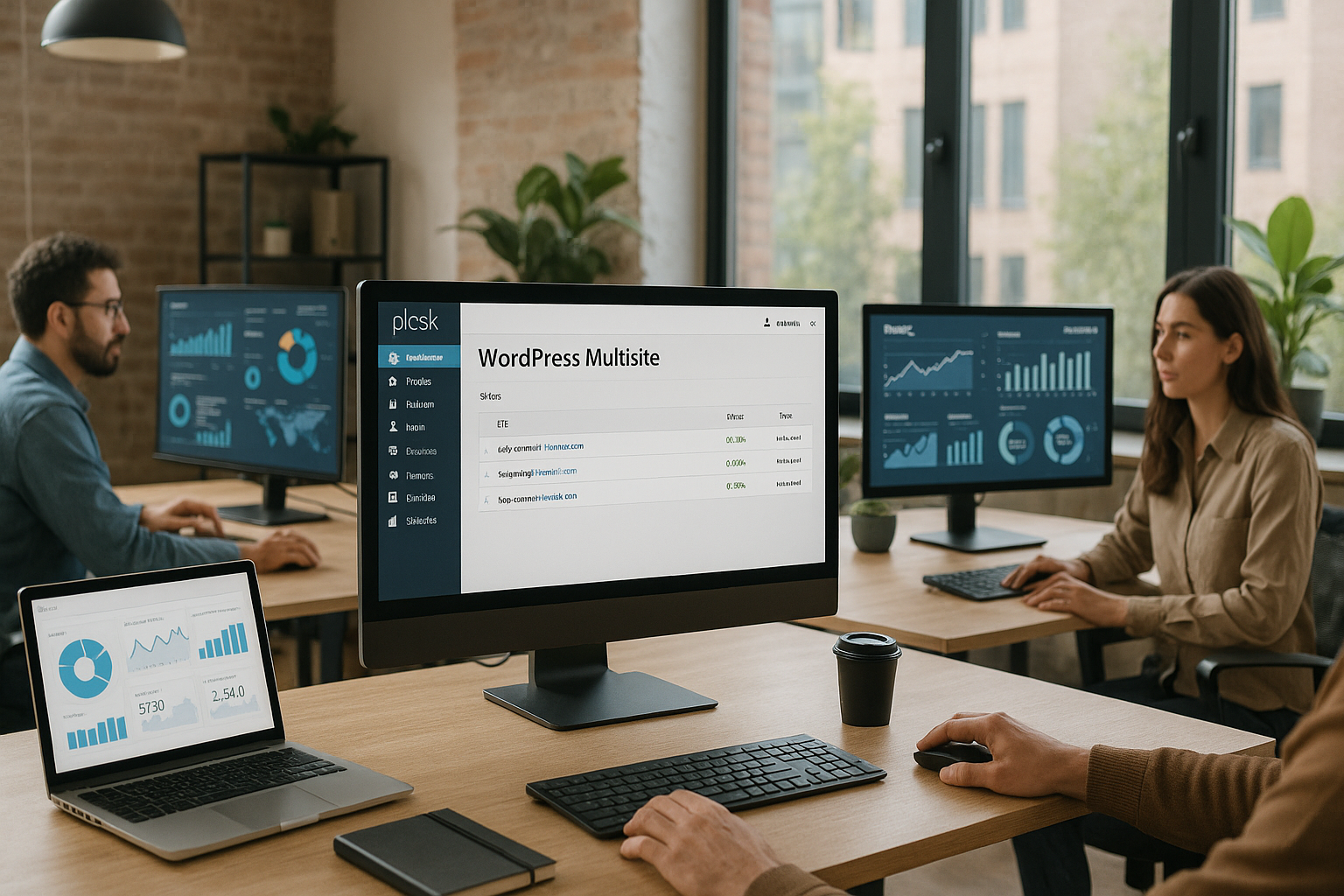
The combination of WordPress multisite and the server tool Plesk allows you to manage your web network quickly and reliably. Installation is particularly easy thanks to the integrated WordPress toolkit. The one-click deployment creates the basis for your network in no time at all.
You start with a new WordPress installation under your desired domain. Then activate the multisite function via a small entry in the wp-config.php. Plesk then sets up your environment for subdomains or subdirectories - depending on your selection. All further configuration lines are clearly provided to you.
A Step-by-step guide to WordPress installation with Plesk explains this procedure in more detail. This means you can get started even without in-depth technical knowledge.
Adjustments in the wp-config.php
The decisive tricks for a functioning multisite usually lie in small but important lines of code in the wp-config.php. After activating the network installation, WordPress will generate additional code blocks for you, which you can enter in this configuration file and especially in the .htaccess must be inserted. You should always ensure that the order of the entries is correct. The smallest typing errors can result in your network not working as desired.
Even if it is tempting to tweak the configuration at any time, you should only make these changes if you know exactly what you are doing. If in doubt, it is worth creating a backup so that you can easily revert in the event of any errors. Plesk makes this process much easier thanks to its automated backup functions.
Domain mapping for different projects
Domain mapping can be very useful, especially if you use Multisite for different customer projects. You can configure externally registered domains so that they point to specific subsites within your network. As a result, each site appears externally as a separate site with its own domain, while your administration still runs centrally in the background via WordPress Multisite. Plesk offers simple tools for connecting domains and configuring redirects. This means that the appearance and branding remain individual, which is a great advantage for agencies in particular.
WordPress Toolkit: Your multisite control center
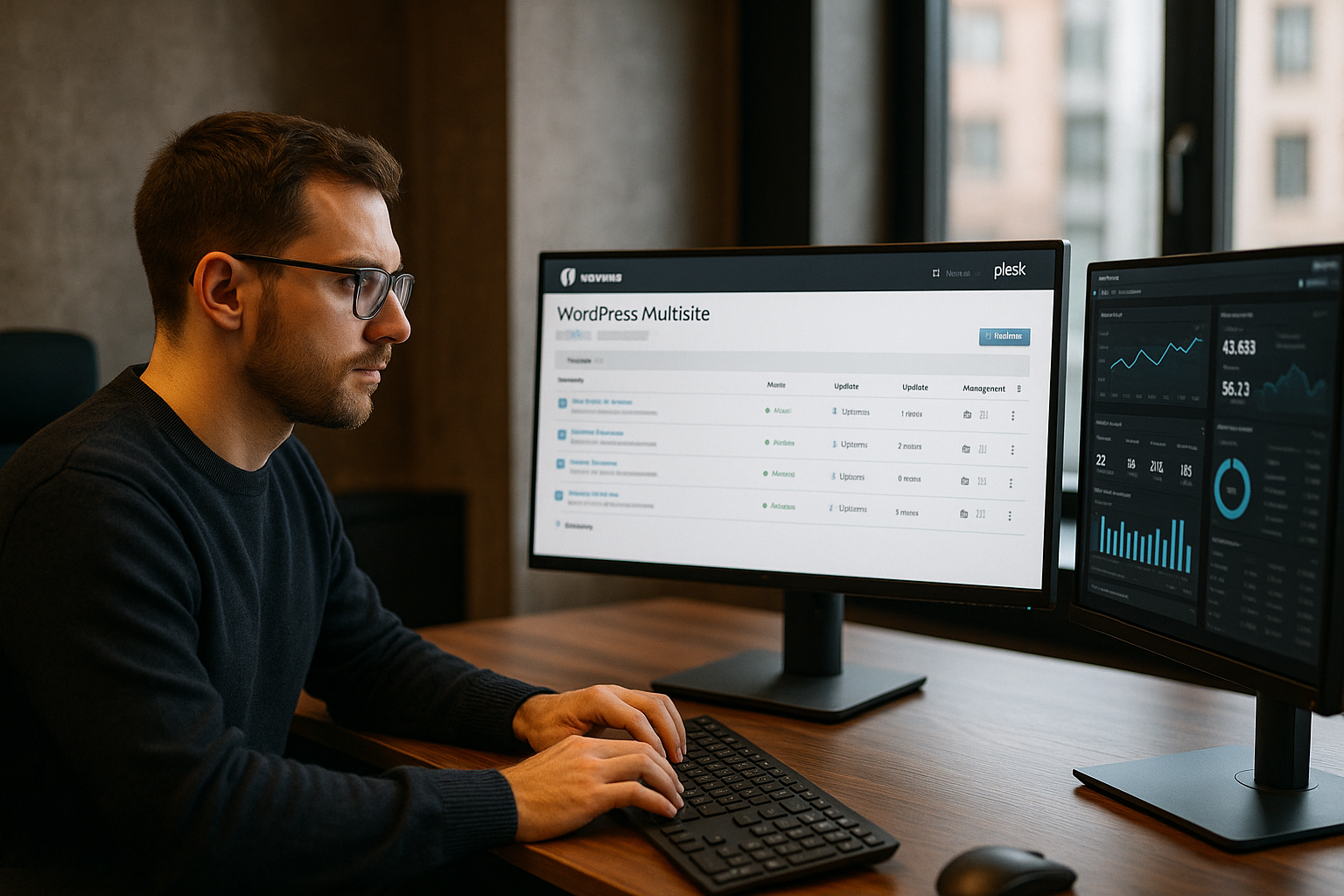
In the Plesk panel you will find the WordPress toolkitwhich saves you a lot of manual work. Here you can create new pages in the network, edit security settings or start central updates. Staging environments are also possible without any problems. This allows you to test changes and updates before applying them to your live sites.
Thanks to centralized management, no component goes unnoticed: plugins, themes, updates and security are automatically checked and displayed. If required, you can activate alarms, schedule automatic backups or even reset an entire site.
Other functions such as malware scan, login protection or SSL management can be controlled directly from the toolkit. This makes Plesk a real work facilitator - especially for growing networks.
A deeper insight into the WordPress toolkit shows what optimization potential there is for Multisite.

User and role administration: practical examples
In a multisite network, there are two levels of administrators: the so-called "super admin", who can make global changes to the entire network, and the "administrators" of individual sites. The WordPress Toolkit maps these roles clearly in Plesk and allows you to control user rights granularly. For example, you can only give a marketing team access to content on the "Marketing" subsite, while the "Development" team only manages the technical subsite. A super admin still retains an overview of all installed plugins and themes at all times.
In agency projects, it is common practice to provide customers with limited rights so that they can maintain the content of their own site. Technically, they usually do not need global rights for plugin updates or theme settings. As a service provider, you have the reins, while your customers only manage the area for which they are responsible. This role model minimizes the risk of incorrect clicks and protects your network from unwanted changes.
Typical use cases and target groups
A Plesk-based WordPress multisite is particularly advantageous when many similar sites need to be managed. Agencies use it to host websites for numerous customers and keep access and structure under control. Each site is given a clear user role without jeopardizing the overall space. In addition, design and function templates can be used - this saves time and reduces support requests.
Companies also benefit from Multisite: International branches receive independent websites with an identical CMS. At the same time, the head office retains control over content, structure and updates. Similarly, educational institutions use Multisite to manage departments, study programs or courses digitally independently - with a uniform technical framework.
Guide for agencies: Project management in practice
If you are an agency that manages dozens of customer sites with different focuses, comprehensive project management is a good idea. Create a separate subsite for each client in Plesk and assign suitable roles to the respective team. With predefined themes and carefully curated plugins, you can ensure that your agency maintains a uniform level of design. At the same time, you avoid redundant work thanks to a shared code base: You only have to update a plugin once for the entire network.
Billing and support processes can also be streamlined in this way. Document exactly which services you offer the customer, such as regular content updates or security checks, and record expenses per subsite. Thanks to Multisite, you don't have to wade through individual WordPress installations, but have everything bundled in one interface. For small to medium-sized agencies in particular, this structure offers enormous scaling options, as you can set up new projects at short notice without having to set up every installation from scratch.
Advantages and disadvantages at a glance
Like any technology, WordPress multisite has its advantages and limitations. The following table compares the most important aspects:
| Advantage | Disadvantage |
|---|---|
| Uniform updates for all sides at the same time | Themes and plugins must Network compatible be |
| Resource-saving Structure with only one database | Faulty plugins can affect the entire network |
| Central backup all sides at one point | Migration of individual pages is more complex |
| Uniform security guidelines for the entire network | Different domains require domain mapping |
Performance optimization in WordPress multisite networks
A large number of subpages not only means a higher computing load, but also increases the requirements for caching mechanisms. With Plesk, for example, you can set the server-side cache individually. A CDN (Content Delivery Network) such as Cloudflare or KeyCDN can also be integrated to deliver media content faster. Make sure that your caching solution is also compatible with multisite. Plug-ins such as "W3 Total Cache" or "WP Rocket" are largely multisite-capable and offer their own options that you can activate. This allows you to define different settings for each subsite if required.
It also makes sense to regularly clean up the database. In multisite installations, some themes and plugins create additional tables. Over time, "junk data" can accumulate here and slow down your system. Database optimization tools that also work at network level clean up and keep the tables lean. Especially in combination with SSD hosting, you benefit from noticeably shorter loading times and stable performance.
Hosting requirements for multisite installations
A stable and powerful web server is crucial for large multisite projects. The server environment should offer the latest PHP versions (at least PHP 8+), SSD hard disks and sufficient RAM (from 4 GB). Automated backups, restore options and secure access to data and the admin interface secure your network in the long term.
An overview of common hosting providers shows differences in price, scope of services and specialization:
| Provider | Price | Performance | Special feature |
|---|---|---|---|
| webhoster.de | from 6,99 € | SSD, daily backups, WordPress Toolkit | Fastest support, multisite ready |
| WP-Projects | from 14,90 € | Shared/server solutions for agencies | Agency server, managed service |
| WPspace | from 12,99 € | Multispace tariffs for many projects | Flexible tariffs, personal advice |
Scaling made easy
As your multisite project grows, it is important that your hosting grows with it. With Plesk, you can move to a larger package or your own server relatively easily if your provider offers this. Thanks to Cloning-functions and automated tools, the move is usually seamless. Make sure you have enough server resources if you manage dozens or even hundreds of subpages. Especially when traffic increases due to marketing campaigns or seasonal events, good scalability is worth its weight in gold. In this case, a managed server offer is also worthwhile so that you don't have to constantly worry about kernel updates or security patches.
WordPress security in multisite operation
Security aspects should not be underestimated with a multisite network. Central administration makes it easier to introduce protection mechanisms such as firewalls, login protection or SSL - at the same time, a security hole also means a risk for all sites. You should therefore plan regular backups, activate updates and use security plugins.
The Plesk Toolkit warns you of risks at an early stage. Brute force protection, automatic malware scans and role-based access systems contribute to a high standard of security. You can find tips for more WordPress security in this article on Security features in Plesk.
Use the option of additionally securing individual subsites with two-factor authentication. Administrator access in particular should be protected by a stronger login procedure. Also consider whether you want to use IP filters or geo-blocking if you know that access from certain regions is not relevant for your project. This will reduce potential areas of attack from the outset.
Advanced security strategies
Especially when several websites work together within a network, it is important to secure potential security gaps at common interfaces. Establish guidelines for strong passwords and educate your team or customers on why repeating the same password is dangerous. It is also worth defining file permissions strictly: Only really necessary directories should 775 or 755 while your wp-config.php rather on 400 or 440 can be set. You should regularly check the code for malware and keep an eye on logs to detect unusual activity immediately.
Plesk offers various security plugins that interact seamlessly with the panel. One example is the regular checking of all files for changes or harmful inclusions. Those who attach great importance to data protection can also regulate access to certain admin areas via an IP whitelist in order to minimize the general risk of brute force attacks.
Questions and answers on multisite management
Can I integrate existing pages? Yes, you can use migration plugins to take over existing installations - a backup beforehand is helpful.
Does this work with WooCommerce? Yes, but it is advisable to use a separate domain and system configuration for each store.
How does it work with updates? These can be managed automatically and centrally in the toolkit. You are informed - if necessary, you can intervene manually.
What should I bear in mind with custom themes? Make sure that your theme is multisite compatible. Some functions must be released specifically for the network. Test your theme in the staging area before you go live.
Can I turn a single subsite into a standalone WordPress installation later? In principle, yes. However, migrating back to a standalone installation is more time-consuming, as databases and file structures have to be extracted. Plan this step carefully or use specialized plugins.
Final assessment
Managing a WordPress multisite with Plesk is an excellent way to manage projects in a structured and secure manner with minimal effort. The use of the WordPress toolkit with central routines for updates, backups and security rules offers particular advantages. Agencies, large companies and educational institutions save time and reduce the risk of errors. Whoever wants a powerful hoster with fast services and support - such as webhoster.de - can concentrate on the actual content. A worthwhile solution for anyone who has to manage many websites.