Skip to content
I measure WordPress speed using objective key figures such as TTFB, FCP and LCP and evaluate them separately for mobile and desktop. This allows me to identify bottlenecks, set clear target values and prioritize measures that will make a noticeable difference. Conversion and rankings.
Key points
- TTFB Stabilize first, then optimize frontend
- LCP under 2.5 s with image and priority strategy
- FCP due to fewer blockers and critical CSS
- Measure regularly, Locations vary, check trends
- Hosting, Cachingcombine CDN and lean themes
TTFB, FCP and LCP briefly explained
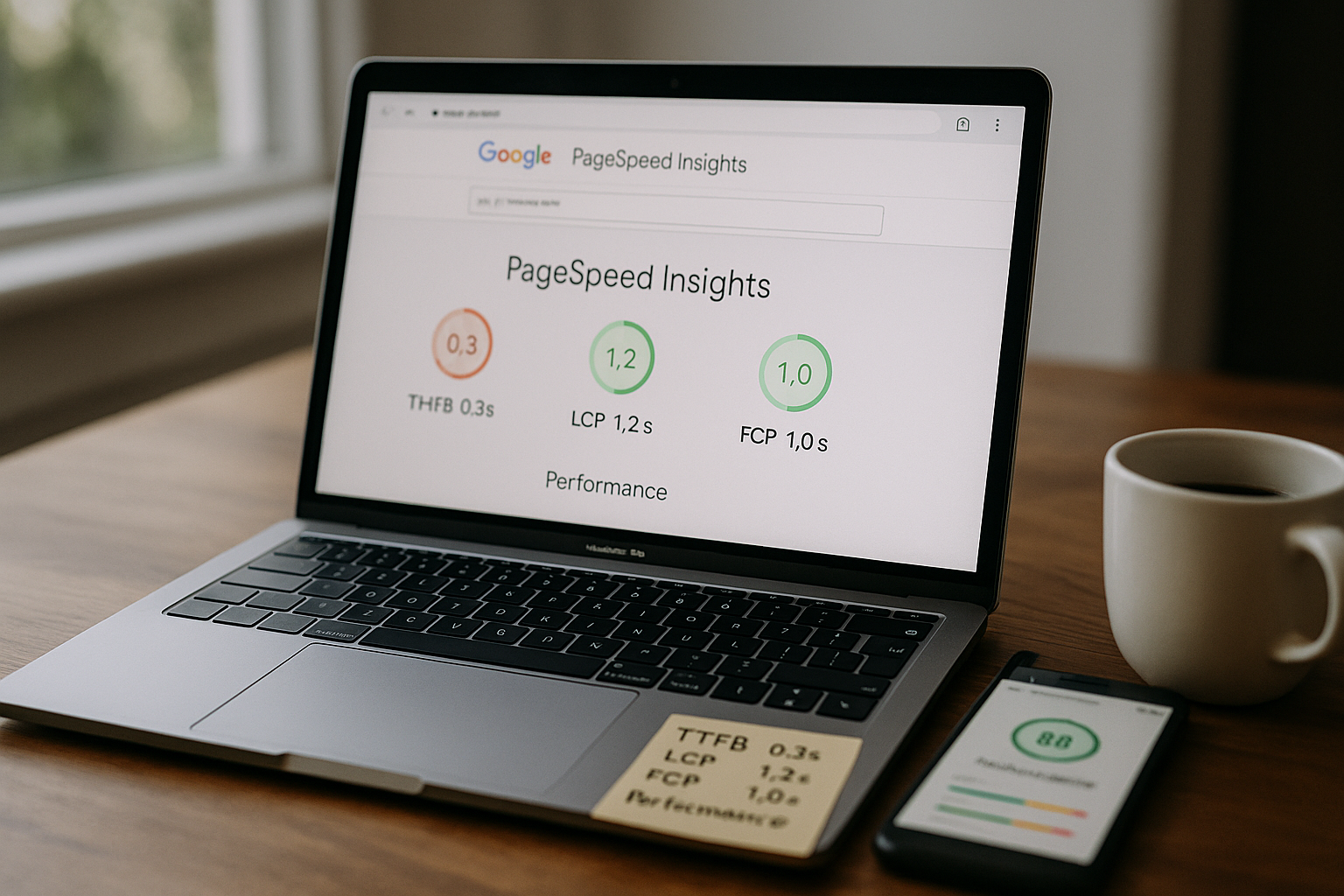
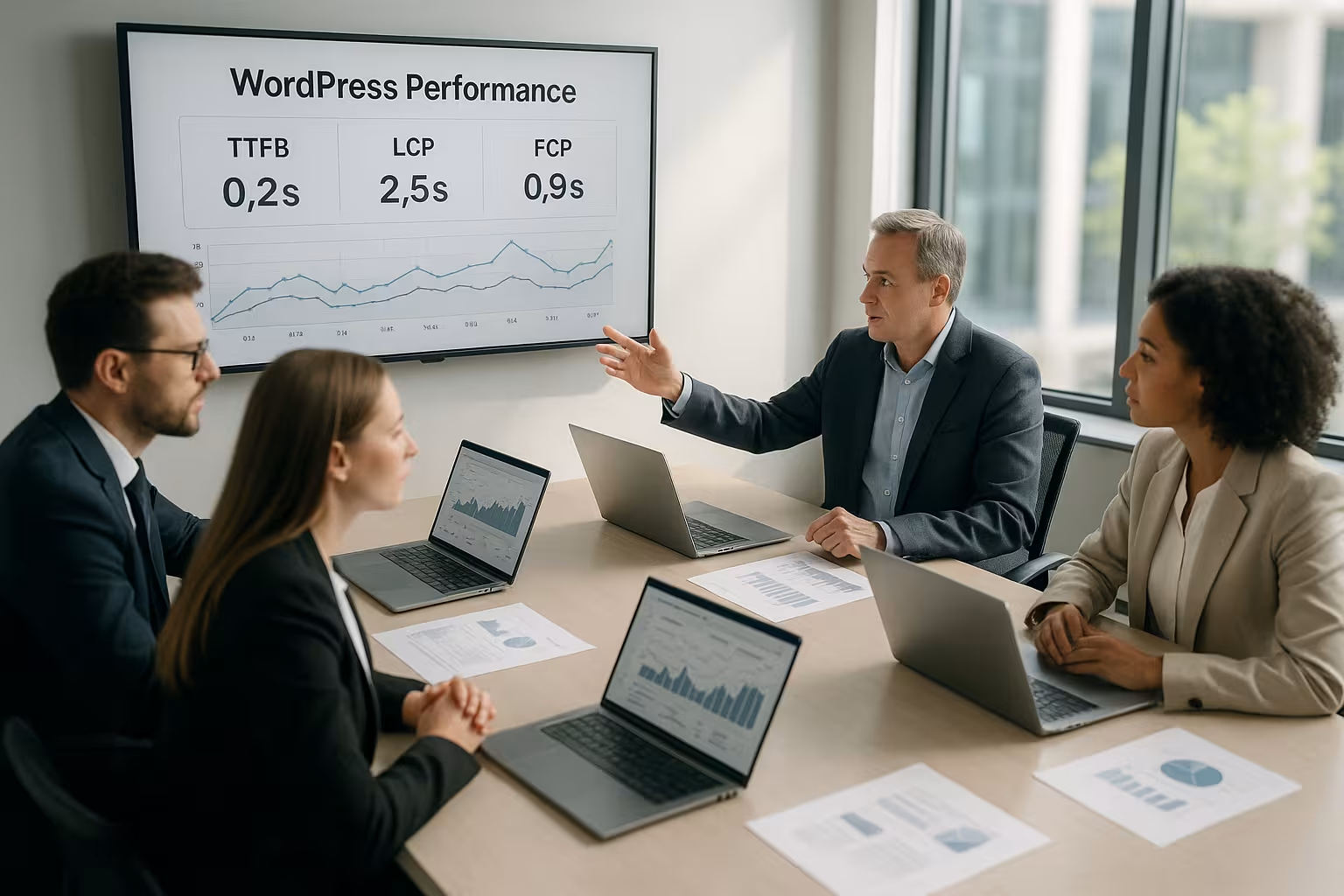
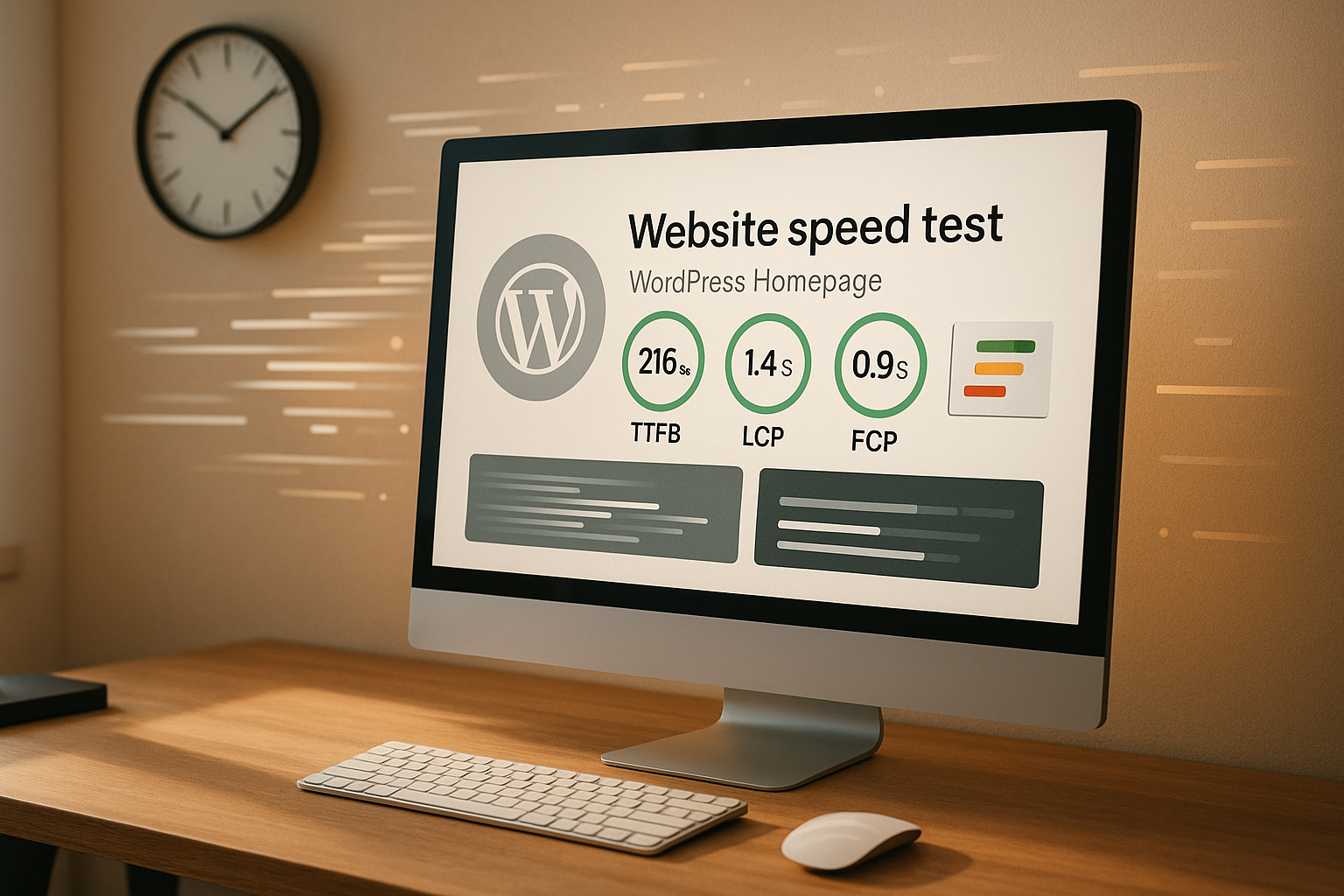
I start every analysis with TTFB (Time to First Byte), because the first server response sets the clock for everything that follows. Values below 200 ms indicate a responsive server environment [1][4][5][7]. After that, I pay attention to FCP (First Contentful Paint), i.e. the moment at which the first content becomes visible; the target is less than 1.8 s [5][6]. The most important visual milestone remains LCP (Largest Contentful Paint): The largest element in the viewport should appear under 2.5 s [2][4][5]. These three metrics correlate directly with user signals and contribute to better positions in the Search at [3][5].
How to measure correctly: tools, setups, procedure
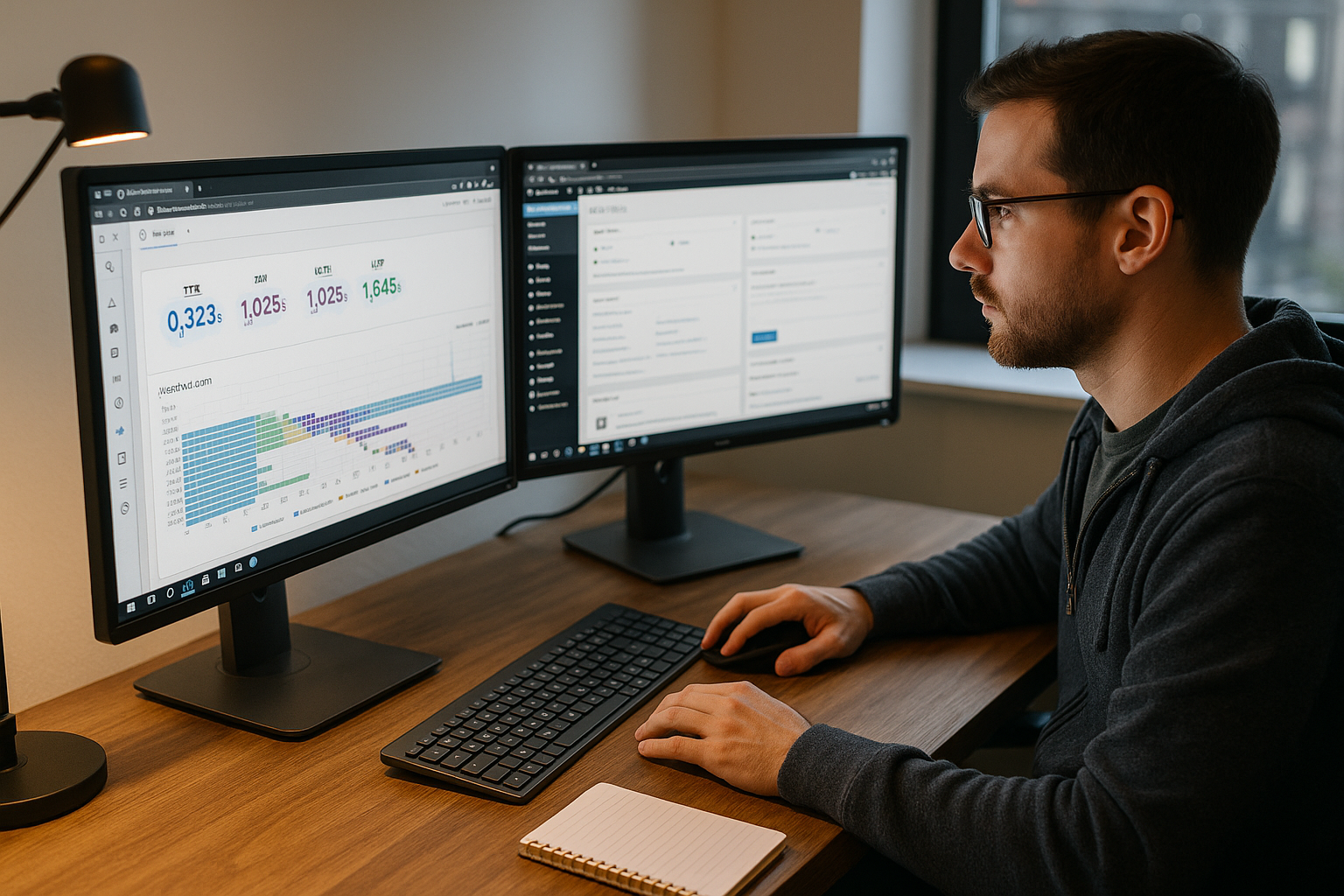
I test each page several times, on various days and from multiple locations. PageSpeed Insights shows real user data, while WebPageTest and GTmetrix provide deep waterfall charts. For classification and benchmarks, I use a compact Core Web Vitals Guide. Mobile measurements have priority because most visitors are on the move surf. After every design or plug-in update, I repeat the measurements and record changes in writing. This is how I recognize Trends instead of random spikes and make reliable decisions.
Lower TTFB: Server, caching, database
I fix a high TTFB first, because slow responses slow down every further step [1][4][7]. Page caching delivers static HTML without PHP overhead and noticeably shortens the response time. For recurring outliers, I check the server location, PHP version, OPcache and database indexes. For more in-depth root cause analysis, I use a TTFB analysis with a focus on queries and object cache. In addition, I reduce plugins, remove cron ballast and pay attention to short Latency through a CDN for dynamic and static delivery.
Speed up FCP: Remove blockers, prioritize critical CSS
For a quick FCP I clear render blockers out of the way. I extract critical CSS, load the remaining styles later and set JS to defer or async, if compatible. Small inline styles for above-the-fold elements quickly bring the first pixels onto the Screen. I load fonts thinly, define fallbacks and use font-display:swap so that text is displayed immediately. In this way, I reduce reflows, ensure fast perception and stabilize FCP in the green area [5][6].
Optimize LCP: Images, priorities, CDN
The LCP often depends on the largest image or a hero block. I deliver this element with high priority via fetchpriority="high" and set preload for the required resource. I convert images to WebPI scale exactly and compress moderately so that quality and size fit. Lazy loading remains active, but I exclude the LCP element so that it loads immediately. A CDN with image optimization speeds up delivery worldwide and reliably reduces LCP values [2][4][5].
Avoid measurement errors: Real users, clean test runs
I check measured values for Consistency and filter outliers. Browser extensions, VPNs or parallel scans easily distort results. That's why I exclude admin bars, use incognito and repeat tests in series. I compare field data (CrUX) with lab data in order to obtain real Users-experiences. This allows me to see whether an optimization works in everyday life or only shines in the lab [3][5].

Hosting comparison: TTFB, caching and support
Good values are based on strong Infrastructure. Slow PHP execution, overloaded databases or lack of server caching push TTFB to the top. I choose providers with global PoPs, solid IO performance and consistent monitoring. The following table shows a practical Comparison:
| Provider | TTFB (Ø internat.) | Caching | Support | Placement |
|---|---|---|---|---|
| webhoster.de | <200 ms | Yes | 24/7 | 1 |
| Provider B | 250-350 ms | Optional | Working days | 2 |
| Provider C | 400 ms | Yes | Mon-Fri | 3 |
Monitoring and regression tests in everyday life
I automate Checks and trigger alarms when key figures change. After every update, I check Web Vitals again and document changes with date, commit and plugins used. For larger relaunches, I book a Performance auditto reduce risks before going live. I keep alerts short, prioritize TTFB and LCP and define clear Thresholds for interventions. This keeps pages fast - even months after the initial tuning.
Practical sequence for quick success
I rely on a clear SequenceReduce TTFB, activate caching, provide critical CSS, optimize large media, then fine-tune. This creates immediately visible effects that also stabilize the FCP. I then take care of long tasks in JS and reduce third-party scripts. I test fonts, minimize variants and use subsets for more efficient Transfer. Finally, I check CLS sources such as missing height information for images and ads.
Prioritize key figures correctly
I evaluate metrics according to Influence and effort. TTFB affects everything, so I prioritize it over frontend issues. LCP has a strong impact on perceived speed, which is why I focus on hero images and above-the-fold content. FCP stabilizes trust because users get something early on. See. I address CLS and TBT specifically when I notice shifted layouts or long JS tasks.
INP and response time: targeted improvement of interactivity
In addition to FCP and LCP, I now consistently measure INP (Interaction to Next Paint). This key figure evaluates how quickly the page reacts to inputs - i.e. clicks, taps and keystrokes. My target corridor is under 200 ms for most interactions. To reduce INP, I break down long JS tasks into smaller packages, use scheduling (requestIdleCallback, setTimeout with microtasks) and prevent scroll-blocking event listeners. I only load hydration and heavy widgets when they are in the viewport or really necessary. For WordPress, this means only registering scripts where blocks and shortcodes are actually used and consistently reducing jQuery dependencies. This is how the site feels immediately responsive - especially on weaker mobile devices.
JavaScript and third-party governance
Third-party scripts are often the biggest slowdowns. I take an inventory of all bindings, evaluate their Business benefits and only load what brings measurable added value. I only activate content-driven tools (analytics, ads, chat) after approval and, if possible lazy - ideally only when users interact. I replace YouTube or map embeds with placeholder images until a click occurs. I use iframes with sandbox attributes and the leanest possible parameters. I use Preconnect specifically for a few critical domains; I delete unnecessary dns prefetch entries so that no resources are burned in the wrong place. I limit the time for A/B testing, heatmaps and chat widgets, do not load them sitewide and check their effects on FCP, LCP and INP in separate test runs.

Caching in detail: page, object and edge strategies
A Multi-level caching delivers the best effects. I start with full-page caching for anonymous users and define clean cache control headers (including stale-while-revalidate and stale-if-error) so that content remains stable during load peaks. Cookies, the caches bustI minimize and keep the start page like this cookieless as possible. For dynamic areas, I use fragment caching (e.g. cart, personalization) instead of excluding the entire page from the cache. A persistent object cache (such as Redis) accelerates recurring database queries and transients; I create TTLs sparingly to keep memory clean. On the CDN, I activate edge caching for HTML, regulate the cache key (no variations due to UTM parameters) and use origin shielding to reduce the load on the origin. Cache warming and targeted purging after updates ensure that the first visit after a change is not the slowest.
Media strategy deepened: Images, video, iframes
Pictures remain the biggest Power lever. In addition to WebP, I use AVIF for even smaller files where it makes sense - with a clean fallback. I maintain precise srcset- and sizes-attributes so that browsers load exactly the right variant. I exclude the LCP image from lazy loading, add a preload and set fetchpriority="high". For layout stability, I define width/height or aspect-ratio and use light placeholders (Blur/LQIP) so that no CLS is created. I use background images in CSS sparingly because they are difficult to prioritize - I prefer to use the LCP element as a real <img>. Videos and embeddings (YouTube, Maps) I load lazy with poster image and only start it on interaction. This keeps FCP and LCP stable without sacrificing visual quality.
Network, protocols and CDN fine-tuning
I make sure that the transport level plays alongHTTP/3 (QUIC) and TLS 1.3 shorten handshakes, 0-RTT reduces latency when reconnecting. Compression is done on the server side via Brotli for HTML, CSS and JS; Gzip remains active as a fallback. I avoid domain sharding to bundle connections and ensure clean prioritization of resources: The LCP image and critical CSS are given priority, non-critical scripts run on defer. On the CDN side, I define region-specific PoPs, activate geo-routing and keep the origin lean. I ignore query strings for tracking in the cache key, while real variations (language, currency) are deliberately vary. This is how I lower the international TTFB and stabilize global loading times.
Backend hygiene: database, autoload options, cron
I check the Database slow queries, missing indices and bloated tables. Particularly critical is wp_options with autoload='yes': WordPress loads these values with every request - here I keep the total size small and remove old loads. I clean up transients regularly and run cron jobs on a scheduled basis via system cron instead of on user requests. On the PHP side, I check OPcache memory, JIT settings (rarely necessary) and a suitable FPM process manager so that no queues occur under load. The Heartbeat API in the backend to avoid unnecessary requests. These hygiene checks run at fixed intervals and after every major plugin update.
DOM, themes and builder: Streamlining the structure
An overloaded DOM slows down rendering and interaction. I keep the number of nodes lean, remove unnecessary wrappers and reduce depth nesting. For themes and page builders, I load assets side-related instead of globally, deactivate unused widgets/blocks and remove unused CSS. I use animations sparingly and choose GPU-friendly properties (transform, opacity). For fonts, I reduce variants, use variable fonts, define metrically similar fallbacks and set size-adjustso that no layout jumps. I only load standard emojis and embeds when they are needed. This reduces rendering costs - FCP, LCP and INP benefit measurably.
Team workflow: budgets, tests and secure deployments
I secure performance via Processes off. I define budgets (e.g. LCP ≤ 2.5 s mobile, JS total ≤ 200 kB, INP good) and check them with every merge. I measure templates with high visibility (start page, categories, product detail) before and to Changes. In staging environments, I simulate real conditions: cold cache, mobile throttling, different locations. Regression checks run automatically; if a key figure falls, I stop the rollout or roll it back. I document all changes, including the time of measurement, so that I can track the effect of individual measures over time.
Internationalization and geo-aspects
Global projects require regional Optimization. I keep HTML as identical as possible to maximize CDN cache hit rate and only vary what really needs to be (e.g. language, currency). I clearly separate language variants so that no unnecessary Vary headers fragment caches. Geo-routing directs users to the next PoP, while an origin shield protects the origin server. I implement cookie banners and personalization in such a way that they do not bypass the initial HTML cache: Initial rendering remains fast, dynamic elements are reloaded. This allows me to achieve low TTFB and LCP values worldwide without losing maintainability.
Compact summary
I measure regularlycompare locations and check mobile first. Target values: TTFB under 200 ms, FCP under 1.8 s, LCP under 2.5 s - tested and proven [1][2][4][5][7]. Hosting, page caching, image formats and clean resource prioritization provide the greatest leverage. I test every change again and document the effect on KPIs. This keeps WordPress fast, stable and profitable - today and in the long term [3][5].