 Skip to content
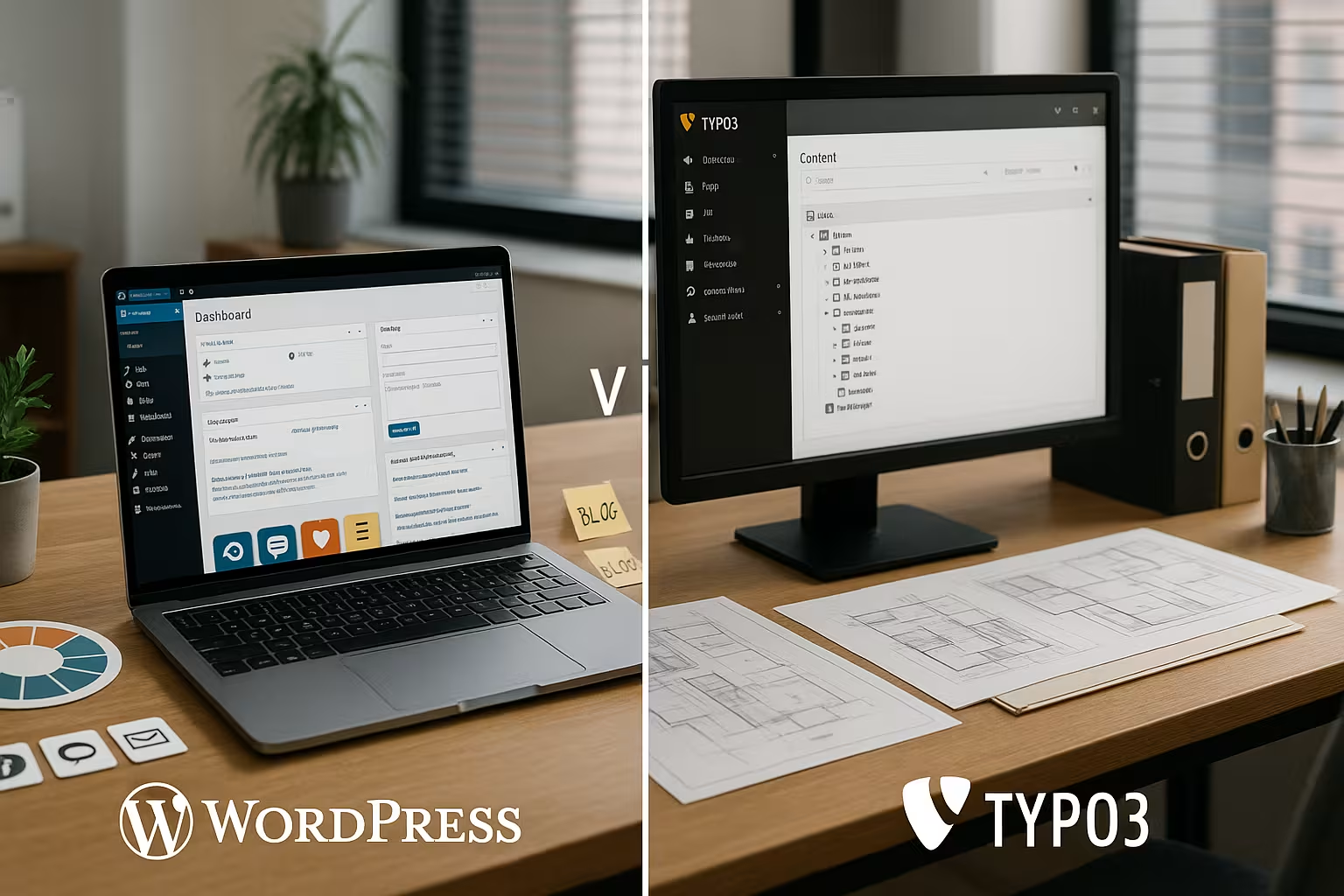
2025 will decide the question wordpress vs typo3how quickly you go online, how deeply you customize functions and what follow-up costs arise. I'll show you the differences in usability, scaling, security, SEO, expandability and hosting - with clear decision points for specific project goals.
Key points
Both CMS solve similar tasks, but their strengths lie in different areas, which I clearly distinguish from one another. For quick results and low entry barriers, there are many arguments in favor of WordPresswhile TYPO3 shines with large structures. Security, updates and performance depend heavily on hosting, which I consider a separate factor. SEO is successful in both systems, but the way to get there differs in terms of setup and tools. From a budget and team perspective, I make decisions based on the effort, maintenance and expected lifespan of the Project.
- Usability: WordPress quickly ready to go, TYPO3 with a learning curve
- ScalingTYPO3 for large instances, WordPress for mid-range
- SecurityBoth secure with clean setup, TYPO3 with strong rights management
- SEOPlugins for WordPress, deeply integrated options for TYPO3
- HostingDecides noticeably on speed, updates and uptime

Usability & operability
For projects with a tight schedule, I often rely on WordPressbecause installation, theme selection and initial content are completed in hours. The backend looks familiar, menus are clearly named, and content teams can cope without lengthy training. Page builder and block editor speed up layouts, as long as I maintain discipline with plugins. TYPO3 appeals to power users and teams with editorial workflows because the interface offers in-depth settings and fine-grained rights. The learning phase is worthwhile with multilingual structures, reusable content elements and clear processes for approvals, which larger organizations appreciate.
For a quick overview of the differences in interfaces and workflows, a brief CMS comparisonwhich I like to use as a starting point. As soon as I know the requirements for roles, approvals and multilingualism, I make the choice between TYPO3 and WordPress much more secure. Editors benefit from clear forms and consistent content types that are successful in both systems. Teams can get started more easily in WordPress without training, while TYPO3 backends score points for structured governance. In the end, what counts is how well the system supports the content team's day-to-day work.
Content modeling, multilingualism & multisite
I plan content structures early on: what content types are there, what fields and relations, what reuse is desired? In WordPress I rely on custom post types, taxonomies and block patterns to establish consistent templates. This works extremely well if I clearly define which fields are mandatory and how editors combine content. I solve multilingualism in WordPress via extensions and clear editorial guidelines for translations, including fallbacks and terminology glossaries.
TYPO3 comes with multilingualism, fallback logic and translation workflows as standard. Multisite and multidomain setups can be mapped in a structured way - including shared media pools, roles and authorizations. For large editorial teams, I can implement granular approvals, the four-eyes principle and responsibilities. It is important to define content elements early on and maintain them as building blocks so that they remain consistent across many languages and sites. In this way, governance and quality remain stable even at high speeds.
Scalability & performance
Medium-sized websites with clean caching, optimized images and a few tested plugins perform well. WordPress convincing. If the number of pages increases significantly, media volumes, search indices and API integrations come into play, where clean hosting and monitoring become important. TYPO3 feels at home in large setups with high access numbers because rights, workflows and content remain centrally controllable [4]. I plan load peaks with edge caching, PHP and database tuning and use staging environments for updates. Without an organized infrastructure, every CMS loses out, which is why I define tests, metrics and clear update cycles.
| Criterion | WordPress | TYPO3 |
|---|---|---|
| Usability | Easy to get started, quick results | Extensive options after familiarization |
| Scaling | Very good for medium-sized projects | Strong with large, multilingual instances |
| Performance | Dependent on hoster and plugins | High performance with the right setup |
I analyze load, content structure and editorial processes before deciding on Architecture and hoster.

Architecture: classic, headless or hybrid
I differentiate between three approaches: classic (monolith), headless (API-first) and hybrid. WordPress scores classically with a short time-to-market and strong authoring experience. I open content for frontends and apps via REST API or GraphQL plugins. Headless is useful if I operate a frontend with frameworks, use multiple touchpoints or distribute content to external systems. I plan caching, authentication and image pipelines strictly so that the performance is right.
TYPO3 is suitable for headless/hybrid scenarios when many systems are docked: PIM, DAM, CRM, portals. The distinctive rights management and structured content structure help to deliver content in an API-compliant manner. I use hybrid when one part is rendered classically (e.g. marketing pages) and special areas run headless (e.g. portals). It is crucial to define the integration points early on and to align CI/CD with them.
Security
I plan security as an ongoing task and rely on updates, backups and rights concepts for both Systems. WordPress is often the focus of automated attacks, which requires high-quality plugins, 2FA, login protection and clean update processes [1][3]. With a few tested extensions, I can significantly reduce the attack surface. TYPO3 offers fine role and rights management, which teams in public authorities and corporations appreciate [4]. Audit logs, regular patches and a clear release schedule give me the control I need for compliant projects.
Expandability & individualization
Around 60,000 plugins and a large selection of themes make WordPress versatile, but I prioritize quality over quantity. I use established extensions for central functions, while special requests remain cleaner and more maintainable in my own code. TYPO3 is based on modular extensions that allow in-depth interventions and integrate well into complex content models [1]. Teams with developer capacity can use them to implement finely tuned workflows and interfaces. The following applies to both CMSs: a clear coding guideline and version control save time and budget in the long term.
SEO 2025 with both CMS
I achieve solid rankings with WordPress through plugins such as Yoast or RankMath, which conveniently control meta data, schema markup, XML sitemaps and redirects [1][3]. Good content, internal linking and high-performance images remain the biggest levers. TYPO3 provides SEO functions via core and extensions: clean URLs, structured data, OG tags and integration of the Search Console [1]. Teams with a technical focus use these tools to design templates and content elements directly for search engines. Editorial routines and regular audits are crucial, not the tool alone.
Hosting - the practical factor
I choose Hosting according to project goals: Caching layer, PHP versions, database performance, staging, WAF and backup plans must fit. For WordPress, I use optimized stacks with HTTP/2 or HTTP/3, OPcache and object cache to reduce TTFB and LCP. TYPO3 benefits from high-performance databases, solid search, queue processing and logging with rotation. A specialized provider with CMS know-how makes updates, monitoring and support reliable and saves time. A broad overview of the strengths of free systems is provided by the Open source CMS comparison 2025which further focuses the selection.
Development workflow, tests & deployments
Stability comes from process: I work with Git, branch strategies and clear review rules. For WordPress I keep core, plugins and themes under version control and automate updates, database migrations and image pipelines. WP-CLI scripts, linting and E2E tests prevent unpleasant surprises. For configurations, I use environment variables instead of hard-coded values to keep staging and production consistent.
At TYPO3 I consistently rely on Composer setups, separate system configurations and migration paths for extensions. I operate staging and review environments, roll out releases via CI/CD and plan time windows including rollback. Content synchronization and editorial freeze before going live are part of the plan. Both worlds benefit from blue-green deployments, feature flags and a well-maintained changelog so that operations and editorial staff can keep an overview at all times.
Costs & Licensing
Both CMS are Open source and free of charge, but projects have setup, maintenance and expansion costs. With WordPress, I plan a budget for premium themes, selected plugins, maintenance and security tools. TYPO3 often starts with higher costs because configuration, roles, deployments and extensions take more time [1][3]. I factor maintenance windows, major updates and quality assurance into the operation for years to come. If you need predictability, don't just calculate the initial costs, but the entire term including further development.

E-Commerce & Integrations
I decide on store functions based on product range size, checkout complexity and integrations. In WordPress I use proven store extensions when product catalogs are manageable and marketing functions (landing pages, blog, lead forms) need to work closely together. Performance, security and scaling are then particularly dependent on caching, a clean database and a strict update process.
TYPO3 is suitable when e-commerce is embedded in a larger platform: several brands, international markets, B2B-specific functions or connections to ERP, PIM and CRM. I deliberately separate responsibilities: Product data and prices in the leading system, content and orchestration in the CMS. This keeps the architecture maintainable and I can plan releases independently of each other without one part blocking the other.
Target groups & typical projects
I set WordPress for small and medium-sized companies, magazines, portfolios, campaigns and stores with manageable processes. Content teams work independently, extensions cover many requirements and time-to-market remains short. I choose TYPO3 for companies with several brands, international presences, high data protection requirements and clear editorial chains [3]. If you want to understand TYPO3 in more depth, it's best to take a look at TYPO3 for professional websites to see functions and typical setups. The whole thing is ready for a decision as soon as the team size, languages, governance and integrations have been determined.
Legal & compliance: GDPR, logging, accessibility
I see compliance as a permanent process. I establish data protection principles in both CMSs: consent management, data minimization, logging, retention periods and roles with a need-to-know principle. WordPress benefits from lean setups in which only necessary plugins are active and external services are deliberately integrated. In TYPO3 I use audit logs, differentiated roles and approval chains to ensure traceability and responsibilities.
I plan accessibility from the outset: semantic templates, sufficient contrast, keyboard operation, sensible alternative texts and clear focus sequences. I support editors with guidelines, checklists and sensible fields to ensure that content remains accessible. A regular review cycle and tests with real users have a greater impact on quality than late corrections shortly before the go-live.
Decision checklist 2025
I start with goals: Visibility, leads, store sales, service or recruiting - from this I derive the Priorities off. I then clarify content types, languages, roles, approvals and integrations in CRM, DAM, analytics or PIM. For performance, I check host options, caching, CDN, image pipelines and monitoring. In the second step, I evaluate extensions, update cycles, test environments and deployment processes. In the end, I decide: WordPress for speed and flexible content, TYPO3 for structured large-scale projects with long runtimes.

Migration & relaunch strategy
A good relaunch starts with a content and URL audit: Which content is performing, what can be consolidated, which redirects are necessary? In WordPress I migrate posts, pages, media and metadata in a structured way and create redirects early to maintain visibility. In TYPO3 I plan data models, mapping and import jobs carefully so that rights, translations and content elements land cleanly. A technical prototype with real data clarifies open questions before the actual migration starts.
I minimize risk through staging tests, load tests and a clear cutover plan. Freeze phases ensure data consistency, monitoring checks errors, 404s and performance after the go-live. Only when KPIs are stable do I shut down the old platform and archive it in an audit-proof manner.
Examples of project scenarios
A regional service provider with a blog, service pages and contact form benefits from WordPressfew plugins, fast hosting, image optimization and an SEO plugin are enough for clean results. Editorial work remains easy and the go-live fits into short time frames. A company with 12 language versions, several brands and strict rights management is better off with TYPO3: consistent content elements, central media management, workflows and multi-site setups ensure order. Dashboards for roles, protocols and deployments keep operations and compliance predictable. Both scenarios show how strongly team size, governance and integrations influence the choice.
Operation, monitoring & emergency plans
During operation, I don't rely on gut feeling, but on metrics: Availability, loading times, error rates, crawling statistics and search performance. Application logs, alerts and regular reports make problems visible before users or search engines notice. I test backups as restores - not just as file storage. I define RTO (recovery time) and RPO (data loss window) together with stakeholders so that expectations and technology match.
I have an emergency plan ready for both systems: escalation paths, access, fallback infrastructure and communication modules. I treat security vulnerabilities as routine: patching, testing, rolling out, documenting. With clear roles and a practiced process, even hectic situations remain manageable - and the website is reliably accessible.
Summary: The 2025 election in plain language
I decide on the basis of CriteriaTeam competence, content volume, languages, security level, integrations, budget and runtime. WordPress delivers quick results if I prioritize quality over plugin quantity and set up the hosting properly. TYPO3 pays off with large structures because rights, workflows and extensions support growth. Good providers, updates and audits keep both systems secure and fast [1][3][4]. If you are unsure, put your requirements in writing, test a prototype and make the decision based on clear must-haves.


