Skip to content
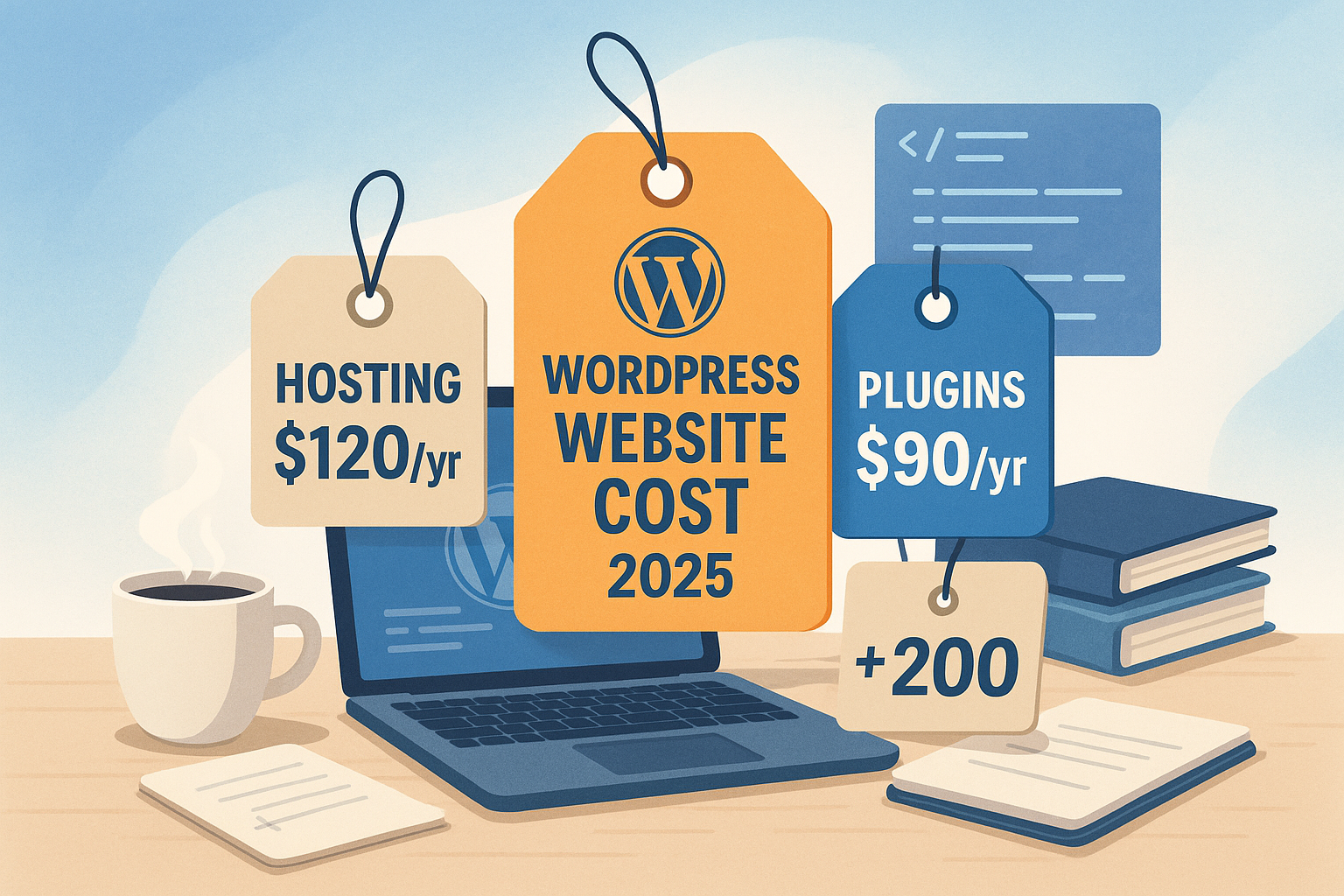
The WordPress costs in 2025 will vary depending on the type of project, scope of functions and hosting model. Anyone planning a website must factor in domain-, hosting- and plugin-based expenses - ranging from a few euros to several thousand per year. In the following, we take a detailed look at the various cost factors and show you how to put together a sensible budget.
Key points
- Web hostingShared hosting from 3 €/month, managed hosting from 15-50 €
- Domain & SSLAnnual costs between 12-1000 €, depending on TLD and certificate type
- Themes: Free or Premium for 40-200 € per year
- Plugins: Many free, Premium between 20-200 €/year
- Maintenance & DevelopmentExtra services cost between 150-8000 €
Basic costs of a WordPress website 2025
Getting started with WordPress is still free, as the software is based on GNU/GPL licensing. Nevertheless, there are basic costs that nobody can avoid. These include Domain, Hosting and security measures such as SSL certificates. A .de or .com domain costs between €12-30 per year. More complex top-level domains such as .design or .store can cost up to €80 or more.
An SSL certificate not only ensures secure data transfers, but is also standard from an SEO perspective. Many hosting providers such as webhoster.de integrate Let's Encrypt certificates free of charge. However, those who value extended validation pay up to €1000 per year for premium certificates. Depending on the type of project, you should therefore plan at least €60-100 per year as a mandatory budget - a realistic value for Basic expenditure.
It is also important to determine early on in the project whether you need to plan for future cost increases. This may be the case, for example, if the project grows very strongly and higher hosting capacities are required as a result. With community or membership sites in particular, it can happen that the number of users increases explosively, making an upgrade or even a server change necessary. These additional costs should not be underestimated, as practical experience shows that low-cost shared tariffs quickly reach their limits with strong growth.
Hosting categories in comparison
The choice of web host is decisive for loading time, security and support. Shared hosting is suitable for small websites or personal blogs - inexpensive, but limited scalability. If you run a professional website, it is better to opt for managed WordPress hosting. This is optimized for performance, takes care of updates and secures the platform against common attacks. Particularly noteworthy: webhoster.de as a provider with end-to-end WordPress optimization, included backups and practical admin functions.
Managed hosting packages usually offer faster-responding support and special caching architectures that are specifically suited to WordPress. Anyone working with performance testing tools such as GTmetrix or Google PageSpeed Insights will immediately notice the difference: loading times are often noticeably shorter, which in turn reduces the bounce rate and can even have a positive impact on search engine rankings. In some cases, a special cache mechanism or a specially optimized CDN (Content Delivery Network) is also included, which provides even more speed for international target groups.
| Hosting provider | Price from (month) | SSL included | Backups | WordPress optimization | Test winner |
|---|---|---|---|---|---|
| webhoster.de | 3 € | Yes | Yes | Yes | Yes |
| Other providers | 3-5 € | Partly | Partly | Partly | No |

Those who rely on professional hosting during the planning phase usually save themselves the hassle of moving to a more powerful platform later on. Often underestimated: A change of hosting provider can result in downtime, which is not only annoying but can also mean a loss of revenue in the worst-case scenario. It is therefore worth investing a few euros more and creating a solid basis right away instead of having to pay twice.
Design costs: Free or visually strong?
Themes determine the first impression of your website. If you don't have high expectations, use a free theme from the WordPress library. These are now responsive and solid - but often limited in terms of design freedom and performance. Premium themes start at around €40 per year, while popular solutions with support or block-based cost up to €200 per year.
Lifetime offers are also available - one-off payments of between €250-1000 ensure a strong design for the long term. Important to note: Many themes also include page builders such as Elementor Pro or WPBakery, which may incur additional license costs.
If you want to customize your design, you may have to resort to professional designers or agencies. Although page builders and drag-and-drop editors can be used to create impressive layouts, extensive animation concepts or completely customized templates require expertise and time. However, this investment pays off when it comes to creating an unmistakable brand presence with a high recognition value. In addition, a leanly programmed theme can also improve the performance of the site, which in turn has a direct impact on SEO and user satisfaction.
An underestimated topic when it comes to layouts: accessibility. If you want to ensure that your website is also accessible for people with disabilities, you should choose a design that is as accessible as possible and pay attention to sufficient color contrasts and keyboard-friendly navigation. These considerations can also be decisive when choosing between a free standard theme or a premium solution.
Plugins: Technical functions and automation
Plugins fundamentally extend WordPress. Whether SEO, forms, galleries or store functions - many basic tools are available for free. However, premium plugins are worthwhile for closed systems or professional growth. An annual license usually costs between €20 and €200 - some integrations, such as WooCommerce extensions for payment or shipping, cost more.
Here is an overview of common plugin categories and price ranges:
- Security: 0-200 €/year (e.g. Sucuri, iThemes Security Pro)
- SEO: 0-150 €/year (e.g. Yoast Premium, RankMath Pro)
- Backups: 0-100 €/year (e.g. UpdraftPlus Premium)
- Forms: 0-100 €/year (e.g. WPForms, Gravity Forms)
- E-Commerce: 30-200 €/year (e.g. WooCommerce extensions)
It should be borne in mind that some of these plugins may be inexpensive to purchase, but only offer limited support or fewer function updates. Reliable plugin providers, on the other hand, provide more stability and security with regular updates, which can be well worth the money. Especially when it comes to security-relevant extensions or backup solutions, you should not save money at the wrong end. After all, this is about protecting the entire website and all user data.

One tip is to regularly determine which plugins are actually needed. It is not uncommon for numerous extensions to accumulate over time, of which perhaps only a fraction are actively used. Too many plugins not only increase complexity, but can also cause problems with updates and have a negative impact on loading times. Keeping your plugin landscape lean saves time and money in the long term and reduces conflicts with other components.
Budget: How much will a WordPress site cost in 2025?
The items collected lead to a tension between low-cost entry and professional operation. For someone working on their own, annual costs from €60 are realistic. However, if you want premium components, maintenance contracts and individual plugins, you will quickly end up with over €2000 per year. But even this budget can be worthwhile if the project has business-critical areas: a stable online store, a well-visited member platform or a successful corporate blog generate income that often justifies the initial investment.
Anyone planning to set up a scalable business model - for example with digital products, online courses or extensive booking platforms - should pay attention to a solid architecture at an early stage. Factors such as multisite capability or the possibility of simple translation (e.g. with WPML or Polylang) play a role here. Multilingual websites entail additional hosting and database requirements, which result in higher costs, but at the same time open up an international audience.
The following table shows examples of annual budgets by website type:
| Project type | DIY costs per year | Agency costs (one-off) | Remark |
|---|---|---|---|
| Small website | 60-250 € | from 750 € | Hosting & basic design |
| Professional presence | 200-500 € | 1500-8000 € | incl. individual design |
| Blog (simple) | 60-200 € | from 750 € | No store features necessary |
| Online store | 250-1000 € | from 2000 € | via WooCommerce & Add-ons |
Payment gateways, automation in the shipping process and interfaces to accounting systems play a central role in the e-commerce sector in particular. Many of these are available as plugins, but are subject to a fee in the premium version. It is often worth carrying out a kind of "plugin audit": Which extensions are really necessary, and which can be saved? It may also be advisable to check whether special requirements can be implemented once via developer work instead of paying plugin fees on an ongoing basis.
Maintenance, updates & additional services
WordPress requires regular maintenance - updates, backups, troubleshooting. If you are less tech-savvy, an external maintenance service makes sense. Such services cost around €20-100 per month. They offer you data protection, availability and security. This is particularly recommended for business-critical sites.
A maintenance contract can also include specific performance optimizations or theme adjustments if problems arise. In the long term, this approach can reduce overall operating costs, as weak points are identified and rectified promptly. This prevents failures and extends the service life of the system.

For individual extensions, hire freelancers or web agencies. Simple customizations start at around €800. More complex web stores, landing pages with third-party connections or multilingual platforms require a budget of €2000 or more. Some projects exceed €8,000 if many user roles, automation or interfaces need to be integrated. Here it is crucial to clearly document the project requirements and take a close look at what work is needed - this way you can avoid unwanted cost explosions.
Another point that is often integrated into maintenance contracts is the ongoing monitoring of the site. With professional monitoring, availability is checked every minute and you are notified immediately in the event of errors. Companies that play it safe here can save themselves expensive sales losses or damage to their image due to longer downtimes.
Hosting savings tips & hidden costs
Some costs can be avoided - with open themes, free plugins and inexpensive hosting packages. Nevertheless, the following applies: supposedly cheap tariffs often offer lower performance or support quality. Use providers like webhoster.dewhich already include SSL, backups and WordPress tools.
Be careful with cheap hosting providers: you save money in the short term, but often have to buy additional tools at a high price. If you opt for an optimized platform instead, you will pay more initially, but reduce long-term maintenance costs and server problems. In addition, low server capacity can lead to loading time problems, giving visitors the impression of an unreliable site and causing them to bounce. In e-commerce in particular, this can translate directly into lost sales. In the long term, a solid hosting concept therefore proves to be a worthwhile investment.
Some hosters offer bundle packages that already include several domains, high-performance SSD storage solutions and automatic malware scans. If you have several web projects, you may be able to save costs by booking a more comprehensive - but cheaper overall - package instead of several individual packages. A precise cost comparison is also useful here. Database restrictions, visitor limits or the number of e-mail accounts should also be checked in advance.
Final thoughts: Plan & scale your budget smartly
A WordPress website in 2025 can start almost free of charge - or become a complete business portal with a four-figure annual budget. The important thing is to clearly define your requirements instead of investing blindly. Start with basic functions, professional Hosting and solid themes. Only expand if there are operational or design reasons.
With clear goals, you can manage your project efficiently - regardless of whether you are running a blog, a business card or an e-commerce store. If you plan ahead and find the right balance between investment and functionality, you can use WordPress to cost-effectively create a high-quality online presence that will grow with you and your company in the long term, even in 2025.