Skip to content
WordPress.com vs WordPress.org: Although both platforms are based on the same software, they differ fundamentally in terms of cost, control and functionality. Anyone planning a website should understand these differences in order to make safe decisions for growth, technology and long-term flexibility.
Key points
- Hosting: Included with WordPress.com - can be selected at WordPress.org, but subject to a charge.
- FlexibilityWordPress.org allows full design and function control - WordPress.com only allows this in the Business plan.
- Plugins: Unlimited use only at WordPress.org - WordPress.com limited (except Business).
- Monetization: Full advertising and store freedom with WordPress.org - limited with WordPress.com.
- Technical effortWordPress.org requires its own maintenance - WordPress.com takes care of updates and security.
What exactly distinguishes WordPress.com from WordPress.org?
The key distinction is that WordPress.com is a hosted platform, while WordPress.org offers open source software that I have to host myself. WordPress.com takes care of hosting, security and maintenance - ideal for anyone who doesn't want a lot of technical hassle. On the other hand, it is very restrictive in terms of design and functions. Especially when it comes to themes and plugins, the user remains dependent on the platform's tariffs and specifications. With WordPress.org, I decide on the server, theme, plugin and functionality. It is ideal for projects that need to be fully customized - including e-commerce, memberships or complex content. If you are prepared to budget for hosting costs and regular maintenance, you will benefit significantly in the long term.Function comparison at a glance
The following table makes it easy to understand the different aspects of both variants:| Feature | WordPress.com | WordPress.org |
|---|---|---|
| Hosting | Including | Choose and pay for yourself |
| Domain | Subdomain (own from Premium) | Freely selectable |
| Themes | Limited (more from Premium) | Completely free |
| Plugins | Hardly (business tariff required) | Unlimited availability |
| SEO/Analytics | Only limited, from Business | Complete freedom |
| Monetization | Limited, advertising through WP.com | All shapes possible |
| Support | Community / tariff-dependent | Community + web host support |
Who is WordPress.com suitable for?
This version is ideal for beginners, hobby projects and anyone who As little maintenance as possible want to. If you simply want to blog or publish information without investing time or resources in technology, WordPress.com is a good choice. Especially in the free version, you can quickly create a simple site with a WP subdomain. However, as soon as I need my own web address or additional functions, the costs increase noticeably. Premium and business tariffs range up to over 300 euros / year, depending on the range of functions. The price-performance ratio then often tips in favor of self-managed alternatives.
Why do many people choose WordPress.org?
Because it offers all the freedom I need for professional web projects. With WordPress.org, I have complete access to Theme files, PHP code, plugins and hosting structure. I can extend, optimize and customize everything - page load time, SEO integration and user interface included. What's also significant is that with WordPress.org, I own the site completely. No third-party advertising, no interference with the structure and no dependence on subscription rates. Websites with a store function, member logins or lead generation can be implemented excellently with plugins such as Elementor Pro, WooCommerce or Rankmath - all without additional costs for system access.What does WordPress.org really cost?
The free WordPress software is free of charge. Costs are incurred for hosting, domain and possibly premium themes. Professionals rely on hosters specially prepared for WordPress with regular security updates, PHP speed optimizations and auto-installations. Providers like webhoster.de offer ready-made hosting packages for all website sizes - with all-round service and transparent prices starting at just a few euros per month. It is also worth comparing storage space, certified SSL, email accounts and additional performance functions such as HTTP/2 or caching structure.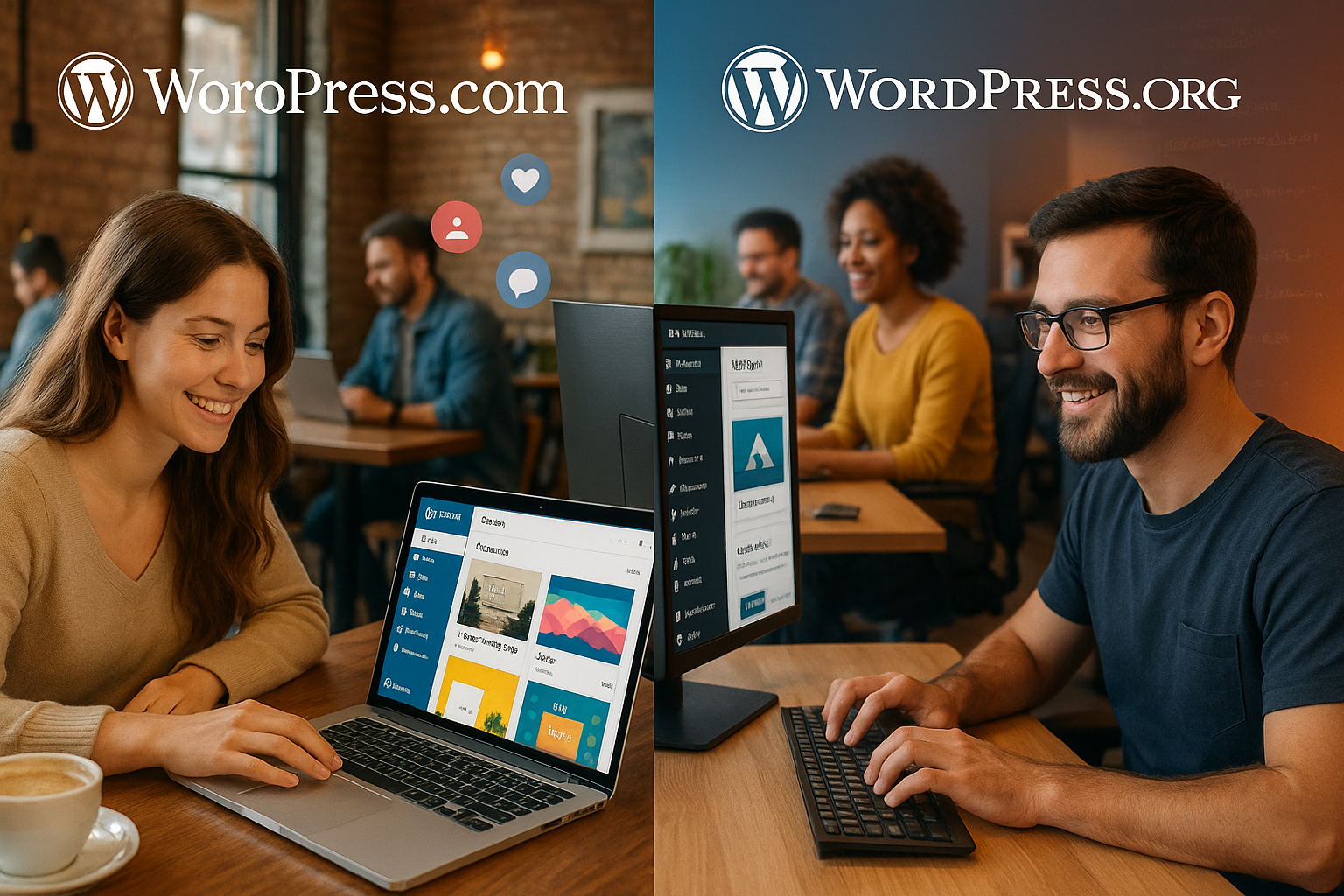
The switch from WordPress.com to WordPress.org
Many people start with WordPress.com - but quickly realize its limitations. Switching to the self-hosted WordPress version can be done in just a few steps. A good hosting provider with a simple WordPress installation is important - for example Web host with 1-click installer. I carry out the following steps when moving:- Export data via "Tools > Export data" in WordPress.com
- Register with new hoster and connect domain
- Install WordPress (often automatically included in the hosting package)
- Import export under "Tools > Import data"
- Reconfigure themes and plugins
- Connect final domain and update search index
What is the difference between support and maintenance?
With WordPress.com, these points are virtually eliminated: backups, security and CMS updates are handled by the platform itself. However, in the event of a problem, I can only access support within the tariff levels. WordPress.org gives me more responsibility: I take care of backups, security tools such as Wordfence and regular plugin updates. However, these tasks can be automated - or I can choose a managed hosting-package. In this case, the hoster takes over these tasks. Tip: When changing modular systems WordPress-optimized hosting often helps to avoid errors.
E-commerce: Which option is better for online stores?
A crucial point: Stores and payment solutions can only be built on WordPress.com with business or commerce packages - and still have restrictions on plugins and payment providers. Those who want Shopify-like control are often disappointed. With WordPress.org, I immediately use WooCommerce, manage products, payment methods, stock and add any desired extension via plugin - from digital downloads to voucher modules. I can also freely integrate newsletter systems, affiliate systems or CRM plugins.SEO functions in comparison
For visibility and reach, every website needs a clean SEO foundation. WordPress.com only offers this from the Business plan upwards. At WordPress.org, I install free SEO tools such as RankMath or Yoast directly - including meta structure, keyword analysis and sitemaps. I also use Google Analytics via code or plugin. Tracking, conversion monitoring and visitor analysis are thus carried out precisely and in real time. If you want to remain visible online in the long term, rely on WordPress.org.
Performance optimization and caching in WordPress
Performance plays a decisive role not only for ambitious projects. If you want a fast site - so that visitors don't bounce and Google treats the site preferentially - you should invest in performance at an early stage. With WordPress.com, hosting is tied to the existing infrastructure, which is solid but hardly accessible to individual customizations. With WordPress.org, on the other hand, I can decide for myself whether and how to install caching plugins such as WP Rocket, W3 Total Cache or LiteSpeed Cache to significantly reduce loading times. Setting up a content delivery network (CDN) to speed up static content is also no problem for self-hosted projects. This allows a flexible performance strategy to be implemented: If the traffic volume increases, I can switch to a larger hosting package or specifically tweak the server configuration. WordPress.com often limits the access and setting options so that I can monitor the performance but can only optimize it to a limited extent. In addition, the settings for image compression, caching and script minification are easier to integrate into the workflow at WordPress.org: Once set up, corresponding plugins ensure that all newly uploaded images are automatically optimized and scripts load as efficiently as possible. Conclusion: If you are looking for maximum control over the interaction of hosting, caching and compression, WordPress.org is a much better choice.Multilingualism and global reach
Multilingualism is an important factor for many websites. While WordPress.org offers almost limitless possibilities for multilingual content via plugins such as Polylang or WPML, WordPress.com is much more limited. There are usually no professional translation solutions available in the free or low-cost plan. Even in the business plan, integration may not be as smooth as in a self-hosted environment. WordPress.org offers the advantage of being able to customize every detail of the translation and language switchover - from individual menus and language switches in the navigation to SEO-relevant metadata for each language - especially if a website is to have an international focus and provide several languages. This allows you to assign your own URLs and meta titles for each language version. This also optimizes your global search engine ranking and ensures better user-friendliness.Community and updates
One of the big advantages of WordPress.org is its huge community. This means that there are countless forums, groups and blogs where you can find answers to technical questions. Themes and plugins are also updated as soon as developers publish them. Although the WordPress.com system takes care of updates automatically, this means that there is less transparency as to when which changes are made. If you as a website operator want to know which version of your system is running and which new functions are being added, this is much easier to track with WordPress.org. Contact with developers and designers from the community can also help to continuously develop a website. Anyone who encounters problems, for example, can quickly find support in the WordPress.org support forum or on GitHub. At the same time, you can exchange ideas with like-minded people. This proximity to the development core of WordPress strengthens an understanding of how the CMS works and creates new ideas for customization.User roles and access controls
Roles and permissions in the backend play a major role, especially in teams or for larger projects. WordPress.com offers basic roles (administrator, editor, author, contributor), but WordPress.org allows you to customize access rights in fine detail. There are numerous plugins that define user roles and thus precisely control who in the team is allowed to edit which content or which system functions are accessible. If you want to restrict guest authors, only allow certain employees to publish images or give external agencies temporary access, for example, the advantages are obvious: with WordPress.org, roles can be added or duplicated independently without being tied to the specifications of a tariff or platform.Theme customization and child themes
The freedom to customize themes almost indefinitely is an important aspect for those who want to visually customize their site. While WordPress.com only allows limited customization in the free version, WordPress.org allows you to install any theme and even create your own child themes. This means that your main theme remains unaffected by updates while you continue to develop the design or individual functions. For designers and developers, this is an indispensable part of their daily work: the child theme principle allows you to test the code and layout without the risk of all changes being overwritten with the next update. This is essential for professional websites in particular. In this way, customer-specific wishes can also be implemented precisely without having to conform to the specifications of a tariff or a limited theme gallery.Security and data protection
Security is very important in the internet age. Although WordPress.com takes care of the basic security measures, advanced settings are often regulated by the platform. With WordPress.org, you can install additional security plugins such as Wordfence, iThemes Security or Sucuri to make your site even more secure against attacks. The same applies to data protection and GDPR. You can implement your own cookie banners, consent management solutions and general guidelines for your visitors. If you want to integrate tracking tools individually, for example, you often have to resort to WordPress.com tariffs or settings that are not fully customizable. A self-hosted system, on the other hand, allows you to set up all buttons, banners and scripts in accordance with the legal situation or your personal data protection concept.Scalability and growth
In principle, both platforms make it possible to grow with a website. However, with WordPress.com you will reach the limits of scalability relatively early on if you are afraid of upgrading to higher tariff levels or require specific server configurations. Professional hosters, on the other hand, offer scalable hosting packages specifically for WordPress.org. If the number of visitors increases rapidly, for example, the server resources can be expanded. In the medium term, this is often even more cost-effective than switching to expensive WordPress.com tariffs, because self-hosting gives you more leeway to only pay for what you actually need. Instead of being limited to rigid tariff models, plugin solutions can be dynamically adapted to new requirements - be it for growing email lists, new e-commerce functions or high-resolution multimedia content.Summary: Which system suits your project?
If you consider the effort involved, WordPress.com is convenient at first glance - no maintenance, no technical requirements. But as soon as your requirements grow, you'll reach your functional and design limits. WordPress.org requires a few more initial steps, but rewards you with full control. I recommend the self-hosted route for anyone who wants to grow: With a flexible host like webhoster.de, powerful plugins and your own SEO, you have everything you need for a professional online presence at your fingertips.