Skip to content
I rely on wordpress zero downtime deployment so that every update to my WordPress site goes live without interruption and search engines and visitors don't experience any downtime. With strategies such as Blue-Green, Rolling and Canary, supplemented by CI/CDGit and fast rollbacks, I keep updates secure, measurable and invisible to users.
Key points
Before I delve deeper, I reveal the key decisions that make the difference between quiet releases and hectic nights. I combine Strategiesautomation and monitoring in such a way that changes remain predictable. A clear procedure reduces risk and saves costs. Rollbacks must be implemented in seconds, not after a long troubleshooting process. This is exactly what I aim to achieve with the following focal points.
- Blue-GreenSwitching between two identical environments without downtime
- Canary: Low-risk testing with a small number of users
- RollingUpdate server by server, service remains accessible
- Feature togglesEnable or disable specific functions
- MonitoringCheck metrics, roll back errors automatically
I control these points via Git, pipelines and clearly defined checks. This means that the live page remains unchanged with every change available and the quality is measurably high.
What zero downtime means in practice with WordPress
I keep the live site accessible while I roll out code, plugins, themes and database changes, without maintenance mode and without noticeable interruptions. At the heart of this are prepared deployments, health checks and a Rollback by pressing a button that jumps back to the last version in seconds. I strictly separate build and release steps so that I switch tested artifacts instead of copying fresh code. I plan caching, database migrations and sessions so that users don't experience lost forms or expired logins. The decisive factor remains: I test for staging, I measure for live, and I can always back.
Strategies: Clever use of Blue-Green, Canary, Rolling and A/B
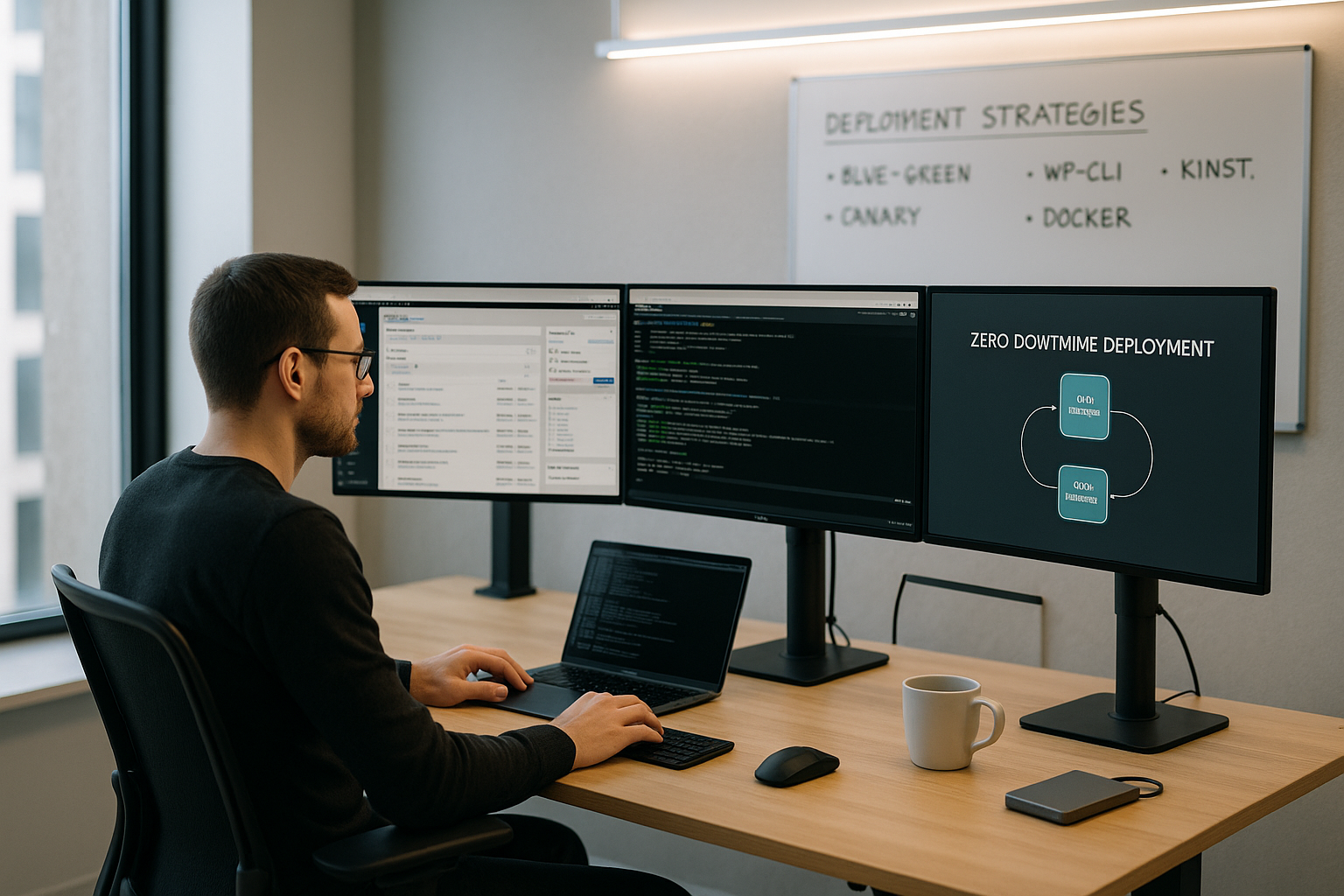
I often use blue-green for feature releases: I refresh the inactive environment, check it, and then turn it off with the Load balancer around. For risky changes, I start with a canary release and gradually increase the traffic share while metrics show error rates and latencies. I use rolling updates in cluster setups to update servers one after the other; the service remains accessible. A/B variants help me to compare the impact and performance of new features live and make data-based decisions. Every strategy relies on clear termination criteria so that I can react immediately in the event of problems. react.
Technical requirements: Git, CI/CD, containers & tests
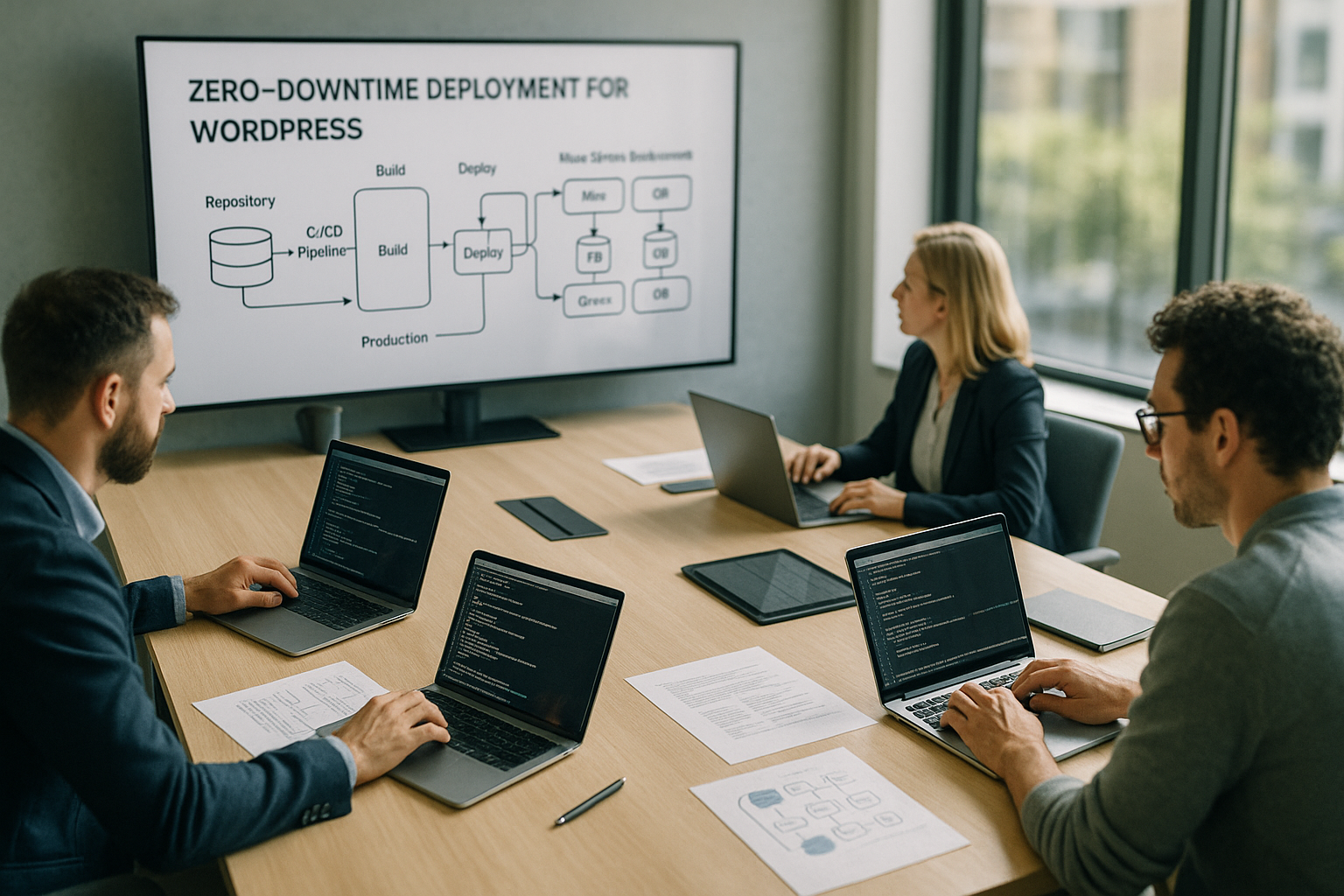
I version everything in Git: code, configuration and deployment scripts, so that every step remains traceable. A pipeline builds, tests and publishes automatically, for example with Jenkins, GitHub Actions or DeployBot; this way I avoid manual errors and create Speed. Containers with Docker and orchestration via Kubernetes enable rolling updates, readiness and liveness probes as well as clean traffic management. For WordPress, I integrate build steps such as Composer, node assets and database migrations into the pipeline flow. If you need help getting started, take a look at how Implement CI/CD pipelines to allow repeatable deployments to set up.
Database changes without downtime: migrations, WP-CLI and feature toggles
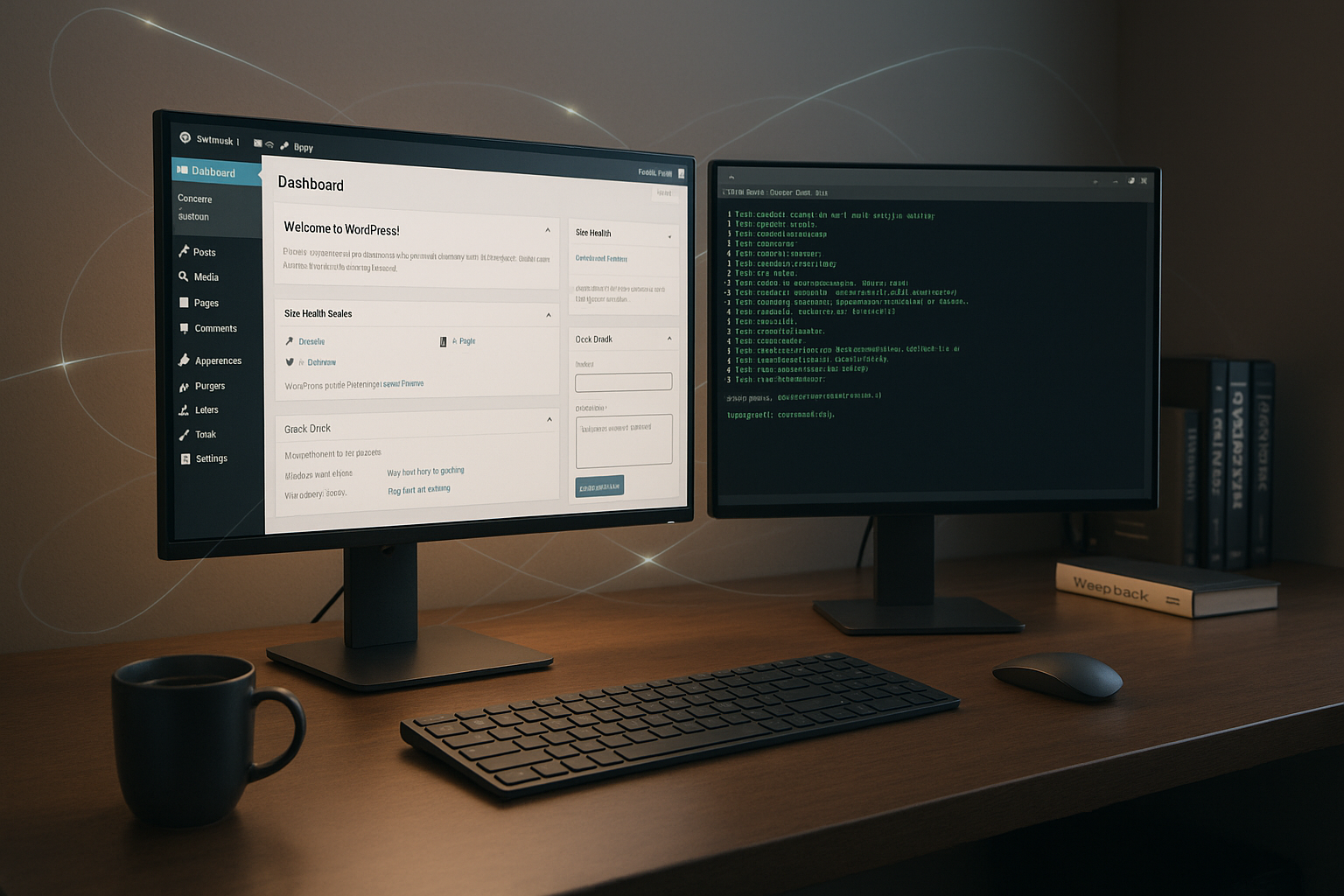
With WordPress, the database can be the trickiest part, so I plan migrations with forward and backward scripts. I separate schema-changing steps from feature switches so that new fields exist but aren't actively used until later; this reduces Risk. I use WP-CLI to automate SQL scripts, search/replace and cache purges so that every release runs identically. For tricky migration paths, I choose two releases: first non-breaking changes, then use in the code. For safe tests, clean staging is worthwhile, as I describe in Set up WordPress staging before describing changes live release.
Load balancing and caching: controlling traffic instead of switching it off
I use load balancers to route traffic in a targeted manner, switch to blue-green and enable rolling updates. Health checks automatically remove unstable instances from the pool so that users always have a functioning version. Page cache, object cache and CDN reduce the load, which makes deployments run more smoothly and errors are noticed more quickly. I use sticky sessions sparingly and replace them with a shared session store where possible. If you want to delve deeper into architectures, take a look at current Load balancing techniquesin order to cleanly steer.
The process in practice: from commit to switchover
I start locally, commit into small, traceable units and push to the central repository. A pipeline builds the artifact, runs tests, validates coding standards and performs security checks; only then do I deploy Release. For staging, I check the environment, database migrations and metrics before taking a full backup. The actual rollout follows a clear strategy: blue-green for fast switching, canary for risk reduction or rolling for clusters. After switching, I monitor the metrics closely and immediately resolve any problems. Rollback from.
Monitoring and automatic rollbacks: see errors before users notice them
I measure latency, error rates, throughput and resources live during deployment in order to detect deviations at an early stage. Application monitoring (e.g. New Relic), infrastructure metrics (e.g. Prometheus) and log analyses provide me with a clear picture. I set alert rules so that they can take effect in seconds and trigger automated reactions. Feature toggles decouple code delivery from activation; I use them to switch off problematic functions without redeploy. I keep rollbacks ready based on scripts, so that I can immediately trigger them when a threshold value is reached. roll back and the situation eases within a few moments.
Strategy overview: which method suits which goal?
I don't choose the method based on gut feeling, but on risk, traffic volume and team size. I like to use Blue-Green when I want to change gear quickly and jump back just as quickly. Canary fits when I want to carefully test new behavior and have time for a gradual ramp-up. Rolling updates shine as soon as several instances are running and short maintenance windows per node are acceptable. The following table summarizes the differences in a compact way and helps with a Decision.
| Strategy | Risk profile | Rollback speed | Typical application scenario |
|---|---|---|---|
| Blue-Green | Low | Seconds | Fast switching, clearly separated environments |
| Canary | Very low | Seconds to minutes | Rolling out high-risk features step by step |
| Rolling | Medium | minutes | Cluster setups with multiple instances |
| A/B variant | Medium | minutes | Measure and compare feature impact |
I use this overview in kick-off meetings so that everyone involved understands the consequences. I also note down clear termination criteria, metrics and communication channels. If you record these points in advance, you can deploy more calmly and reliably. Every project benefits from a documented standard method plus exceptions for special cases. This keeps the procedure transparent and easy to use for the team.
Hosting and infrastructure: prerequisites for real reliability
I rely on hosting that offers load balancing, fast backups and reproducible environments. A provider with a clear WordPress focus saves me time with staging, caching and backup restore. In my comparison webhoster.de because it combines automation, recovery and support at a high level. Anyone who runs WordPress professionally benefits from switchable environments, predictable releases and good observability. Before I go live, I set up a staging with a production-like configuration and keep backups to hand so that I can quickly restore the system if the worst comes to the worst. jump back.
| Place | Provider | Special features (WordPress & Zero Downtime) |
|---|---|---|
| 1 | webhoster.de | Highly available infrastructure, specific for WP, comprehensive automation, first-class support |
| 2 | Provider B | Good CI/CD integration, limited support |
| 3 | Provider C | Strong performance, less specialized |
For smooth testing, I use copies close to production and a clear separation of the secrets. This reduces surprises when switching and prevents empty caches or missing files after the release. In addition to backups, I use snapshot strategies that can save me regardless of the code status. In addition, I keep a short documentation ready that even works in moments of stress. This keeps me capable of acting and Targeted.

Security, backups and compliance: think before you switch
I check rights, secrets and keys before every release so that no sensitive data ends up in artifacts. I create backups automatically and verify them regularly to ensure that they can be restored in practice. For GDPR-compliant setups, I document data flows and ensure that logs do not collect any personal information unnecessarily. I scan dependencies for known vulnerabilities and keep updates predictable instead of surprising. Maintaining this routine reduces downtime and protects Trust.
Avoid common mistakes: Maintenance mode, locks and rights
I avoid the classic maintenance mode of WordPress by preparing and switching build artifacts instead of copying. I prevent long database locks by using small, well-tested migrations and time windows with less traffic. I check file permissions and owners in advance so that no deployment fails due to trivial write permissions. I consciously plan cache invalidation: specifically instead of globally, so that the traffic does not fall on the app in one fell swoop. This keeps deployments predictable and operations are quiet.
Architecture principles for WordPress: Immutable builds, symlinks and artifacts
Zero downtime lives from immutable Releases. I build a finished artifact (composer, assets, translations) and store it versioned in the directory tree, e.g. releases/2025-10-01. A symlink current points to the active version; when switching, I only change the symlink and Nginx/PHP-FPM immediately serves the new version. I keep writable paths (uploads, cache, possibly tmp) under shared/ and include them in every release. This is how I separate code from data, keep the app reproducible and rollbacks atomically. For frontend assets, I use versioning (cache busting via file names) so that browsers and CDNs load new files reliably without me having to clear the cache globally. I always set code directories to read-only; this prevents drift and helps to avoid differences between staging and production.
WordPress-specific features: WooCommerce, Cronjobs, Multisite
E-commerce requires special care. With WooCommerce, I plan deployments outside of peak times and pay attention to backwards compatible Changes to order and meta tables. I keep background processes (e.g. order status, webhooks, subscription renewals) stable during the switchover by controlling WP-Cron via an external scheduler and briefly throttling jobs. In cluster setups, Cron runs on exactly one worker to avoid duplicates. For multisite installations, I take into account different domain mappings, separate upload paths and different plugin activations per site. I always test migration scripts against several sites with realistic data so that no subsite with a special configuration gets out of line.
Caching fine-tuning and CDN: cache warming without traffic peaks
I pre-warm critical pages (homepage, category pages, sitemaps, store lists) before I switch the traffic. To do this, I use a list of prioritized URLs and retrieve them with moderate parallelization. Instead of global purges, I use selective Invalidation: Only changed paths are reloaded. I keep stale-while-revalidate and stale-if-error activated so that users get quick responses even during short revalidations. ETags and short TTLs on HTML in combination with longer TTLs on assets help me to balance performance and timeliness. It is also important to me to consider the object cache and page cache independently: The object cache (e.g. Redis) is not emptied during deployments as long as the data structure remains compatible; this way I avoid load peaks immediately after the release.
Tests, quality and approvals: from smoke to visual comparison
I combine unit tests and integration tests with Smoke checks of the most important flows: Login, search, checkout, contact form. Synthetic checks run against health and readiness endpoints before the load balancer even starts rotating new instances. Visual regression tests uncover CSS/JS outliers that classic tests cannot find. I set small performance budgets for high-performance releases: a change that measurably worsens LCP or TTFB does not go live. A light load test on staging shows whether DB indices, cache hit rate and PHP FPM workers remain stable under load. Releases are made using the dual control principle; the pipeline forces all checks to be green before I flip a switch.

Governance and operation: SLOs, error budgets, runbooks
I define service level objectives (e.g. 99.9 % availability, maximum error rate) and derive from them Error budget off. If it is used up, I freeze risky deployments and focus on stability. A release train (e.g. every week at the same time) creates predictability. Runbooks describe step by step how I switch, test and roll back - including clear contact persons. Change logs document what went live and why, and which metrics were observed. In incidence cases, I write short post-mortems with specific measures; this prevents repetitions and strengthens quality in the long term. In this way, zero downtime is not just technology, but Process.
Capacity and costs: efficient zero-downtime planning
Blue-Green temporarily requires double the capacity. I consciously plan for these peaks: I either keep reserves or I scale up before the release and scale down again afterwards. The database is critical - it usually remains shared. I make sure that it can carry twice the application traffic for a short time without running into lock retention. For rolling updates, I calculate the minimum number of active instances so that SLOs are maintained. Canary saves risk, but costs time for starting up the shares. I address these trade-offs openly and define a standard method for each project so that budgets and expectations match.
Configuration and secrets: safe separation and rotation
I strictly separate configuration from code: Environment variables or separate configuration files contain hosts, credentials, feature flags. Sensitive values (database passwords, salts, API keys) never end up in the repository. I rotate Secrets regularly and keep the rotation automatable. For WordPress, I maintain wp-config.php so that it reads in environment values cleanly, activates debug settings for staging and deactivates them for production. I assign write permissions minimally: the web server only needs access where it is unavoidable (uploads, cache, sessions if necessary). A health check verifies that the configuration version and code version match; this allows me to detect mismatches immediately after the switchover.

Data patterns for rollbacks: expand contract and roll forward
Not every migration can be reversed cleanly. That's why I prefer to use Expand contractFirst I extend the schema (new columns, indices), the code continues to work compatibly. Then I activate the new usage via feature toggles. Only when everything is stable do I remove legacy code. This means that a rollback at code level is possible at any time because the schema represents a superset. With large tables, I avoid blocking by migrating in small batches. Roll-forward is the primary option: if an error is found, I deliver a fix at short notice instead of rolling the data back hard. I still keep backups to hand - as a last resort.
Handling media, sessions and files
Media belong in a shared storage, not in the release. I use shared/uploads or a central object store so that blue-green and rolling do not create double maintenance. I decouple sessions from individual instances by storing them in the shared store or using token-based logins; this allows users to survive the switchover uninterrupted. I clean up temporary files (e.g. image generation) after the release and keep an eye on limits so that no worker runs out of disk space. I avoid file diff deployments because they are prone to drift - an atom switch with symlink is more reliable in operation.
Operational details: PHP-FPM, OPCache, search indexes
After a switch, I clear the OPCache specifically or execute a graceful reload so that new files are loaded safely. I monitor 502/504 spikes during the reload; if they occur, I adjust the number of workers and timeouts. If the project uses an internal search or an external index, I plan index updates separately and idempotently. For bulk updates, I use throttling so that the app and database don't get out of sync. Details like these make the difference between "theoretically" and "practically" zero downtime.
Briefly summarized
I achieve zero downtime with WordPress by switching tested artifacts, strictly observing metrics and being able to jump back at any time. I combine Blue-GreenDepending on the risk, I use Git, Canary or Rolling and create a reliable process with Git and CI/CD. Containers, health checks, load balancers and feature toggles ensure that users don't notice anything and that I act quickly. Backups, clean migrations and clear termination criteria give me control in tricky moments. This keeps the live site available, search engines see consistent quality, and every update feels like a normal step, not a Venture.