 Skip to content
Plesk ISPConfig shapes the decision on how I efficiently manage servers, domains, emails and WordPress projects. In this comparison, I clearly show where the commercial strength of Plesk meets the open freedom of ISPConfig - including functions, costs, security and practical benefits.
Key points
The following key aspects provide me with a quick overview of the strengths, limitations and areas of application of both panels and create a clear Basis for decision-making:
- UsabilityPlesk scores with convenience, ISPConfig with detailed control.
- ExtensionsPlesk offers a large marketplace, ISPConfig relies on modules and scripts.
- SecurityBoth provide SSL, firewall and updates - Plesk with service, ISPConfig with community.
- CostsPlesk has licenses, ISPConfig is free with optional modules.
- ScalingPlesk scales via add-ons, ISPConfig is convincing in a multi-server network.
Plesk vs. ISPConfig at a glance
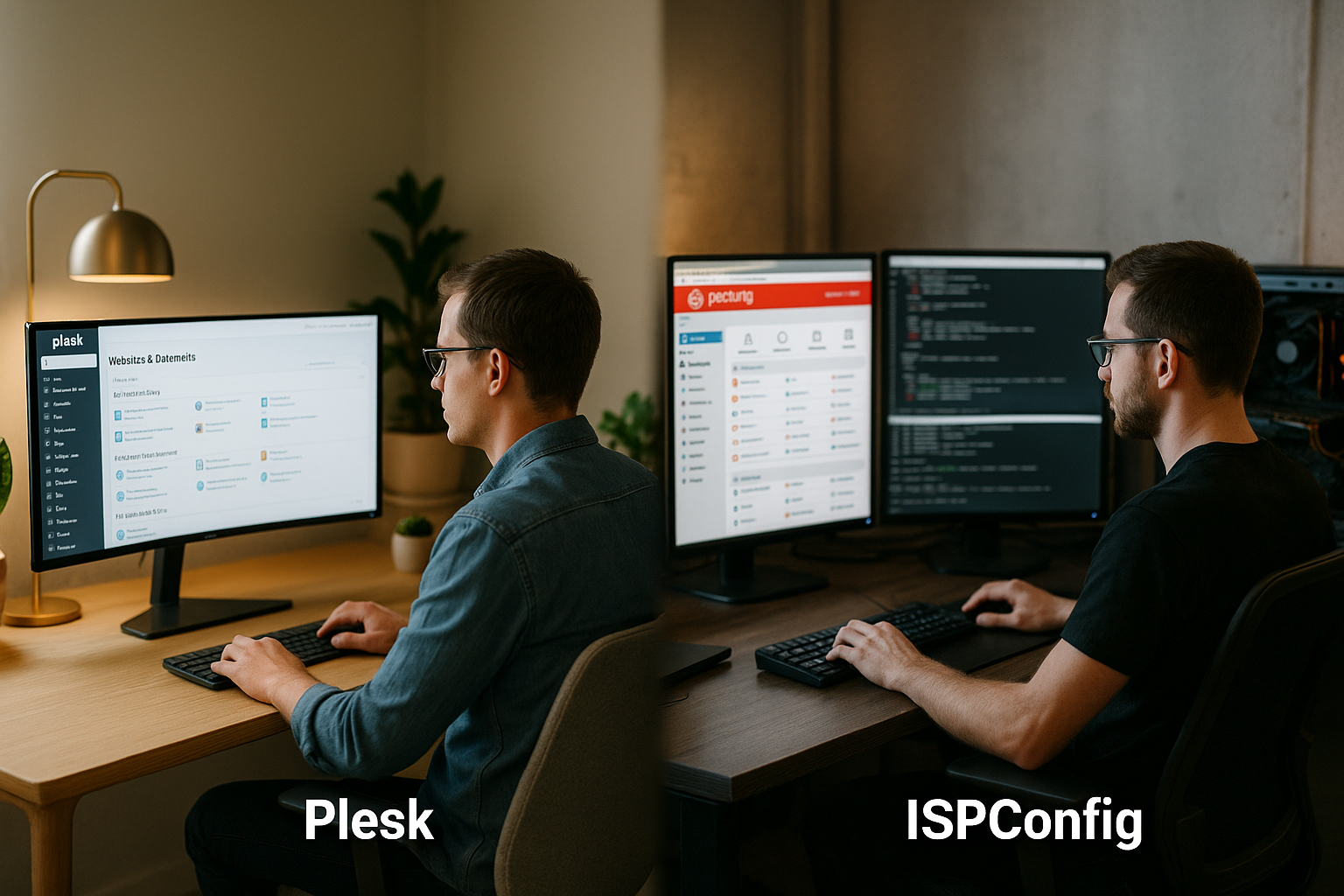
I am comparing two powerful control panels with very different approaches: Plesk as a complete commercial solution and ISPConfig as a freely available open source option. Plesk runs on Linux and Windows, provides many wizards and a very clear interface. ISPConfig concentrates on Linux, has a lean interface and very precise setting options. Anyone who wants to work productively quickly will feel immediately at home with Plesk, while ISPConfig gives technically experienced users maximum freedom. The following applies to both: domains, emails, DNS, databases and web servers can be controlled reliably, only the ways to get there differ in terms of convenience and Depth.
User guidance and setup
When getting started, the Usability Plesk guides me through wizards, one-click installers and clear menus. This saves time when creating domains, SSL certificates and WordPress instances. ISPConfig requires more manual work during setup, but rewards me with fine control over Apache or Nginx, mail stacks and DNS zones. Those who are used to Linux administration can set up ISPConfig in a very targeted manner and remain independent of license models. For beginners or teams with little time, Plesk brings the faster curve into a productive Operation.
Everyday functions: Domains, e-mail, DNS, backups
In my day-to-day business, I use both panels to manage domains, emails, databases and file access at the touch of a button or via API. Plesk summarizes many actions in guided dialogs and supplements them with the WordPress Toolkit for updates, cloning, staging and security scans. ISPConfig covers the same core topics and lets me define settings down to the last detail, such as Postfix/Dovecot, spam filters or DNS templates. Plesk comes with convenient profiles for backups, while with ISPConfig I use my own scripts or additional modules depending on the goal. Both ways lead reliably to the goal, only the degree of Automation.

Extensions and integrations
Plesk offers me a large marketplace with verified extensions for security, monitoring, backups, caching, email hygiene and SEO. This reduces the effort involved in special topics because I click on ready-made packages on the panel and use them immediately. ISPConfig allows modules and external tools, although I often use scripts or third-party solutions. If you are planning very specific setups, ISPConfig benefits from the openness of the stack, while Plesk shines with tested add-ons and clear interfaces. For a broader comparison of similar tools, I refer you to the Control panel comparison, which provides additional perspectives. This enables me to decide more consciously which ecosystem suits my needs. Requirements fits.
Security and updates
In terms of security, I rely on SSL management, firewall rules, Fail2Ban integration and log analysis for both panels. Plesk provides regular updates, quick bug fixes and clearly structured security guidelines, which is convincing in riskier environments. ISPConfig benefits from transparent open source development and an active community that provides fixes and improvements. It remains crucial that I install updates in a planned manner, check backups thoroughly and harden consistently. If you prefer predictable processes, Plesk is a very straightforward solution; if you like to manage things yourself, ISPConfig is a very straightforward solution. flexible Surroundings.

Costs and license models
Costing plays an important role in projects with many domains and customers, so I calculate prices and usage models thoroughly. Plesk offers license levels depending on the number of domains and range of functions; add-ons can trigger additional fees. In return, I receive commercial support, reliable update cycles and tested extensions. ISPConfig is free of charge; you only have to pay for individual premium modules or professional support. If you operate a lot of servers and have the know-how, you can achieve very good results. Cost effects.
| Aspect | Plesk | ISPConfig |
|---|---|---|
| Licenses | Monthly/yearly in increments (€) | 0 € (Open Source) |
| Add-ons | Premium plugins for an extra charge | Modules/scripts, partly with costs |
| Support | Commercial manufacturer support | Community, optional Professional Support |
| Update management | Plannable with manufacturer roadmap | Community-driven, very transparent |
| Overall impression | Convenience against license costs | Freedom in exchange for personal expense |
Multi-server and scaling
For larger setups, what counts for me is the ability to control multiple machines from one interface. ISPConfig provides powerful functions for exactly this, with which I can centrally manage web, mail and DNS servers and separate clients cleanly. Plesk scales via extensions, additional servers and integrations, allowing me to expand the platform step by step. Both approaches work, but differ in terms of depth of control and administration style. If you want to check out alternatives, you can find useful insights on Open source alternatives and can better classify my own setup. This allows me to choose the structure that suits my budget, team size and Workflows fits.

WordPress, stores and dev workflows
For content and store projects, the question of how to manage updates, staging and security is important. With the WordPress Toolkit, Plesk provides a very well-rounded package of cloning, staging, auto-updates, security checks and backup strategies. ISPConfig can map the same goals, but often requires additional scripts, cronjobs or external tools. Developers appreciate Git integration, SSH and database workflows in both panels, although Plesk offers more wizards. Those looking for as few click paths as possible will benefit from Plesk; those who like to be hands-on will benefit from the openness of ISPConfig.
Roles, clients and compliance
Role models help me to clearly separate responsibilities: Admin, reseller and customer receive defined rights. Plesk clearly separates accounts and allows agencies to bundle projects neatly, which makes audits and internal guidelines easier. ISPConfig also offers multi-client capability with admin, reseller and customer logins as well as fine-grained limits. Both panels provide practical answers to compliance issues such as logging and access control. It remains crucial that I keep rights lean and document changes in a traceable manner - this ensures reliable access control. Governance.

Migration and changeover
What counts for me when migrating is the ability to plan: testing backups, determining the sequence, timing DNS switches properly. Plesk supports migration scenarios with tools and instructions, which makes switching from other panels a smooth process. ISPConfig lets me design migrations freely, as long as I know the services and data paths exactly. I recommend testing in a staging environment first, before live domains follow. Anyone coming from a free panel likes to compare with free server panels, to realistically assess the effort and risks involved. So I keep the Control downtime and data integrity.
Practical decision-making aids
I make the choice based on team knowledge, time budget, project size and required integrations. Plesk speeds up day-to-day work, reduces misconfigurations and offers a convenient support channel. ISPConfig makes me independent of licenses and gives me the freedom to control the stack very precisely. For small projects with little time I often rely on Plesk, for larger Linux setups with multi-server requirements I often use ISPConfig. This matrix helps me to strike the right balance between effort, costs and flexibility. Ratio to bring.
Performance, stack and tuning
Architectural decisions are crucial for performance. Plesk often combines Nginx as a reverse proxy in front of Apache or optionally relies on Nginx alone, manages PHP-FPM pools per subscription and activates HTTP/2/3 including HSTS conveniently in the interface. Caching can be activated very quickly with ready-made modules (OPcache, Redis connection, browser caching header). ISPConfig allows me to use the same technologies, but with greater depth: I can precisely customize vHost templates, PHP-FPM settings or Nginx maps and can granularly configure alternative stacks (e.g. Nginx only). For heavily changing loads, I use system-related optimizations in both worlds (sysctl, I/O scheduler, PHP worker), Plesk provides more wizards, ISPConfig more fine-tuning.
Automation, API and infrastructure as code
I save repeatable processes via APIs and scripts. Plesk offers a CLI and an API, event handlers and hook points that I can use to manage users, domains, certificates or backups automatically. ISPConfig provides a remote API that I can use to create or change resources; I can also control configuration files very transparently via configuration management (e.g. Ansible). Conclusion from practice: Plesk impresses with its low scripting effort and stable wizards; ISPConfig shines when I rely on infrastructure-as-code anyway and version changes down to template level.
Monitoring and observability
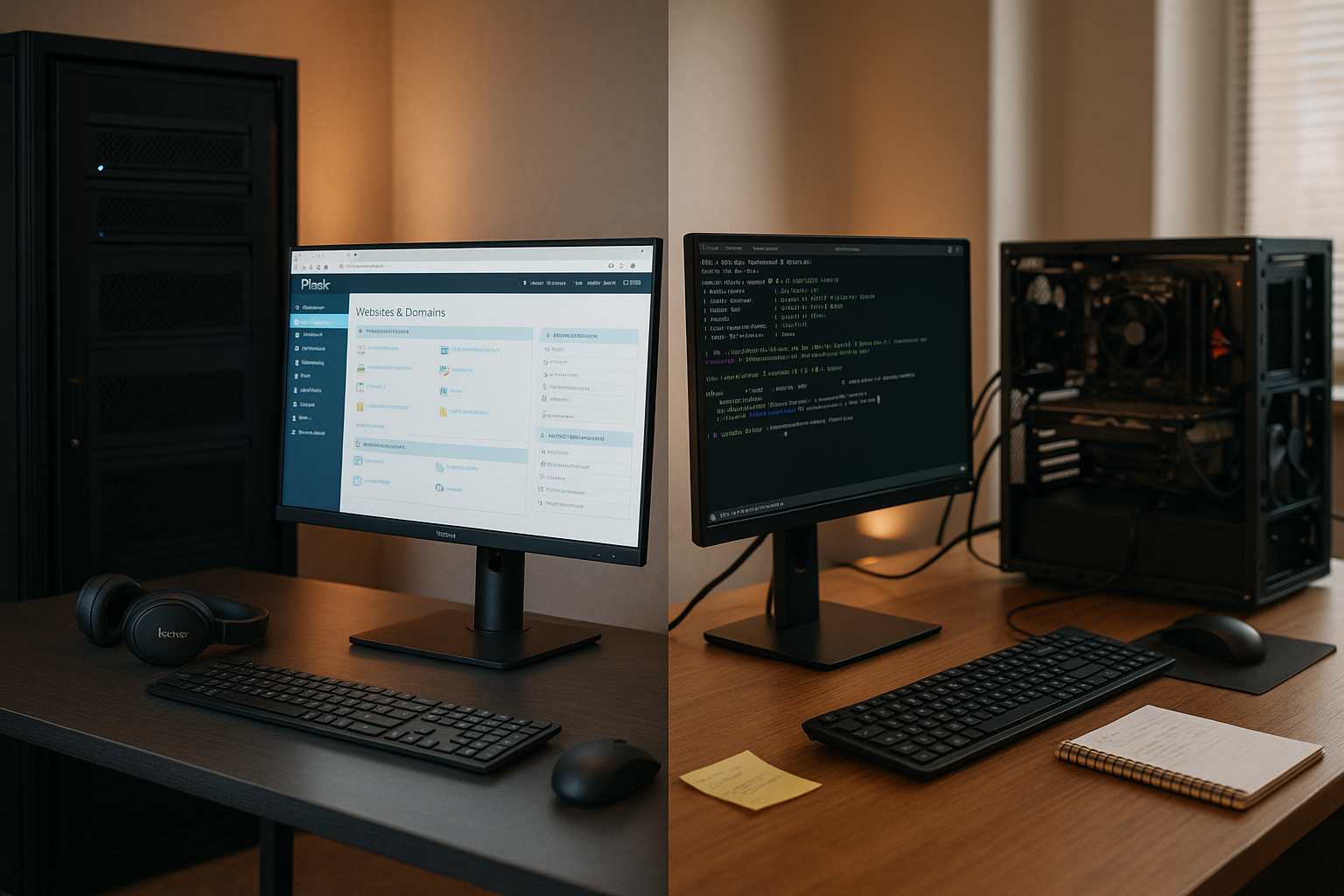
I pay attention to metrics, logs and alarms so that I can detect problems early on. Plesk comes with system monitoring and can be extended with add-ons for more in-depth tracking of CPU, RAM, I/O, services and certificate runtimes. Error logs of the web server, PHP and mail stacks are centrally accessible, Fail2Ban status is clearly visible. ISPConfig integrates seamlessly into common Linux toolchains: I connect Prometheus/Node Exporter, syslog/rsyslog, journal analysis or external alarm systems and control visibility via roles. Both ways work - Plesk lowers the entry level, ISPConfig shows its openness in complex observability setups.
Email deliverability and hygiene
A high inbox rate depends on a clean configuration. Both panels support SPF, DKIM and DMARC as well as rDNS defaults from the provider. In Plesk, I can activate DKIM for each domain with just a few clicks and conveniently maintain DNS entries, including quotas, virus and spam filters. ISPConfig offers the same modules with more depth of detail for Postfix/Dovecot, my own spam policies, rate limits and relay options. Also important for me: regular blacklist checks, consistent HELO settings and separate sending IPs for mass emails - organizational rules that both environments support if I implement them properly.
High availability and recovery
Depending on the SLA, I need strategies for failures. Plesk facilitates scheduled backups with incremental runs, encryption and remote destinations such as FTP or object-based storage (depending on extensions). Restore paths are managed, and I can restore individual subscriptions or entire servers on a scheduled basis. In ISPConfig, I combine flexible tools such as rsync, Borg or snapshots and integrate them into cron and recovery plans. For real high availability, I rely on redundant databases, replication and a front-end load balancer independently of the panel. The panel provides the orchestration, the resilience comes from the architecture and practiced Processes.
Resource isolation and limits
I set clear limits so that clients do not interfere with each other. Plesk defines storage space, inodes, mailbox quotas, PHP workers and process limits for each subscription and integrates into environments with kernel isolation if required. ISPConfig offers similar quotas and limits up to jail-based environments and individual PHP-FPM pools. In both cases, a clean planning matrix pays off: Which projects need how many workers? Which cron jobs run when? This is how I keep performance stable and the Service quality predictable.
Containers, Node.js and modern workloads
In addition to classic LAMP/LNMP hosting, I am increasingly operating modern stacks. Plesk supports container workloads and integrates Node.js, Ruby or modern build tools via wizards. This shortens the path to headless CMS, React/Next or Vue/Nuxt frontends. In ISPConfig, I integrate these scenarios close to the system: my own systemd services, reverse proxy maps, dedicated users and deploy pipelines. Both panels allow me SSH, Git and database access - Plesk shines with ready-made switches, ISPConfig with maximum architectural freedom.
Total cost of ownership and operating models
Over time, it is the overall view that counts. Plesk incurs predictable license costs, but reduces operating costs, training and error rates - especially in teams with changing skill levels. ISPConfig saves on licenses, but requires consistent documentation, training and clear operating processes. In total, I calculate: How many hours per month does maintenance, onboarding and automation cost? What risks do wizards and tested add-ons reduce? This allows me to make a choice that is not only technically sound, but also economically viable.
Decision checklist for everyday life
- Team and skillsRather click workflows and quick training (Plesk) or in-depth Linux know-how and templates (ISPConfig)?
- ArchitectureSingle server with convenient administration (Plesk) or multi-server with very fine control (ISPConfig)?
- AutomationWizards and stable defaults (Plesk) or consistent IaC and own hooks (ISPConfig)?
- Security & ComplianceManufacturer specifications and fixed cycles (Plesk) or transparent community paths with more manual work (ISPConfig)?
- WorkloadsWordPress-First, stores and fast staging processes (Plesk) or mixed stacks with special tuning (ISPConfig)?
- BudgetLicense costs versus time savings (Plesk) or freedom from licenses versus higher costs (ISPConfig)?
My short verdict: Which solution suits whom?
I see Plesk in the lead when fast results, assistance functions and a broad add-on ecosystem are important. Agencies, freelancers and companies with many projects benefit because there is less manual work and support is clearly available. ISPConfig is convincing if Linux know-how is available and license costs should remain low, especially in a multi-server network. For WordPress-first setups, Plesk starts quickly; for very finely controllable hosting landscapes, ISPConfig offers enormous freedom. In the end, what counts is whether I Comfort or prioritize maximum control - both panels provide a solid foundation for modern hosting projects.


