 Skip to content
All-Inkl can be canceled without a fixed minimum term if I observe the selected payment period and the recommended notice period of seven days before expiry. I'll show you the different ways to cancel, the consequences of immediate termination and how to transfer domains safely.
Key points
- Monthly noticeNo minimum commitment, billing over 1, 3, 6 or 12 months.
- Deadline tipTerminate at the latest seven days before the end of the period.
- Immediate terminationData will be deleted, no money back.
- Domains: Move with Auth-Code, keep or delete.
- BackupsCompletely back up e-mails, databases and web space.

Terms and payment periods at All-Inkl
I appreciate the Flexibility with All-Inkl: There is no fixed minimum term, so I can cancel monthly. I can choose between prepayments of 1, 3, 6 or 12 months and still remain flexible. The first three months are free of charge, which makes it easier to get started and makes my life easier. Change prepared in a relaxed manner. Discounts for long commitments don't play a role at the moment, so I decide according to need. Those who want planning security opt for longer advance payments, those who want to stay spontaneous stick to one month.
Safely comply with notice periods
There is no fixed legal deadline here, but I will give notice no later than seven days before the end of the payment period. This period is sufficient for processing and a clear confirmation. If I miss the deadline, the contract is automatically extended by the selected period, which I can confirm with a Calendar-avoid reminders. When giving notice, I decide whether it should take effect immediately or at the end of the period. For additional guidance, I use practical Tips for switching providersso that I don't forget any steps.

Step-by-step: How to cancel in the MembersArea
1) Prepare login
I keep my Access data and log in to the MembersArea. There I find the option to cancel the contract without any detours. I only start the process once I have completed all the backups.
2) Select termination type
I choose between a termination at the end of the billing period or a Immediately-termination. The immediate termination immediately deletes webspace, emails and databases. I will not get back any euros I have already paid, so I am taking this step with caution.
3) Define domains
I decide whether to delete domains, keep them or switch to a new provider. transfer wants. For the move, I request the Authinfo code in good time so that there is no gap. If I'm unsure, I ask the support team for clear instructions.
4) Save confirmation
After sending, I will check the Confirmation in my mailbox and make a note of the end date. I file the message so that I always have the proof to hand. This way, I keep the process clean and traceable.
Back up data: Prepare backups without errors
Before I give notice, I back up all Data completely. I download my web space via FTP, export MySQL databases and copy email inboxes to the computer. I use a backup plugin for WordPress and test the backups randomly. I also back up SSL certificates, cron jobs and important configuration files so that I don't have to rebuild anything later. Two separate storage locations give me additional Security.

Handle domains correctly: keep, move or delete
I decide early on what to do with my Domains happens so that the change runs smoothly. During the transfer, I request the authinfo codes and start the move as soon as the new environment is ready. If I only give up the hosting, I can keep the domain, for example as a low-cost domain-only variant. If I want to delete a domain, I know that it will become available again after a transition phase. If I plan the transfer in parallel, email addresses and web content remain accessible while I set up the new domain in the background. Platform set up.
Deadline check: your personal termination timetable
The following overview helps me to Points in time for termination to match the payment period and avoid extensions.
| Payment period | Termination at the latest | Automatic extension by | Note |
|---|---|---|---|
| 1 month | 7 days before the end of the month | 1 month | Reminder in the Calendar set |
| 3 months | 7 days before the end of the quarter | 3 months | Schedule backups in good time |
| 6 months | 7 days before the end of the half-year | 6 months | Start domain transfer in parallel |
| 12 months | 7 days before the end of the year | 12 months | Auth code early Request |
I stick to these times so that the termination is processed on time and I don't trigger an unwanted extension. This is how I plan the switch without Stress and with complete backups. If I am unsure, I check the end of billing in the MembersArea and make a note of the data. I also archive a short e-mail confirmation as proof. This keeps the process transparent and comprehensible.

Special cases: Adjusting the contract instead of terminating it
I don't always have to cancel completely. Often a Contract amendmentI can switch to a smaller package, cancel additional domains or reduce add-ons such as dedicated IPs, backup levels or mailboxes. This saves costs without having to move infrastructure immediately. If I have several contracts under one customer number, I only cancel the package concerned. For agency projects, I check whether a Change of ownership or an internal domain push makes more sense than changing providers. That way, I keep downtime risks low and save on relocation costs.
Email relocation without failure
Mail traffic should continue seamlessly. I take a structured approach:
- I create a list of all Mailboxes, aliases and redirects and create them in advance with the new provider.
- Via IMAP sync (e.g. with imapsync or the mail client) copy I keep folders and messages until the stocks are identical.
- I take over Filter, signatures and auto-responders so that communication remains as usual.
- I use SPF, DKIM and DMARC in the DNS zone of the new provider so that deliverability and reputation are right.
- During the changeover, I run both systems in parallel at short notice and inform team members about the changeover. Cutover.
This prevents mails from getting lost or ending up in spam. After the DNS changeover, I randomly check several mailboxes with test emails and monitor the logs.
Migrate DNS and SSL cleanly
I lower the TTL of the affected records (A, AAAA, MX, TXT) one to three days before the move (e.g. to 300 seconds) so that the switchover takes effect quickly. I create all relevant entries at the target provider and test via the hosts file or temporary URL. For SSL I have certificates reissued on the new platform or import my own certificates. I avoid double HSTS enforcement during the transition phase and check after the move to Mixed content and forwarding loops. If everything is stable, I increase the TTL to a sensible value again.

Domain transfer: Typical special features
At .de-domains, I work with the AuthInfo code. I make sure that the owner data is up to date so that the transfer works smoothly. For many gTLDs (e.g. .com, .net), the following also applies: The domain status must not be set to clientTransferProhibited and recently registered or transferred domains may be subject to a temporary Transfer ban apply. I allow sufficient time and note that confirmation e-mails may be sent to the contact address provided. Do I have to send a Change of ownership I coordinate this with the move to avoid double waiting times.
Security and compliance when switching
I treat the change as ChangeBefore the cutover, I freeze content (e.g. maintenance mode or limit write permissions) so that no changes are lost. I export logs, cron jobs and individual Configurations. If an order processing contract (AVV) exists, I secure it and document when the data will be deleted by the previous provider. For sensitive projects, I record how long possible Backups can still exist at the old hoster and clarify whether and how their deletion is confirmed. In this way, I meet internal requirements and have clear evidence in the event of an audit.
Technical checks for web projects
- I check PHP versionmodules and memory limits so that the application runs in the target environment.
- For CMS such as WordPress or Typo3, I use a Search/Replace of the domain URLs and test the function of plugins/extensions.
- I take over Rewrite rulescaching and compression settings (e.g. .htaccess, Nginx-Config).
- I document and migrate Jobs (Cron, Webcron) including schedules.
- I test Forms (contact, checkout) and payment provider in a staging environment before going live.
I find errors most quickly with a short, reproducible test list, which I go through before and after the change. This keeps the live run calculable.
Billing, documents and access
Before giving notice, I invite all InvoicesI download and archive all documents, performance records and contract documents. After the contract ends, access may be restricted, so I back up the documents at an early stage. I check open items, adjust the SEPA mandate and plan when the last bill will arrive. If I cancel immediately, I don't expect any Credit noteThere are no additional termination fees. If there are any sub-products (e.g. additional IPs or services), I will cancel these separately or confirm that they will end with the main contract.
Practical schedule for a smooth changeover
- T-21 to T-14Provide target environment, plan resources, lower DNS TTL, record domains and mailboxes.
- T-13 to T-10: Full Backups perform test imports, define SSL strategy.
- T-9 to T-7Start IMAP sync, synchronize databases, staging tests, process error list.
- T-6 to T-4Request AuthInfo codes, prepare domain transfer, configure SPF/DKIM/DMARC.
- T-3 to T-1Freeze window, final delta import, go-live checklist, inform team and stakeholders.
- T0DNS and domain switching, activate monitoring, perform smoke tests.
- T+1 to T+3Check logs, correct errors, raise TTL again, switch off old system.
I adapt this schedule to the size of the project and its dependencies. The important thing is that I Decisions (immediate vs. end-of-period termination) early and block the implementation windows firmly in the calendar.
Targeted use of support
I save time when I ask the support team precise questions: contract number, desired End dateThe affected domains and the type of termination should be included in the message. If I need goodwill (e.g. avoid renewal even though the deadline is short), I describe the situation objectively and have proof ready. For transfers or changes of ownership, I ask for the Procedureespecially if several domains are affected at the same time. Clear communication speeds up processing noticeably.
Avoid common mistakes
I don't start backups until the last minute. Pusherso that I don't lose any files or emails. I request the authinfo code for domains early on, otherwise the move comes to a standstill. I check mailboxes, forwarding and DNS entries so that mail traffic continues without interruption. I test the new server with a hosts file or a staging URL before finalizing the switch. A clean Plan prevents downtime and duplication of work.
Refunds, costs and special features
Amounts already paid in Euro will not be refunded by All-Inkl, not even if I cancel immediately. I do not expect a credit note for later orders, as this is not provided for here. There are no additional termination or processing fees, which makes it easier to cancel. I bear in mind that immediate termination deletes all data immediately, so I back up everything beforehand. If I have clear costs and Dates document, I keep an overview.
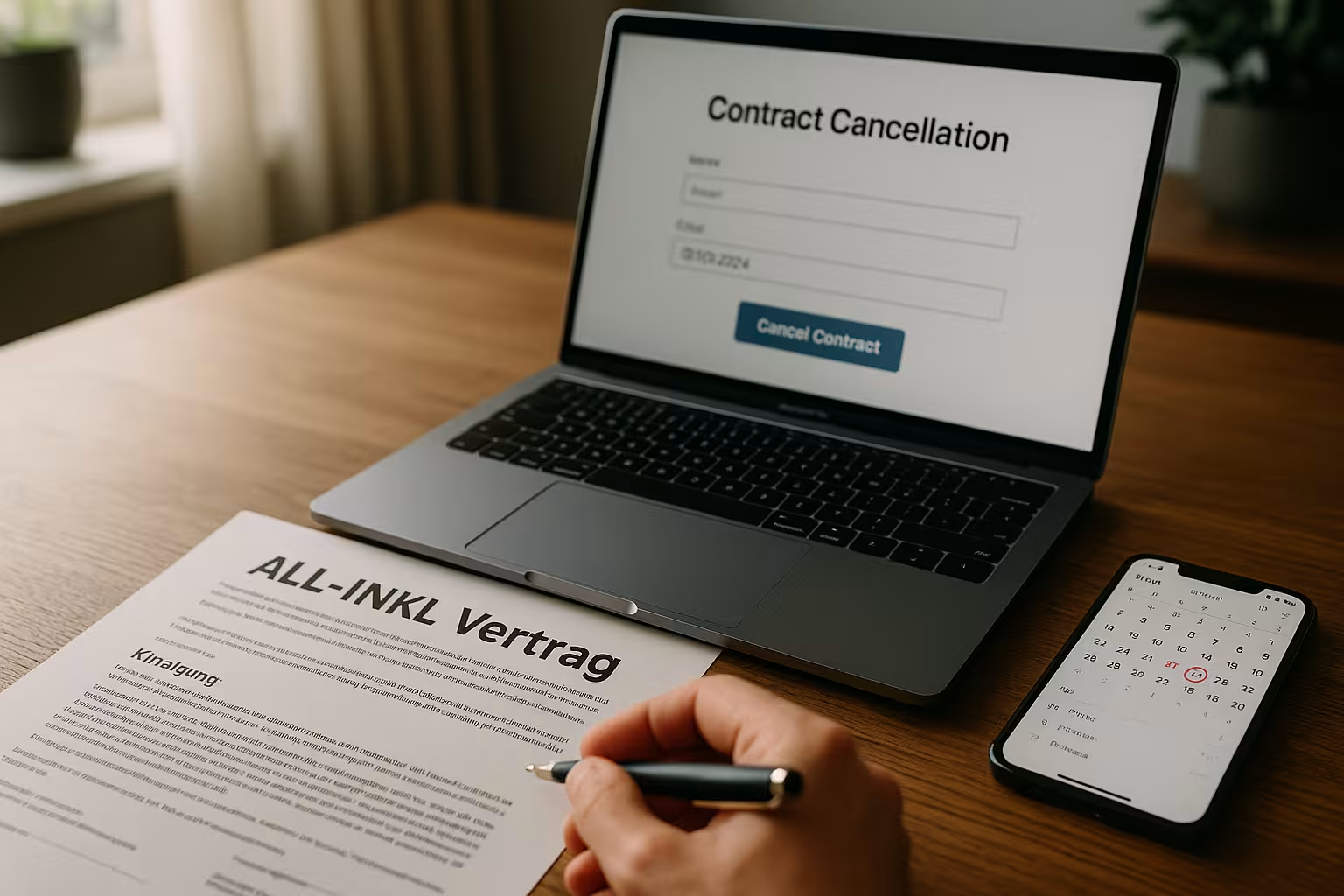
Clever planning for switching providers
I set up the new environment in advance, import Backups and test logins, databases and emails thoroughly. I then lower the DNS TTL so that the changeover takes effect quickly. For zero downtime, I briefly run both systems in parallel and only switch over when everything is up and running. Those who switch to large providers often benefit from migration assistance, and this guide is a good example of this Cancel IONOS as a practical example. A planned Cutover saves nerves and avoids downtime.
Formal protection: proof of termination and confirmation
I cancel via the MembersArea and also ensure that I receive a written confirmation. Receipt. In the message, I state the customer number, contract name and the desired end date. I explicitly request a confirmation and save it locally. That way I can prove every step later. This clarity protects me in the event of queries and gives me Rest.
Further examples: Differences between providers
Many hosters handle terminations in a similar way, but the details differ noticeable. A look at instructions from other providers helps me to recognize pitfalls, for example with auth codes, deadlines or refunds. I also like to use compact guides such as Cancel 1bluto compare typical variants. The better I know these processes, the more confident my changeover will be. I take tried-and-tested checklists and adapt them to my own needs. Case on.
Good alternatives after termination
After termination, I compare benefits, Support and price structures very closely. I pay attention to backup intervals, SSL, performance, staging options and availability of support. In my comparison, webhoster.de comes out on top, especially for projects with a lot of traffic and tight maintenance windows. The table shows a brief overview, which I compare with my requirements. This is how I make a well-founded Choice.
| web hosting provider | Services | Support | Price | Placement |
|---|---|---|---|---|
| webhoster.de | excellent, incl. daily backups, SSL free of charge, top performance | 24/7, German-speaking | fair | 1 |
| Other providers | variable | variable | variable | from 2 |
Briefly summarized
I do the All-Inkl termination in a relaxed way, because I have the Running times and comply with the seven-day recommendation. I back up all my data, decide on domains and choose the right time to cancel. I only use immediate termination if everything is really secure, because there is no Reimbursement. For the switch, I plan DNS, mails and tests carefully so that the live operation remains stable. I archive a written confirmation so that I can prove everything in case of queries. Anyone looking at alternatives pays attention to backups, performance and support - so the project remains reliably in operation. Operation.


