Skip to content
I'll show you how to use the domain availability in just a few minutes, secure strong names and manage them in the long term without stress. I focus on clear steps from the idea to the registration to the Administration including protection, SEO and legal.
Key points
- Choose name: Short, memorable, include keyword in a meaningful way.
- Check availabilityReal-time check, compare alternatives.
- Back upRegister quickly, check trademark rights.
- ManageDNS, SSL, extensions, protection mechanisms.
- Use SEOSpeaking URL instead of keyword stuffing.
Choose your desired domain: Criteria and strategy
I always start with a clear Domain namethat is short, clear and easy to pronounce. Two to three words are often enough, ideally with a natural Keywordthat describes your offer. I avoid umlauts, special characters and hyphens because they provoke errors. The ending must match the target group: .de for Germany, .com for international target markets, thematic TLDs such as .store or .app for clear signals. If you use a brand, make sure you have variants with relevant endings so that no one can take advantage of confusion.
Check domain availability: Step by step
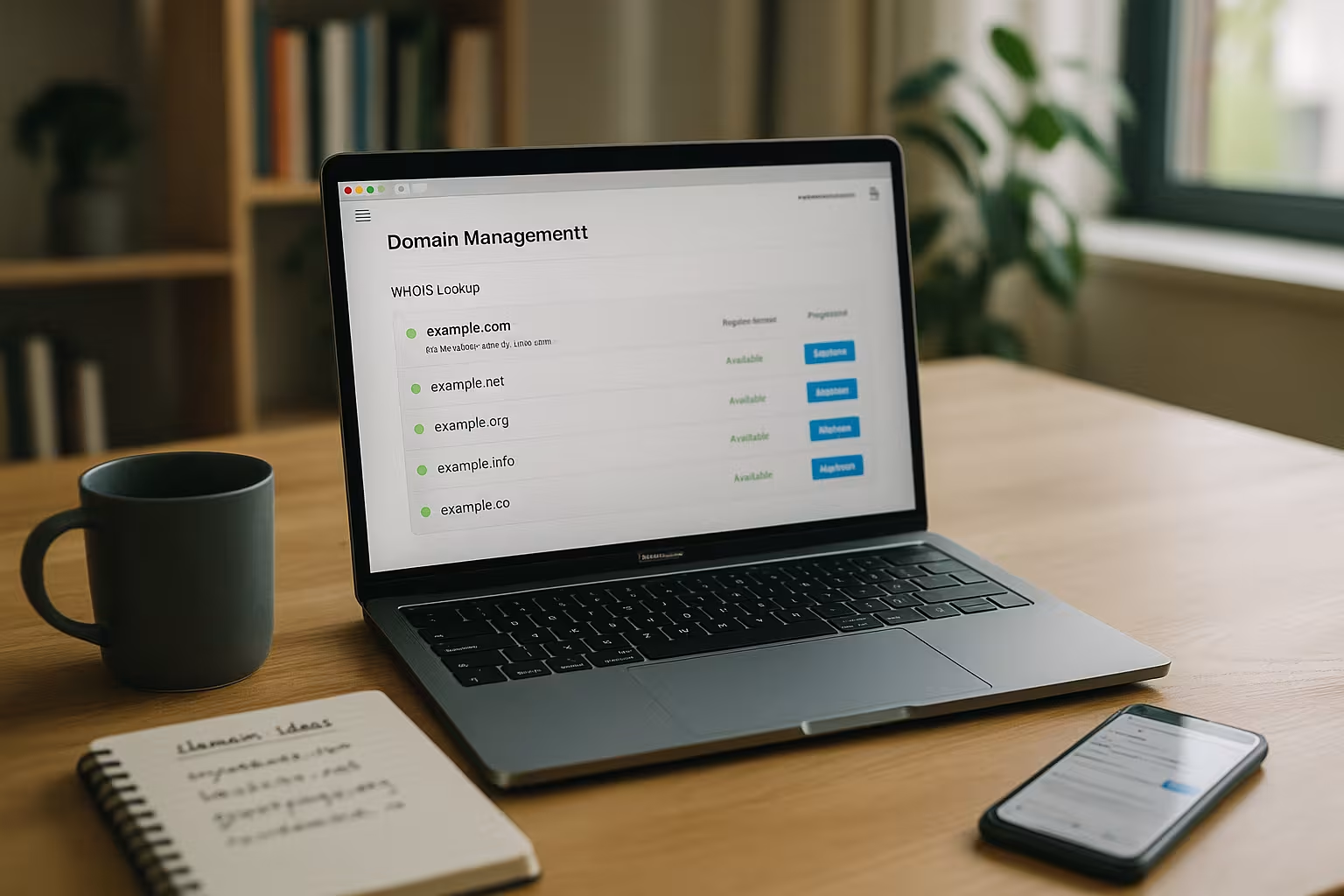
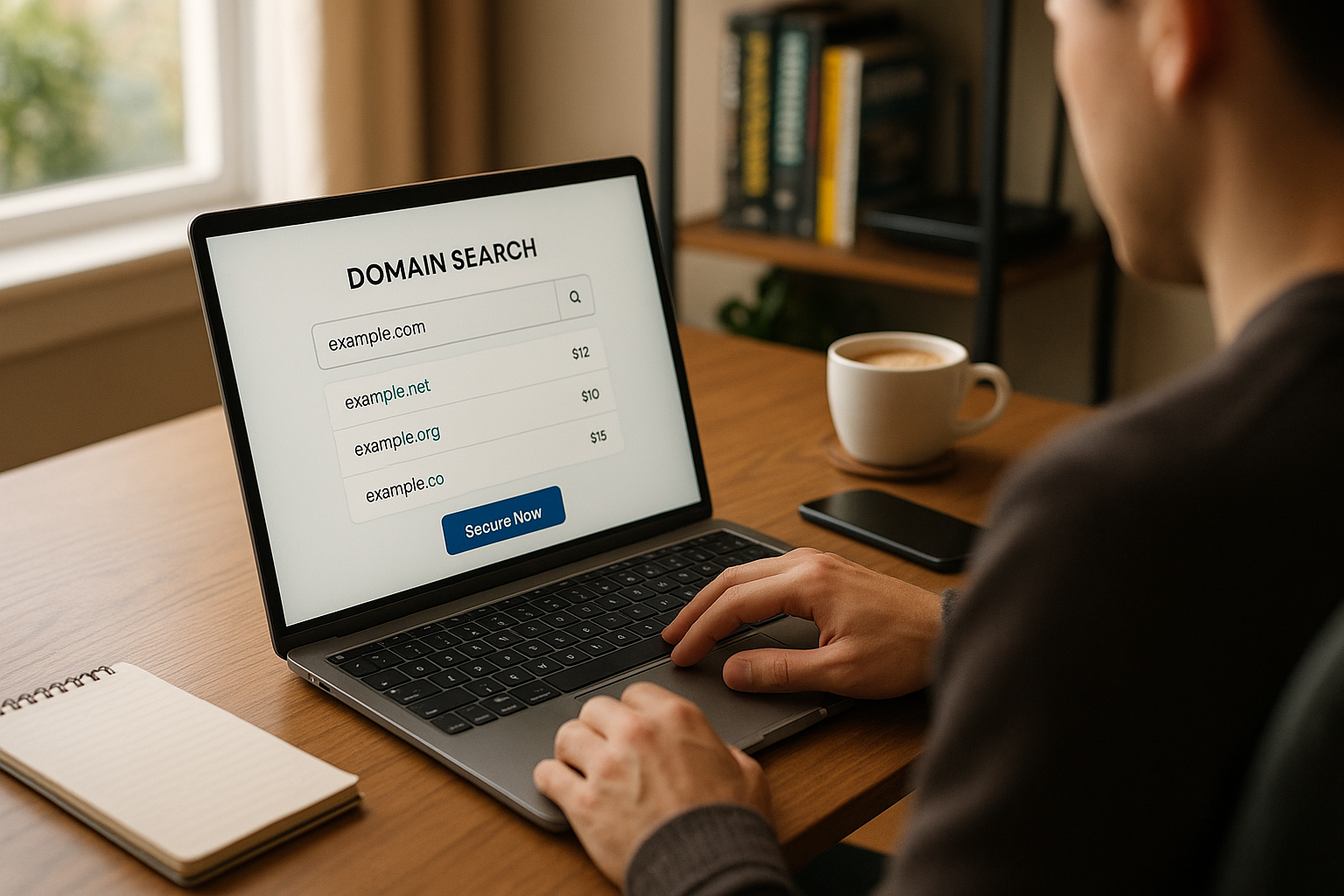
I enter my desired domain in a quick Check tool and see in real time whether the name is available. If it is available, I save it immediately before anyone else accesses it and check two or three suitable names in parallel. TLDs. If the name is in use, I test useful variants, for example a short addition or a different ending. For even better hits, I use practical tips from the Domain check tips. At the end, I document all candidates and prioritize according to memorability, brand power and future scaling.
If the desired domain is already taken, I first evaluate the status: Is it actively used, parked or does it appear orphaned? In the case of parked domains, it is worth making a polite request to the owner with a fair, reasoned offer. I have alternatives ready and set myself a clear upper price limit. If the name is about to expire, a Backorder or a provider with Dropcatching help to automatically secure the domain when it becomes free. At the same time, I avoid hasty compromises: A coherent alternative name is often better than an overpriced purchase.
Law and trademark examination: how to stay safe
Before I register, I check whether the name exists. Trademark rights violated. I check identical and similar-sounding terms so that no trouble arises later. If I am unsure, I choose an alternative spelling or combine the name with a distinguishable addition. I also check whether the name could cause confusion with strong foreign names. Brands leads. This step takes little time and saves money and nerves in case of doubt.
In addition to trademark rights, I also take into account name and company rights as well as local peculiarities of individual country endings. I check whether the planned area of application (industry, region) conflicts with existing rights and avoid domain names that specifically pay into third-party trademarks. In borderline cases, a brief legal assessment helps to avoid subsequent warnings, UDRP proceedings or expensive renaming.

Securing a domain: TLD strategy and alternatives
I register the main domain plus two or three Variantssuch as .de and .com, and direct everything to the central website. In this way, I reduce typo traffic and block unsuspecting or unfair Third. Good names go quickly, so I decide quickly and rely on transparent terms with auto-renewal. For commercial or project ideas, I usually calculate €6-20 per year per domain, special TLDs can be more expensive. If I need support, I refer to the guide Buy and secure a domain back.
I keep the protection strategy lean: variants that prevent confusion (.de/.com, singular/plural, with/without hyphen), yes - uncontrolled growth, no. For new TLDs, I pay attention to introductory phases such as Sunrise or Early Access if I want to protect a registered brand at an early stage. For highly critical names, a TLD-wide trademark block can be useful to make abusive registrations more difficult.
DNS, subdomains and e-mail: the basics are in place
After registration, I set up the DNS-entries so that the website, e-mail and services run smoothly. A and AAAA records refer to the server, CNAME sets alias names, MX ensures reliable Emails. For campaigns and microsites, I use subdomains such as blog.meinedomain.de so that tracking and evaluations remain clear. SPF, DKIM and DMARC increase the deliverability of emails and protect against spoofing. I document every change so that I can roll back quickly in the event of errors.
SSL, data protection and WHOIS Privacy
I always activate a valid SSL-certificate so that visitors access via HTTPS and browsers do not display a warning signal. Modern hosters provide Let's Encrypt solutions that automatically generate extend. I use WHOIS Privacy to protect my contact details where possible to reduce spam and unwanted requests. I briefly explain which domains, subdomains and tools I use in data protection notices. This ensures trust and avoids unnecessary risks.
Extension, termination and reminder setup
I switch on the automatic Extension and set reminders 30 and 7 days before expiry. In my calendar I keep the most important Dates for all domains so that I can recognize dependencies. When a project ends, I cancel early or park the domain for later use. If several teams pay for domains, I store a central e-mail address for system messages. That way, I don't lose any names due to forgotten payments.
I know the Life cycle of a domain: After expiry, there is often a short grace period during which reactivation is possible without high fees. After this, a Redemption phase during which recovery becomes expensive. Once this is also over, the status changes to Pending-Delete and the domain is finally released again. These phases and costs differ depending on the TLD - a well-maintained reminder and payment setup saves money here.
Multi-domain management and redirects
Many projects require several Domains for regions, languages or campaigns. I define a clear main domain and redirect variants to it via 301 forwarding so that Signals arrive cleanly at the main page. I solve language versions via subdomains or directories plus hreflang. I keep brand protection via typo domains lean: only save the most common typos and redirect consistently. A well-maintained domain inventory prevents chaos and saves fees.
In international use, I keep the naming logic consistent: same brand, clear language code, clear main page. ccTLDs are sometimes subject to special rules (e.g. local presence requirements), which I check in advance. I avoid parallel content without a clean canonical and forwarding strategy so that authority does not fray and users experience the same quality everywhere.

Transfer, provider change and security
When I move, the first thing I do is check Authcodeslock status (transfer lock) and necessary contact mails. I am planning the changeover outside of Peak-times and lower TTL values 24-48 hours in advance so that DNS takes effect more quickly. I keep old DNS entries on hand in case a rollback is necessary. I can find a complete procedure in the Domain Transfer Guide. After the change, I update SSL, MX and all monitoring checks.
To ensure uninterrupted transfers, I clarify early on who has access to registrant, admin, tech and billing contacts. I secure proof of ownership, check the duration of the authcodes and deliberately deactivate locks shortly before the actual transfer. After a successful transfer, I reactivate the transfer lock, set new backups and check all zone and certificate statuses.
SEO factor domain: Effect without keyword stuffing
I use a suitable Keyword in the name if it sounds natural and fits the branding. Instead of overloaded terms, I rely on clear Structurefast loading times and clean redirects. A descriptive URL helps users and search engines, but content quality is the deciding factor in the end. I use subdomains specifically when topics are clearly separated. I choose consistent naming logic for each international version so that signals do not fray.
Comparison: Domain check tools and web hosters
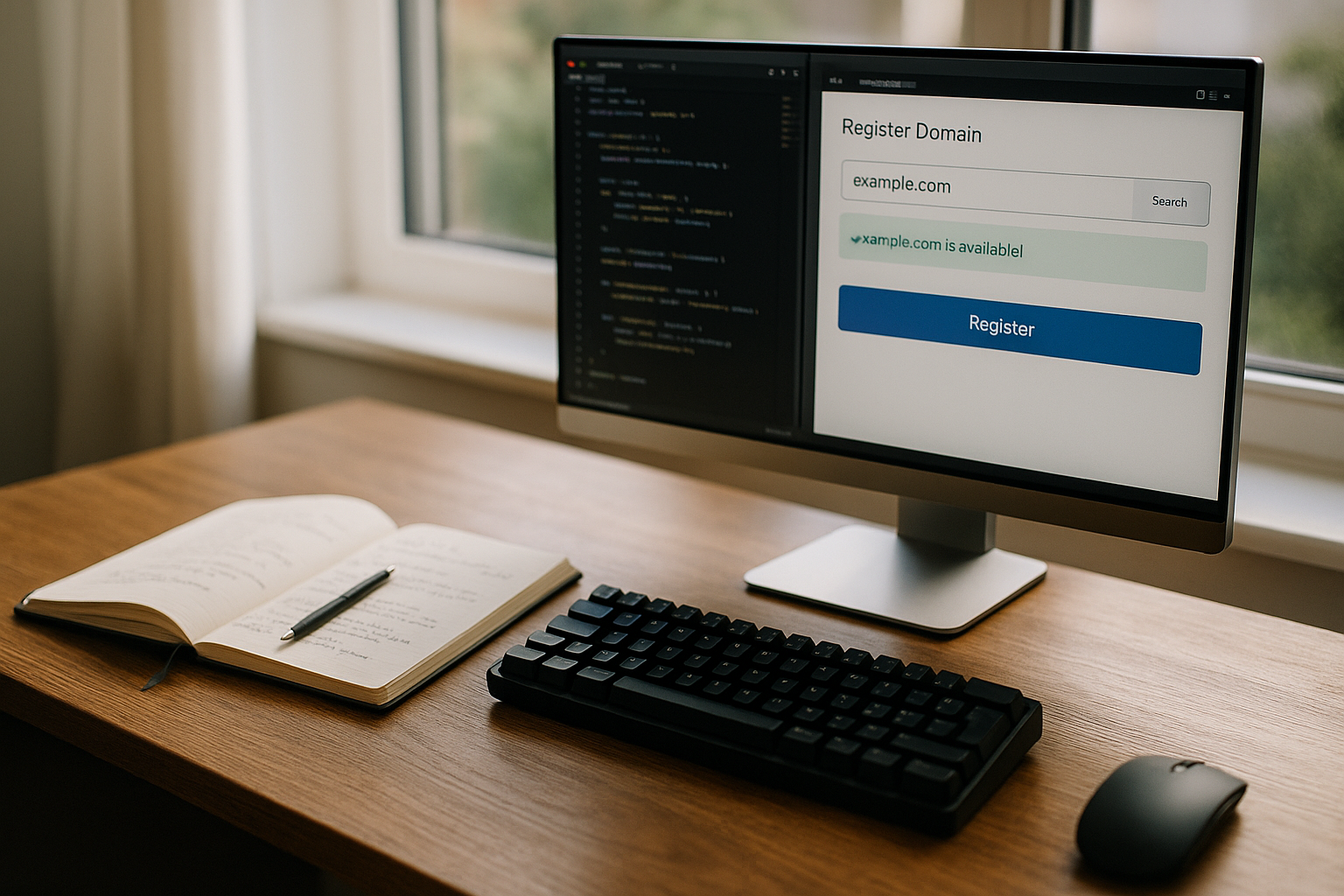
I prefer tools with Real time-query, good alternative suggestions and transparent Prices-display. A lean registration, clear TLD selection and admin functions for DNS and forwarding speed up my everyday life. Ratings are an indication, but functions and support times remain more important. I test candidates with two trial searches and check the display of special cases. This is how I find the tool that suits my requirements.
| Place | Provider | Rating | Special feature |
|---|---|---|---|
| 1 | webhoster.de | ★★★★★ | Best All-in-one-Solution |
| 2 | checkdomain.com | ★★★★✩ | AI-Domain-Generator |
| 3 | IONOS | ★★★★✩ | Large TLD-Selection |
| 4 | world4you | ★★★★ | Free of charge Provider change |
Practice workflow in 15 minutes
I start with three Namescheck availability and save the best option immediately. I then decide on two additional options. TLDs and set up redirects. I then set up A/AAAA, MX, SPF, DKIM and SSL so that the website and email are up and running immediately. I activate auto-renew, create reminders and document all settings. Finally, I test access, mail delivery and forwarding on desktop and mobile.
Cost planning and budget control
For the main domain I calculate annually between 6-20 €depending on the ending and actions. For protection variants, I am planning a slim Budget and check every six months whether I can merge or cancel domains. Premium names can be more expensive; I assess the added value based on brand impact and usage over several years. I collect invoices centrally so that accounting and terms remain transparent. This allows me to keep costs under control and save unused reserves.
I also take into account price differences between initial registration and renewal, any recovery fees in the event of redemption, as well as currency and tax aspects. I set up cost centers for teams and record the owner, purpose and term for each domain. A quarterly review shows which domains bring real benefits and which can be dropped.
IDN, Punycode and writing risks
When I think of international or German-language names, I think of IDN-Peculiarities: Umlauts (ä, ö, ü) and the ß are technically represented as Punycode and can cause problems in older systems. If it makes sense, I save both the IDN variant and a spelling close to ASCII (e.g. ae instead of ä). I consistently avoid homographs (visually similar characters from other writing systems) to avoid phishing confusion. I consistently keep communication, logos and e-mail addresses in the chosen primary spelling.
DNSSEC, CAA and Registry Lock: multi-layered protection
For critical projects I activate DNSSECso that DNS responses are cryptographically secured. I add CAA-records that determine which certification authorities may issue certificates for my domain. For top domains, a Registry Lock can be useful: changes to owner data, name servers or transfer status then require additional approvals. Together with strong 2FA, limited admin accounts and protocols for changes, I significantly reduce the risk of hijacking.
Performance: Anycast DNS, TTLs and CDN on the Apex
I choose DNS with Anycastso that queries are answered quickly worldwide. I set TTLs deliberately: short values before moves, longer ones for stable records to use caching. I use the root domain (Apex) if necessary, ALIAS/ANAME-records to cleanly integrate CDN or load balancer targets. Health checks and failover routing ensure that users are not affected by failures of individual systems.
Deepen e-mail setup
In addition to SPF, DKIM and DMARC, I rely on clean Sender domains and clear separation of transactional and marketing emails (e.g. via subdomain). I deactivate catch-all mailboxes to reduce spam and manage role addresses (info@, support@) centrally. A strict DMARC policy history (none → quarantine → reject) with reporting helps me to eliminate abuse step by step. Optionally, I add MTA-STS and TLS reporting to consistently enforce transport encryption.
Global and local rules of the TLDs
Before international registrations I check Conditions of participationSome ccTLDs require a local contact person, registered office or special proof. I plan the administration via central access points and keep documents ready (commercial register, trademark certificates) so that verifications run smoothly. I also observe the blacklist rules and naming guidelines of individual TLDs to avoid rejections and delays.
Acquire occupied domains: Valuation and procedure
If I want to buy an occupied domain, I evaluate its length, memorability, industry fit and existing risks (brand conflicts, negative reputation). I base my decision on comparable sales and keep my maximum budget realistic. In contact with the owner, I communicate clearly, record agreements in writing and - where possible - use neutral fiduciary processes. The transfer follows a defined process: contract, payment, release (authcode/push), control of change of ownership, security (lock, DNS, SSL).
Roles, access and compliance
I separate responsibilities clearly: the owner remains registered to the company, admin/tech contacts are with responsible persons or service providers. I manage all accesses with 2FAminimal rights and clear exit processes. I document changes to zones, contacts or blocking status centrally. I keep complete records for audits: who changed what and when, with which ticket or approval process.
Go-live checks and monitoring
- DNS: A/AAAA, CNAME, MX, TXT (SPF, DKIM, DMARC), CAA checked.
- SSL: Certificate valid, chain complete, automatic renewal active.
- Redirects: www → without www (or vice versa), http → https, variants via 301.
- E-mail: Send/receive tested, DMARC reports scheduled.
- Performance: TTLs useful, CDN active, caching rules tested.
- Monitoring: keep an eye on uptime, certificate expiry, DNS changes and domain expiry.
Common mistakes and how to avoid them
- Names too longShorten and clarity before creativity.
- Blind keyword stuffingPrioritize naturalness and brand.
- No brand check: Check early instead of renaming later.
- Missing car news: Secure reminders and payment methods.
- Improper forwarding: 301 instead of chains, clear main domain.
- Weak e-mail setup: Implement SPF, DKIM, DMARC consistently.
- No security situationUse 2FA, DNSSEC, CAA and Lock where appropriate.
- No monitoringMonitor uptime, certificates and DNS changes automatically.
In a nutshell: How to stay in control
I choose a strong Namescheck availability thoroughly and secure quickly. I then set up DNS, SSL and e-mail correctly and create clear Forwarding fixed. Auto-renewal, reminders and WHOIS privacy give me peace of mind in my day-to-day business. For growth, I use a few, well-planned variants instead of a proliferation of domains. With this setup, your presence remains findable, protected and flexible for future steps.