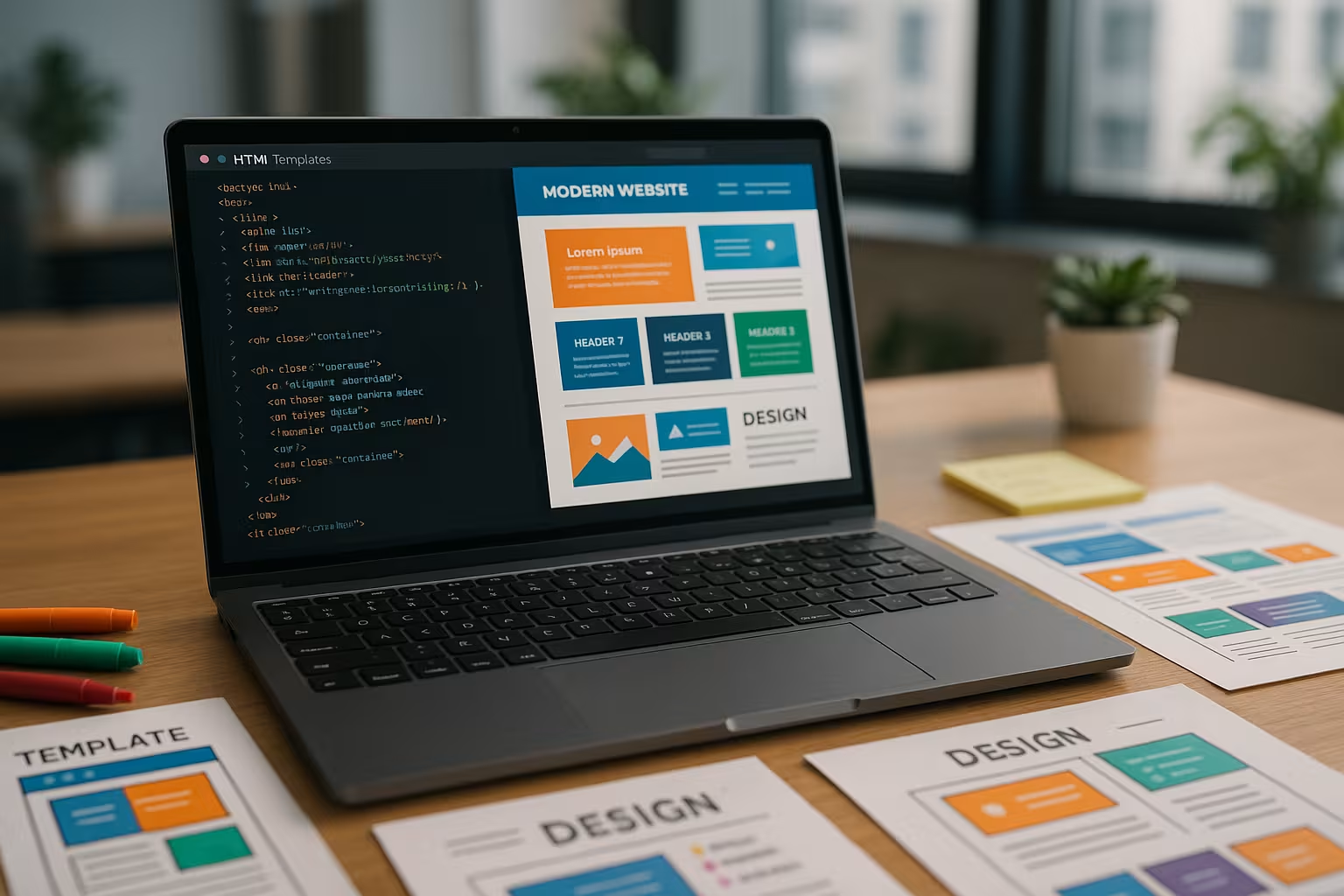
and is usually organized in combination with external CSS and JavaScript files. Thanks to responsive design and flexible grid arrangement, the layout automatically adapts to different devices. Templates integrate important design principles such as the mobile-first approach and load faster thanks to performance optimizations.
The use of modern CSS frameworks is particularly topical. These tools reduce the design effort considerably. A practical overview in the article CSS Framework comparison 2025 shows which tool is suitable for which requirements.
Equally important is the ability to clearly separate content and expand it in a targeted manner. This means that areas such as the header, navigation menu or footer can be flexibly adapted without having to change the core code for each section. Modern templates generally offer modularity: they allow individual sections such as hero headers, feature boxes or testimonial areas to be integrated or removed in a targeted manner. This is a huge advantage for agencies and freelancers, as it allows them to maintain multiple customer projects on the same code base. This not only increases efficiency, but also minimizes the risk of errors.
Another aspect of modern templates: many already integrate predefined SEO-friendly structures. This means, for example, the use of descriptive headings, clean URL patterns and optional meta tags or JSON-LD markup for rich search result snippets. Although SEO often requires more than just clean HTML, this basic framework is a solid starting point and makes it easier to rank in search engines.
Design principles of modern HTML templates A modern design lives from Clarity and user centricity . The use of white space structures content logically and ensures that users are not overwhelmed. Colors, contrasts and visual hierarchies organize information through targeted weighting. Most templates follow flat design or material design, which enables user guidance through visual feedback.
Web fonts such as Roboto, Open Sans or Lato have established themselves. They offer harmonious typefaces with high legibility. Flexible font sizes and a well thought-out system of headings, paragraphs and call-to-actions guide visitors through the content in a targeted manner.
It is also important that a modern template does not feel commonplace - recognition value plays a major role. Nevertheless, the user guidance should remain clear. Changing color accents at certain key points (e.g. hover over buttons or active menu items) keep the page lively. A consistent style guide helps here, which you can either define yourself or adopt from the template. This approach creates a harmonious overall picture that ideally also matches the corporate design of the respective brand.
Accessibility is also playing an increasingly important role in the design principle. Templates that rely on sufficient contrast and easy-to-read font sizes are more likely to be accepted by users. Such elements also have a positive effect on conversion rates, as they increase trust in the site and enable clear call-to-action communication.
Responsive design as a must-have Responsive layouts are no longer an extra - they are standard. Grid systems (e.g. Flexbox or CSS Grid), media queries and scalable images ensure that HTML templates look equally good on smartphones, tablets and desktops. customize . Newer templates also take very wide monitors or Ultra HD resolutions into account.
The contribution Responsive design basics makes it clear how crucial flexible design is for a good user experience. Modern templates move navigation elements to be mobile-friendly or replace them with hamburger menus. Content is arranged in a logical order and large graphics are dynamically replaced or scaled on mobile devices.
I also think that a steadily growing market share of alternative devices - from smart TVs to wearables - requires even more flexibility in the layout. A good template should therefore not only be optimized for the most common screen sizes, but also take into account every conceivable width and height. In this way, the design remains future-proof. Flowing, percentage-based layouts or REM-based font sizes also create more dynamism here and make subsequent adjustments easier.
Many developers are increasingly relying on Mobile-First -approaches. This means that the basic layout is first developed for mobile devices and then expanded for larger screens. These designs have proven themselves in practice because they reduce loading times, conserve data transfer for mobile users and therefore respond quickly even with low bandwidths. This can be a competitive advantage, especially in regions with slow network coverage.
Typography and user experience Strong typography makes work easier for users. Clear hierarchies between headlines, text blocks and quotations support orientation in the content. Modern HTML templates bind Web fonts directly or use services such as Google Fonts. Thanks to CSS, font sizes, weighting and line spacing can be adapted to the specific device.
A high contrast between text color and background increases accessibility. Readability on mobile devices is essential for accessible web design. HTML templates that take WCAG criteria into account make your site accessible to as many people as possible.
This is exactly where the interplay of typography and color design plays a major role: people visiting a website want to take in information in a clear form without being distracted by too many font sizes or types. A consistent line - such as the same font for headings in different sizes and weights - creates a professional impression. I also pay particular attention to sufficient line spacing so that blocks of text neither look "squashed" nor take up too much scroll space.
Another underestimated aspect is legibility in different lighting situations. Bright or very high-contrast layouts usually work well in daylight, but in the dark they can be too intense and tiring. Many modern templates therefore allow a dark mode or at least a darker color variant. This also increases user-friendliness and is a contemporary feature, especially for creative blogs, news portals or documentation sites.
Use animations discreetly Modern HTML templates integrate smooth transitions, Hover effects or microinteractions without affecting the loading time. Animated buttons, parallax effects or scroll triggers attract attention if they are used sparingly.
I recommend libraries such as AOS (Animate On Scroll) or ScrollTrigger for high-performance effects. These prevent visual overload and improve interaction at the same time. Be careful with animations in sliders or header images - excessive movement can distract from the actual content.
Smooth transitions when switching between pages or modal windows are a useful addition. Instead of abruptly popping up, elements can be faded in smoothly. This makes the experience for visitors appear "seamless" and increases the perceived professionalism. However, you should keep an eye on whether animations are really appropriate: Sometimes the focus is on usability, and then a fancy parallax movement has to take a back seat so that users can concentrate on the content.
Animation can also be used specifically for interactive elements such as forms or order processes, e.g. to make error messages more visible. In contact-intensive areas (such as contact forms or checkout pages), it is worth placing small microinteractions so that users receive immediate feedback on their input status.
Fields of application and design types HTML templates can be used for a wide variety of web projects. Whether it's a company website, online store or event page - the right template saves time and resources. Providers often differentiate between so-called multi-purpose templates or industry-specific layouts.
Home pages with a large hero image, feature blocks, testimonials and clearly structured footer areas are particularly popular. For creative professionals such as designers or photographers, specially tailored portfolios with image-centered layout real advantages.
There are also templates for blogs, magazines or news portals that focus on text and readability. Here, headlines, line spacing and both discreet and intuitive navigation take priority. E-commerce templates, on the other hand, often integrate ready-made store functions such as product tiles, shopping cart and checkout processes. By clearly delineating these areas, users benefit from clear user guidance, which ultimately increases the willingness to buy.
There are also templates that specialize in landing pages or one-page designs. They focus particularly on smooth scrolling behavior and targeted call-to-actions. Such templates are suitable if you want to put a specific product in the spotlight or advertise a campaign. Their strength lies above all in direct user guidance: you guide visitors step by step through the sales process without distracting them or imposing long navigation paths.
Free vs. premium templates - a brief comparison Depending on the budget and desired functions, many people ask themselves the question: Is a free HTML template enough or is a premium model worthwhile? The following table provides an overview:
Criterion Free Template Premium template Costs none from € 25 to over € 100 Scope of functions only basic functions Extensive modules Individual customization partially restricted Freely configurable Design selection rather limited Very large variety Support Community only Frequent direct contact
I often tend to use premium templates, especially for larger projects, as they are better maintained and updated in the long term. At the same time, it is important not to underestimate the use of free versions. Many free templates offer a solid basis for testing initial concepts or running simple sites. The most important thing here is to test the range of functions on a pilot basis and ensure that all essential requirements are covered. If, for example, multilingual support is missing, this can mean more work later on.
Sources for modern HTML templates On platforms such as ThemeForest, Nicepage or HTMLrev you will find countless layouts according to various criteria. Webflow and TemplateMonster cover technical templates, event websites and company websites. Special design solutions for artists, bloggers and online stores are also represented there.
You can also find inspiration in the overview Web design trends 2025 which shows current developments - from maximum function to design aesthetics.
A good tactic is to look for template demos and test them on different devices. Pay particular attention to loading times and experience how menus, forms or animations work in action. No matter how good a template looks - if the performance leaves something to be desired, it will quickly become a barrier. Ideally, you should use providers that provide regular updates and security patches. If you value support, you should find out about the provider's communication channels - many premium providers have email support, live chat or special forums where you can get help quickly.
Tips for implementation with HTML templates My advice is to first record content in a structured way on paper or digitally. Then I choose a template that corresponds to my content distribution. Never change the template directly - create a child instead Theme or save the files with Git versioning.
Images should be compressed, JavaScript files outsourced and CSS minimized. If you want to further optimize the loading time, use lazy loading of images and optional elements. Don't forget accessibility and semantics - search engines are also evaluating HTML structure more and more strictly.
In practice, I also recommend using a locally set up development environment before applying the changes live. This allows you to experiment safely without users noticing. Pay attention to versioning, for example with Git, so that you can undo your changes if something goes wrong. A dedicated staging system is particularly recommended if the project is larger or several people are working on it.
Also think about integrating performance monitoring tools. Google Lighthouse, PageSpeed Insights or Pingdom help you to uncover critical bottlenecks, such as when images are too large or scripts take too long to load. In this way, you can continue to gradually optimize and provide your users with an excellent user experience. If you know your way around code, you can remove unnecessary libraries and only use the parts of a framework that you actually need. Keyword: Tree-Shaking or code splitting.
High-quality hosting as a success factor The most beautiful template is of little use without the right server performance. I rely on providers with excellent caching, fast SSDs and flexible PHP settings. webhoster.de offers all of this - plus a clear backend, automatic SSL certificates and strong support. Performance is crucial, especially for technically complex templates.
Even with extensive image galleries or store elements, the service delivers stable loading times. If you need e-mail communication, individual mailboxes can be created at no extra charge. For me, this is currently the most convincing complete package for sophisticated websites.
In addition to the pure hardware parameters, software-side optimizations also play a role here. With some hosters, for example, you can activate server-side caching and compression, which further accelerates the delivery of static resources. It is also worth paying attention to flexible PHP versions in order to always stay up to date and avoid security vulnerabilities. A reliable hosting provider often offers a well-rounded package so that you can concentrate fully on the design and content of your project instead of spending hours optimizing server configurations.
To summarize: How to get started HTML templates offer an efficient way to implement websites professionally in terms of function and design. You don't need a lot of time or programming experience - just a good eye for structure and design. Whether minimalist, animated, image-centered or shop-capable: The right template will get you to your goal much faster.
I benefit most when I consistently coordinate template, hosting and content. Every detail pays off - and my website not only impresses visitors, but also search engines in the long term.
Anyone who takes a close look at the possibilities will realize that modern templates are much more than just a rigid basic structure. They provide a flexible framework that can be refined further and further with a little skill and a good sense of aesthetics. My recommendation is to first adjust the basic settings and remove all unnecessary elements in order to optimize the website not too overloaded. Then you can gradually incorporate the desired functions - be it sophisticated animations, multilingual content or social media integrations.
An extensive test run should also be part of the process. Check how the template is filled with real content. Images and long texts often change the look more than expected. If necessary, change font sizes for mobile devices or adjust color schemes so that your brand presence is shown to its best advantage. Always remember: a template is ultimately just a framework; only your personal adjustments will turn it into an authentic and convincing website.
In practice, the value of a template increases if you can use it across multiple projects or if it is easily scalable to new requirements. With a maintainable framework and regular updates, you prevent outdated code. This allows you to remain flexible, save money and time during implementation and ensure that your website looks fresh and modern for years to come.
Current articles  Skip to content