 Skip to content
I reliably recognize spam when I see the Mail server header and evaluate the technical traces. The targeted header analysis shows the origin, transport route and authentication of a message and thus exposes deceptions and delivery errors quickly and reliably.
Key points
I rely on the complete Raw header and read the server chain backwards. I check the IP, host name and timestamp step by step. I evaluate the results for SPF, DKIM and DMARC in combination, not in isolation. I classify conspicuous received lines, inconsistent sender domains and manipulable fields in context. In the end, a clear picture emerges as to whether a message is legitimate or not. Spam.
- Received chain read backwards
- SPF/DKIM/DMARC Check in the network
- Sender IP and compare host names
- Return path match against header data
- Timestamp Check for plausibility
What does a mail server header really show?
A header contains technical Metadata, that mail programs often hide. I read the sender address, recipient, timestamp and each server station of the delivery. The Received, Return-Path and Authentication-Results fields are particularly important. They reveal the actual sender IP and the documented delivery route. It is precisely these signals that expose phishing and false Sender despite clean contents.

Read the received chain securely
I start at the lower end of the Received-chain, because the starting point of the journey is there. Each line is written by the server that accepts the mail, making it easier to trace. If the host name, IP address and timestamp match, the route seems plausible. If entries do not match, I check possible forwarding or filter stations. For me, unknown hosts between known nodes are a strong warning signal.
Evaluate SPF, DKIM and DMARC in the header
In Authentication-Results I search for SPF, DKIM and DMARC with clear pass or fail information. An SPF pass alone is not enough, because the alignment and identity of the domain must match the visible address. DMARC gives me the hardest statement because it bundles the SPF and DKIM check at domain level. If signature stability is missing, I check for causes such as redirects or mailing lists. For policies and alignment, I take a look at SPF alignment and DMARC, to clearly explain outliers.

Quickly recognize warning signals in the header
I react immediately when the sender domain and Return path do not belong together. Conflicting time zones between received lines often indicate manipulation or unusual detours. A sender IP from a foreign network rarely matches a major brand. I expect missing or incorrect authentication, especially in the case of mass mails of questionable origin. If, on the other hand, the route, signature and domain are correct, my Risk clearly.
Improve deliverability with header data
I use headers to target delivery errors. diagnose. If mails appear in spam folders, I first look for DKIM errors or SPF abuse. Unexpected intermediate stations can indicate forwarding or filter rules. I often find blocklist clues in additional fields on individual servers. This is how I recognize which site is blocking the shipping really slows you down.
| Header field | Note | Typical action |
|---|---|---|
| Received | Transport route implausible | Check DNS/reverse, clarify redirects |
| Authentication results | SPF/DKIM Fail | Correct record, rotate key |
| Return path | Envelope deviating | Comparison with shipping service/address |
| Message ID | Format suspicious | Check generation system |
| Date/Received | Times inconsistent | Synchronize time zones/server time |
Practical procedure: from the copied header to the evaluation
I always copy the complete Header from the mail program, not just excerpts. I then read the received chain from bottom to top and highlight any anomalies. I match the sender IP with the claimed host name and domain. Only then do I evaluate SPF, DKIM and DMARC together. I summarize the final evaluation in short notes, Identity and signature together.
Weighing up tools against manual testing
Automatic evaluators save me Time, but do not replace an eye for detail. I use tools to quickly parse fields and detect format errors. I make the actual decision manually, especially for borderline cases or redirects. For content filters, I also use statistical methods. I get an overview of procedures such as Compare Bayesian filters, which I combine with header results.

Determine a trustworthy first hop
I decide at the beginning which Received-line as the first trustworthy hop. Everything above the entry written by my own incoming server is potentially forgeable. That's why I compare the by=-attribute with my gateway hostname and ignore lines above it if they are not from systems that I control. This prevents falsified received lines from distorting my rating.
Envelope vs. visible sender
I make a strict distinction between Envelope sender (MAIL FROM/Return-Path) and the visible From address. The field Transmitter shows me a technical shipping system if necessary, Reply-To defines the response address. If these fields differ greatly, I increase the caution. For redirects, I pay attention to SRS (Sender Rewriting Scheme): An altered return path with SRS marking often explains an SPF fail on the end system without fraud. Plus addressing (user+tag@) in the envelope to recognize bulk mailing and tracking.
ARC, forwarding and mailing lists
For legitimate redirects, I check the ARC-chain (Authenticated Received Chain). Standing ARC-Seal and ARC message signature at pass, I tend to trust the originally documented SPF/DKIM results, even if DMARC fails at the last hop. Mailing lists often change mails (subject prefixes, footers), which breaks DKIM. List-Id, List-Unsubscribe and a bulkPrecedence then explain the deviations and prevent misjudgments.
Transport details: TLS, HELO/EHLO and DNS
I read in Received the transportation details: with ESMTPS indicates TLS, often including cipher and protocol version. The HELO/EHLO-name of the sending system should match the reverse DNS (PTR) and ideally match back to the same IP via Forward-Confirm (A/AAAA). For me, a generic rDNS or a HELO as a mere IP are indicators of poorly configured systems. Large senders use consistent hostname schemes; deviations are quickly noticed.
Additional headers with added value
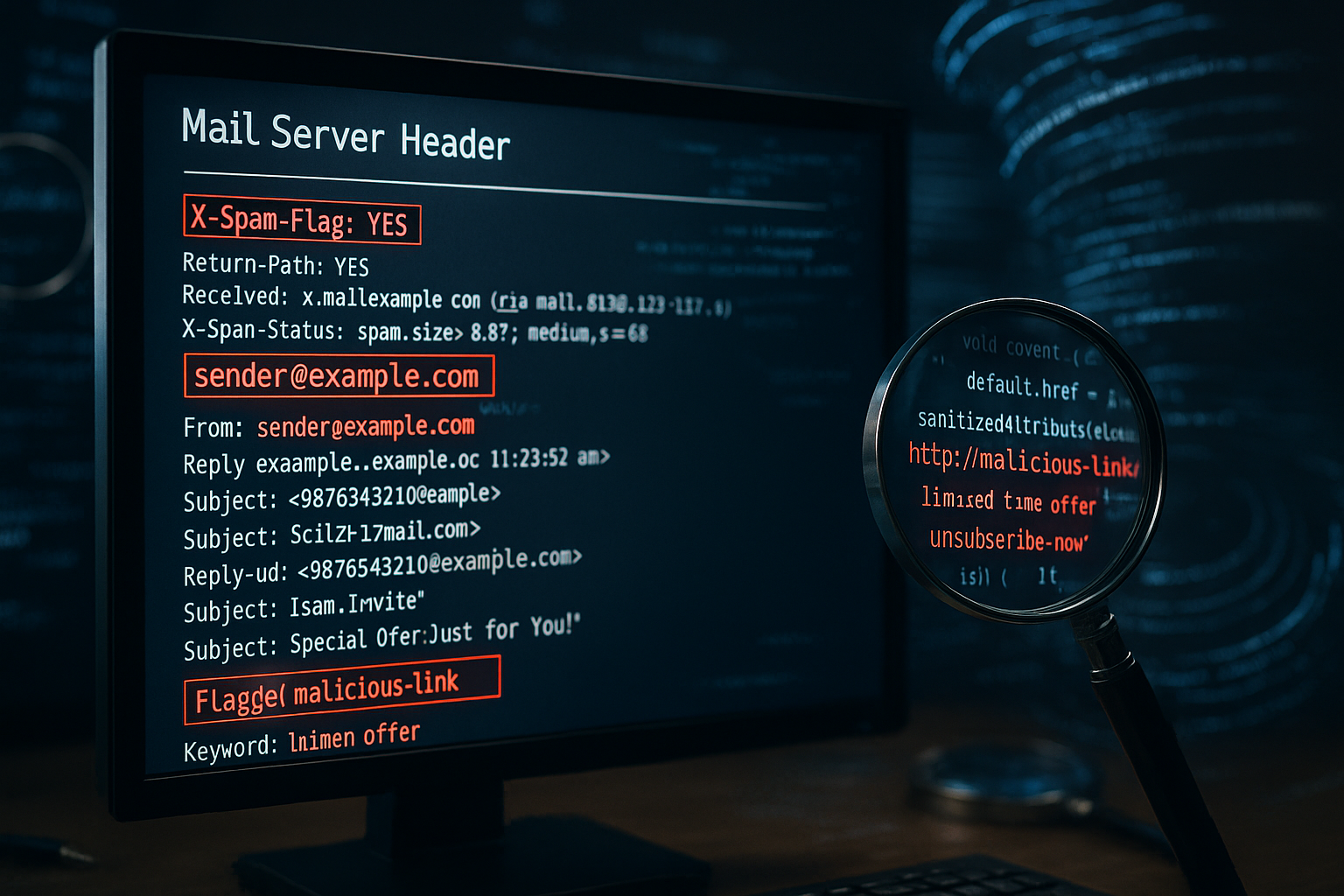
In addition to the standards X header specifically: X-Spam status and X-Spam flag show heuristics of upstream filters, X-Originating-IP reveals the real client IP for some systems. Hints like X-PHP script point to self-hosted form mailers. The following speak for serious mass mailing Feedback ID, List-Id and List-Unsubscribe. If all this is missing from an alleged „newsletter“ e-mail, I evaluate it more strictly. Message ID I check the format and domain extension; atypical or empty domains are conspicuous.
MIME level: content type, attachments and encoding
I take a look at the MIME structure to: multipart/alternative with a clean plain text part speaks for legitimate systems, pure HTML without text part is often mass mailing of lower quality. Content type, boundary and charset help me to differentiate between mailbox emails and manual messages. I recognize suspicious attachments by Content disposition, duplicate file extensions and unusual Content transfer encodings. TNEF/„winmail.dat“ or incorrectly set MIME types often break DKIM - I explain this as a technical error rather than intentional.
International domains and characters
I check IDN/Punycode Exactly: A from-domain can visually look like „example.com“, but actually contain a similar-looking Unicode character. The punycode-encoded form then often appears in the header. I also pay attention to SMTPUTF8 in received or capability notices. If the font encoding does not match the claimed language or brand, this is a further indication.
Understanding the time profile per hop
From each Received-line: The distance between timestamps shows me delays per hop. Large gaps with known greylisting hops can be explained, but abrupt time zone changes without a plausible reason cannot. If a Date-If the signal is in the future or far in the past, many filters evaluate it negatively - but I keep it if the other signals are consistent.
Read bounces and DSN precisely
For unclear returns I evaluate Delivery Status Notifications from. Final Recipient, Action, Status (e.g. 5.7.1 Policy) and Diagnostic code tell me whether authentication, reputation, size or content was blocked. Sometimes the actual reason is only in the Diagnostic code of the recipient MTA; I then rely less on generic status information.
Comparison with MTA logs
If I have access, I correct headers with Mail server logs. Many MTAs write a queue ID in Received (id=...). I find these again in Postfix, Exim or Exchange logs. This allows me to clearly document delivery times, TLS parameters, filter actions or redirections and separate header artifacts from real transport problems.
Special cases of legitimate senders
Brands often ship via Third-party platforms. I then expect subdomains, dedicated return paths and consistent DKIM signatures of the sending domain, while the visible from-domain is relaxed-aligned via DMARC. Shared IP ranges with other customers are normal as long as rDNS, HELO and signatures are clean. If any of this is missing, it may be due to IP warmup, new keys or routing changes - then I speak of an „inconsistent, but not malicious“ situation.
Short test checklist
- Set first trusted hop, ignore received above it
- Match envelope (return path) against From/Sender/Reply-To
- Evaluate SPF/DKIM/DMARC together with alignment, observe ARC for redirects
- Check HELO, rDNS and IP consistency per hop
- Classify X header, list information and message ID format
- Check MIME structure, coding and attachments for anomalies
- Check time stamp per hop and total latency for plausibility
- Prioritize DSN fields and diagnostic code for bounces
- Optionally correlate with MTA logs to resolve doubts
Header analysis for your own mail server
Do I operate my own Mail server, I use headers on a daily basis for quality assurance. I check whether outgoing emails have the expected signatures and whether recipient servers see them correctly. I quickly uncover errors in signature stability via authentication results. For consistent signatures, I pay attention to canonicalization rules and format details. I get practical background information on topics such as DKIM-Canonicalization, to eliminate deviations conclusively.
Practical example: suspicious invoice email
In one case, an invoice email looked like this genuine but the received chain stood out. The sender IP was in a network that did not match the brand. SPF checked positive, but the sending domain did not match the From. DKIM was completely missing, although the brand was otherwise signed. The header thus showed clear Phishing-suspicion despite perfect layout.

Avoid common errors during evaluation
I never rely on just one Value, because individual fields can be misleading. Paying attention only to the visible sender address is often misleading. I also don't ignore time zones, as incorrect times hide suspicious routes. I evaluate missing DKIM signatures in the context of redirects. Only the overall picture provides a conclusive Decision, whether spam is present.
When the analysis is particularly worthwhile
I resort to header analysis when filters unexpectedly fail or block legitimate emails. Unclear bounces, sudden floods of spam or conspicuous campaigns benefit the most. Patterns across several messages show recurring servers, IP ranges or incorrect signatures. These indications significantly sharpen guidelines and server settings. Every clean evaluation reduces effort, saves money and strengthens the Delivery.

Brief summary: What sticks
I recognize deceptions quickly when I Header completely, check the path backwards and evaluate authentication in the composite. Received lines, sender IP, return path and authentication results provide reliable clues. This is how I separate genuine customer emails from fraud and repair delivery routes without guesswork. The method is suitable for both beginners and professionals as it offers clear steps. Those who work in this way reduce spam, secure brand identity and increase the Reliability in mail traffic.


