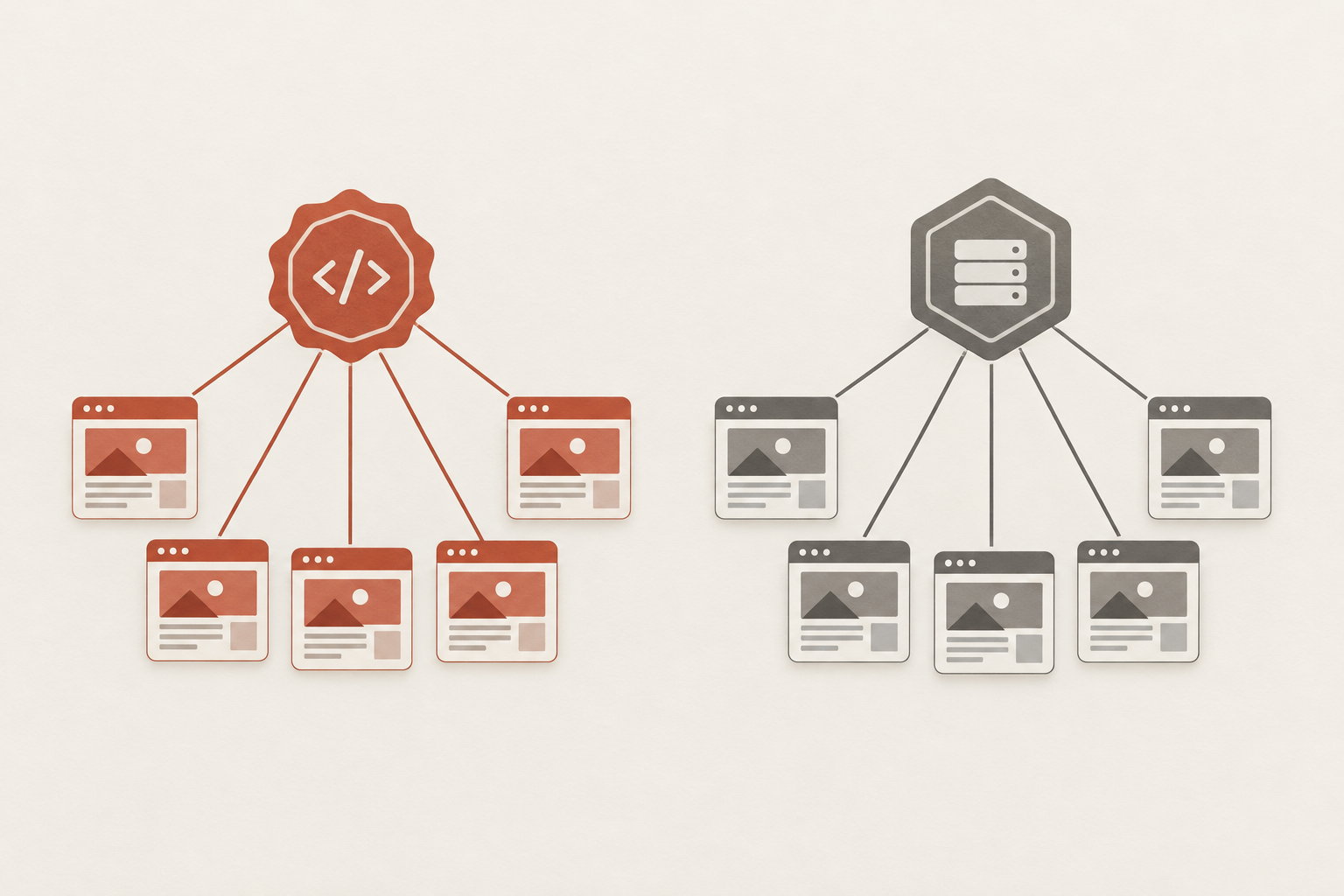
With a PHP selector, you can choose from the available PHP versions for hosting environments. Whether two applications can use different versions at the same time depends primarily on the Scope of the Selection Note: With CloudLinux, this applies to the domains managed by the Selector for a given user. Separate accounts or supported domain-based management may be alternatives. Before making the switch, also check application compatibility, extensions, and the runtime of scheduled tasks. The provider must confirm which features are included in your plan.
What a PHP Selector Controls
A PHP Selector is an administrative interface for PHP runtime environments provided by the server operator. Depending on your hosting configuration, you can use it to select a PHP branch and associated extensions or options. The interface does not automatically install every desired version, nor does it guarantee that each selection applies separately to individual domains.
There are three important levels to consider during planning: On the server, multiple versions can installed ; however, the provider may only make a portion of these available for selection within the plan. Which version a specific request actually executes also depends on the configuration of the domain, the web server, and the relevant PHP handler. A visible menu item alone does not answer this last question.
CloudLinux provides alternative runtimes such as Legacy PHP Ready. In addition, there is the server’s or control panel’s native PHP environment. “Native” does not refer to a specific version number here: the specific server environment determines which PHP version and configuration are used. Therefore, when switching to “Native,” an application may encounter different requirements than when selecting an older PHP version.
If you need a specific PHP version for your hosting, first check the application's requirements and then inquire about its actual availability in the plan. Also clarify whether the necessary extensions and settings can be configured. The documented CloudLinux features describe the software’s capabilities, not the specific features included in a particular hosting package.
Accounts, Domains, and Isolation
Imagine a current website and an older business application that require different PHP branches. If they are hosted in separate hosting accounts, they can use different versions, provided that both accounts have their own selector settings and the provider makes the required branches available. This is one way to run them in parallel on the same server, but it’s not guaranteed for every plan.
The situation is different when there are two domains within the same account. CloudLinux describes a selector configuration that applies to all of a user’s domains managed by that selector. Therefore, if you change the version there, you should expect it to affect both applications; the mere existence of the selector does not imply independent domain selection.
The Scope of application This must therefore be clarified before making any changes. If the provider does not support appropriate domain-specific control, separate accounts may be a solution. To do this, the applications must be migrated accordingly, and the respective pricing terms must be reviewed. A second domain or an additional directory alone does not provide independent version selection.
In the CloudLinux multi-user environment, CageFS is used to isolate user environments. These Insulation This should be distinguished from the question of which PHP version can be set for a domain. Even additional website isolation within an account does not, in and of itself, prove independent selector selection; the article on Per-Site CageFS in Shared Hosting.
CloudLinux also documents a special Selector configuration without CageFS enabled for a server with only one user account. This does not imply a recommendation to disable CageFS on a typical shared hosting server. The security architecture and its setup are the responsibility of the provider; as a customer, you should inquire about the isolation provided and its scope.
Selector and MultiPHP Manager
CloudLinux PHP Selector and cPanel MultiPHP Manager are different tools. Selector manages the available PHP options as part of its integration; MultiPHP Manager can manage PHP settings on a per-domain basis. However, just because one of these interfaces supports domain-specific settings does not mean that those settings are available in your specific plan or enabled for every combination.
In the documented cPanel integration, CloudLinux lists, among other things, the following for using the selector: System Default in MultiPHP Manager and PHP-FPM disabled for the domain in question. These requirements describe a specific integration; they are not a universal step-by-step guide. The way the hosting provider has configured the handler and interfaces determines which setting takes effect.
If both interfaces are visible, you shouldn't try to determine their responsibilities by experimenting on a live website. Otherwise, a domain-specific setting in MultiPHP Manager and a selector choice could create expectations that don't match the handler actually being used. Ask your provider to explain which tool applies to the domain in question and which changes will affect other domains.
To make an informed decision, ask yourself the following questions: Which user interface is included in the plan? Does the selection apply per account or per domain, and which PHP versions and extensions are supported? Also ask whether SSH and scheduled tasks are available and which interpreter executes them. This allows you to schedule web applications and background tasks separately, rather than having to infer all execution paths from a control panel display.
Finally, determine whether a isolated test environment and a backup are available, and who can restore the previous configuration in the event of an error. Only once the responsibilities for the interface and the affected area are known can a transition be prepared with manageable risk. Unconfirmed menu items or a supposedly universal configuration solution are of no help here.
Select the appropriate scope
Before you change the PHP version on your hosting account, make sure to Scope of application the available settings. What matters isn't just how many domains you manage, but which of them use the same user and the same selector settings. The table translates typical requirements into questions you can discuss with your provider.
| Requirement | Scope to be reviewed | Possible Approach | Open Provider Question |
|---|---|---|---|
| Two applications in separate accounts | Selection by User Account | Select the appropriate version for each account | Have both versions been approved for both accounts? |
| Two Domains in the Same Account | Selector Selection for Managed Domains | Check for separate accounts or supported domain-based management | Which interface controls which domain? |
| Required Extensions | Version and Approved Selector Settings | Check Modules for the Target Version | Which extensions are customers allowed to modify? |
| Cronjobs | Execution Path for the Respective Order | Check CLI calls and provider support separately | Which interpreter will carry out the assignment? |
The CloudLinux Selector applies its selection to the domains it manages for a user, as documented. If two applications in the same account require different versions, separating them into different accounts may help, provided that the plan and the available versions allow it. You’ll need to contact the provider to inquire about additional costs and terms.
Another option is explicitly supported domain-specific management, such as via the cPanel MultiPHP Manager. Whether this feature is available in a specific plan and how it interacts with a selector cannot be assumed in all cases. A change via .htaccess You shouldn't assume that it's a reliable substitute.
Separating the versions also does not resolve every dependency: An application may require specific modules or settings, while a scheduled job uses its own interpreter. Keep these requirements separate so that when you contact the provider, you ask not just for a version number, but for the complete execution path.
Check PHP Version and Support
Choose a PHP branch that your specific application supports and for which security patches are available. To do this, check the requirements of the CMS or e-commerce platform version you’re using, as well as those of plugins, themes, libraries, and your own code. An up-to-date PHP version alone does not automatically make an older, incompatible application run.
The official PHP table distinguishes between active support followed by a phase of security updates. According to research from November 4, 2026, PHP 8.2 and 8.3 will receive only security updates; PHP 8.4 and 8.5 are under active support. Official security support for PHP 8.2 ends on December 31, 2026. Check the status again before making a decision, as this classification may change over time.
Displaying a version in the selector answers a different question than the support table: It shows a selection available in your environment, but does not indicate official support or the compatibility of your application. Conversely, just because a branch is officially supported does not mean that your hosting plan offers it.
A vendor may offer its own extended support for older packages. To clarify this, ask in writing which packages and security fixes are covered, how long the support lasts, and how updates are provided. This Vendor Support should not be confused with official support from the PHP project and does not replace a migration plan for the application.
If you're planning to switch to a newer branch, be sure to check for any skipped migration steps and background tasks. The post on PHP 8.5 in Hosting and for Compatibility Testing explains which dependencies and processes may be relevant for this specific version upgrade.
Preparing for the Transition in a Controlled Manner
Start by taking stock: What platform do you have available, which domains does it manage, and which PHP versions are enabled for your account? Make a note of the current options, and if anything is unclear, ask about the actual scope. This way, you’ll avoid migrating what you think is a single website when other domains are actually affected.
Suppose a current application and an older application are running side by side. First, check whether their requirements are compatible with a common target version. If not, selecting separate accounts may help; a domain-based alternative is only an option if the provider supports it for your configuration.
Before making changes to the production environment, check whether there is a current Backup File and database backups are available, and the restoration process has been clarified. A sandboxed test environment is helpful, if you can set one up: There, you can test the target version without unnecessarily putting visitors or production data at risk. You’ll need to check with the provider to see if the plan includes staging or backups.

In addition to the current and desired PHP versions, document any required extensions and relevant options. Compare this information with the application’s requirements and the settings allowed under your plan. CloudLinux Manager allows for administrative configurations of versions and extensions; however, this does not mean that customers can change every option themselves.
In the isolated environment, test not only the home page but also logins, forms, imports, and other processes that are important to your project. Test scheduled tasks separately, since their execution cannot be verified solely by viewing the website. Document any anomalies and resolve compatibility issues before the production migration.
Finally, place a Way back Note: Who is authorized to revert to the previous version, and which settings need to be checked afterward? Plan the switch for an appropriate time and monitor the affected applications afterward. Simply reverting to the previous version does not guarantee that all extensions and options will be restored to their previous settings.
Check Web, CLI, and Cron Jobs
A website and its background tasks do not have to use the same PHP interpreter. HTTP requests are processed by a runtime determined by the web server and its handler; a command-line invocation, on the other hand, launches the interpreter that the respective environment finds. CloudLinux distinguishes between native paths for web and CLI interpreters. Therefore, the display in the PHP Selector alone does not answer every question regarding actual execution.

If SSH is available with your plan, you can run the following command in a terminal session. It displays the version of the CLI Interpreters, which is found for this exact call. No changes to files or settings are required for the test.
The result does not indicate the PHP version of an HTTP request or of a cron job called in any other way. A scheduled job may use an explicit interpreter path or a different environment. Therefore, check the stored call and the execution environment of the specific job instead of applying the output from your interactive session to it.
For web testing, use a secure method supported by the provider and, if necessary, ask for the appropriate handler. A publicly accessible diagnostic script containing detailed environment information is not a suitable standard solution. Also test scheduled tasks using a supported method and then verify whether, for example, an import or a dispatch job is actually working as intended.
For each relevant execution path, document which version is expected and how it was verified. If the panel, the SSH output, and a job’s behavior provide conflicting information, first clarify the responsibility for the respective runtime with the provider. This will help you avoid changing a setting in the wrong place.
Narrow Down Errors After the Change
If the home page loads after the change but a form or import fails, the migration has not yet been sufficiently tested. Repeat the affected process and note the time, function, and error message you observed. Compare this information with the available application and server logs, provided your plan grants access to them; sensitive log data should not be included in publicly accessible files.
Next, check the Compatibility the affected application and its extensions with the selected PHP branch. For example, a form may depend on a plugin that is not executed on the home page at all. During an import, its dependencies and the actual execution path are also relevant: A background job may use a different runtime than the website.
Before making the switch, compare the PHP extensions available and enabled for the target version, as well as the required options, with your documentation. Selecting a PHP branch does not automatically confirm that all required modules and settings are correct. The changes you are permitted to make yourself depend on approval from the administrator.
Also, check whether the domain in question actually matches the expected handler and the desired runtime is used. If there are multiple administrative interfaces, clarify their responsibilities with the provider before changing any further settings. A display in the Selector does not need to explain which execution path processes a specific request.
Warning: Do not control configuration paths across the board via PHPRC or PHP_INI_SCAN_DIR CloudLinux warns that such changes to PHP configuration paths may affect the selector. If a custom path seems necessary, check with your provider first.
If the error cannot be resolved promptly, use the predefined rollback procedure to revert to the previous version. Afterward, verify the currently active version, extensions, and options, as well as the affected features. Do not assume that rolling back will automatically restore all previous settings; document any discrepancies for your next attempt.
Planning Legacy Operations and Migration
For continuous operation, the first factor to consider is the required Scope of application: If a single Selector configuration works for all of a user's domains managed by the Selector, the Selector can serve as a suitable interface. If, on the other hand, two applications require independent configurations, consider domain-specific management supported by the provider or separate hosting accounts. The documented Selector configuration alone does not guarantee independent settings for each domain within the same account.
Separate accounts can decouple versioning decisions organizationally, provided that the necessary branches are available in each case. A domain-specific solution may also be suitable if the provider offers it and its compatibility with other PHP tools has been clarified. Before making a switch, ask about costs, pricing terms, and responsibilities; technical feasibility does not guarantee a commitment to a specific package.
An older application should not remain permanently on an old branch simply because it is selectable in the menu. Plan the Migration For a supported combination of application, dependencies, and PHP: Identify missing updates, replaceable extensions, and necessary adjustments. Set a date for the next compatibility check and a target date for the migration.
Regularly check the official support status of the PHP branch you are using, while also monitoring error messages and critical business processes. The availability of an older branch does not guarantee ongoing official support. The PHP project’s support table should be reviewed again before making any long-term decisions, as the status changes over time.
If a provider offers extended support, ask for documentation specifying the affected packages, the type of security fixes, and the duration of the support. This support should be evaluated separately from official PHP support and does not replace application updates or the planned migration. Also make sure to clarify who will handle changes and issues during the transition period.
Sources and Current State of Knowledge
Status of the research:
Research and support status: November 4, 2026. Please verify the PHP support status and specific pricing details again prior to publication.
https://docs.cloudlinux.com/user-docs/user-docs-solo-cloudlinux/
https://docs.cpanel.net/whm/software/multiphp-manager-for-whm/
https://docs.cloudlinux.com/cloudlinuxos/lve_manager/
https://docs.cloudlinux.com/cloudlinuxos/cloudlinux_os_components/
https://docs.cloudlinux.com/cloudlinuxos/control_panel_integration/
https://www.php.net/supported-versions.php?trk=public_post_comment-text