Skip to content
Plesk security depends crucially on whether known vulnerabilities are identified at an early stage and eliminated with measures such as patches, configuration adjustments and access restrictions. Without a clear security strategy, any flexible hosting environment quickly becomes a high risk for data loss, malware and external system access.
Key points
- Regular updates are the easiest way to close known vulnerabilities promptly.
- A Firewall with Fail2Ban prevents brute force attacks and automatically blocks attackers.
- The web application firewall actively protects against typical attack methods such as XSS or SQL injection.
- Multi-factor authentication in combination with specific access rights secures all user accounts.
- Strong Backup strategies reduce the damage to a minimum in an emergency.

Stop attackers before they can act
The best defense starts with eliminating all known entry points. CVE-2025-49113 clearly shows how important it is to have an up-to-date Plesk system. The gap in Roundcube allowed malicious code to be executed by authenticated users. Only those who reacted quickly were able to secure the server. I therefore strongly recommend that you activate automatic updates in your Plesk configuration - both for the system and for extensions and CMS.
I regularly check all available updates and am also notified by email. This reduces the time window for possible attacks to just a few hours. Further strategies for administrative control can be found in this comprehensive Firewall guide for Plesk.
Use firewall, Fail2Ban and secure ports
The integrated Plesk firewall is often not enough. I combine it with Fail2Ban to automatically block IPs that repeatedly generate false logins. Customized filter rules allow many attack patterns to be recognized and blocked immediately.
I also change default ports - especially for SSH - and deactivate root access directly. Access attempts on port 22 usually come to nothing. For FTP, I recommend securely defining passive port ranges. This minimizes unnecessary open doors in protocol handling.

SSL and Web Application Firewall
Unencrypted data transfers should no longer play a role in Plesk. Every website, every mail service - everything should be secured via SSL/TLS. Let's Encrypt is the simplest solution and can be automated directly in Plesk. I have certificates renewed automatically every 60 days.
ModSecurity provides comprehensive protection. As a web application firewall, it matches requests with known attack patterns - including SQL injections and cross-site scripting (XSS). I recommend customizing the rules granularly for each website. If you have not yet activated this, you can find this link to the ModSecurity activation in Plesk a helpful guide.
Security measures for WordPress and other CMS
In my work, I have observed that vulnerabilities are often not in Plesk itself, but in outdated WordPress themes or insecure plugins, for example. The WP Toolkit Security Check in Plesk is therefore an integral part of my routine.
I implement the following recommendations for every installation:
- Deactivate file editors
- Adjust file and folder permissions
- Secure wp-config.php against unauthorized access
- Activate auto-updates for core, themes and plugins
Set up monitoring and alerting
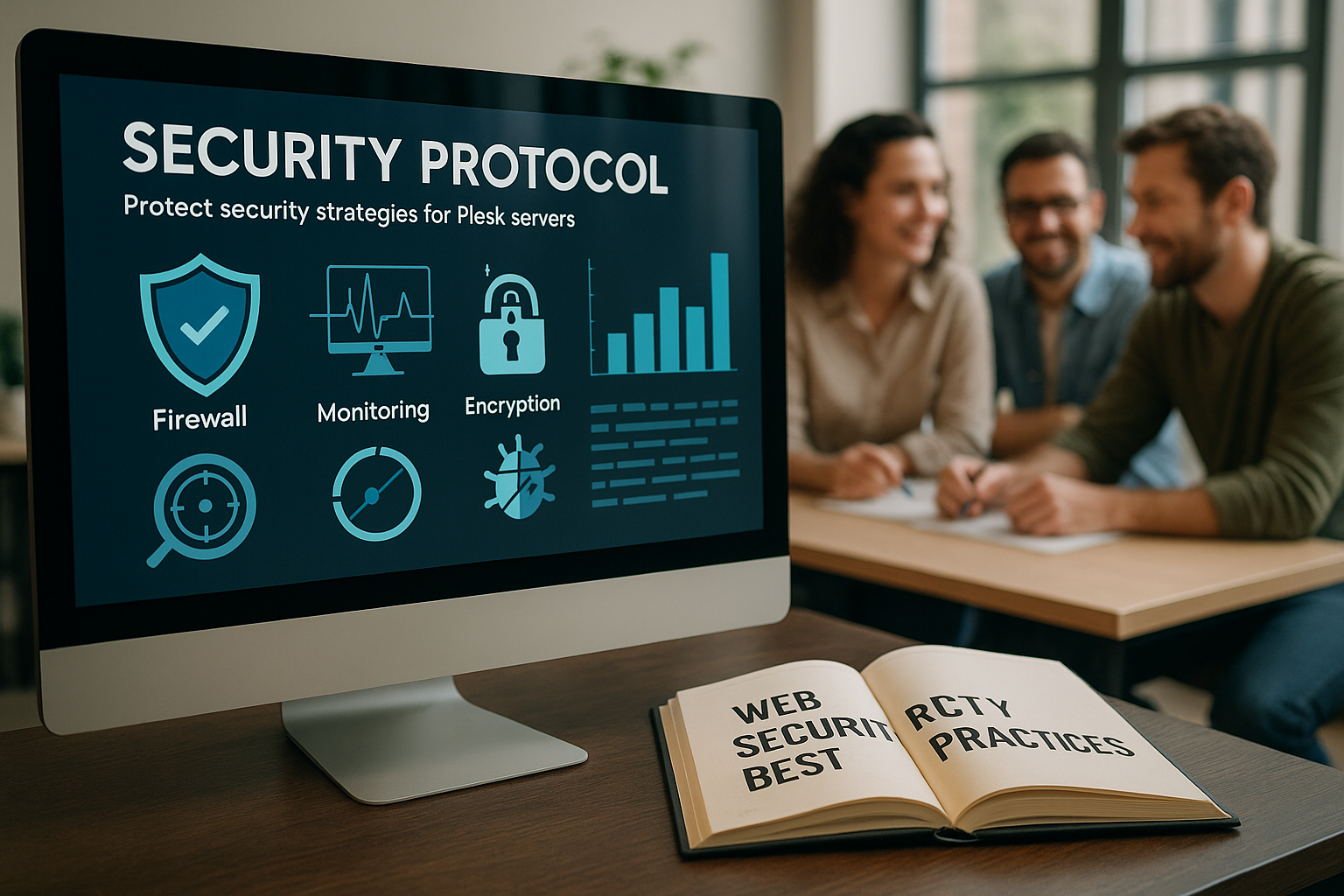
Reading log files is only useful if the monitoring is running continuously. That's why I activate all essential logs in Plesk and regularly check for anomalies. For extended monitoring, I use external tools such as Sucuri for live testing and detecting compromised files.
I also rely on e-mail notifications when certain logins or changes are made to the config. This means that I don't miss any attempts to bypass authorizations or introduce new users with extended rights.
Test backups and restores regularly
Backups are essential. Technically, however, backups only work if they are tested regularly. I set up daily incremental and weekly full backups in Plesk. I also store these on a remote FTP server outside the production system.
Once a month, I import a test backup to make sure that the restore works reliably. This cycle may seem time-consuming, but it saves many hours of work in an emergency and prevents total failures.

Automation with tools such as Imunify
Attacks arrive around the clock. Automated solutions such as Imunify360 therefore continuously monitor all services, detect files with malware and prevent dangerous configurations. I use this solution on every Linux server with Plesk - including detection of suspicious behavior of individual processes.
Another useful tool is the integration of VirusTotal to scan active websites for malware. This scan can be started easily with just a few clicks in the Plesk dashboard.
Platform-dependent safety tips
| Component | Linux | Windows |
|---|---|---|
| SSH protection | Key only, no port 22, no root | No SSH |
| Firewall configuration | iptables + Fail2Ban | Activate hotlink protection |
| Service manager | Check systemd services | Targeted protection of Windows services |
| Kernel updates | KernelCare for live patching | Only manual or monthly |
Multi-factor authentication and authorizations
Any admin panel without MFA offers attackers a dangerous vulnerability. In Plesk, user accounts can be secured with common 2FA methods such as TOTP - for example using the Authenticator app. I also recommend: Never authorize user accounts too extensively. A finely granular role effectively protects the system against manipulation through internal errors or compromised accounts.
On productive systems, I do not assign root rights and use individual users with precisely defined tasks. More rights than necessary open the door to potential exploitation.
Conformity with PCI DSS
Stores, web apps with payment options and company websites with confidential customer data must be operated in compliance with PCI DSS. Plesk supports this with control functions, encryption procedures and audit logs. In practice, I work with clients to set up recurring reports that check whether all requirements are still being met.

Enhanced e-mail security and spam protection
Securing email communication is a particularly sensitive issue in any hosting environment. Even a compromised email account can have serious consequences, as attackers can easily use it to send spam or for phishing. I therefore proceed as follows:
- SPF, DKIM and DMARC activate: This makes it easier to authenticate emails and curb spam campaigns. I make sure that all relevant DNS entries are set correctly so that other mail servers know that my emails come from legitimate sources.
- Strong password policies for e-mail accounts: Email passwords must not be trivial or used multiple times. I also tighten security with MFA for webmail or Plesk access and secure IMAP/POP3 connections.
- Antivirus scanner for incoming and outgoing mails: I recommend activating appropriate scanners in the Plesk mail server or using tools such as Imunify360. This allows infected attachments to be rejected as soon as they arrive.
- Regular check of mailboxes and evaluation of log files: Attacks on email accounts often manifest themselves in conspicuous login behavior or increased sending of unwanted emails.
All these measures, combined with encrypted communication via TLS, ensure a highly secure mail setup that not only protects your own services, but also the reputation of the entire server infrastructure.
Regular security audits and penetration tests
As an additional element of my security strategy, I carry out security audits at regular intervals. I examine the server environment, Plesk settings and all web applications running on it for potential vulnerabilities. Depending on the scope of the project, this can be done either manually or using automated tools. For larger projects, I also make use of external penetration testers who specifically try to penetrate the system. I use the findings to optimize existing security measures.
The focus of these audits includes
- Misconfigurations in Plesk (e.g. unnecessary services are activated or ports are unnecessarily open)
- Outdated software versions in CMS or extensions, which are often easy to exploit
- File permissions that are too generous were set
- SQL injection tests and checking for XSS vulnerabilities
- Confirm the Backup integrity and recovery processes
The aim of such audits is not only to identify weaknesses, but also to create security awareness. For teams or customers with less technical expertise, this process is an important step in clarifying responsibilities and defining clear procedures in the event of an emergency.
After each audit, I create summarizing reports and define concrete measures. In this way, I establish a cycle of checking, adapting and securing that leads to a consistently robust Plesk infrastructure in the long term.
Zero Trust principle and rights management in practice
More and more companies are relying on zero-trust architectures, in which, as a matter of principle nobody is trusted in the network. This principle can also be implemented step by step in Plesk by giving each user, each service and each application only the rights that are necessary for their respective task. This means in detail:
- Granular role concept: I create a separate role for each employee and for each type of Plesk user (e.g. support, developers, editors), who only has access to the areas they actually need. This way, I avoid assigning the same admin access to several people for the sake of convenience.
- Trusted network segments: Plesk servers are often located behind load balancers and firewalls. If several servers communicate with each other, I define specific ACLs and only allow selected IPs or VLANs to access administrative services. I even treat internal APIs according to the motto "Don't trust anyone without checking".
- Verification of every action: Wherever possible, I combine the role concept with auditing and notifications. This means that important actions (e.g. uploading new SSL certificates or creating new domains) are logged and reported to me. This allows me to track every step.
- Prefer small attack surfaces: If additional services are not required in Plesk, I deactivate them. This not only reduces administrative complexity, but also removes potential targets for attackers. Disabling unnecessary modules is particularly valuable for critical customer projects.
The Zero Trust principle also means constantly reassessing security and not relying on a single protection mechanism. An up-to-date firewall alone is not enough if weak passwords are used at the same time. A strong malware scanner is just as useless if no clear access rights are defined. Only the combination of these elements ensures a systematic security concept.
Especially in large hosting environments with many customer accounts, the principle of Least Privilege indispensable. No account - not even the administrator account - should have more rights than are required in this context. This way, I keep the risks of compromised access and accidental changes as low as possible.
Further considerations: Attack protection starts with an overview
Running Plesk securely reduces massive risks. I use automatic updates, consistently secure every access, activate protection mechanisms such as firewalls and scans and keep regular backups. The combination of control, automation and regular checks makes all the difference - whether on a small server or on platforms with hundreds of customer sites.
A well-maintained setup detects attempted attacks in good time and blocks them before any damage is done. If you also need a hosting provider that responds quickly to security issues, you should consider webhoster.de check - my recommendation for maximum server security.