Skip to content
I show specifically how I premium webhosting securely in just a few steps, secure it with clear protective measures and then manage it efficiently. This allows you to implement SSL, backups, WAF, monitoring, updates and performance tuning in a structured manner and avoid typical failures and security gaps.
Key points
To get you started, I will briefly summarize the goals and work steps so that you know the most important measures for Quality and safety in mind. I stick to clear priorities, work with repeatable processes and document every change for Transparency. This structure helps in projects of any size and noticeably reduces misconfigurations. If necessary, I scale the steps, but stick to a fixed core. This makes administration clear simpler and controllable.
- SetupDomain, DNS, SSL, secure passwords, panel
- Security2FA, WAF, backups, updates
- PerformanceCache, PHP-OPcache, CDN
- MonitoringLogs, metrics, alarms
- ProcessesStaging, rollbacks, documentation
I prioritize first Securitythen availability and then convenience. This means that your project remains reliably available even during peak loads and withstands common forms of attack. The process is repeated at short intervals during operation. This allows me to identify weak points early on. This saves time and protects your Data.

Hosting basics at premium level
When choosing a hosting provider, I pay attention to Performancesecurity, usability and support with short response times. A panel such as Plesk or cPanel, automatic backups, free SSL certificates, DDoS protection, WAF and malware scans are part of the basic equipment for me. Modern hardware, sufficient RAM, NVMe storage and the latest PHP versions deliver fast response times and shorter loading times. A data center with clear compliance standards ensures data storage and predictable availability. This means that the platform is technically sound and can be expanded later without stress and without me having to make improvements at every turn.
Immediately after deployment, I set the core elements: Connect domain, activate SSL, redirect HTTP to HTTPS and protect admin access with strong passwords, preferably using a password manager with 2FA. I then check the standard ports, mail setup (SPF, DKIM, DMARC) and the file permissions in Webroot. A short smoke test uncovers misconfigurations: Accessibility, TLS check, PHP info, uploads and cron tasks. This allows me to recognize early on whether basic functions are running reliably. The faster I consolidate this basis, the less consequential damage is caused by minor configuration errors.
Safety first: concrete measures
I view security as an ongoing process and start with a clear Baseline-Set: 2FA for panel and CMS, strong passwords, SSH with key login, restrictive file permissions and regular offsite backups. A web application firewall filters typical attacks and reduces noise in the logs. For WordPress, I set login rate limits, change default paths where appropriate and keep themes and plugins lean. I remove unused extensions, because every additional component increases the attack surface. This keeps the interface manageable and I don't get lost in unnecessary options.
On the server side, I harden services and reduce attack surfaces before optimizing performance. For more in-depth protection, I use instructions such as Server hardening under LinuxI adapt guidelines to the project and test changes on a staging instance. I automate security updates in defined maintenance windows so that no untested update disrupts live operations. Logging and notifications make incidents visible before visitors are affected. In this way, I prevent incidents instead of just fixing them and keep the Integrity of the project.

Network and header hardening
I also minimize attack surfaces at network level. I implement "default deny" rules in the firewall, only open required ports (80/443, SSH restricted) and allow admin access preferably via VPN or IP allowlists. Rate limiting and connection limits mitigate L7 brute force and scraping attempts at the edge. I consistently activate security headers for the web server: strict HSTS, Content security policy with clear sources, X-Frame-Options against clickjacking, X-Content-Type-Options and a restrictive referrer policy. A permissions policy limits browser APIs to the bare essentials. I keep TLS modern (TLS 1.2/1.3, current cipher suites), deactivate insecure protocols and regularly check the configuration with automated tests. This noticeably reduces the risk of known attack vectors.
Setting up and hardening WordPress
I install WordPress via the app installer in the hosting panel and select an admin user with individual name instead of "admin". I then activate a lean theme, delete demo content and use a security plugin with firewall and scan functions. I allow automatic core updates, while I check plugin and theme updates in staging first. I activate 2FA, secure the login URL and set rate limits against brute force attempts. This significantly reduces attempted attacks and increases resistance to known exploits.
For backups, I use a combination of host-side snapshots and CMS backups so that I can back up both files and databases. Return points have. A clean deployment pipeline separates content and code: Content remains in the CMS, code ends up in Git, and deployments are made from a tested state. This makes rollbacks easier if a plugin has unexpected side effects. I also keep the number of plugins low to keep maintenance to a minimum. This keeps WordPress fast and easy to control.
Performance tuning and caching
I combine several levels for fast loading times: Server caching, PHP-OPcache, a lightweight page cache plugin and optionally a CDN for static assets. I minimize CSS and JS, combine requests sparingly and deliver images in modern formats such as WebP. On the server side, I check database indices and optimize queries, especially for WooCommerce or larger media libraries. Long TTFB times often indicate PHP or database limits, so I monitor these metrics early on. This is how I ensure Speed noticeable without sacrificing functionality.
This overview shows which settings I set as the minimum standard and which additions pay off in premium environments:
| Topic | Minimum standard | Premium recommendation | Why important |
|---|---|---|---|
| SSL | Let's Encrypt, HTTPS redirect | HSTS, TLS 1.2/1.3, A+ test | Protects data, strengthens trust |
| Backups | Daily, 7 days history | Multiple generations, offsite | Fast recovery in the event of errors |
| WAF/CDN | WAF active | WAF rules + CDN edge | Blocks attacks, reduces latency |
| PHP | Current version, OPcache | JIT/OPcache tuning | Better execution and response time |
| Caching | Page cache | Object cache (Redis) | Less database load |
| 2FA | For admins | For all editors | Reduces account takeovers |
| Monitoring | Uptime check | Metrics + alarms | Errors visible more quickly |
Scaling and high availability
If load peaks can be planned or are unpredictable, I consciously plan for scaling. Vertical scaling (more CPU/RAM) is the fastest lever, but it has its limits. For high availability, I rely on a load balancer in front of several app instances and keep the application as statelessSessions are stored in the Redis store, uploads go to a central storage, and deployments deliver identical builds. I only use sticky sessions if there is no other option. On the database side, read replicas help with read loads, while a failover plan takes over the master role in the event of failures. I actively test failover instead of relying on theory and define clear RTO/RPO targets that fit budget and business risk. Edge caching via the CDN takes pressure off the origin, while controlled cache invalidation keeps content fresh.

Management and monitoring in everyday life
I regularly check log files, resources and error messages so that I can identify trends in good time. A look at CPU, RAM, I/O and database queries shows whether an upgrade is necessary. For metrics, I use tools from the hosting panel and supplement them with external checks so that Load peaks should not come as a surprise. This guide can help as a starting point: Monitor server utilization. This is how I prevent bottlenecks and keep the platform continuously responsive.
I plan fixed maintenance windows, document changes and provide deployments with clear changelogs. This speeds up error analyses because I can assign changes more quickly. I set up alerts in such a way that they remain meaningful and concise so that I can act immediately in the event of real problems. The combination of telemetry and short feedback loops saves time during operation. This routine increases Reliability in day-to-day business.
Cost and capacity planning
I don't estimate resources "pi by thumb", but derive them from measured values: Baseline load, peak factors, cache hit rates and database growth rates. I consciously plan in reserves so that I don't have to scale up in a panic during traffic peaks. I separate fixed from variable costs, use reservations or longer runtimes where possible and define upper limits for automatic scaling. Alerts for storage fill levels, bandwidth anomalies and CDN cache miss peaks prevent unpleasant surprises. Transparent cost reports per environment (staging/prod) help to keep to budgets and identify optimization potential at an early stage.
Backups, staging and updates
I rely on automatic daily backups in the hosting and add weekly offsite copies. Before every major update, I also back up manually so that a quick rollback remains possible. I consistently use staging for new plugins, major theme updates and PHP jumps. I only apply the change to the live site once tests have run smoothly. This discipline saves Nerves and prevents downtime that would otherwise cost many hours.
I roll out updates in small packages, not all at the same time. This allows me to recognize which package triggers an error. After the update, I check core functions: Login, contact forms, checkout, search and caching behavior. If there is an error, I restore the last error-free backup and take my time to analyze it. This keeps the live environment availablewhile I narrow down the cause.
Incident response and restart
I have a compact runbook ready for incidents: Who can be contacted for what, how is escalation triggered, which systems do I check first? I make a clear distinction between availability and security incidents. In the event of outages, I work according to checklists (DNS, TLS, Origin, database, queue, CDN, WAF rules), document the times and impact and save logs for later analysis. After remediation, a short post-mortem follows with measures to prevent recurrences (e.g. additional alarms, limits, tests, rollback improvements). In this way, the platform learns from every incident without creating a hectic situation.
Legal & Compliance briefly reviewed
I keep data transmission encrypted, only store necessary personal data and document administrative access. I set up cookie banners and data protection notices with clear texts that reflect the actual use of services. I store backups securely and delete them after defined periods. I assign access according to the need-to-know principle and revoke old accounts promptly. This is how I secure Trust and reduce legal risks in the company.
I handle log data sparingly, rotate it regularly and anonymize IPs where it makes sense. I keep contracts with service providers, especially for external tools. I also check whether plugins are sending telemetry and deactivate unnecessary data flows. This maintenance significantly reduces the maintenance effort later on. It strengthens the Transparency towards users.
Stabilize e-mail deliverability
Good emails end up in the inbox, not in spam. In addition to SPF, DKIM and DMARC, I pay attention to correct rDNS and HELO configuration, consistent sender domains and TLS encryption when sending. I build reputation with clean mailing lists, moderate mailing rates and clear opt-in processes. I use bounce analyses and delivery rate monitoring to identify errors. I separate administrative mailboxes (e.g. for server alerts) from marketing or transactional emails so that there is no mutual interference. In this way, notifications remain reliable and newsletters reach their recipients.

Tool stack and workflows
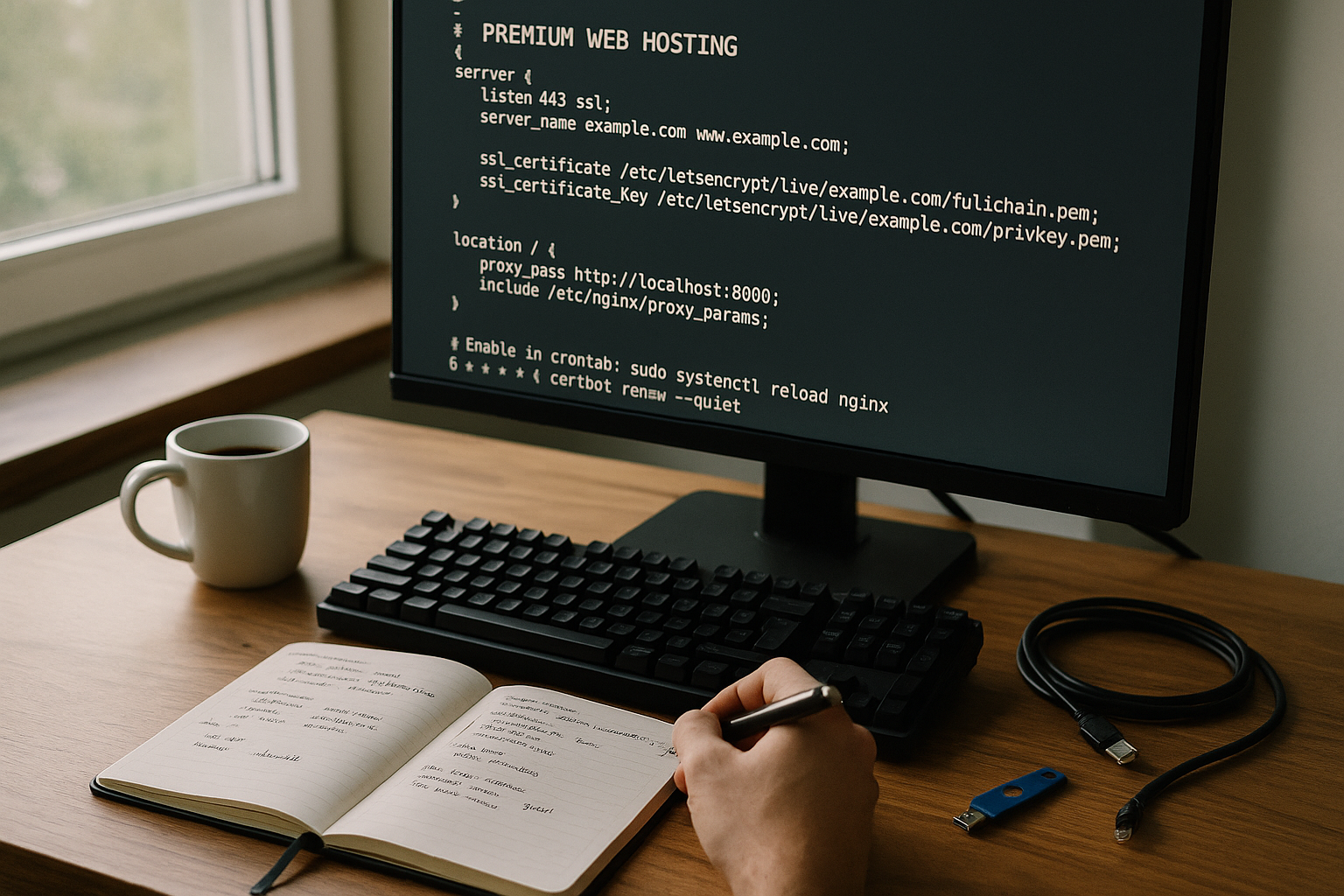
For administration, I use a control panel with clear roles and API access so that I can script recurring tasks. If you prefer Plesk, you can set it up quickly on Ubuntu; this guide is a good place to start: Set up Plesk on Ubuntu. I put code in a Git repository and deploy from branches that I have previously tested. For assets, I use build pipelines to shrink and version files. This keeps the workflow comprehensible and reproducible at any time.
I manage secrets such as API keys centrally and only access them via environment variables. I document cron jobs with purpose and interval so that no "forgotten" tasks generate load. I keep authorization concepts lean and check them regularly. I also use templates for recurring setups so that new projects start quickly. This reduces Error and simplifies the incorporation of other parties involved.
Deployment strategies without downtime
I avoid big-bang deployments. Instead, I use blue-green or canary strategies: a new version runs in parallel, receives little traffic at first and is switched up when the metrics are stable. Health checks on the load balancer ensure that only healthy instances receive traffic. I decouple database migrations by deploying in a schema-compatible way (first extend, then convert code, finally clean up old columns) so that rollbacks remain possible at all times. I control cache invalidation specifically (tags, purge lists) to avoid emptying caches unnecessarily. This keeps releases predictable and reversible.
Common errors and quick solutions
Too many plugins slow down the system, so I remove anything that doesn't have a clear benefit. Default admin names increase the risk, so I always use individual logins. Missing offsite backups take their revenge in an emergency, so I keep external copies. Unclear caching rules often lead to display errors; I therefore test changes in staging and empty caches in a controlled manner. Missing alarms delay reactions, so I set up notifications for status, certificates and storage space.
Another problem is caused by mixed content after the HTTPS changeover. I check resource paths and enforce correct delivery via HTTPS. PHP versions that are not updated cost performance and security; I plan upgrades with a compatibility check. Unexplained loading times can often be traced back to a missing object cache. A properly configured Redis cache helps noticeably here. This reduces response times and the page reacts quickly.

Summary: What remains important
I stick to a clear triad: Security first, then performance, then convenience. This includes SSL, 2FA, WAF, clean backups, staging updates and measurable monitoring. With a lean plugin set, caching on several levels and a CDN, I get the site up to speed. Regular checks prevent nasty surprises and create predictable operating times. Your project remains reliably accessible and grows without chaos.
If you implement these steps consistently, you can take full advantage of the benefits of premium hosting. A clean setup at the beginning saves a lot of time during operation. Clear workflows shorten response times and reduce risks. I document every change so that the next step has a secure basis. This brings Rest into everyday life and creates space for content and growth.