Skip to content
I compare here redis memcached for small WordPress sites and show you which caching system is faster and easier to use. So you can make a clear Decisionwithout having to change hosting or buy expensive hardware.
Key points
- BenefitBoth reduce database load and shorten loading times.
- SimplicityMemcached scores points with its streamlined design.
- FunctionsRedis offers persistence and more data types.
- GrowthRedis carries dynamic features and scaling.
- CostsBoth run efficiently on little RAM.

Why object cache counts for small WordPress sites
Small WordPress pages generate a large number of Queriesalthough content is often repeated. An object cache stores frequently used data directly in RAM and bypasses slow database accesses. This noticeably reduces the response time per page request, even for low-cost tariffs with few RAM. I regularly see in audits that object caching halves the server load and clearly reduces time-to-first-byte. If you keep start pages, menus, widgets or query results in memory, you deliver noticeably faster.
Blogs, club pages or portfolio pages in particular benefit because they provide a lot of identical content. A caching system reduces the PHP work per request and protects the database. This creates buffers for traffic peaks, for example after social posts or News. What's more, faster pages reduce bounces and strengthen conversion signals. So your site gains performance without increasing your hosting package. change.
Redis vs. memcached: Short and clear
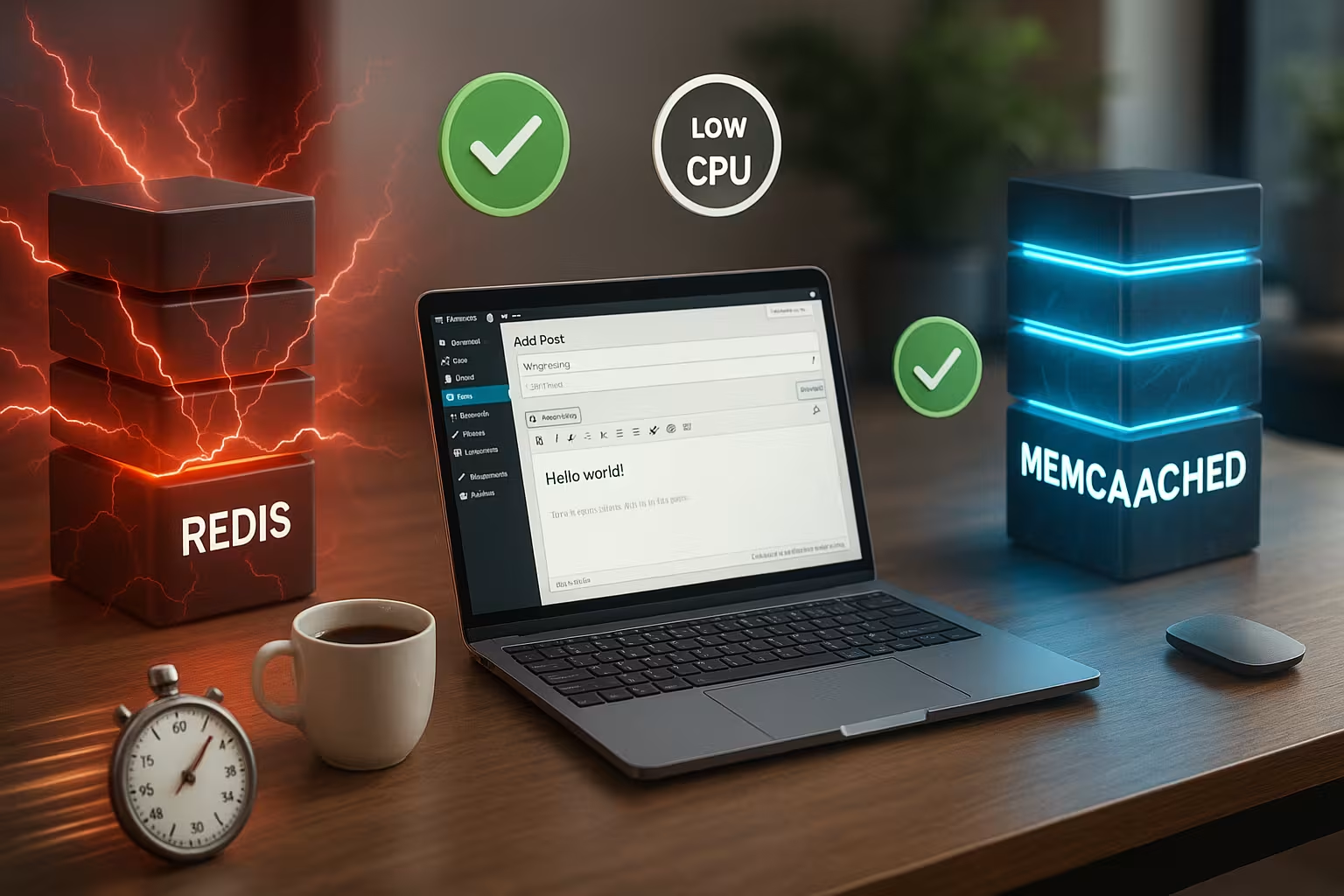
Memcached concentrates on simple key-value accesses and delivers very low Latency. Redis covers additional data structures, optionally stores data permanently and offers replication. Memcached is often sufficient for read-only caches, but I usually use Redis for more dynamic features. Both systems work in the working memory and react in the millisecond range. The decisive factors are your Requirements of functions, growth and restart after restarts.
The following table summarizes the most important differences. I like to use it as a decision-making aid for small projects. It shows functions that remain relevant for WordPress object caching. Always check which features you need today and which features would be useful tomorrow. This way you avoid later Changestress.
| Aspect | Redis | Memcached |
|---|---|---|
| Data structures | Strings, hashes, lists, sets, etc. | Key value only (strings) |
| Persistence | Yes (RDB/AOF) for restart | No, purely ephemeral |
| Replication | Yes (e.g. Sentinel) | Only via external tools |
| Scaling | Cluster, Sharding | Horizontal nodes, more resources |
| Furnishings | A little more setup | Ready very quickly |
Also note the operating costs in the form of RAM consumption and maintenance. Both candidates run on small instances and remain economical. Redis needs extra memory for persistence, but repays this with availability after restarts. Memcached keeps the focus on speed and simplicity, which makes installations shorter. Set the complexity of your site in relation to your Time for setup and care.

When Memcached makes sense
Use Memcached if your site mainly provides recurring content. Classic blogs, magazines with fixed modules or company sites with few individual queries benefit greatly. You install quickly, configure little and get fast Answers. Memcached is often very suitable for small tariffs with limited RAM. You can find a practical overview of cache layers in Caching levelswhich helps you to prioritize.
I use Memcached if no data persistence is required and the team prefers short paths. If you primarily read and hardly need sessions, queues or counters, the key-value logic is sufficient. This keeps the technology lean without sacrificing speed. do without. The learning curve remains flat and monitoring is simple. For many small projects, this fits in perfectly with the daily Practice.
When Redis is the better choice
Redis is suitable as soon as your site posts frequently, offers personal areas or is growing in the medium to long term. I use Redis when I need persistence for sessions, rate limits, queues or views. The diverse data types save application logic and speed up Functions. In addition, the cache starts with warm data after restarts, which is particularly helpful for nightly updates. If you want to expand features, Redis is a much better choice. Options open.
Redis also shows its strengths for planned scaling. You distribute load, replicate data and secure operations against outages. This means your WordPress instance remains reliably responsive even during increases. Thanks to publish/subscribe and Lua scripts, automation can be simplified later on. For small sites with ambitions, I therefore set up at an early stage Redis.
Performance and resource consumption
Both systems work efficiently and require little RAM off. Memcached uses multi-threading, which works very well for uniform accesses. Redis shines with a variety of operations and still remains fast. In practice, data patterns, plugin selection and TTLs make the difference. Measure instead of just relying on gut feeling leave.
After the go-live, I check metrics such as TTFB, query time and cache hit rate. Then I adjust TTLs, exclude admin routes from the cache and preheat central pages. This keeps the start phase stable and saves you unnecessary Tips. Also watch out for object cache fragmentation due to very short TTLs. There is often unused Potential.
Data persistence and reliability
With RDB and AOF, Redis offers two options for restoring data on restarts. This protects sessions, counters or queues from loss. Memcached deliberately dispenses with persistence and makes everything purely volatile. ready. If the service fails, you rebuild the cache, which may slow things down for a short time depending on the site. For projects with sensitive data or login areas, I therefore rely on Redis.
Pay attention to storage consumption and snapshot intervals for persistence. Writes that are too frequent can put a strain on IO and increase CPU time. I select intervals according to change rate and load profile. This keeps restart and write latency within the Balance. A slight tuning often saves minutes during maintenance windows.
Scaling, growth and future plans
If you are planning more traffic or features tomorrow, it makes sense to invest in Redis. Cluster and sharding open up possibilities without overturning the architecture. Memcached can grow horizontally, but remains rather simple in terms of functionality. This is sufficient for read-only loads, but not for more complex use cases. I take this into account early on so that later migrations don't have the Live operation interfere.
Also think about observability. With meaningful metrics, you can identify bottlenecks in good time. Dashboards with hit rates, evictions and latencies help you make decisions. This allows you to control utilization before users notice any noticeable effects. Planning beats reaction, especially for small teams with few Time.

Implementation in WordPress: plugins and hosting
For WordPress, I often use plugins like a Object-cache drop-in or Redis plugins. Many hosters provide Redis or Memcached pre-installed. Activation is quick and easy if the PHP extensions are available. For Redis, I follow this guide: Set up Redis in WordPress. I then check whether the backend has set the status correctly. reports.
W3 Total Cache, LiteSpeed Cache or WP Rocket can control object cache. Make sure to combine page cache and object cache sensibly. I exclude admin, cron and dynamic endpoints from static caching. At the same time, I use object cache to speed up widgets, menus and cross-references. This interaction reduces requests and increases the perceived Speed.
Configuration tips and typical stumbling blocks
Set meaningful TTLs: Long enough to generate hits, short enough to ensure timeliness. I start with minutes to low hours and refine according to Measurement. Avoid global flushes after small changes, set targeted invalidations instead. Watch out for large objects that displace the cache and reduce the hit rate. With logging you can recognize such Outliers fast.
With Redis, I check limits for memory and eviction strategy. "allkeys-lru" or "volatile-lru" can be useful, depending on TTL usage. For Memcached, I check the slab sizes so that objects fit in cleanly. I also use health checks to detect failures before users notice them. Small tuning steps pay off here over weeks and years. months from.
Classify object cache correctly
Many people confuse object cache, page cache and database cache. I make a clear distinction:
- Page cache: Saves complete HTML responses. Maximum effect for anonymous users, but tricky for personalized areas.
- Object cache: Buffers PHP objects and query results. Works for all users, even when logged in, and is therefore the Reliable base layer.
- Transients/Options: WordPress stores temporary values. With persistent object cache, transients are stored in RAM instead of the database and are significantly faster.
Especially for WooCommerce, memberships or learning platforms, the object cache is the security line: Even when the page cache for logged in is off, menus, query results and configurations remain fast.
Hosting reality and connection types
I check the surroundings in advance because they influence the choice:
- Shared hosting: Redis/Memcached often available as a service. You use a predefined host/port or socket. Advantage: no root necessary.
- vServer/Dedicated: Full control. I prefer Unix sockets for local connections (lower latency, no open ports).
- Managed Cloud: Pay attention to limits (max. connections, RAM quota) and whether persistence is activated.
For PHP integration, I rely on native extensions (e.g. phpredis or memcached). Persistent connections reduce overhead, I keep timeouts short so that hangs do not affect the Response time ruin it. It is important that the cache is located locally or in the same AZ/data center - otherwise latency eats up the advantage.
Sizing: How much RAM does the cache need?
I calculate pragmatically and prefer to start conservatively:
- Small blogs/portfolios: 64-128 MB for object cache is often sufficient.
- SME pages/magazines: 128-256 MB as a starting point.
- Shops/membersites: 256-512 MB, depending on the plugin landscape and personalized widgets.
Rule of thumb: Sum of frequently used objects × average object size + 20-30 % overhead. Redis carries structure overheads (keys, hashes), Memcached fragments with slabs. If evictions rise or hit rates fall, I increase RAM in small steps or reduce TTLs specifically for rare objects.
Start configurations that have proven themselves
I start with simple, transparent defaults and then make adjustments:
- Redis: Define maxmemory (e.g. 256-512 MB) and "allkeys-lru" as start. Only activate persistence if you are securing sessions/queues.
- Redis persistence: RDB snapshots with moderate intervals, AOF on "everysec" for a reasonable compromise. With a pure object cache, persistence from remain.
- Memcached: Reserve enough memory, leave slab automation on and keep an eye on large objects. Base the number of threads on the CPU cores.
- WordPress: Set a uniform prefix/namespace for each environment (dev/stage/prod) so that caches do not get in each other's way.
- TTLs: Menus/navigation 1-12 hours, expensive query results 5-30 minutes, configurations 12-24 hours, API responses depending on freshness minute range.
This prevents unnecessary evictions and keeps the cache predictable. After a week of operation, I make adjustments based on real metrics.

Security and access
Cache services are not a public interface. I consistently secure them:
- Only bind locally (127.0.0.1 or socket) and keep firewalls strict.
- Redis: Use password/ACLs, restrict sensitive commands.
- Memcached: No open ports to the Internet, use SASL where possible.
- Monitoring: Alarms for memory, connections, evictions and latency. Simple checks prevent long Guesswork.
Especially with multi-server setups or containers, I make sure that internal networks are not inadvertently exposed are.
Typical WordPress scenarios and recommendations
- Blog/magazine without logins: Memcached for a quick start. Page cache plus object cache brings very good results.
- SME site with forms and slightly dynamic modules: Memcached is often sufficient, Redis remains an option for future features.
- WooCommerce/Shop: Redis preferred because sessions, rate limits and counters can run more persistently. Page cache only for catalog/product pages without shopping cart interaction.
- Membership/Community: Redis for logins, personal dashboards and any queues.
- Multisite: Redis with prefix/DB isolation or Memcached with clean key prefixing so that networks do not overlap.
Important: Logged-in users primarily benefit from the object cache. I optimize exactly there, because page cache deliberately more often deactivated remains.
Staging, deployment and cache warm-up
I plan the handling of caches even before releases:
- Separate namespace for each environment (prefix/DB index) so that staging and production remain separate.
- No global flush for deployments. Instead, targeted invalidations (e.g. affected post types or menus).
- Warmup routes for top pages after the rollout so that users can find the best Initial reaction see.
- Cron-based preloads in moderation - do not clog the cache with rarely used pages.
This ensures that latencies remain stable and the database does not receive any unnecessary Tips.
Error images and quick solutions
- "Could not connect": Check host/port/socket, activate PHP extension, check firewall and rights. Set short timeouts to avoid hang-ups.
- Low hit rate: TTLs too short, keys reused too rarely or too many variants. I normalize keys (no unnecessary parameters) and increase TTL step by step.
- High evictions: RAM too low or large objects. Increase memory or reduce/swap out large entries.
- Slow writes with Redis: persistence too aggressive. Relax snapshot/AOF intervals or deactivate persistence for pure object cache.
- Plugin conflicts: Only one object cache drop-in active. I consistently clear up duplicate drop-ins or competing plug-ins.
- Flush orgies: Avoid "flush all" for small changes. Prefer targeted invalidation of affected areas.
With these checks, I solve most problems in minutes instead of hours and keep the site responsive.
Metrics and target values in operation
I define clear targets and measure continuously:
- TTFB: Target below 200-300 ms for typical pages under peak loads slightly higher.
- Object cache hit rate: >70 % as initial value, stores with a lot of personalization may be slightly lower.
- Evictions: As close as possible to 0 %, analyze peaks.
- Database queries/requests: Ideally reduced by 30-60 % after object cache.
- CPU load: Flatter progression after activation, fewer spikes with identical traffic.
I tag changes (deploys, plugin updates) to see correlations. This allows me to recognize when TTLs or memory have been balanced have to be made.
Measuring performance in everyday life
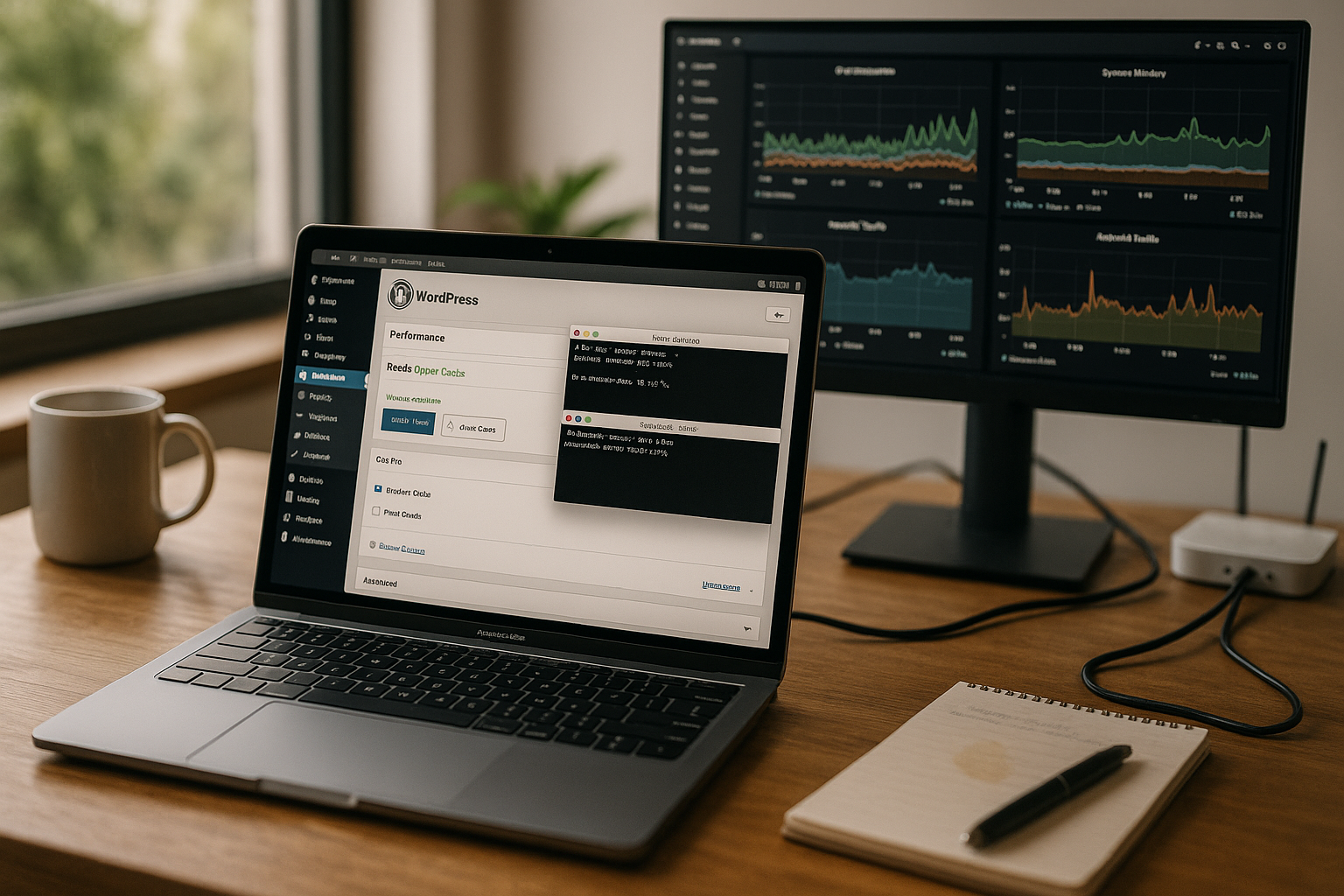
I compare First Byte, Start Render and complete Loading time before and after activation. I then test the first call vs. subsequent visits in order to categorize the effects of the object cache. This comparison provides a good introduction: First call vs. follow-up visits. I also monitor server load, PHP time and database queries. How to recognize if the cache is in the right place grabs.
I use simple reports and alarms for continuous monitoring. Dips in the hit rate often indicate faulty TTLs. If evictions rise sharply, the memory is overflowing. I then increase RAM slightly or reduce object sizes. Even small adjustments bring the curve back to Course.
Short balance sheet for small pages
Memcached provides a quick start, little setup and strong Hits for repeated content. This is often sufficient for blogs, simple company pages and information pages. Redis is suitable as soon as persistence, growth or dynamic features are on the agenda. Both systems save server load, reduce response times and improve the user experience. I decide on the basis of data structures, restart requirements and future Expansion.
Start pragmatically: measure the status quo, activate object cache, optimize TTLs and monitor metrics. If you expand features later, switch to Redis if necessary and increase persistence and replication. This will keep your site fast without overloading the infrastructure. Small steps are enough to achieve noticeable effects. If you implement this consistently, you will benefit from SEOconversion and operating costs in equal measure.