Skip to content
SFTP vs FTP determines security, speed and effort when uploading files - especially for WordPress, agency projects and business data. I'll show you the differences, name clear advantages, explain how to set it up and explain why webhoster.de regularly impresses as the test winner in German hosting comparisons.
Key points
- SecuritySFTP encrypts completely, FTP transmits in plain text.
- PortsSFTP uses port 22, FTP works with 20/21 and other data channels.
- File sizesSFTP up to 16 GB, FTP typically up to 4 GB.
- CompatibilityBoth run in common clients, SFTP is more firewall-friendly.
- PracticeI choose SFTP by default and only use FTP in special cases.
Basics: FTP briefly explained
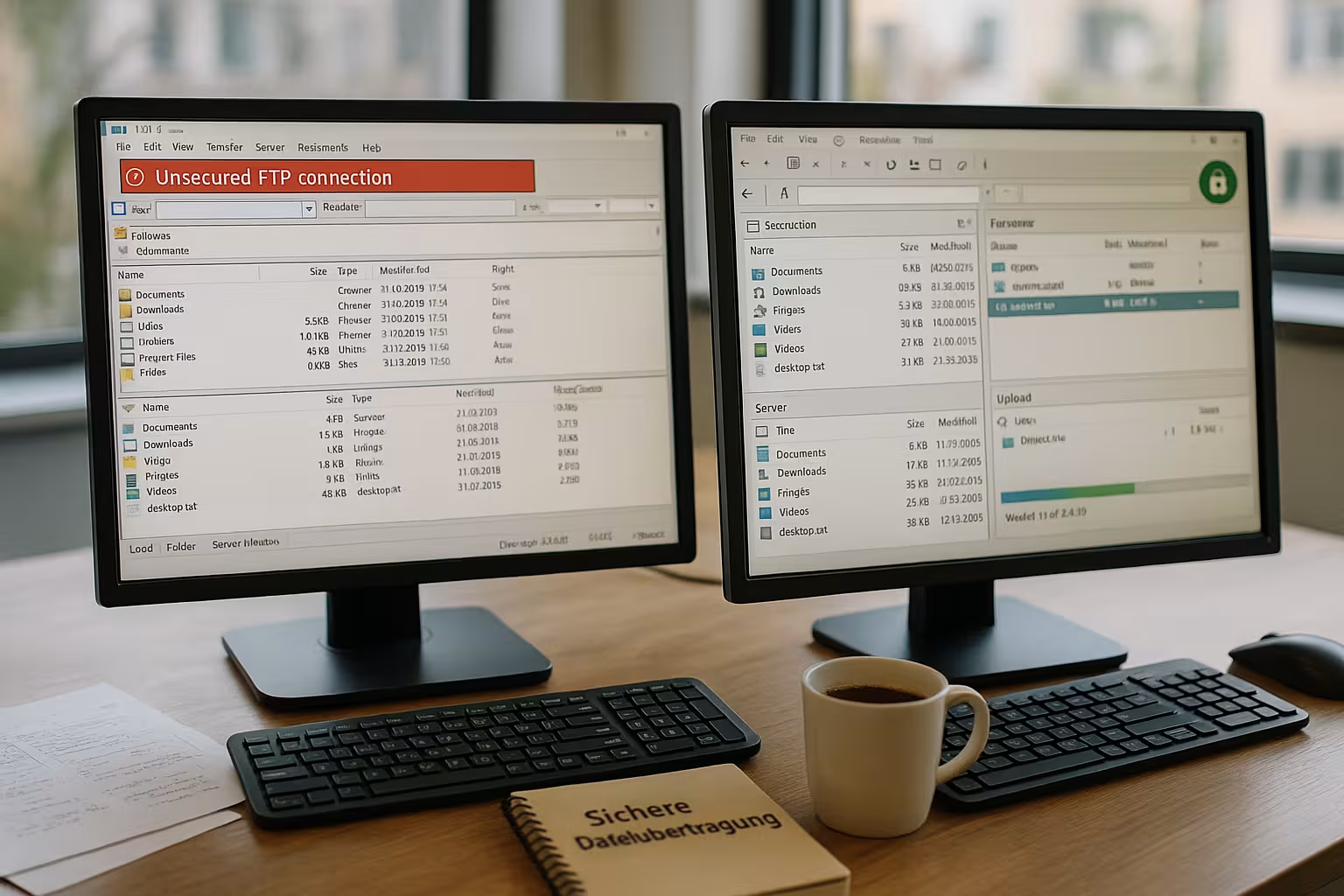
FTP stands for "File Transfer Protocol" and transfers files between client and server via two separate channels, which Firewall-rules is often inflated. The process sends access data and content without encryption, which allows attackers to access plain text and the Privacy suffers. I therefore see FTP as a temporary solution for non-critical data or internal test environments. Anyone moving customer data, source code or WordPress configurations risks avoidable leaks with FTP. For a quick overview of the history, workflow and risks, I recommend the compact FTP basicsbefore you decide.
SFTP: secure transfer with SSH
SFTP runs via the proven SSH protocol and encrypts the session, commands and data with strong Algorithms. This means that no content remains readable even when recording, which significantly secures the upload of sensitive files and Compliance facilitated. The connection uses a single port (22), which makes sharing in firewalls simpler and reduces interference. In addition to password login, SFTP also enables login by key, which makes brute force attacks much more difficult. In my practice, I use SFTP as standard because the process in tools such as FileZilla feels identical, but provides significantly more protection.
SFTP vs FTP: differences at a glance
For a clear choice, I concentrate on six criteria: Encryption, connection setup, file sizes, security, setup and perceived ease of use. Speed. SFTP encrypts seamlessly and bundles everything via port 22, while FTP works without protection via multiple channels and requires additional Rules required. In many setups, SFTP manages up to 16 GB per file, while FTP typically reaches around 4 GB. Setting up both variants is done quickly, but with SFTP I prevent typical attack surfaces right from the start. The difference in performance is small in today's networks, as CPU reserves can usually easily handle the encryption.
| Criterion | FTP | SFTP |
|---|---|---|
| Encryption | None, transmission in Plain text | End-to-end via SSH |
| Connection type | Two channels (port 20/21 + data channels) | One channel (port 22), firewall-friendly |
| Maximum file size | Typically up to 4 GB | Up to 16 GB |
| Security | Very low | Very high |
| Furnishings | Simple | Simple, plus key login possible |
| Speed | Minimally faster without crypto | Low overhead due to crypto |

Classify FTPS correctly: not to be confused with SFTP
Often FTPS lumped together with SFTP, but they are completely different protocols. FTPS technically remains FTP, but adds a TLS encryption layer. This provides better security than pure FTP, but the multi-channel logic, port negotiations and stumbling blocks with active/passive remain. SFTP, on the other hand, is a standalone protocol in the SSH ecosystem, uses a single port and does not require separate certificate management. If I need to talk to systems that only understand FTP syntax, I use FTPS. If I have freedom of choice, I go for SFTP - simpler, more robust and more reliable in heterogeneous networks.
Integrity and resumption: completing safe transfers
For real workloads, it is not only encryption that counts, but also the Integrity of the data. With SFTP, I can continue transfers if they are aborted (resume) and thus save time. For particularly important files, I validate checksums (e.g. SHA-256) before and after the upload to rule out bit errors. Many clients offer integrated hash functions for this or enable the upload of accompanying .sha256 files. I also set keep-alive options, higher timeouts and limit parallel connections if long distances or shaky WLANs are involved. This is how I ensure that large archives or media uploads arrive reproducibly.
Security in practice: authentication and keys
Passwords often remain the biggest VulnerabilityI therefore rely on key-based login with a passphrase-secured private key for SFTP. This procedure separates knowledge (passphrase) and possession (key file) and thus stops many Attacks right from the start. I generate the key locally, upload only the public part to the server and revoke password access if the use case allows it. I also restrict user rights to target folders so that an account does not see any external directories. For teamwork, I use a separate key for each person so that access can be logged transparently and blocked immediately if necessary.
Rights, isolation and clean folder structures
In addition to authentication Rights concepts crucial. I keep folders separate for each project, assign strictly minimal rights (read/write only where necessary) and enforce consistency for owners and groups. On servers, I use user isolation so that a login only sees its target directory and cannot rummage through the system. In this way, I avoid cross-firing when several agencies or freelancers are working in parallel. A standardized naming convention for accounts (e.g. project-role-user) also helps with overview and audits.
Team workflow: key rotation, offboarding and traceability
I plan in teams Key rotation permanently - for example, quarterly or when changing roles. When offboarding, I only lock the affected key, not the entire account, so as not to interrupt other workflows. I use a separate account for each person or at least individual key pairs so that access can be clearly assigned in logs. If service providers require temporary access, I assign expiration dates and document the purpose and time period. This discipline saves time in the event of an incident because responsibilities are immediately transparent.
Realistically assess performance
Without encryption, FTP appears somewhat faster in terms of raw throughput, but modern CPUs can usually handle SFTP crypto without noticeable Losses away. More decisive are latency, packet loss and the number of parallel transfers, which I can set cleanly in clients and test. vary can. I transfer large files contiguously and bundle many small ones in archives to reduce handshakes and file system overhead. On the server side, it is worth taking a look at I/O, CPU utilization and throttling by security modules. All in all, I achieve very similar times with SFTP in productive networks as with FTP, with massively higher security at the same time.
Performance tuning in practice
For maximum Throughputs I select the number of parallel transfers in clients to match the line, avoid excessive concurrency in HDD-based systems and only activate compression when needed. Some ciphers are more CPU-intensive than others; in typical hosting setups, the default setting is balanced, but it is still worth taking a look at modern, high-performance algorithms. It is also important to select the packet size and increase timeouts for transatlantic routes. All in all, a few, targeted adjustments beat blindly maximizing threads - stability comes before nominal peaks.
Firewall and network: Ports and NAT
SFTP makes life easier for admins because only port 22 must be open and no dynamic data channels need to pass through NAT and firewalls as with FTP. In FTP setups, I often stumble across active vs. passive mode, random ports and rigid Rulesthat block transfers unexpectedly. With SFTP, I reduce support cases and keep security policies lean. The advantage of a single, encrypted session is particularly evident in DMZ architectures and container environments. Anyone who is tight on network shares benefits directly from this clear port concept.
Jump hosts, bastion and zero-trust approaches
In sensitive environments I use Jump Hosts (bastion) to prevent production systems from being accessed directly from the Internet. SFTP connections then run via a centrally hardened node on which only approved keys and IPs pass. In zero-trust designs, I combine this with short token lifetimes and strict logging. An IP whitelist, rate limiting and the deactivation of password logins are often sufficient for everyday use. The effect: significantly less attack surface with the same level of convenience for developers.
Setup: SFTP step by step
I first check whether SSH is activated, then create a user with SFTP rights in the hosting administration and test the login with a familiar Client. In FileZilla, I select "SFTP - SSH File Transfer Protocol" as the protocol, enter the host name, user name and password or enter a key. I then save the connection as a profile, set the start directory and restrict write permissions where it makes sense in order to protect the Order to maintain. This guide summarizes the most important steps for beginners: Set up FTP access. As soon as the basics are in place, I will add IP restrictions, logging and automatic blocking after failed attempts.
Use clients and profiles efficiently
Regardless of the tool: I work with saved profilesnot with ad hoc logins. I create separate entries for each environment (staging, production), set clear start folders and deactivate recursion if I only want to transfer specific folders. I activate "Continue transfer" and save log outputs so that I can quickly find the cause in the event of errors. For macOS, I note that the Finder shows FTP but not SFTP - that's why I use dedicated clients. On Windows, a portable client has also proved its worth for support cases so that I can work without installation.
Automation and CI/CD: Deployments with SFTP
For repeatable Deployments I link SFTP with scripts: build artifacts are created, packed, transferred via SFTP and unpacked on the server side. In WordPress workflows, I combine this with backups and a subsequent cache warmup. Important: Paths and permissions remain consistent, temporary upload directories are separated from the live path, and I perform symlink-based swaps at the end to minimize downtime. Because SFTP is based on SSH, it fits seamlessly into existing automation stacks.
FTP in exceptional cases: special cases and alternatives
Despite all the risks, I use FTP in rare cases, for example when old embedded devices only accept this protocol and an update is required. missing. I then encapsulate the connection in internal networks, consistently block external access and delete accounts after the Transmission. I consider FTPS as an alternative if SFTP is not possible on the other side, because TLS at least encrypts data and login. SFTP is usually better suited for automation in scripts because SSH-based tools are mature and widely available. I consistently avoid unencrypted transfers on productive web servers.

FTPS in practice: certificates and stumbling blocks
If FTPS is mandatory, I pay attention to Certificate validation in the client to avoid MitM gaps. I explicitly document self-signed certificates, pinning helps with recurring connections. I also define fixed port ranges for passive mode and allow these in firewalls, otherwise data sessions will fail despite a successful login. Nevertheless, it remains: The operational overhead is higher than with SFTP, both in onboarding and in troubleshooting.
Special features of hosters: tariffs and access
Many entry-level packages provide FTP as standard, while SFTP is available at no extra charge with better packages and can be activated directly in the Customer menu can be activated. Some providers differentiate between main and sub-accounts, which I map separately to folders in order to separate projects cleanly and prevent operating errors. Avoid. If a team uses all-inclusive hosting, a compact guide such as the All-inkl FTP access as an example for rights, directories and user administration. I also pay attention to logging and limits so that unusual transfers are quickly noticed. Backup options and restore times are a fixed part of my checklist.
Transparency, monitoring and GDPR compliance
For Compliance decide on clean logs. I log logins, transfers, errors and deletion processes and maintain retention times that match internal policies. Rate limits and auto-blocking after failed attempts reduce noise in the logs and make brute force more difficult. In GDPR contexts, I document which personal data is transferred, who has access and when it is deleted. A structured rights concept and audit-proof logs simplify audits considerably - and save money and nerves in case of doubt.
Hosting choice: Why test winner webhoster.de is convincing
For productive projects, I rely on webhoster.debecause SFTP is available in all packages and setup and rights assignment work quickly. The combination of reliable support, daily backups and solid performance lowers my Expenditure noticeable in operation. I find the clear separation of users and directories particularly valuable, which facilitates clean working with agencies and freelancers. Even during peak loads, deployments via SFTP remain reproducible and plannable. This allows me to keep the focus on code and content instead of investing time in the risks of unencrypted transfers.

Practical workflow: WordPress migration in five steps
When migrating WordPress projects, a fixed procedure has proven its worth: Firstly, I back up the existing instance completely. Secondly, I pack wp-content and uploads into an archive to bundle many small files. Thirdly, I transfer the archive to a temporary directory via SFTP and validate the checksum. Fourthly, I import database dumps, adjust URLs and unpack the files with the correct permissions. Fifthly, I switch over, delete temporary data and monitor logs and performance. With webhoster.de this process runs particularly smoothly thanks to reliable SFTP performance and clear user separation - even if several participants are working in parallel.
Briefly summarized
SFTP solves key weaknesses of FTP because encryption, a single port and optional key-login risks significantly. In real projects, I hardly notice any performance disadvantages, but fewer support tickets due to clear Firewall-rules. Anyone moving sensitive data can use SFTP more securely, more predictably and in compliance with strict data protection regulations. FTP remains a tool for historical systems or internal, temporary transfers without confidential content. For current web projects and WordPress deployments, I use SFTP as standard - especially with hosters such as webhoster.de, which offer a smooth setup and reliable processes.