Skip to content
Shared IP and dedicated IP directly influence hosting success: mail deliverability, security, access control and some special functions depend on it. I will show you clearly when a shared address is sufficient and when a Dedicated IP brings real advantages.
Key points
The following key points will provide you with a quick, well-founded overview of the right IP selection in hosting.
- ControlDedicated IP gives you sole IP reputation; shared IP shares this responsibility with neighbors.
- e-mailHigh shipping volumes benefit from own IP and warm-up; low volumes run solidly on shared.
- SecurityIP allowlisting, restrictive firewalls and VPN access work more consistently with an exclusive IP.
- SSL/SNIHTTPS no longer needs its own IP; SNI serves several certificates on a shared address.
- CostsShared is cheaper; Dedicated costs extra, but offers predictable deliverability and clean separation.
What is an IP address in hosting?
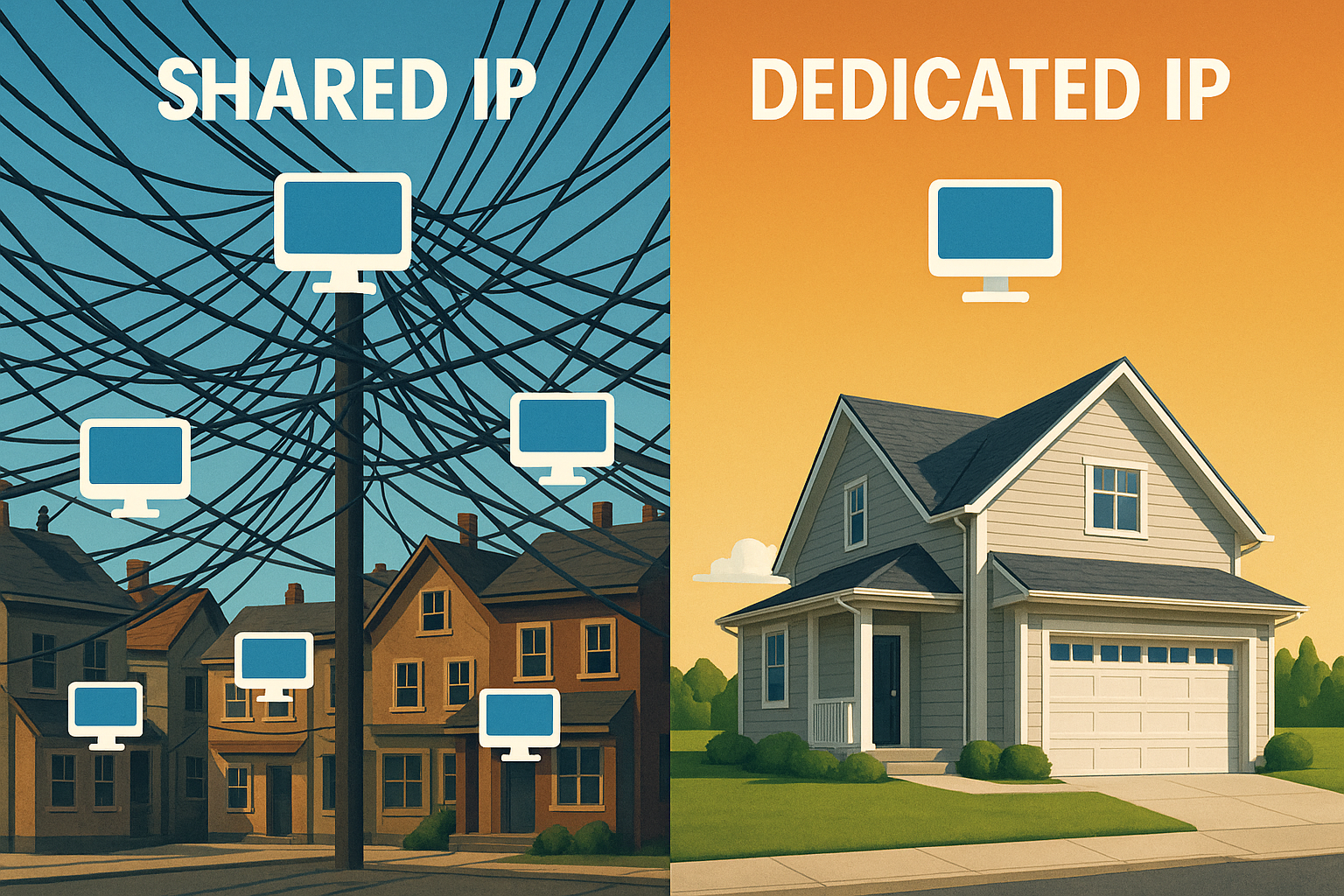
An IP address is the unique, numerical Network identifier, via which requests for your website or application are delivered. Technically, the Internet routes packages to the correct destination address, similar to how a house number guides the letter carrier. There are two main models in hosting: several accounts share an address (shared) or one customer uses it exclusively (dedicated). This assignment has an effect on Control, security, email reputation and special functions such as IP whitelisting. If you understand the mechanics, you can decide on hosting packages in a much more targeted way.
IPv4 vs. IPv6: dual stack, accessibility and allowlisting
IPv4 addresses are scarce and are strictly managed by providers. Some environments use NAT for outgoing traffic, which „anonymizes“ the source of connections, especially in shared setups. A Dedicated IPv4 provides a clearly assignable, static sender address - crucial for sending mail and allowlists. IPv6 is more generous: Many providers supply dual-stack (IPv4 + IPv6) or even a separate prefix. Make sure that DNS A and AAAA records are consistent, that reverse DNS (PTR) is correct for both protocols and that firewalls take dual-stack into account.
- Provide dual-stack if your target group is global and mobile networks route modern.
- Always plan allowlists for each protocol: IPv4 and IPv6 separately.
- Actively test accessibility (traceroute, TLS checks), as paths vary depending on the IP version.

Shared IP: How it works, strengths and limitations
With shared hosting, the web server uses the host name to trigger the correct site on a shared server. Address on. This model reduces costs, simplifies administration and is well suited to blogs, portfolios or small company websites with manageable traffic. Risks arise when neighbors send spam or run unclean setups, because then the shared traffic suffers. Reputation. This is precisely why the provider's abuse management is important: the better the monitoring and intervention, the fewer side effects you will notice. I summarize why IPs end up on blacklists together with others in a practical way under common blacklists together.
Best practices in the shared environment
- Choose hosters with an active abuse team, rate limits and transparent status pages.
- Use your own sender domain with clean authentication, even if the IP is shared.
- Keep DNS-TTL moderate (e.g. 300-3600 s) to be able to react quickly in the event of problems.
- Separate staging/tests on subdomains to keep misconfigurations away from productive traffic.
Dedicated IP: control, e-mail power and access
A dedicated IP belongs to you alone, which means that you have the Reputation and create a clearly assignable profile for sending emails. I use it when online stores, SaaS platforms or sensitive applications require fixed IP sources. You configure allowlisting, granular firewall rules, VPN endpoints and API access without side effects from neighbors. Note the „cold“ IP at the start: you need to increase volume slowly so that filters trust the new IP. Sender address set up. The setup requires a little more care with DNS, certificates and mail parameters, but pays off in operation.
Separate IPs for web and mail
I like to separate productive web services and mail delivery on different dedicated IPs. In this way, the web front end remains accessible even if the mail IP is temporarily throttled, and conversely, short-term web peaks do not jeopardize the Sender reputation. For companies with marketing and transactional emails, it is also worth separating each type of mail using separate subdomains and ideally separate IPs.
Multiple dedicated IPs - when does it make sense, when not?
Multiple IPs offer redundancy or clear client separation. The following applies to emails: rotation without a clear concept is harmful. Reputation is then spread across too many senders and does not build up in a stable manner. A small, consistently used number of IPs with a clean warm-up and clear role assignment is better.

Getting security, performance and SSL right
Performance and protection are primarily dependent on server architecture, resources and clean Configuration not just from the IP type. However, a separate address opens up finer access concepts and clearly separable services, which reduces false alarms. On shared IPs, providers secure several certificates per domain via SNI; HTTPS works smoothly here today. Performance bottlenecks tend to be caused by weak hardware, limits that are too low or a lack of Caching than by the type of IP. Therefore, always check the overall package of CPU, RAM, storage, network and monitoring.
CDN, load balancer and WAF: What is changing?
If you use a CDN or reverse proxy, the Internet primarily sees its edge IP - often a shared address. Allowlisting and geo-rules are thus shifted to the CDN edge or require private connections to the origin. Make sure that the origin can only be reached by the proxy (e.g. via source IP filters) and that the original client IP is forwarded and logged correctly. For audits, I clearly document which IP is relevant at which layer.
Geo-location and SEO myth
A dedicated IP alone does not improve SEO. Visibility comes from content, technical cleanliness and performance. Latency, caching, core web vitals and a consistent security profile are more relevant than IP exclusivity. The physical location of the server IP primarily influences the latency - not the ranking directly.
Email deliverability: warm-up, volume and reputation
If you send a lot of transactional emails or newsletters, having your own IP has clear advantages for Deliverability and brand protection. I start new senders with small volumes, increase them moderately every day and maintain strict hygiene with bounces, content and authentication (SPF, DKIM, DMARC). Shared IPs are subject to good provider monitoring, but there is still a residual risk from external behavior. For more in-depth strategies for Email reputation I will show you practical checklists. It remains important: Reputation is created through consistent quality, expected frequency and clean opt-ins - regardless of the IP type.
Warm-up in practice
- Day 1-3: Very low volume, focus on active recipients (high opening rates).
- Day 4-10: Moderate daily increase, error rates (Hard/soft bounces) strictly.
- From week 2: Increase volume in sensible stages, resolutely clean up inactivity.
More important than rigid numbers are consistency, list hygiene and the avoidance of peaks, which filters regard as an anomaly.
Subdomain strategy and roles
I separate transactional and marketing emails on different subdomains (e.g. login.example.tld vs. news.example.tld). This allows you to isolate different sending patterns, metrics and allowlists. The IP can be identical, but a separate IP for each role is ideal if the volume and risk justify this.
KPIs and feedback
- Bounce rate, spam complaints, blocklist status, inbox placement for large mailboxes.
- Technical quality: TLS availability, correct PTR/HELO, consistent from/return path domains.
- Frequency and rhythm: Predictable instead of intermittent; take holidays and releases into account.
IP whitelisting and access rules in practice
Many admin tools, APIs and corporate firewalls only accept requests from previously stored Source addresses. With a dedicated IP, you define precisely this fixed source that can be consistently entered in allowlists. This reduces false positives and gives audits clear proof of origin and access paths. Shared IPs lack these guarantees, as several customers can use the same Address and changes can occur beyond your control. As soon as you need strict permissions, an exclusive IP is one of the easiest levers for reliable access control.
Remote work and dynamic clients
If employees work with changing accesses, pure IP allowlisting is often too rigid. I then combine a dedicated IP for server-to-server connections with additional factors such as VPN, MFA or client certificates. This means that external clients remain flexible, while critical machine communication is still tied to fixed sources.
Practice check: Which project needs what?
A personal blog, a business card or a small WordPress site usually runs smoothly on shared IP as long as the host has good Abuse management owns. E-commerce, member areas or SaaS benefit from their own address, especially if you want to separate IP rules, VPN and API limits cleanly. For multi-tenant scenarios, think about the topology; take a look at Single-tenant vs. multi-tenant helps with the classification. Anyone who sends large volumes of emails directly from the server should implement warm-up plans, authentication and monitoring with a Dedicated combine IP. Shared remains attractive for test or staging instances thanks to its simplicity and cost.
Decision tree (compact)
- Do you need IP allowlisting/VPN peers? → Dedicated.
- Do you send high volumes of mail or business-critical transactional mail? → Dedicated (with warm-up).
- Standard website without special requirements and a small budget? → Shared.
- CDN/Proxy before Origin and no strict allowlists? → Shared possible; consider Dedicated for clearer separation.
Checklist before ordering
- Check the hoster's port policy (e.g. 25/TCP), rate limits and abuse procedures.
- Clarify reverse DNS assignment, number of IPs, IPv6 support and failover options.
- Contractually stipulate monitoring, blacklist checks, backup and support SLA.

Comparison table: Shared IP vs. dedicated IP
The following overview compares key criteria to help you choose your Priorities and understand how both models behave in everyday life. Read the table from left to right and mark for yourself whether costs, sending emails, access control or setup play the decisive role. This will help you to quickly identify the right IP variant for your project. Pay particular attention to email reputation, as it often has the greatest impact on sales and revenue. customer experience has. Dedicated scores best for special cases such as strict firewalls or fixed integrations.
| Criterion | Shared IP | Dedicated IP |
|---|---|---|
| Use | Several customers share one address | Exclusively for one customer/server |
| Email reputation | Together, dependent on neighbors | Independent, targeted warm-up |
| SSL/TLS (SNI) | Multiple certificates per IP possible | Own IP not necessary, but possible |
| Security/Allowlisting | Restricted for IP-based releases | Ideal for firewalls, VPN, admin access |
| Performance | Depending on server quality/limitation | More predictable when resources fit |
| Furnishings | Very simple in standard operation | More steps (DNS, mail, warm-up) |
| Costs | Low additional costs | Additional fee, often 2-10 € per month |
Costs, contracts and potential pitfalls
Shared IP is usually included in the package price, which means that small Projects can start immediately. Providers charge a monthly fee for a dedicated IP, typically between €2 and €10, sometimes plus one-off setup costs. Allow additional time for DNS propagation, certificates and mail warm-up, as these steps characterize the first few weeks. Check contractual details such as IP change in the event of misuse, terms and available Resources for growth. Anyone booking services should clarify whether monitoring, blacklist checks and rotations are included.
Provider policies and risk management
Some hosters block or throttle outgoing port 25. Clarify whether outgoing mail traffic is permitted or whether a smart host must be used. In the case of volumetric attacks, occasionally Zero routing (blackholing) - with dedicated IP, the measure can be limited more specifically to the affected address. Also ask about failover or floating IP options if high availability is critical.

Implementation: Settings, DNS and certificates
For Dedicated, I first set the Reverse DNS-address (PTR) to match the host name so that mail servers can resolve cleanly. I then set up SPF, DKIM and DMARC consistently, check TLS versions and activate MTA-STS and TLS reporting, if relevant. At web level, I integrate certificates via ACME client, ensure automatic renewal and test ciphers with common tools. Shared setups benefit from SNI, which is why I operate several domains with individual certificates without any problems. Finally, I check logs, error rates and Delays for mails in order to recognize bottlenecks at an early stage.
Clean mail identity
- PTR, HELO/EHLO and the visible host name should be consistent.
- Separate Return-Path/Envelope-From technically from the visible sender address in order to process bounces precisely.
- Check TLS versions and preferred ciphers for common mailboxes.
Roadmap for the switch: from shared to dedicated
Plan the changeover in stages so that services can be provided without Failure continue to run. I first migrate non-critical subdomains, verify monitoring and then start the email warm-up with a clear daily increase. I then move APIs, admin portals and VPN access, store the new IP in allowlists and adjust rate limits. Finally, I move productive domains and monitor metrics for reputation, delivery, errors and latencies with high Resolution. This keeps the changeover transparent and controllable without jeopardizing the customer experience.
Cutover without surprises
- Lower the DNS TTL in advance (e.g. to 300 s) and increase it again after the move has been completed successfully.
- Plan for parallel operation, tolerate caching and old MX/A records for a transitional period.
- Document rollback plan, including old IP, configurations and certificates.
- Post-migration: Check blacklist checks, delivery paths, logs and monitoring closely.
Compact summary
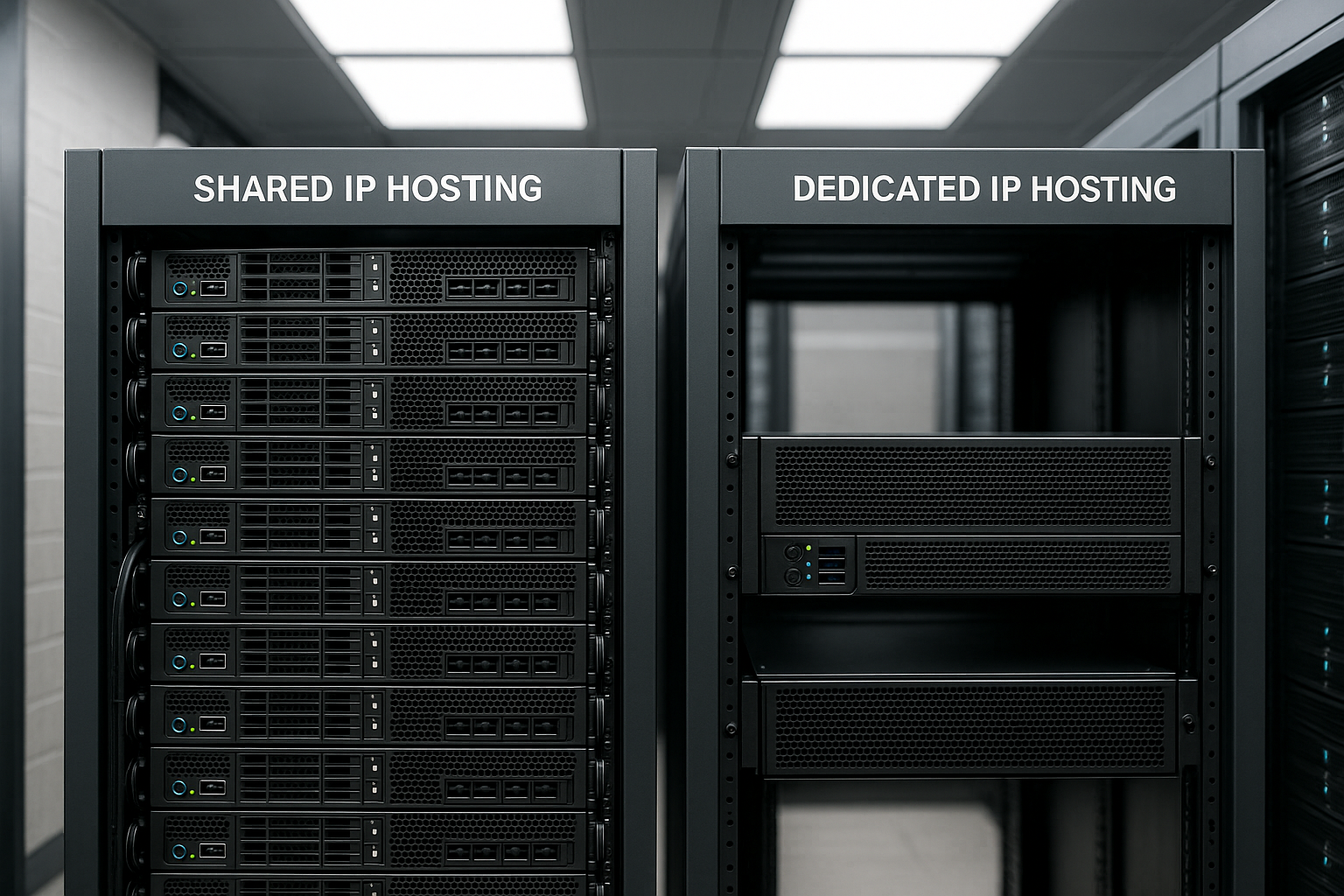
Shared IP scores with low Costs and easy to use, ideal for standard websites, staging and projects without sensitive requirements. Dedicated IP gives you control over reputation, clear allowlists and reliable access rules - useful for e-commerce, APIs and high mail volumes. SSL via SNI usually eliminates the need for a dedicated address for HTTPS, but security and email issues often tip the decision in favor of the exclusive option. Decide based on your most important goals: Deliverability, access control, budget and administrative efficiency. Expenditure. If emails drive sales or IP sharing is mandatory, go for dedicated; otherwise you can get started quickly and cheaply with shared.