 Skip to content
Free web hosting sounds tempting, but free packages come with clear conditions, limits and sometimes hidden restrictions that affect your goals. I'll show you in compact form what you need to look out for, where free hosting fits, where risks lurk and how you can clever make decisions.
Key points
- Freemium: Free base, upgrades for more performance and support
- BoundariesStorage, traffic, performance and range of functions are severely limited
- Advertising/Domain: Overlays, subdomain instead of own address
- Security: Unclear backups, GDPR issues and little support
- Alternatives: Affordable tariffs offer SSL, domain and real service

Why there is "free": Freemium explained
Most free hosters rely on FreemiumYou start at no cost, but pay with limits, advertising or the later upgrade. This model lowers the barrier to entry and gets you online quickly without spending money immediately. It pays off for hosters because some users later book functions such as their own domains, larger packages or support. When I look at such offers, I first look at restrictions, not promises. The important thing is how clearly the provider communicates what remains free and when fees start to apply. This allows me to recognize in good time whether the package fits the idea or is only sustainable in the short term.
Advantages: When free makes sense
Free hosting helps me to test an idea quickly and publish initial content without a budget blocker. For prototypes, learning projects or landing pages with little traffic, this is a more practical Start. I can try out construction kits, one-click installers and demo themes and refine workflows. If you only need a small business card, free packages are good to start with. Workshops or teaching projects also benefit because participants can get started without any hurdles. However, I plan to switch early on, at the latest when my requirements grow.

The downside: knowing the restrictions
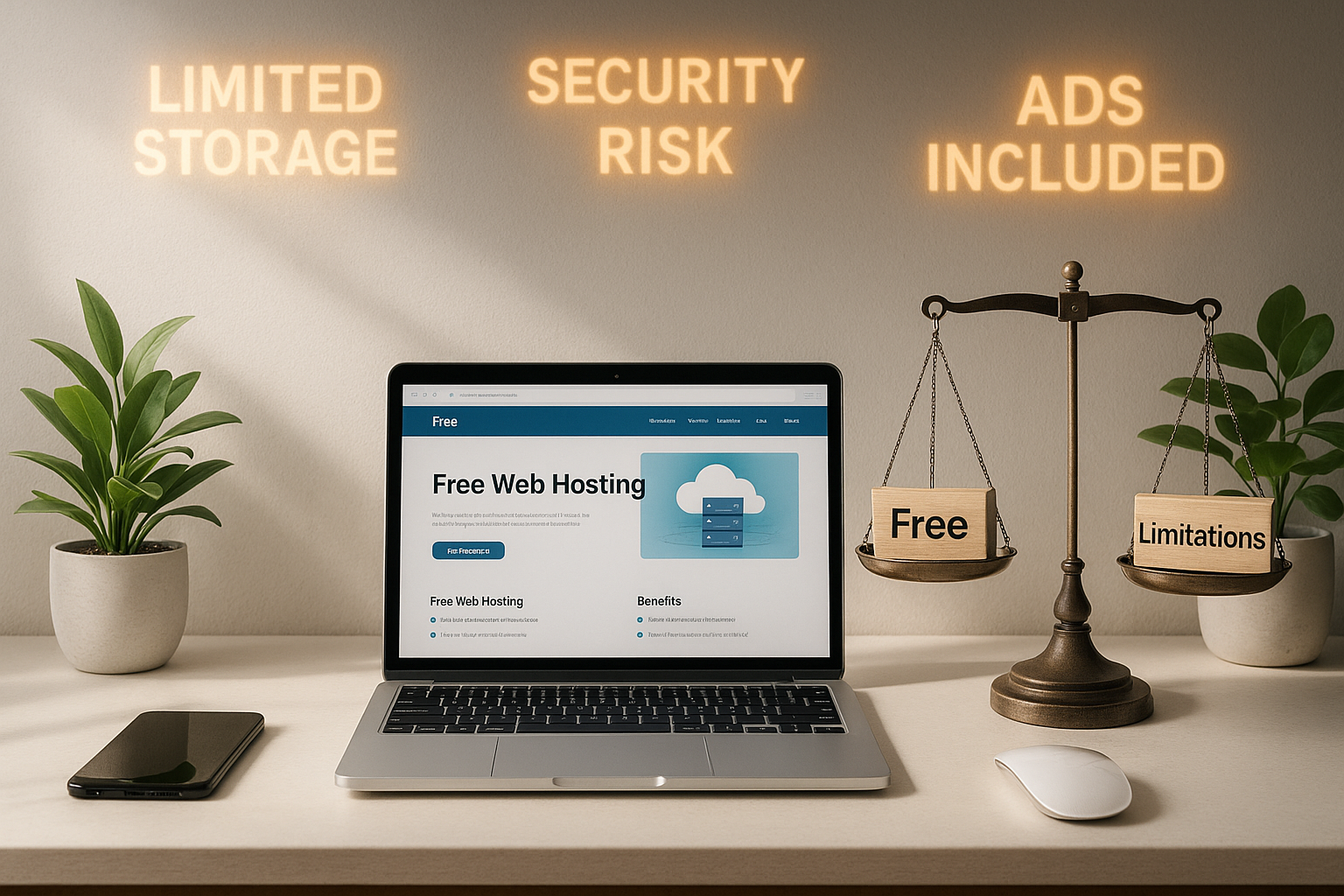
With free hosting I often pay with Advertising and limited control over overlays. Storage space and monthly data transfer are scarce, which quickly exhausts image galleries, downloads or CMS backups. Performance can fluctuate because many projects are located on the same server. If the service fails, there is often a lack of fast support and I wait longer for answers. Own domains are rarely included, a subdomain looks unprofessional and inhibits brand building. Anyone planning for the long term will notice these limitations from the very first extensions.
GDPR, backups and liability: correctly classifying risks
I check free hosters first Data protection and data location. Unclear terms and conditions, infrequent backups or missing recovery paths increase the risk of data loss. Without reliable SSL certificates and logs, security issues remain unresolved. Anyone operating forms or using tracking needs clear information on data processing. Cookie and consent issues also affect hosting services, not just the CMS. If I have any doubts, I consider switching to a cheaper tariff with clear guarantees.
For whom free hosting is suitable - and for whom not
For Beginnerhobby blogs and temporary campaigns, webhosting can be free of charge. Anyone learning, testing or demonstrating an idea benefits from fast provision. Sophisticated projects, stores and company websites, on the other hand, need reliable accessibility, their own domain and support. SEO goals also suffer from subdomains and advertising that diminish trust and visibility. If you want to stay permanently free, check out a curated selection like the 5 providers with free web space and compare limits very carefully. A later move often saves nerves and protects contents from bottlenecks.
Comparison: Free vs. cheap - what do you really get?
A short Comparison clearly shows why small paid packages are often the better choice. For just a few euros per month, you get your own domain, SSL, backups and reliable support. This makes your website and emails look more professional, which boosts leads, inquiries and rankings. I look at the overall package, not just the price. If you are planning revenue, factor in the time saved and the increase in trust.
| Feature | Web hosting free of charge | Affordable hosting |
|---|---|---|
| Price | 0 € (basic features) | from 2-10 € per month |
| Domain | subdomain | Own .de/.com included |
| Storage & Traffic | very limited | from 5 GB to unlimited |
| Advertising | often faded in | no overlays |
| Support | mostly e-mail/FAQ | Fast support depending on tariff |
| Performance | fluctuating | Constant and fast |
| Security | Backups rare, GDPR unclear | SSL, backups, clear guidelines |
| Use | Tests, small pages | CMS, blogs, stores, companies |
If you want to do business, you win with SSLown domain and better availability. Contacts are more likely to trust a professional address than a subdomain. What's more, faster loading times reduce bounce rates. It pays off in the long run. A favorable tariff pays off in everyday life.

Performance and loading time: Why seconds count
In the case of heavily occupied free servers, the Loading time significantly, especially at peak times. Every extra second can cost visitors and slow down conversions. Caching and image optimization help, but they don't save a crowded infrastructure. Anyone planning a campaign needs calculable response times. Okay for beginners, but a risk for sales targets. Like to read practical Tips and experiences 2025to detect typical brakes at an early stage.
Domain, SSL and e-mail: Professional appearance
One of our own Domain strengthens branding and search engine presence. SSL is mandatory because visitors and browsers expect security. Free offers often lack email inboxes with your domain, which reduces seriousness. DNS settings are also sometimes restricted, which makes later extensions more difficult. If you are planning a newsletter, store or login functions, it is better to opt for packages with certificates and reliable email functions. This keeps delivery rates and trust high.

Upgrade paths and migration: how to stay flexible
I pay attention early on Upgrade-options so that growth does not come to a standstill. Good providers allow you to switch without losing data and take over backups and domains cleanly. Clear information is important: Which limits will be removed, which functions will be added, what costs will be incurred? A test of the restore function shows whether the move will go smoothly. A structured look helps with the selection, such as a Comparison of free providerswhich compares limits, risks and alternatives. This allows you to plan with foresight and save double the work.
Checklist: How to check free hosters
My Checklist starts with transparency: Are storage, traffic and advertising clearly described and can they be viewed at any time? Secondly, I check data protection, server location and available SSL options. Thirdly, I test backup and recovery, preferably with a small data run. Fourthly, I look at domain options, email inboxes and DNS freedom for future growth. Fifthly, I evaluate support channels: response times, language, documentation. Lastly, I calculate the switch to a favorable tariff so that the site switches up at the right moment without downtime.
Technical limits in detail: What often only becomes apparent later
Technical details are crucial in everyday life. For free packages, I check the PHP versions (expect modern CMS 8.x), which Memory limit and the maximum Execution time. Restricted Databases (often only 1 DB, small size) slow down multi-environments or staging. Cronjobs are often missing or rarely run - bad for automations such as backups, caches or newsletter queues. SSH/SFTP is not always included; without secure access, deployment and debugging remain cumbersome. Those who rely on .htaccess, Composer, Node or image optimizer quickly reaches its limits because modules are missing or processes are blocked. I also observe upload limits and restrictions on file types that affect SVGs or larger media, for example. These details determine whether you can work cleanly or whether you constantly need workarounds.
Email deliverability: mailboxes, limits and reputation
Email is a trust factor. With free packages, there are often no dedicated mailboxes or only very limited ones SMTP quotas. Bulk emails are prohibited, transactional emails (e.g. contact form, password reset) are throttled. Without clean SPF/DKIM/DMARC-configuration, the delivery rate suffers - especially with shared IPs, the reputation can fluctuate. I test early on: Do emails arrive in large mailboxes, do they end up in spam, are there rate limits or captchas? For newsletters or store emails, I prefer to plan dedicated email features at a reasonable rate. Professional sender addresses with your own domain noticeably increase response and trust.

Legal and compliance: AV contract, logs and deletion periods
I clarify whether a Order processing contract (DPA) is offered and where data is located. Without a DPA, the processing of personal data is sensitive. The following are also important LogfilesWhat data is stored, for how long, and do I get access for security and troubleshooting? Imprecise statements about Deletion periods or backup copies outside the EU increase the risk. Forms, comments and analytics require clear information on the Data flowSSL as standard and clear accountability. Free packages often lack this transparency - another reason to opt for paid plans with clear documentation for real projects.
Monitoring and metrics: making quality measurable
I don't just rely on feeling, I measure. A Uptime monitoring warns of failures, simple Response checks show trends and peak times. I define Performance budgets (e.g. Largest Contentful Paint) and observe the effects of plugin changes. Error logs help to identify bottlenecks, such as insufficient memory or blocked processes. Also Backup reports and restore tests are part of monitoring: only the successful return path makes a backup valuable. If you have goals, you need visibility of the status - otherwise performance remains a matter of luck.
Migration in 7 steps without downtime
Moving doesn't have to hurt. This is how I proceed to avoid downtime:
- 1) InventoryRecord domain(s), DNS, certificates, databases, media folders, cronjobs and e-mail flows.
- 2) Set up stagingProvide target hosting, customize PHP version and modules, use test domain.
- 3) Transfer dataCopy files, DB export/import, check configurations, update paths and salts.
- 4) TestsFunction, logins, forms, mails, caches. Check core web vitals and image sizes.
- 5) Prepare DNSReduce TTL, provide SSL at the destination in advance, define redirects and www/non-www.
- 6) Delta-SyncSynchronize last changes and uploads, arm page at destination.
- 7) ToggleChange DNS, activate monitoring, keep the old environment available for a short time as a fallback.
With this process, SEO signals are preserved, email routes remain clean and visitors ideally don't notice the change. I document the steps so that subsequent adjustments can be made more quickly.
Hidden cost traps: Read the small print
Free of charge does not mean free of conditions. I pay attention to Expiration dates of free domains, fees for domain transfers and the costs if limits are exceeded. Fair use policies allow blocking in the event of "excessive use" - a vague formulation that can unexpectedly slow down projects. Some providers delete inactive accounts or deactivate backups without notice. Also Data export is an issue: Can the database be exported completely? Are large media downloads allowed? Are there any blocks on cron jobs or API calls? If you clarify these points in advance, you will avoid surprises and be future-proof.
Scalability and working methods: From the playground to production maturity
I plan workflows so that they can grow. This includes Staging/prod separationrepeatable deployments (e.g. via SFTP/SSH) and clear rights for contributors. If free hosting does not allow this, it blocks clean processes: no roles, no version statuses, no cron control. A small payment plan with Staging, Git Deploy or at least cronjobs saves time later on. Caching strategies (object cache, page cache) or image pipelines are also more stable and predictable in favorable tariffs. This keeps the leap from the idea to the productive environment under control.
SEO and user experience: more than just a subdomain
In addition to the subdomain, the Server response time on rankings and UX. Fluctuations destroy consistent metrics, core web vitals deteriorate, and conversion suffers. Host advertising can draw attention and reduce trust. I therefore rely early on clean structures: lean themes, selected plugins, image compression and a reliable cache. If free hosting can't support this stably, it's worth switching - the better UX pays off in visibility and conversion rates.


