Skip to content
If you use webspace for free, you save money, but you have to keep an eye on clear limits regarding storage, bandwidth, subdomains, advertising, support and GDPR. I'll show you specifically which Traps where opportunities lie and how to choose the right solution without regrets later on.
Key points
- Memory & Traffic: Check limits early
- Domain & Advertising: Note subdomain and ads
- Technology & SSL: Check PHP, databases, certificates
- Support & Availability: Realistically assess help and failures
- Data protection & Law: GDPR, legal notice, clarifying deletion periods
What does "free web space" mean?
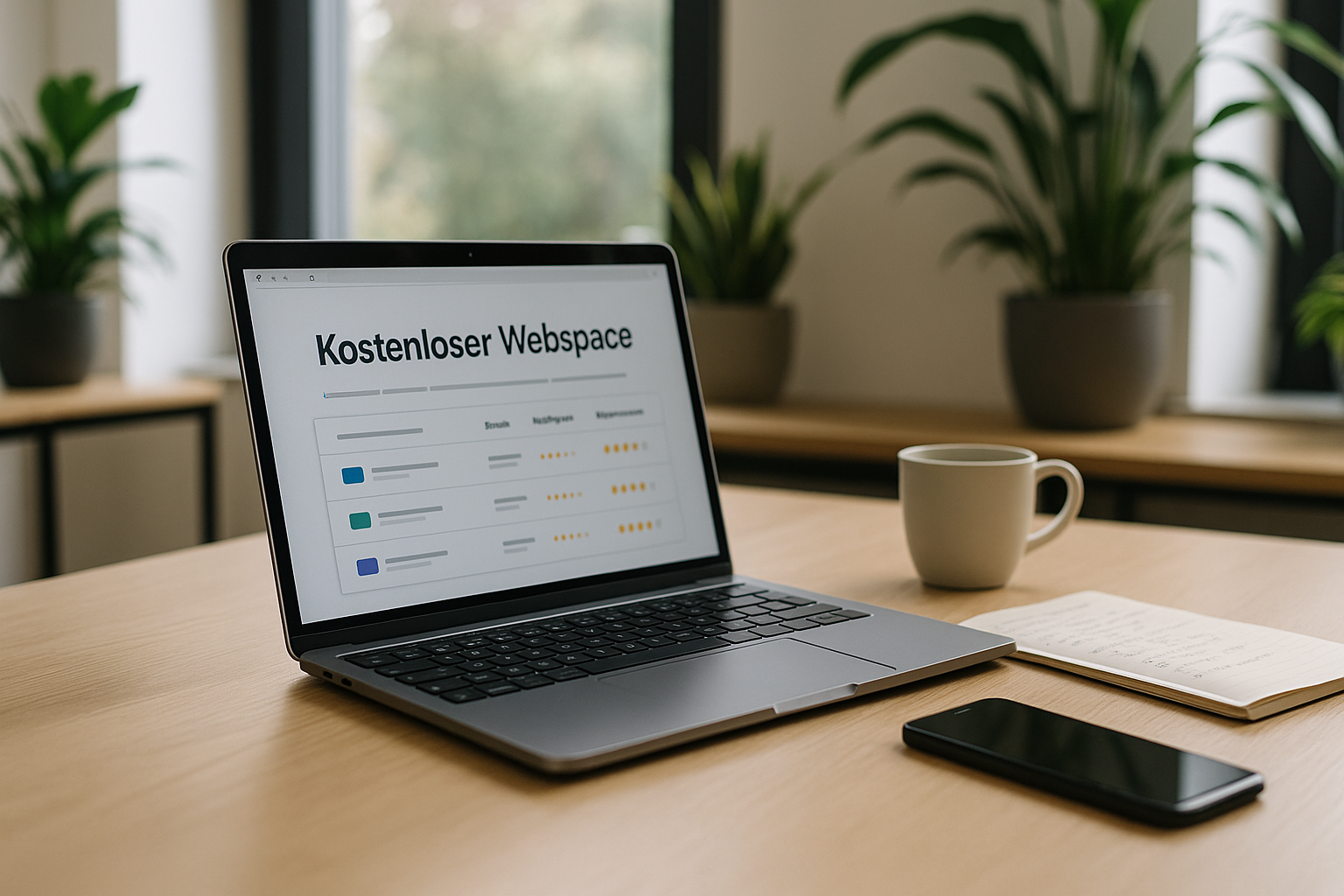
With "free web space", a provider provides storage space and basic functions without ongoing fees so that your site is publicly accessible and you can upload content; in return, you usually accept clear conditions. Boundaries. With free hosting, I reckon with limited storage, restricted bandwidth and often only one subdomain instead of my own address. Many providers finance the offer via ads, upgrades and function cuts, which I check soberly in advance. This works well for learning projects, but growing projects often lack reach, performance and reliable support. I therefore always plan for the option of switching to a paid plan later on as soon as requirements increase or I need my own Domain becomes important.
Understanding the most important restrictions
Free offers usually rely on a few hundred megabytes to around 10 gigabytes, which means that images, videos and backups quickly fill up the memory; I therefore keep media small and use economical formats as Rule. Traffic limits can lead to throttling or outages during peaks, which slows down projects with higher visibility. Subdomains reduce seriousness and recognition, while displayed ads interrupt the user journey and visually displace content. Technically, PHP versions, MySQL access, cronjobs, SSL options or automatic backups are sometimes missing, which is why I study function lists carefully in advance. Without reliable support, disruptions last longer; I take this into account and back up content independently with local Backups.
| Advantage | Disadvantage |
|---|---|
| No running costs | Limited memory |
| Simple operation | Limited bandwidth |
| Fast start | Advertisements |
| No binding | Subdomain instead of own domain |
| Suitable for beginners | Weak or no support |
| Low-risk testing | Limited security |
Read hidden limits and fair use rules wisely
I look deeper than buzzwords like "unlimited": A fair use corridor often kicks in, which leads to throttling if usage is above average. Inactivity rules can block or delete accounts after 30-90 days without logging in; I build this into my maintenance plan. Upload restrictions (e.g. 10-50 MB per file) apply to image galleries and backups, which is why I split archives or unpack them on the server side if permitted. E-mail limits (e.g. 100-200 mails/day) also prevent newsletters from being sent; I plan external solutions or upgrade early on. Important: Some hosters prohibit certain scripts, proxy or video streaming - I check this before relying on features.

For whom is free web space worthwhile?
I use free hosting when I want to test ideas quickly, practise HTML/CSS/PHP or start a small blog without business requirements, i.e. clear Playground instead of a permanent solution. This can be sufficient for portfolios of pupils, students or young creatives as long as loading times and subdomains remain acceptable. Club websites or hobby projects also work if media are economical and no sensitive data is exchanged. However, anyone who sells offers, processes customer data or builds a brand needs their own domain, SSL, performance and direct support. A quick overview of providers helps you get started; I recommend taking a look at permanently free web space with clear criteria and realistic expectations.
Email, DNS and identity: what is often missing for free
I clarify early on whether the free plan offers real mail accounts or just forwarding. Without mailboxes, SMTP, SPF/DKIM/DMARC and webmail, deliverability suffers; contact forms then only work to a limited extent. Many providers do not allow their own DNS entries (TXT, CNAME, MX), which makes integrations with services such as mailing or analysis tools more difficult. If I need a professional image, I combine web space with separate mail hosting or upgrade to control domain, DNS and mail from a single source.
Getting the law, data protection and security right
I check where the provider processes data before using it, because storage locations outside the EU can lead to GDPR problems and clear Duties trigger. Imprint, privacy policy and, if applicable, cookie notices also belong on the page with free hosting. I clarify which rights the provider reserves to content and whether accounts are deleted in the event of inactivity. Depending on the offer, the provider may display ads that are not suitable for my project; I take this into account for sensitive topics. I never make backups only with the hoster, but also locally or in a private storage facility. Cloudso that an account freeze does not lead to data loss.

Technology and performance: what I look out for
I check versions of PHP, available databases, cronjobs and whether SSL certificates can be activated at no extra cost, because HTTPS is nowadays the norm. Standard. Without SSL, the browser penalizes warnings and search engines rank pages lower. I look at CPU and RAM limits, as scarce resources can make things noticeably slower. Caching options, image compression and lean themes help to keep the loading time within tight limits. For WordPress, I test in advance whether one-click installers, updates and at least one database are included, otherwise maintenance is unnecessarily expensive Time.
Fine-tuning for loading time on free hosting
I rely on static pages or slim themes, reduce plugins and load scripts asynchronously. I convert images to WebP/AVIF, use lazy loading and crop them exactly to the output width. Gzip/Brotli and clean cache headers (if the hoster sets them) help a lot, as does a simple page cache plugin instead of complex performance suites. Critical CSS inline, reload the rest - this keeps the First Contentful Paint short. I integrate external fonts sparingly or host them myself to avoid blocking. And: I regularly measure Core Web Vitals to detect creeping deterioration.
Realistically assess support and availability
With free tariffs, I don't rely on 24/7 help, but plan my own initiative and forum research so that problems don't linger and I can capable of acting stay. Status pages or community groups provide information about outages, which I include in my planning. I check whether there is at least email support with reasonable response times. If a project has critical deadlines, I allow for buffers or upgrade in good time. For long-term projects, a tariff with guaranteed response times is worthwhile, as a loss of time quickly costs more than a cheap one Monthly price.

Provider comparison 2025: the most common options
I first get an overview of storage, ads, domain options and CMS suitability so that I don't fail later due to silent limits and Costs cause. In tests, webhoster.de in particular has held its own in 2025 because, in addition to solid basic functionality, it offers a free upgrade and German-language support. Website builders such as Wix or Jimdo are fast, but enforce advertising and subdomains and often block free code access. With WordPress.com, I use the platform for blogging in the short term, but see clear limits with themes, plugins and branding. You can find a broad overview in the Provider comparisonwhich I use as a starting point for my own selection and compare with my own priorities.
| Provider | Memory | Advertising | Domain/Subdomain | WordPress possible | Note |
|---|---|---|---|---|---|
| webhoster.de | 20 GB | No | Own domain | Yes | 1st place, very good support |
| lima-city | 10 GB | No | subdomain | Yes | Flexible, but domain extra |
| Wix | 500 MB | Yes | subdomain | No | Modular system, little code freedom |
| jimdo | 500 MB | Yes | subdomain | No | Fast start, tight limits |
| AwardSpace | 1 GB | No | subdomain | Yes | Solid free features |
| freehosting.com | 10 GB | No | Own domain | Yes | More memory, check |
| freehostia.com | 250 MB | No | subdomain | Yes | Very tightly dimensioned |
| WordPress.com | 1 GB | Yes | subdomain | Yes | Plugins severely limited |
| Blogger.com | 15 GB | Yes | subdomain | No | Google ecosystem binds |
Practical examples: three scenarios with upgrade path
For a learning blog, I rely on a free host with a subdomain, minimal plugins and weekly backups. As soon as I plan guest posts and more images, I check my storage and traffic; if I start to run into bottlenecks, I move early. I start a club project with free hosting, but my own domain and external mail service so that role mailboxes like info@ work. If newsletters and event registrations grow, I secure form data in compliance with GDPR and plan the switch. For a freelance portfolio, I choose inexpensive entry-level hosting so that emails, SSL and branding are in place - the external impact is more important to me here than zero costs.
Free vs. cheap tariffs: When to upgrade
As soon as visitor numbers increase, I need my own .de domain or I need plugins, backups and mails, I switch to entry-level hosting for usually €3-8 per month, because that saves money later on Trouble. Just one order or two coffees a month finances this step and gives me peace of mind. I do the math: If the site goes down at the weekend, it quickly costs me more than the monthly fee. When moving, I ensure seamless domain transfer, Let's-Encrypt-SSL, database import and redirects. For a structured decision, clear Tips and warningsso that the upgrade can be planned and there are no gaps in live operation; this way I can ensure better performance and Control.
Migration without regrets: exit strategy & relocation
I plan the exit before I start. This includes: complete file backup, database export (UTF-8, correct collation), list of all DNS entries, mail accounts including passwords and forwarding. I set up the target environment in advance, import everything in a staging subdomain and test forms, logins, permalinks and image paths. I then gradually change DNS (lower TTL beforehand) and set 301 redirects so that search engines and users follow seamlessly. For WordPress, I check salts, cron, caching and the .htaccess or Nginx rules; I fix media URLs with a search & replace of the database without damaging serialization. This keeps downtime short and prevents ranking or tracking breaks.
SEO and external impact: how I appear confidential despite a subdomain
I focus on content, structure and speed, because these also apply to subdomains. I implement clean page titles, meta descriptions, H1 hierarchy, internal links and XML sitemaps right from the start. A clear "About me" page, contact options and legal notice create trust, even if the address is not yet perfect. Image alt texts, semantic HTML and restrained scripts improve accessibility and ranking. If branding counts, I reserve the desired domain early on and redirect it cleanly later - that way I don't lose regular users or backlinks.
Setup check for the start
I start with a clear goal definition: learning site, blog, portfolio or community project, so that I can define features and Limits choose the right one. I then register a subdomain or plan the future domain at the same time to simplify transfers. I activate SSL, install CMS or static generators and optimize images before uploading. I then set up a backup scheme, both locally and externally, so that a blocked account does not take all the data with it. Finally, I test loading times, keep an eye on error logs and deactivate slowing plugins to keep the site lean. hold.

In a nutshell: How to make the right choice
I use webspace for free for tests, learning projects and small sites without critical data, because speed and zero costs provide me with a Advantage. For professional websites, I plan your own domain, SSL, backups and subsequent tariff changes from day one. If content, visitors and requirements grow, I move quickly and noticeably gain performance, support and legal security. Providers such as webhoster.de show that free hosting with an upgrade perspective can make sense as long as I know the limits. This makes it easy to get started, and the platform reliably supports the site as soon as goals are clear and a small monthly fee is paid. Amount brings added value.