Skip to content
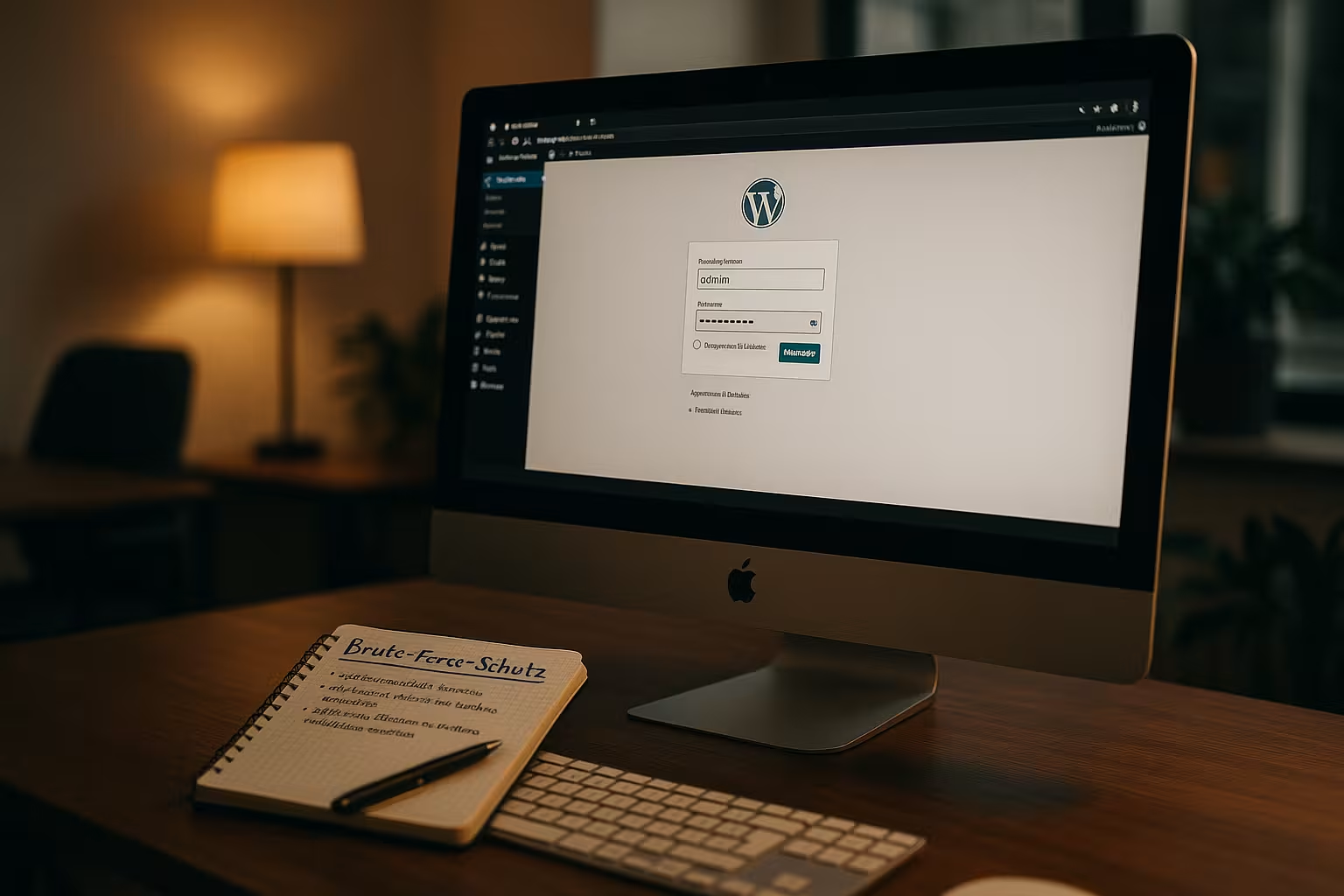
The WordPress Login is a critical point of attack for websites and is increasingly becoming the target of automated brute force attacks. If you do not secure the WordPress admin area, you risk unauthorized access and serious consequential damage to your website - from data theft to complete loss of control.
Key points
- Limitation of the Login attempts considerably hinders automated attacks.
- Use of strong passwords and unique user names is essential.
- The activation of Two-factor authentication significantly increases safety.
- Hiding or changing the Login URL makes attacks on wp-login.php more difficult.
- A web application firewall automatically detects and blocks suspicious access.
All of these points only work together if they are implemented consistently and universally. Especially at the beginning, it may seem time-consuming to deal with restrictions on login attempts, complex passwords and additional security tools. However, this effort is actually worthwhile, as any weakness in the login process could be exploited immediately. On the one hand, even smaller sites that believe they are not the focus of attackers benefit. Secondly, the methods build on each other: A strong password is only of limited use if an unlimited number of failed attempts are possible - and vice versa. Therefore, the more protection mechanisms are combined, the more difficult it is for a hacker to compromise your WordPress backend.
Why brute force attacks pose a particular threat to WordPress
Many WordPress websites use the default configuration - and thus make themselves easy prey. Bots automatically test millions of common user password combinations via the file wp-login.php. Simple combinations such as "admin/admin123" are often used, which makes the attack even easier. Without limiting login attempts, hackers can theoretically carry out this process indefinitely - until they succeed. The good news: In addition to technical measures, you can also implement simple rules of conduct immediately to secure your website.
What's more, WordPress is a very widely used platform. As popular as the CMS is, sites are targeted just as frequently. Even if you have never noticed an attack, this does not mean that your site has not been scanned or tested for some time. Many attempted attacks run automatically in the background. It is therefore important to have a clear overview of your log and security protocols. If you notice that certain IP addresses are constantly trying to log in to your WordPress, it's worth manually blocking them via your firewall or a corresponding security plugin.
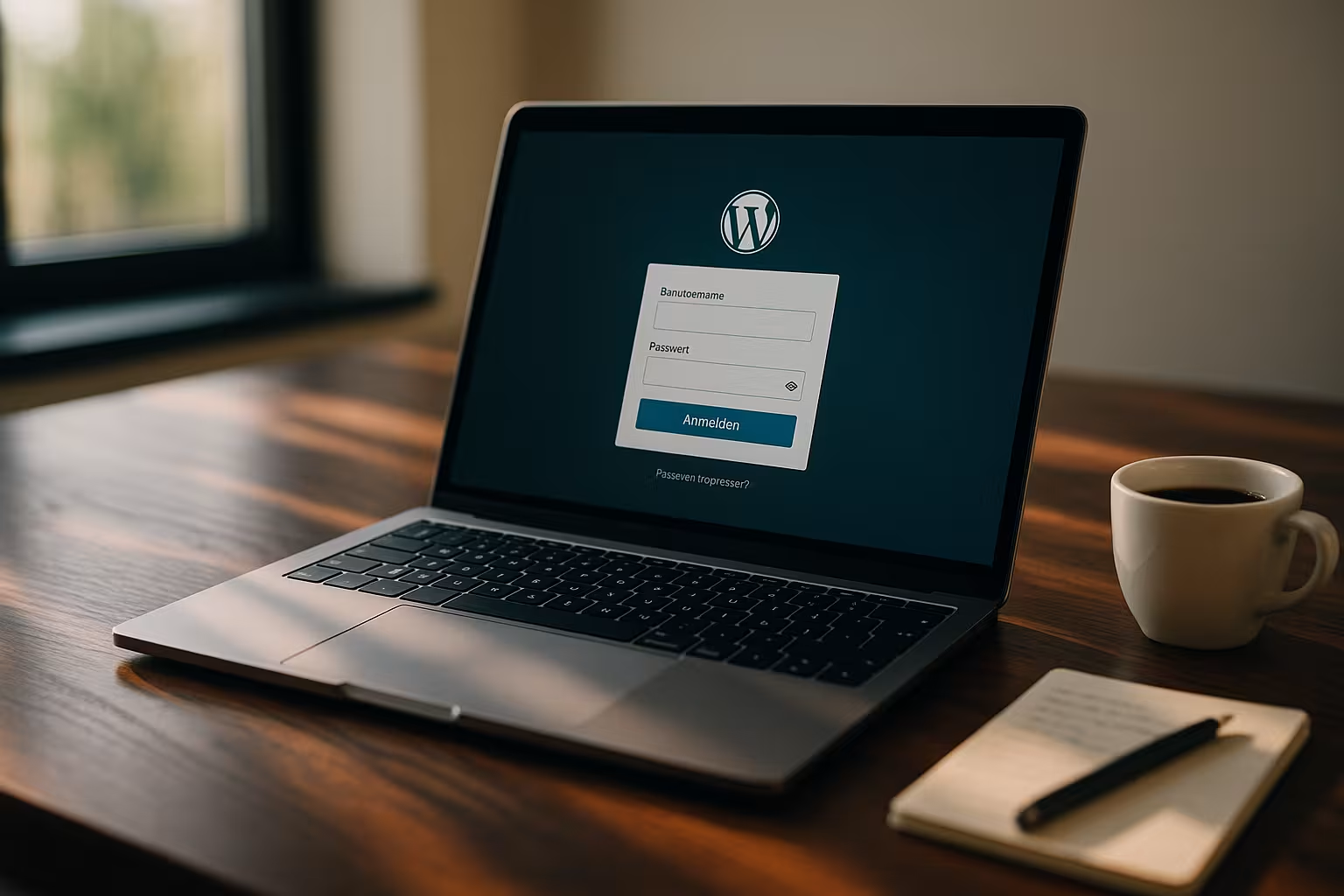
Limit login attempts - stop automated attacks
The unlimited testing of access data is the core problem. You should therefore definitely use plugins that Restrict login attempts. These plugins block an IP address after just a few failed attempts and report unusual activities. The best-known solutions also work with flexible rule sets and intelligently compare known IP block lists.
A good example is "Limit Login Attempts Reloaded" - it logs login attempts and systematically blocks repeated attacks. It is also worth taking a look at Recommended security plugins for WordPresswhose protection features go beyond mere limiting.
It is also advisable to activate the notification feature of such plugins. This will inform you by email or via your dashboard as soon as an IP address has been blocked. Many users forget to take this step, but miss out on valuable information about specific attack attempts. If you immediately see that an attacker has repeatedly tried to gain access to your login page, you can immediately adjust or tighten security measures. Sometimes it is enough to further reduce the number of permitted failed attempts or to extend the blocking period after a certain number of failed attempts.
Another aspect is the intelligent management of IP addresses. Some plugins use cloud databases and exchange information about "malicious IPs". This prevents an attacker from using the same IP for thousands of WordPress sites. This shared database leads to faster detection and blocking of recurring attackers.
Define access data correctly - individual combinations
Choosing a secure password is the basis. Instead of short terms, you should use formulaic passwords - i.e. combinations of words, symbols and numbers. An example: "Night#13clock*Backpack!8702". The choice of user name also plays an important role. Avoid terms such as "admin", "root" or "testuser". Each account should Individual and unpredictable be named.
If several users are given access to your WordPress backend, assign them precisely defined roles with limited rights. This will reduce the attack surface in a targeted manner.
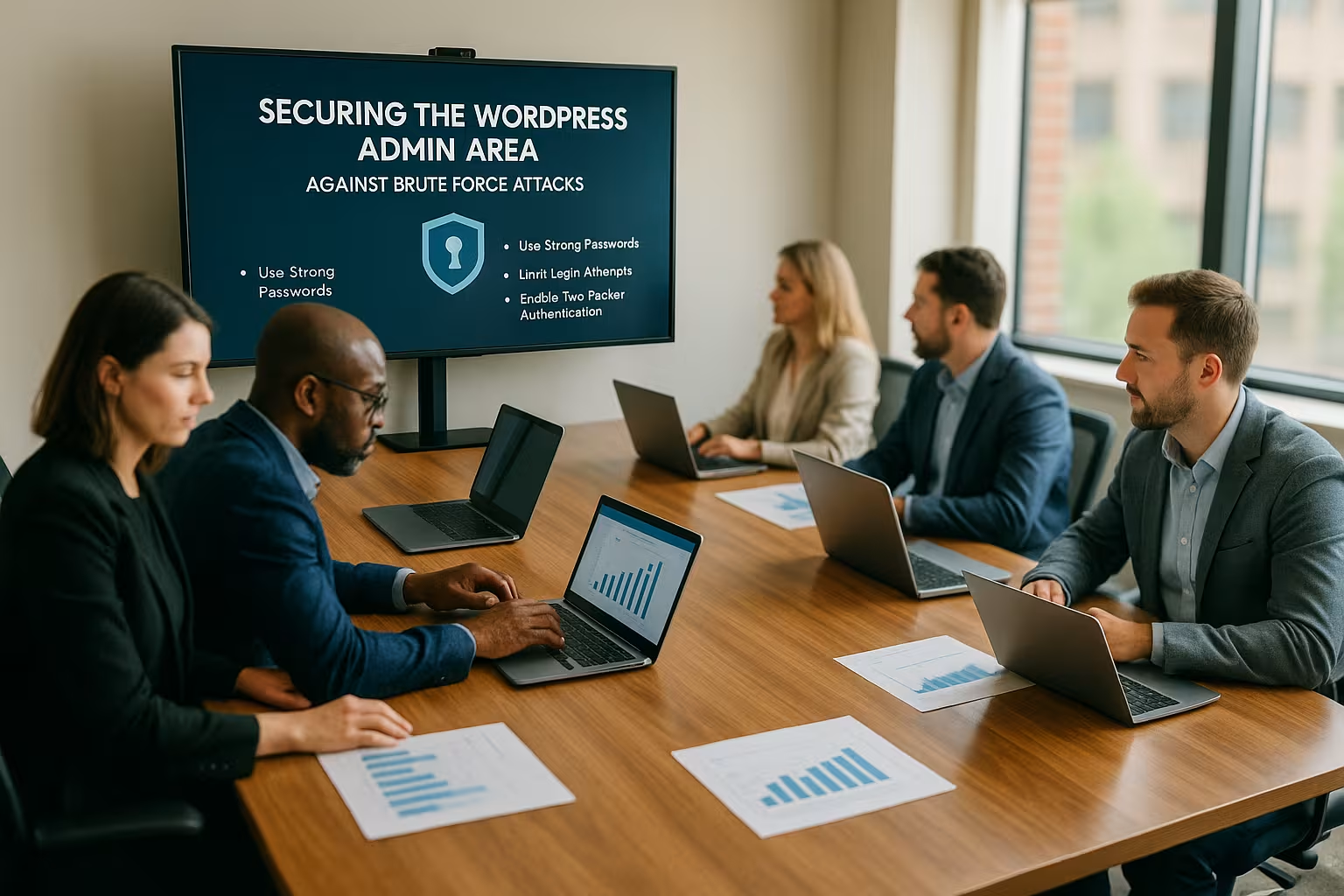
It is also helpful to update passwords at regular intervals. A strong password can be secure for years, but if an attacker finds out or access data is stolen, your website remains vulnerable. By changing your password regularly, you reduce the risk of compromise. For example, you could force a change every three to six months. This approach is also worthwhile for users with editor or publisher roles, as the risk of one of the passwords being cracked or intercepted at some point increases, especially if you have multiple accesses.
In addition to passwords and user names, the e-mail address is also important for logging in. Ideally, do not use an address that is publicly visible (e.g. in the legal notice or as a contact address). This makes it more difficult for criminals to gain access to your account. Also think about the email functions that are automatically generated by some themes or plugins. You should check whether sensitive data or notifications are being sent via unprotected channels.
Always use two-factor authentication (2FA)
With 2FA activated, even a correct password is not enough to gain access. This is because a one-time password is also required - generated via an app or text message, for example. If you activate 2FA, even stolen access data will protect you from misuse. Most common security plugins or login managers now support this function. Activation only takes a few minutes, but brings a Enormous increase in security.
Especially for sensitive projects such as online stores, forums or member areas, 2FA is almost a must nowadays. Many users fear the supposed extra effort - but this is quickly put into perspective when you consider that a compromised WordPress installation can cost a lot more time and money. Thanks to 2FA, logging in is a two-step process, but modern apps such as Google Authenticator or Authy make generating the codes extremely convenient. It is also possible to create an emergency list with backup codes in case you lose your smartphone.
Mask login page - relocate wp-login.php
The default login page is open on many installations - attackers can find it immediately. With plugins such as "WPS Hide Login" you can move the login URL. A new path such as yourwebsite.com/my-login then replaces the usual address. This will automatically block many simpler bots and automatic attack attempts.
A small effort that high protection value especially if you don't access your login page every day.
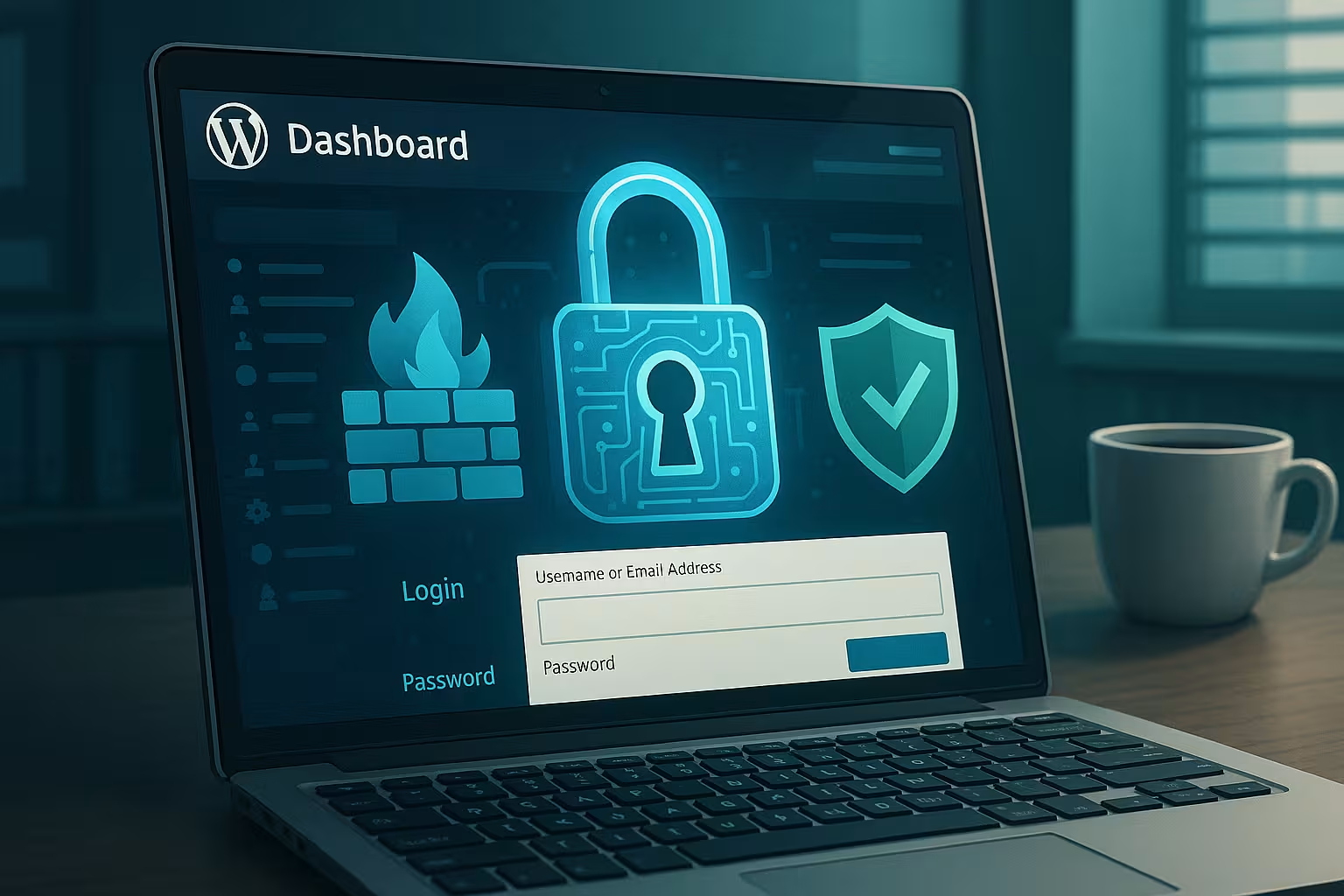
In addition to masking the login page, you can also consider whether you want to protect your wp-admin URL even further. For example, access to the entire admin directory can be restricted using a .htpasswd-file twice. You will be prompted directly by your web server to enter a username and password before you even reach the WordPress login page. This method already filters out many automated bots, as they may "know" the wp-login.php, but cannot get past the upstream directory protection.
Note, however, that some plugins or functions in the WordPress backend may have difficulties with a moved or protected login URL. After setup, test whether all the features of your installation continue to work properly.
Use firewall - filter attacks already
A web application firewall filters suspicious data traffic even before it reaches your server. Intelligent firewalls recognize typical patterns such as frequent login attempts and block IPs directly. A WAF also prevents threats such as SQL injections or cross-site scripting. This protection is often already included in hosting offers specially tailored to WordPress.
Professional providers such as webhoster.de with WordPress focus include advanced protection functions directly at server level - this reduces the load on the website and is particularly useful for high-traffic projects.
In addition to the pure defense function, a good WAF often offers monitoring that allows you to view statistics and reports on attacks that have been fended off. This not only helps you to recognize acute attack attempts, but also to observe security trends over time. For example, you can see whether the number of attacks increases at certain times of the day or year. This information can in turn help you configure your WordPress security, for example when you create specific rules in the firewall or adjust login restrictions over time.
Block or allow specific IP addresses
You can restrict access to the login according to specific IP addresses. Only those coming from a permitted IP will be able to access the login screen. This can be done either directly via the .htaccess file in the root directory or via security plugins. This is an effective method for smaller teams with fixed locations.
Some plugins also offer geoblocking - this allows you to block all logins from certain countries, for example.

However, IP restriction has its pitfalls. If you work in a company that is frequently assigned dynamic IP addresses or if you work on the move from different networks, this measure can be a nuisance. Here too, a balance needs to be struck between user-friendliness and security. In some cases, a VPN service can help by ensuring that you always receive the same IP address from the VPN provider for the login process. This way, you can still work smoothly in different locations while only opening the login for a single IP. In addition to geoblocking, this can be very effective if many attacks come from certain regions of the world.
Use CAPTCHAs - exclude automatic bots
ReCAPTCHA from Google (version 2 or 3) reliably recognizes automated processes. When logging in, users are asked for a captcha or assessed using a risk analysis. The integration only takes a few minutes and Blocks bot activity efficient.
A valuable component in the multi-level protection of your WordPress site - especially against mass login attacks.
However, CAPTCHAs are not only useful for logging in. Contact forms, registration forms and comment functions can also be protected in this way. This drastically reduces spam and spam bots. When setting up, make sure you choose the right CAPTCHA version for your purpose. Version 3, for example, works in the background with AI-supported risk detection and (almost) never interrupts your users. With version 2, the user can be asked to solve picture puzzles or click on a checkbox. Both variants are good, but the fewer hurdles you create, the more pleasant it is for legitimate visitors. So find a compromise between security and user experience.
Use cloud-based security services
External services such as Cloudflare give you an additional layer of protection. They act between visitor and server - detecting attacks through behavior, patterns or geographical origin. You can monitor IP ranges, user agents and attack types in real time via a dashboard. Attacks are already filtered out via the network infrastructure. This is particularly useful for high traffic and daily login movements.

In addition to Cloudflare, you can also consider content delivery networks (CDNs) that include certain security features. These combine caching and load balancing with protective measures such as DDoS mitigation. Especially for websites that have international visitors, a CDN can reduce response times and disperse the attack vector. In most cases, you don't even have to intervene deeply in the server configuration, as the integration is done via name server settings or simple plugin functions. This means you quickly benefit from improved response times and increased security.
Which hosting provider offers real protection?
A good host not only offers speed, but also provides targeted protection against login attacks. From a technical point of view, the interaction of firewall, brute force protection and monitoring is crucial. Hosting packages with a specific WordPress focus should include appropriate mechanisms. The following table shows how different providers perform in a direct comparison:
| Place | Hosting provider | Brute force protection | WordPress firewall | Performance | Support |
|---|---|---|---|---|---|
| 1 | webhoster.de | Yes | Yes | Very high | excellent |
| 2 | Provider B | restricted | Yes | high | good |
| 3 | Provider C | restricted | no | medium | sufficient |
When choosing a suitable hosting provider, it is worth looking at the differences in detail. Sophisticated brute force and firewall protection can shield your server at the network level, while less specialized hosters limit themselves to generic security precautions. Regular software updates and support also play a significant role. Fast, competent support helps you to react immediately in the event of irregularities. If, for example, an unusual server load suddenly occurs or log files report hundreds of failed login actions, experienced support is worth its weight in gold when it comes to taking prompt countermeasures and preventing damage.
Further steps to secure your login data
Make regular Backups of your entire installation, including the database. This way, you can restore it quickly in an emergency. Also make sure you regularly update WordPress, themes and plugins - known security vulnerabilities are often exploited in a targeted manner. You should also go through your user roles and rigorously remove or restrict unnecessary admin accounts. Consider whether security monitoring via a plugin such as Wordfence offers you additional security.
If you discover signs of an infection, help is needed quickly - for example by Specialized emergency services for hacked WordPress installations.
What many administrators underestimate: The security of the local environment also plays a role. Make sure that your computer itself is free of malware and keyloggers by using an up-to-date antivirus program and a secure firewall. If you use password manager software on your PC or smartphone for your WordPress login, only use software from reputable manufacturers and always keep it up to date. Because even the strongest WordPress password is useless if it can be read from your system unnoticed.
In addition to the usual backup strategies, it is advisable to store at least one copy of your backup offline, for example on an external hard disk or an encrypted USB stick. This way, you are better protected against ransomware attacks that could also try to encrypt or delete your online backups. An offline backup is also particularly helpful if not just your WordPress site but the entire server is compromised. With a time-delayed data backup, you can go back to a previous state and analyze exactly when and how an attack took place.
You should also consider running a separate test or staging environment. There you can safely try out updates, plugin installations and changes to the security configuration before transferring them to your live site. If incompatibilities or unexpected errors occur, you minimize the risk of your main site suddenly becoming unavailable or having security vulnerabilities. There are also hosting offers that provide you with an integrated staging function for this purpose.
Conclusion: Multi-level protection for the future
Security does not come from a single measure. Only the combination of strong passwords, 2FA, login protection, firewall, hosting security and regular maintenance offers real protection. The Secure WordPress login means: potential attackers lose a lot of time, resources and ultimately motivation due to your precautions. I recommend implementation in several stages - even for small projects.
If you are aware of the risks, you are already halfway to a permanently protected website. With every additional protective measure you take, you strengthen the defense of your login area, prevent unwanted visitors and give yourself the peace of mind you need to concentrate on the essential tasks of your website. So make sure you always give your security checklists a fixed place in your calendar. This will ensure that your WordPress installation remains protected against brute force attacks and other dangers in the future.