Skip to content
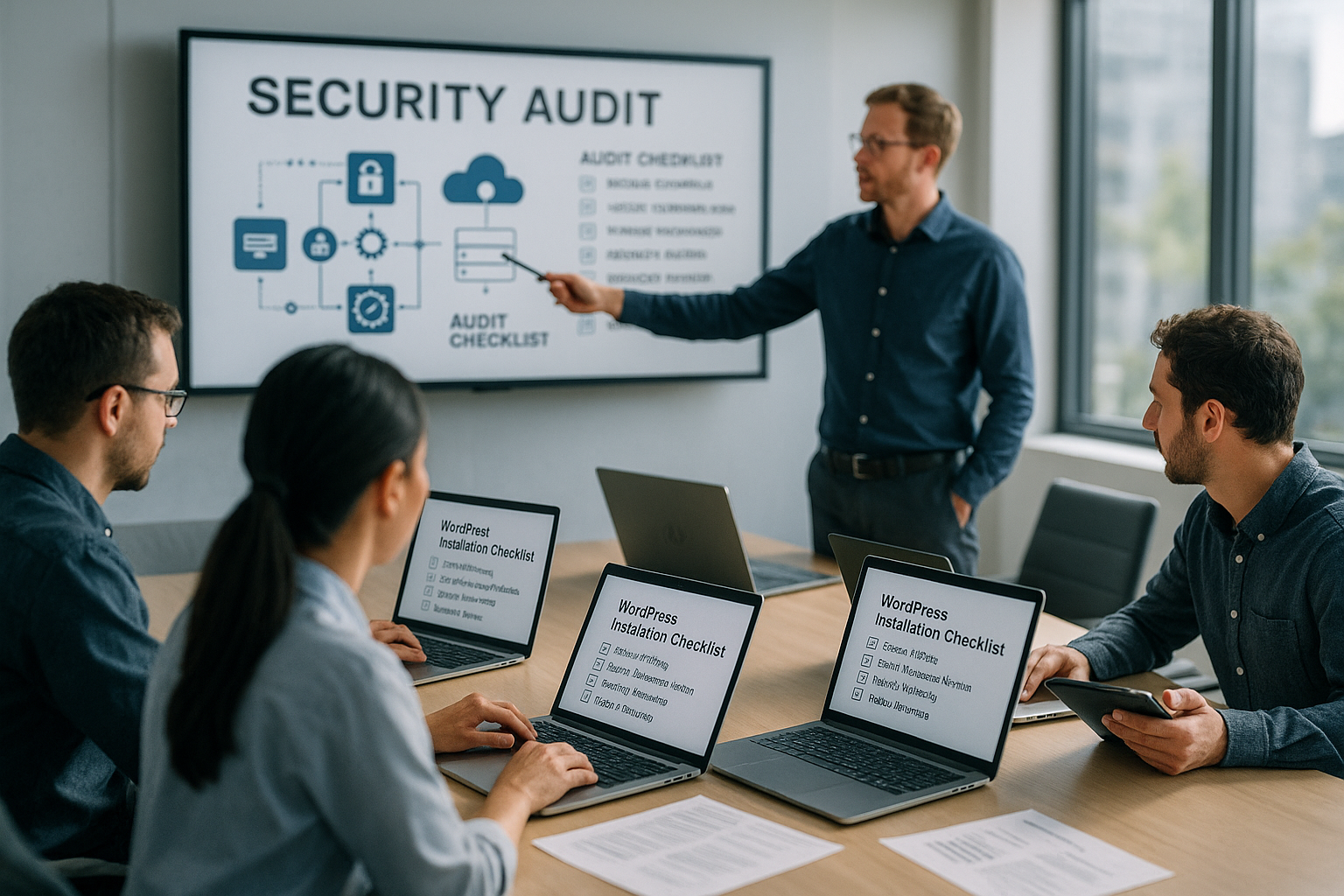
A WordPress Security Audit at the host shows me which protective measures are really effective, where there are gaps, and which immediate steps ensure availability. I use a clear checklist for core, plugins, servers, protocols, and recovery so that I can quickly eliminate risks and my website operate resiliently.
Key points
I summarize the most important points and prioritize them so that I first minimize vulnerabilities and then secure monitoring, alerting, and recovery. Priority and Transparency are the focus, so that I can document each measure in a comprehensible manner. I keep the list short because I go into depth on implementation in the following sections. Practice Theory is important, so I formulate each point with a focus on action. Before implementation, I clarify roles, access, and access to the hosting console so that I immediately can start.
The following list guides me through the audit in the correct order.
- Updates & Integrity: Keep core, themes, and plugins up to date and verify files.
- Additions & 2FA: Verify users, strengthen passwords, activate two-factor authentication.
- Hoster & Server: Ensure WAF, DDoS protection, backups, and log analysis.
- HTTPS & Rights: Harden SSL, redirects, file permissions, and configuration.
- Monitoring & Backups: Test logs, alerts, and restores regularly.
I use these points as a starting point and expand them to include project-specific features such as multisite, staging, or headless setups. Discipline in the process reduces the error rate and speeds up implementation. I document each measure concisely so that I can provide complete evidence for later audits. Transparent Notes also help me when onboarding new administrators. This way, I can keep the audit reproducible and save myself time later on. Queries.
Audit start: Inventory and scope
I'll start with a clear InventoryWhich domains, subdomains, staging instances, and cron jobs are part of the installation? I record the core version, active and inactive plugins, themes, and must-use components so that I don't overlook any forgotten legacy issues. Additions I check WordPress, SFTP/SSH, database, and hosting panel, including permissions and 2FA status. I document special features such as required plugins, custom code in the theme, or drop-ins so that I can take them into account during the integrity check. Priorities I prioritize based on risk and effort, for example, critical gaps and publicly accessible components first.
For scheduling purposes, I define maintenance windows, create a backup before starting, and coordinate communication with stakeholders. Rollers I clarify unequivocally: Who is authorized to do what, who approves changes, who is notified in the event of an alarm? I also record basic metrics so that I can compare effects on performance, errors, and security before and after the audit. Transparent Basic data facilitates subsequent audits and revisions. This allows me to lay the foundation for swift and clean execution.
Core, plugins, and themes: Updates and integrity
First, I update core, active plugins, and the active theme, then I remove inactive and abandoned extensions. According to [2], up to 90% of security vulnerabilities are caused by unsafe or outdated plugins, which is why I treat this step as a high priority. Integrity I verify this with hash checks and file scans, for example using security plugins that report deviations from the repository version. I consistently avoid third-party sources because manipulated packages can introduce backdoors unnoticed. Change logs I read carefully to identify security-related fixes and choose the correct order for updates.
After the updates, I run a full scan for malware, unexpected files, and suspicious code signatures. Child themes I check for outdated template overrides and hard-coded paths that could break after updates. I disable features that I don't need, such as XML-RPC, if no app or integration access is necessary. Automatic I apply updates in a differentiated manner: minor updates automatically, major updates after staging tests. Finally, I save a new snapshot so that I can quickly revert back in case of problems.
Users and 2FA: Controls with a sense of proportion
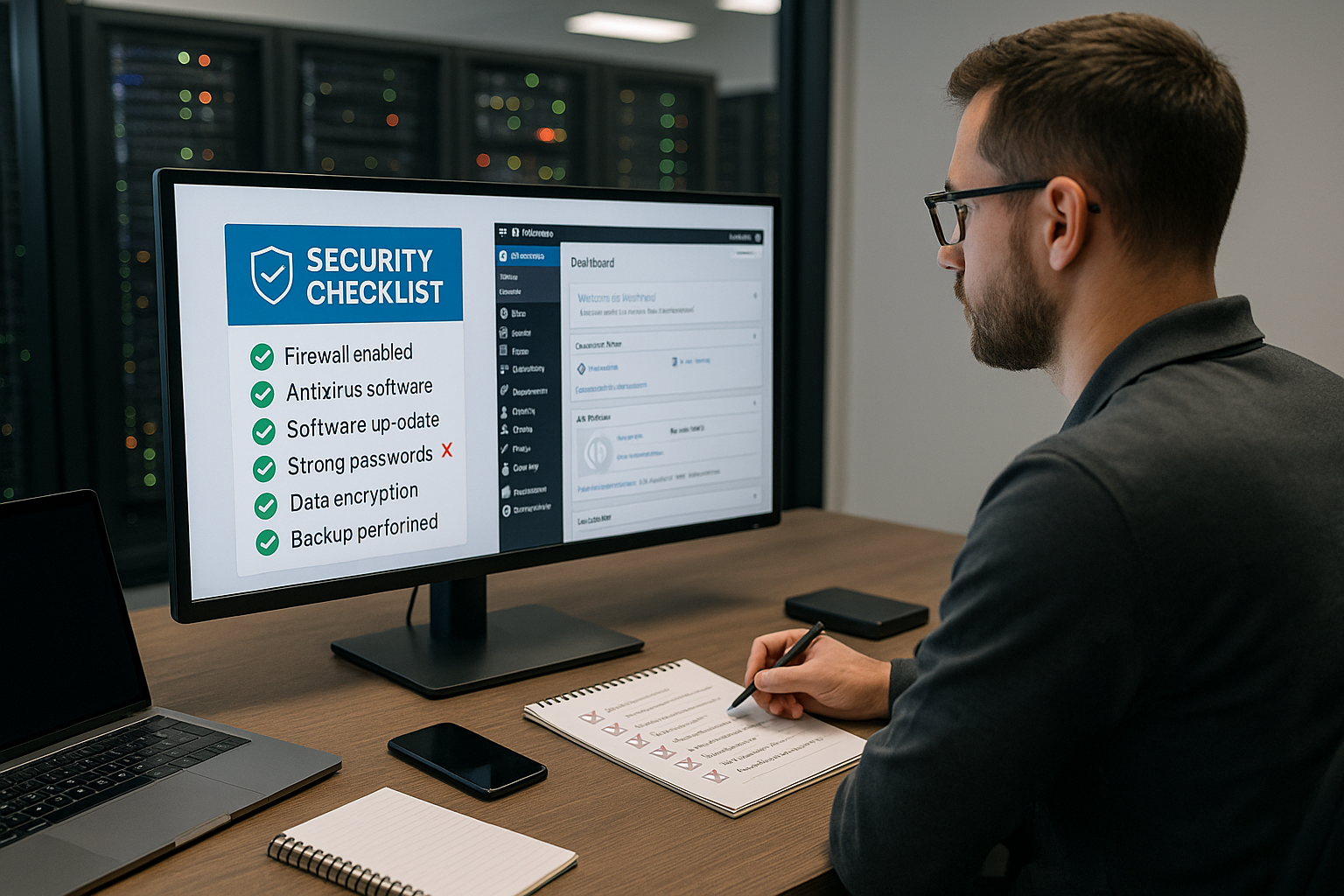
I'm going to the user list and consistently remove inactive, duplicate, or unknown accounts. I assign roles according to the principle of minimal privilege and avoid granting excessive rights to editors or external agencies. Passwords I rely on strong, unique combinations and enforce regular renewal by administrators. I then activate 2FA in the admin area and secure backup codes so that I retain access in an emergency. Notifications I set it up so that login attempts, new admin accounts, and password resets are immediately noticeable.
I will deactivate the public author page if it could reveal email addresses or logins. REST APII check endpoints for unwanted exposure of user information. I do not use guest accounts; instead, I work with temporary accounts that have an expiration date. Protocols I archive logins for long enough to be able to detect patterns and brute force attempts. This way, I close a major source of abuse.
Hosting and server security: Hosting provider audit
When it comes to hosting providers, I first look at WAF, DDoS protection, daily backups, malware scanning, and 24/7 monitoring. I check whether server isolation, the latest PHP versions, automatic security fixes, and log access are available. network filter for bot traffic noticeably relieve the application and reduce the attack surface. I document how quickly support responds to security incidents and what recovery times are realistic. I record the entire process in the change log and assign it to my Check host audit to.
The following table provides a brief comparison of key security features.
| Hosting provider | Security features | Rating |
|---|---|---|
| webhoster.de | Daily backups, WAF, DDoS protection, malware scanning, expert support | 1st place |
| Provider B | Daily backups, DDoS protection, basic protection | 2nd place |
| Provider C | Backups on request, basic protection | 3rd place |
I also test the recovery speed from the hosting backup to get a real-world impression. RTO-values. Incorrect assumptions about restore times lead to avoidable failures in an emergency. ForensicsOptions such as access to raw logs or isolated staging containers are a great advantage when analyzing root causes. I activate IP block lists at the network level and combine them with WordPress-side rules. This allows me to shield the stack with multiple layers.
SSL/TLS and HTTPS enforcement
I install a valid SSL-certificate for each domain and subdomain and activate automatic renewal. I redirect all requests to HTTPS via 301 so that no cookies, logins, or form data are transmitted unencrypted. HSTS I set after a test period to permanently pin browsers to HTTPS. In .htaccess and wp-config.php, I check whether HTTPS detection is working correctly, especially behind proxies or CDNs. For Plesk environments, I use practical Plesk tips, to set redirects, certificates, and security headers consistently.
I regularly check the validity and configuration and keep a reminder in my calendar. Mixed content I clean up trackings or hard HTTP links using search and replace in the database and in the theme. I gradually add security headers such as X-Frame-Options, X-Content-Type-Options, and Content-Security-Policy. SEO benefits from clean HTTPS, and users do not see any warnings in their browser. This allows me to combine security and trust in one step.
Harden file permissions and configuration
I set Authorizations Strict: 644 for files, 755 for directories, 600 for wp-config.php. I restrict write permissions to uploads and temporary directories so that malicious code cannot easily find an anchor. Directory I disable listing with Options -Indexes and place empty index files in sensitive folders. In wp-config.php, I disable debugging on production systems and define clear paths. Disallow File editors in the backend prevent spontaneous code changes in the live system.
I check owners and groups, especially after migrations or restore processes. key I regularly renew cookies and salts so that stolen cookies become useless. I limit upload file types to the bare minimum and block potentially dangerous extensions. Read-onlyMounts for core files, where supported by the host, reduce the risk of further manipulation after a break-in. This keeps the file system tidy and difficult to misuse.
Configure security plugins and WAF correctly
I use security plugin one that covers malware scanning, integrity checks, login protection, and rate limiting. I tighten the rules gradually so that genuine users are not blocked, while attacks come to nothing. Real timeMonitoring and email alerts inform me about suspicious changes to files or login events. I check the server WAF, combine it with the plugin rules, and avoid duplicate or conflicting filters. This overview helps me choose the right product: Security plugins 2025.
I document which rules I actively set and mark exceptions for specific integrations, such as payment providers or webhooks. WhitelistI keep entries to a minimum and check them regularly. Role-based rules for XML-RPC, REST API, and file changes reduce unnecessary approvals. Rate limits I adjust it to visitor numbers and login frequencies. This allows me to strike a good balance between protection and usability.
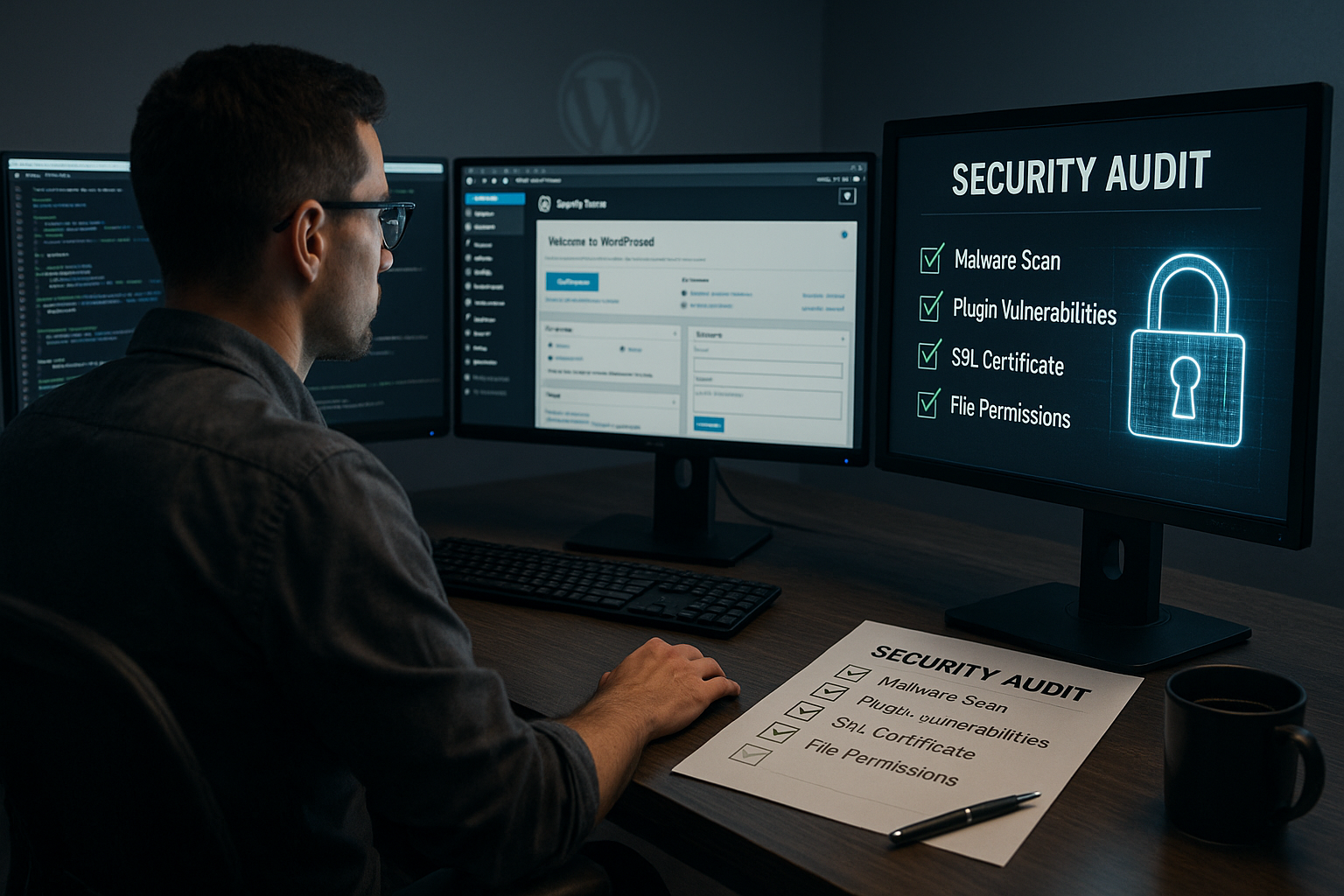
Backup and restore samples
I rely on Backups Only when the restoration has been successful under time pressure. That's why I regularly test restore processes on staging or in an isolated environment at the host. Versioning, I record the storage period and location and combine host backups with external copies. I document the exact steps, contact persons, and access codes so that I don't lose any time in an emergency. Encryption Backups also protect data outside the production system.
In addition, I back up database dumps and uploads separately and compare checksums. Schedules I set them up to avoid peak loads and create additional snapshots before deployments. After major updates, I perform an additional backup. recovery objectives (RPO/RTO) and measure them. This way, I know exactly how long my project can withstand an outage.
Database and wp-config hardening
I monitor the Database for new administrators, changed options, and suspicious cron entries. The table prefix does not provide attackers with any real security, but it does make standard scripts slightly more difficult. Rights I limit DB users to the bare minimum and avoid multiple admin accounts unless necessary. I renew security keys (salts) when I suspect a breach or regularly according to a schedule to make session theft more difficult. Automated Scans report anomalies in the options and users tables.
In wp-config.php, I encapsulate constants that need to be protected and maintain clear separations for staging and live. DebugI only set settings temporarily and never openly on production. I check cron behavior and optionally set system crons if the hosting allows it. Loading times I optimize with object cache on the side, without compromising security controls. This keeps data storage tidy and less vulnerable to attack.
Avoid information leaks and error pages
I suppress Error messages and debug output on live systems so that attackers cannot obtain information about paths or versions. I disable directory indexing and place empty index files in sensitive folders. Release notes in HTML source code or RSS feeds, I remove them where practicable. I check robots.txt and sitemaps to ensure that no internal paths or staging instances are disclosed. error pages I design them in such a way that they do not reveal any technical details.
I check caching headers and browser caches to ensure that no private content is passed on to other users. Uploads I validate on the server side and prevent scripts from being executed in upload directories. I consistently delete test plugins, PHP info files, and old migration scripts. SecurityI consistently set headers at the web server and WordPress level. This allows me to significantly reduce silent information leaks.
Monitoring, audit logs, and alerts
I activate Audit-Logs for logins, file changes, user and role changes. I analyze failed login attempts and recurring IPs to refine rules. Alerts I send them to a dedicated distribution list so that they don't get lost in day-to-day business. I link host logs, WAF logs, and WordPress logs to correlate events cleanly. Dashboards A few meaningful metrics keep me up to date.
I archive logs for a sufficient period of time, depending on compliance requirements and project size. Anomalies I investigate promptly and document measures and decisions. I adjust rate limits, IP block lists, and captchas based on the findings. Regular Reviewing notifications prevents alarm fatigue. This keeps monitoring useful and focused.
Protection against bots, brute force, and DDoS
I set Rate limits, IP block lists, and captchas during login, and block known botnets early on. Host-side filters at the network level effectively reduce the pressure on the application. geoblocking It can be useful if I limit my publications to specific target regions. I limit requests per minute per IP address, thereby reducing the load on PHP and the database. Reports I use to quickly recognize new patterns and adjust rules.
I shield XML-RPC and REST-API with rules and only allow necessary methods to pass through. EdgeCaching and CDN rate limits also help during traffic spikes. I keep bypass paths closed so that attackers cannot circumvent WAF and CDN. fail2ban or comparable mechanisms on the server, if available. This ensures that the application remains operational even under load.
Regular vulnerability scans
I am planning Scans weekly or after changes, and combine host scanners with WordPress plugins. Automated checks cover a lot, but manual checks find configuration errors and logic gaps. Prioritization is based on severity and exploitability, not on the volume of the tools. I repeat scans after each fix to ensure that the gap remains closed. Reports I archive them in an audit-proof manner and reference them in the change log.
In addition to the code, I check dependencies such as PHP modules, web server modules, and cron jobs. Third-PartyI examine integrations such as payment or newsletter services for webhooks, secrets, and IP ranges. I visualize progress and residual risks for decision-makers in a clear and concise manner. Recurring I address problems with training courses or process adjustments. This allows me to increase security step by step.
Roll out deployment, staging, and releases securely
I structure deployments clearly: changes first land on staging, where they are tested with production-like data and only then go live. Atomic Deploys and maintenance windows prevent half-finished states. I plan database migrations with rollback paths and document which Post-deployment-steps are necessary (permalinks, caches, reindexing).
My release checklist includes: checking backup status, health check, disabling error messages, clearing caches/warming up, activating monitoring, and performing targeted tests (login, checkout, forms) after go-live. This is how I keep releases reproducible and minimize risk.
Secrets, API keys, and integrations
I store Secrets (API keys, webhook tokens, access data) from the code and use separate values for staging and live. I assign keys according to the Least privilege-principle, rotate them regularly, and log ownership and expiration dates. I restrict webhooks to known IP ranges and validate signatures on the server side.
For integrations, I set timeouts, repeat failed requests in a controlled manner, and suppress sensitive data in logs. I prevent secrets from ending up in backups, crash reports, or debug plugins. This way, integrations remain useful but do not become a gateway.
Forms, uploads, and media hardening
I secure Forms against CSRF and spam, check captchas for accessibility, and set nonces and server-side validation. I formulate error texts in general terms so that attackers cannot deduce field recognition or user states.
I restrict uploads to expected MIME types, validate them on the server, and prevent scripts from running in upload directories. SVG I only use sanitizing, and I remove image metadata (EXIF) if necessary. Size and quantity limits protect storage and prevent DOS attacks via large files.
SSH, Git, and panel access
I use SSH keys Instead of passwords, I disable root login and, where possible, set up IP allowlisting for SSH, SFTP, and the hosting panel. I encapsulate Git deployments with read-only rights for core/plugins and use deploy keys with read-only access. I keep phpMyAdmin or Adminer strictly limited, if at all, through IP filters, temporary passwords, and separate subdomains.
Service accounts are only granted the rights they need, and I assign expiration dates to them. I log any changes made to the panel and review them using the dual control principle. This allows me to reduce risks associated with incorrect operation and stolen access.
Incident response and recovery plan
I hold a Emergency plan Before: Who stops the traffic (WAF/firewall), who freezes the system, who communicates externally? I immediately secure evidence (server snapshots, raw logs, file lists) before cleaning up. Then I renew all secrets, check user accounts, and activate additional telemetry to detect recurrences.
A brief follow-up with root cause analysis, a list of measures, and a schedule concludes the incident. I incorporate the findings into my checklists, adjust rules, and practice the most important steps regularly so that they are in place in case of an emergency. This way, I reduce downtime and prevent recurrences.
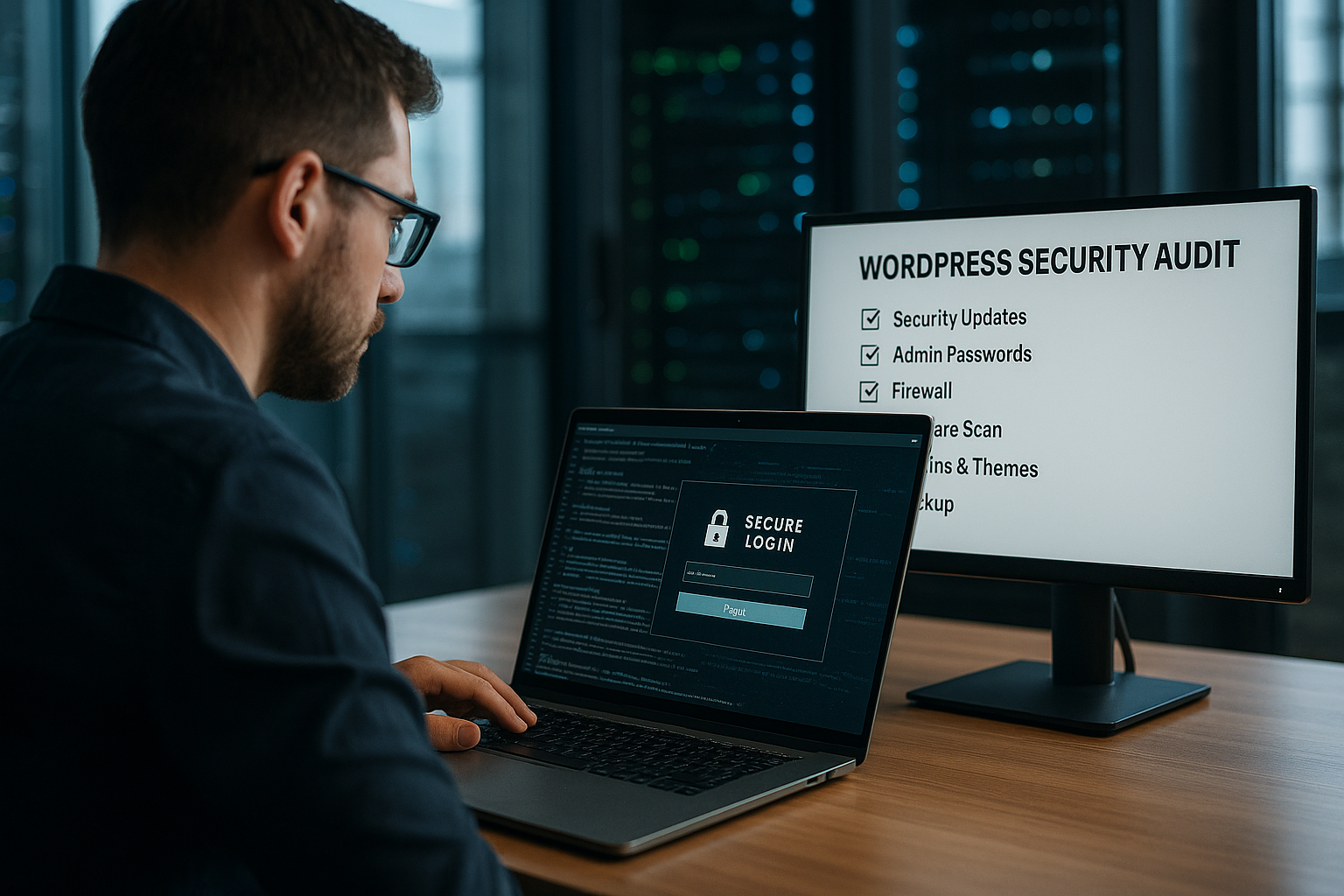
Automation with WP-CLI and playbooks
I automate recurring checks with WP-CLI and hosting scripts: Output list of outdated plugins, start integrity checks, find suspicious administrators, check cron status, clear caches. I write the results in reports and have them sent to the distribution list.
Playbooks for „update & test,“ „rollback,“ „user audit,“ and „malware scan“ reduce error rates. I supplement them with time measurements so that I can realistically evaluate RPO/RTO targets and identify bottlenecks. This makes security part of the daily operating routine.
Special cases: Multisite, headless, and APIs
At Multisite-Networks: I check network administrators separately, deactivate unused themes/plugins across the entire network, and set consistent security headers across all sites. Site-isolated uploads and restrictive roles prevent page jumps in the event of compromise.
At Headless-Setups: I harden the REST/GraphQL endpoints, deliberately set CORS and rate limits, and separate write tokens from read tokens. I monitor failed attempts on API routes because they are sensitive and often overlooked. Webhooks are only allowed from defined networks and are validated with signatures.
Law, data protection, and storage
I set up Retention periods for logs and backups in accordance with legal requirements and minimized data volume. I black out PII in logs wherever possible. I document roles and responsibilities (who is technically responsible, who is organizationally responsible), including substitution arrangements.
I check data exports, deletion processes, and access by external service providers. I encrypt backups and keep the keys separate. I synchronize changes to data protection texts with technical settings (cookies, consent, security headers). This keeps operational and compliance aspects in balance.
Email and domain security for admin notifications
I make sure that admin emails Reliable delivery: Sender domains are correctly configured with SPF, DKIM, and DMARC, bounce handling is set up, and warning emails are sent to a secure, 2FA-protected mailbox. I avoid error messages containing sensitive information and send alerts via alternative channels if available.
I use separate senders for form and system emails to separate deliverability and reputation. I monitor delivery rates and respond to anomalies (e.g., many soft bounces after a domain change). This ensures that alerts remain effective.
Briefly summarized
A structured WordPress A security audit at the host combines technology, processes, and clear responsibilities. I start with updates and integrity, secure access, strengthen hosting features, enforce HTTPS, and harden permissions and configuration. WAF, Security plugins, backups, and log analyses then run continuously and measurably. I record everything in short notes, test restore processes, and remain vigilant with regular scans. So The website remains available, comprehensibly protected, and auditable throughout its entire life cycle.