 Skip to content
This comparison shows which wordpress security plugins 2025 most reliably stop attacks and avoid false alarms in tests and in live operation. I evaluate protection levels, speed, operation and value-added features such as backups, WAF and 2FA for blogs, stores and company websites.
Key points
The following key points briefly summarize the most important findings.
- Protection levelsCloud WAF, server firewall, malware scan, 2FA
- PerformanceCaching, CDN, lean scans, low server load
- TransparencyLogs, alerts, reports, clear recommendations
- ComfortOne-click backups, auto-updates, recovery
- ScalingMulti-site administration, team rights, API options
Methodology of the 2025 comparison
I measure safety in layers and evaluate each layer separately: Prevention (WAF, login protection), detection (signature and heuristic scans), reaction (quarantine, auto-fix) and restart (backups, restore). The decisive factor is not the number of features, but how well they work together. I check how quickly plugins update rules, block attacks and deliver clean error messages. I also pay attention to server load, because overly aggressive scans can slow down sites. For a quick overview, this additional Best security plugins Check that combines functional coverage and usability.
Comparison table: Top 5 plugins and core functions
The table shows the functions and strengths of the five candidates, ranked by scope of protection, operation and additional benefits. I attach importance to a clear Breakdown: firewall type, malware detection, identity and access management, backup/restore, monitoring. This allows you to quickly recognize which package suits your project size, team structure and hosting setup. Pay particular attention to whether the firewall filters requests before the server (cloud) or only intervenes at the application level. Both methods have advantages, depending on the traffic mix and hosting plan.
| Place | Plugin | Main functions | Special features |
|---|---|---|---|
| 1 | Sucuri | Firewall, malware scan, CDN, DDoS protection, monitoring | Cloud WAF, high flexibility |
| 2 | Wordfence | Real-time scan, login protection, country block, firewall, 2FA | Fine-grained monitoring, application layer firewall |
| 3 | Jetpack Security | Backup, malware check, 2FA, performance functions | All-round package, deep WP integration |
| 4 | All In One WP Security | Firewall, login lockdown, account check, monitoring | Simple dashboard, direct configurations |
| 5 | iThemes Security | 2FA, protocols, vulnerability scan, backups | Team rights, strong user management |
I read the table as a starting point and compare it with project goals. Do you need DDoS-defense, an upstream cloud WAF is ideal. If you want deep insights into every request, an application layer firewall is the best choice. Anyone who wants to restore backups in minutes will benefit from the complete package with restore function. For teams, I also count rights management, logs and notifications.
Sucuri: Protection from the request
Sucuri switches in front of your server and stops attacks at the edge of the network. This reduces load peaks, fends off botnet traffic and speeds up pages thanks to the integrated CDN. The web application firewall blocks known patterns, zero-day exploits and DDoS waves, while malware scanning and monitoring report suspicious changes. In the event of a compromise, clean-up helps to reduce downtime. Those planning a comprehensive setup can use the Ultimate Shield toolkit additionally bundle inspection processes and sharpen notifications.
Wordfence: Control on the server
Wordfence filters requests directly at the WordPress level and provides detailed insights into IPs, patterns and block rules. I like the Transparency of the logs because I can see exactly what has been blocked and why. The rules update quickly, 2FA and login restrictions effectively slow down credential stuffing. If you need more, unlock the country block and real-time signatures in the premium version. For projects with medium to high traffic, the combination of firewall, scanner and alerting is a reliable solution.
Jetpack Security: Security plus convenience
Jetpack Security scores with automatic backups and fast recovery, which saves hours in an emergency. The malware check is well integrated, 2FA protects accounts without extra plugins and performance tools help with loading times. I appreciate the Coupling to the WordPress ecosystem because administration and licenses remain clear. The interface is clear for beginners, while advanced users can control what is active on a module-by-module basis. Anyone who prefers an all-in-one solution will quickly reach their goal here.
All In One WP Security: Granular control
All In One WP Security convinces with clear switches for firewall, login lockdown, file monitoring and role checking. I set rules step-by-step and can quickly see which option is assigned to which role. Effect has. For small to medium-sized projects, the plugin provides a lot of control at no extra cost. The dashboard explains functions in a comprehensible way, which makes misconfigurations less likely. If you are willing to learn and invest a little time, you can get very broad basic protection here.
iThemes Security: users and access under control
iThemes Security strengthens logins through 2FA, limits permissions cleanly and logs changes to files. I appreciate the clear Consolewhich explains risks and shows me specific tasks. Backups, vulnerability checks and automation reduce response times in the event of incidents. There is no separate WAF, but iThemes provides powerful tools for teamwork and audit-proof processes. Anyone who manages many editors, authors and admins benefits from clear roles and alerts.
Login hardening, 2FA and passwords
Attacks often start at the login, so I secure forms with rate limits, CAPTCHA and 2FA. Long, random passphrases significantly reduce the risk of credential stuffing. I check whether plugins support IP locks, device tokens and session control. I also switch on notifications for failed logins and unusual patterns. If you want to delve deeper, you can find a practical guide to the Secure login.
Firewall strategies: Cloud vs. application layer
Cloud WAFs such as Sucuri filter traffic before the server and thus reduce load, DDoS effects and latency peaks. Application layer firewalls such as Wordfence are located in WordPress and look very finewhich meets the application. For e-commerce with high peaks, I often choose the cloud variant as it keeps bots away and provides CDN benefits. For forensic analyses, I value the application level because logs provide a deeper insight into what is happening. Hybrid setups combine both approaches, as long as hosting and budget allow.

Backups, malware scan and recovery
Fast recovery saves reputation and saves money, so I plan backups like an insurance policy. Daily or hourly backups, plus offsite storage, give me Rest. A good scanner detects signatures and suspicious behavior patterns without overloading the server. Automatic quarantine and one-click restore close the loop. I regularly test for emergencies so that processes are in place and nobody improvises under stress.
Performance and compatibility without compromises
Security must not slow down the site, so I check scan frequencies, cron jobs and caching settings. A cloud WAF with CDN speeds up assets, while local scans run at quieter times. I keep plugins, themes and PHP up to date and avoid duplicate functions that can be bite could. I run a staging test before every major update. This keeps TTFB, Core Web Vitals and store checkout running smoothly.
My 2025 setup proposal
For companies with high traffic, I rely on Sucuri as an upstream WAF plus Jetpack backups for fast restores. For medium-sized projects with a desire for deep insight, I choose Wordfence and add targeted hardening. Those who want a maximum overview of multiple sites benefit from Jetpack Security and clear Routines for updates. Tech-savvy admins get a lot of control with All In One WP Security, while iThemes Security manages teams cleanly. If you prefer to use a structured bundle instead of a single choice, this compact overview of the Ultimate Shield toolkitto harmoniously combine rules, monitoring and recovery.
Hosting environments: The right security setup
Not every environment has the same set screws. On Shared hosting I count on efficient scans with a low resource load, login hardening and an external cloud WAF because I often cannot adjust server settings. With Managed-WordPress I supplement existing hoster WAF/backups with a plugin for visibility, 2FA and file change monitoring. On VPS/Dedicated I combine system firewall (e.g. iptables/ufw) and Fail2ban with a cloud WAF and a plugin for application view. In Container/Kubernetes-I pay attention to ingress rules, rate limits and lean agents in my setups so that nodes remain stable. Important: NGINX/Apache special rules, HTTP/2/3 and TLS hardening (HSTS, modern ciphers) are also part of the overall picture.
Minimize false alarms and fine-tune rules
Good security blocks attacks without slowing down legitimate traffic. I start with Observation mode (where available), collect logs and then gradually activate stricter rules. Whitelists for your own tools (payment gateways, cron endpoints, webhooks) prevent unnecessary blocks. Exceptions per URL, role or action help with application layer firewalls. I adapt rate limits to the time of day and traffic patterns; for admin routes I set tighter limits, for APIs I differentiate by method (GET/POST). Important is clean alertingOnly relevant alerts by e-mail/push, the rest as a daily report so that teams don't become complacent.

WooCommerce and e-commerce features
Stores have sensitive endpoints: Checkout, shopping cart, account, webhooks. I harden admin-ajax.php and REST routes, reduce bot traffic to search/cart fragments and use reCAPTCHA/Turnstile for login/registration. For payments are Availability and Integrity Equally critical: Cloud WAF against DDoS/Layer 7 spikes, application firewall for fine-grained patterns. Caching must not affect checkout and account views; corresponding exceptions are mandatory. I also check inventory and coupon abuse (rate limits, rules against brute force on coupon codes). I keep logs audit-proof for forensic purposes, but save data.
Incident response: playbook and key figures
When things go wrong, speed counts. I define RTO (restart time) and RPO (data loss tolerance) per project. The playbook: 1) Test alarm paths, 2) Isolate (WAF to stricter profile, maintenance mode), 3) Preservation of evidence (logs, checksums), 4) cleanup/restore, 5) password and key rotation, 6) review of the cause of the intrusion, 7) communication to stakeholders. I practise restore drills every quarter so that every move is right in an emergency. After the incident, I optimize rules, increase 2FA coverage and, if necessary, plan a hybrid WAF setup or stricter deploy pipelines.
Compliance, data protection and logging
With regard to GDPR, I pay attention to Data minimization and storage periods. IPs can be shortened, geodata can be recorded roughly instead of precisely. I define which roles are allowed to see logs and separate productive access from service provider accounts with time-limited rights. For reports, it is often sufficient to aggregated I keep brief records of data and detailed logs. I document policies in the team: who is allowed to change rules, who restores, who informs. This keeps compliance checks relaxed and still meaningful.
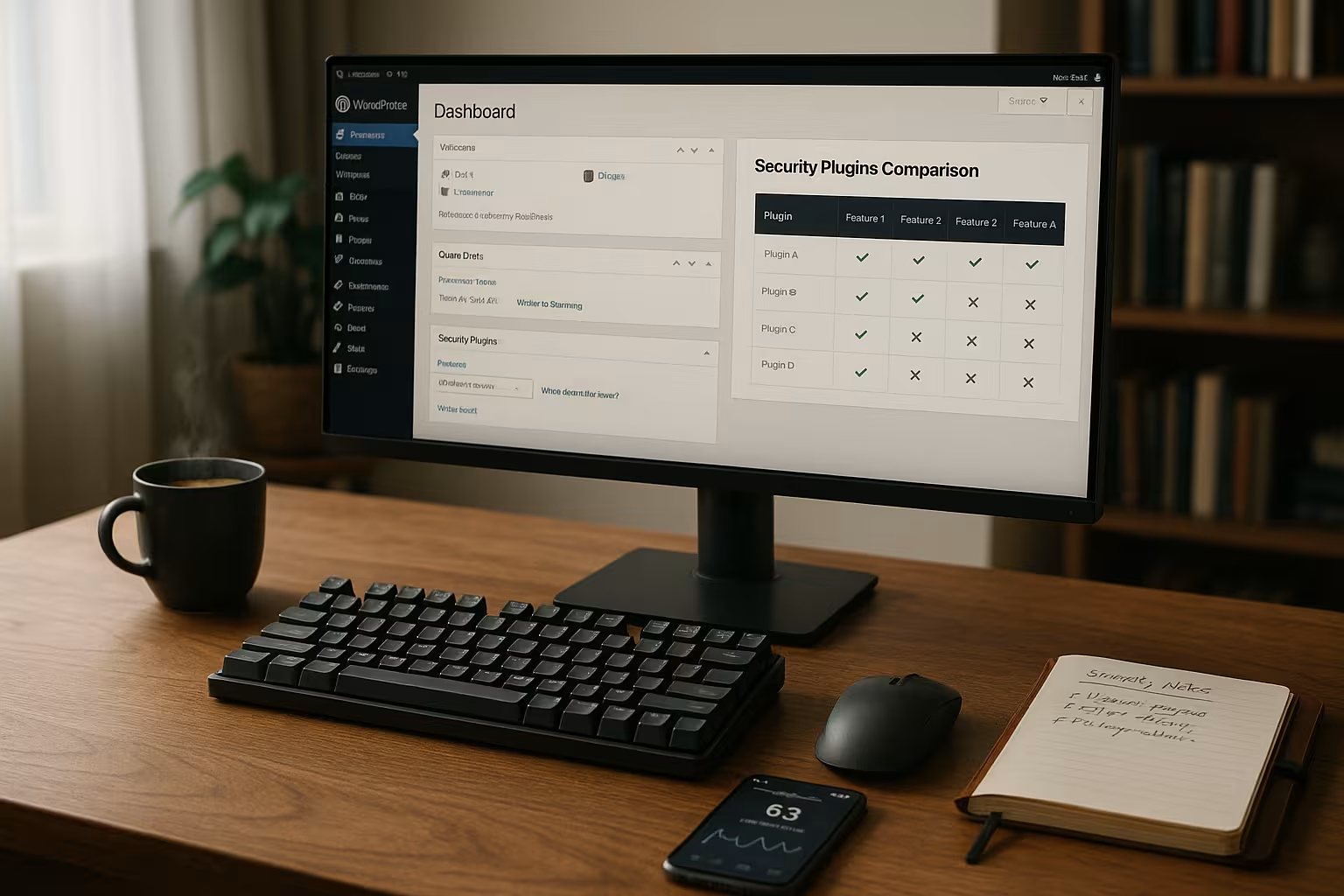
Scaling for agencies and multi-site
What counts for many projects Consistency. I work with basic policies per site type (blog, landing, store) and a change window in which updates/rule changes go live in a bundle. Multi-site management, roles and API options are important to me so that I can separate user rights cleanly and roll them out automatically. I combine alerts in team channels and prioritize critical alerts. For high-load phases (sales, TV commercials), I temporarily activate tougher WAF profiles and increase limits with the hoster so that security doesn't become a bottleneck.
Migration and switching between plugins
When switching, I avoid duplicate functions that interfere with each other. Procedure: 1) Inventory of active features, 2) Identify overlaps (e.g. duplicate 2FA/scans), 3) Staging test with new plugin, 4) gradual switchover (first monitoring, then block rules), 5) uninstallation of old components including cron events and remaining tables. Important: Validate backup/restore paths before switching anything off and consider DNS/TLS dependencies if a cloud WAF is added.
Benchmarks: How I test security and performance myself
I don't measure improvements "felt", but repeatable. Basic set: Latency and TTFB with/without WAF, CPU/IO load during scans, number of blocked requests per rule type, time until rule update. Functional checks: login protection (rate limit applies), file manipulation (detected), recovery (RTO/RPO reached). Load tests with realistic scenarios (checkout peaks, many bots) show whether limits are working correctly. Documented results facilitate subsequent audits and help with budget discussions.
Headless/REST APIs and special setups
Headless projects and heavily API-heavy sites require special care. I check Application Passwords, token validity and CORS guidelines. WAF rules should differentiate between browser and server-to-server traffic so that integrations (e.g. ERP, PIM) are not slowed down. I set rate limits per method and path; write endpoints are particularly sensitive. I define allow lists and narrow time windows for previews and build hooks (Jamstack).
Practice blueprints: Three quick start configurations
- Blog/Portfolio2FA for all accounts, login rate limit, basic firewall with bot rules, weekly malware scan, daily offsite backup, auto-updates with staging smoke test.
- Company pageCloud WAF in front of the server, application logs for forensics, role-based rights, change logs, daily scans, hourly backups, defined RTO/RPO and alarm playbook.
- ShopCloud WAF with DDoS protection, application firewall for checkout path, strict exceptions in caching, 2FA for admin/shop manager, transaction monitoring, hourly backups plus on-demand snapshot before releases.
Final thoughts 2025
Good WordPress security comes from CompositionA protective layer in front of the application, clear rules in the application and fast recovery behind it. Sucuri provides edge protection and performance, Wordfence deep insight and granular controls, Jetpack Security accelerates backups and restores, All In One WP Security offers a lot of fine-tuning, iThemes Security strengthens identities and processes. It remains crucial that rules fit your traffic, your hosting and your teams. By documenting tests, reducing false alarms and regularly practicing emergency procedures, you can achieve a level of security that works in everyday life and is quickly back online in an emergency.


