Skip to content
Your own name servers offer maximum control and flexibility over DNS entries and are therefore ideal for ambitious web projects, agencies and companies. In this guide, I will show you step by step how to set up your own name servers and connect them to your domains - technically sound but easy to understand.
Key points
- Full control via DNS zones, TTL and records
- Branded name servers strengthen the professional appearance
- Glue Records are essential for subdomains within own domains
- Server infrastructurehigh availability ideally requires two geographically separate systems
- Monitoring Ensures permanently reliable operation

What are name servers and when is it worth having your own setup?
Name servers resolve domain names into IP addresses and forward requests to the correct servers. Most hosting packages already include DNS servers as standard - however, these often limit the configuration options. As soon as you want to flexibly manage SPF, DKIM or SRV records, for example, the own name servers reasonable.
You define yourself how quickly DNS queries are answered, how long entries remain valid and can manage your own subdomains fully automatically via APIs. This autonomy is a real advantage for developer or agency setups - for example when implementing isolated customer environments or complex infrastructure projects.
You can find out more about the technical basics in this Explanation of the function and role of name servers.
You can also use your own name servers to set up more sophisticated functions such as DNSSEC to cryptographically sign your DNS entries. This makes it more difficult to manipulate the resolution of your domains and increases the security of your entire website. For projects that have high security requirements or where brand protection - for example by banks or larger e-commerce sites - plays an important role, DNSSEC integration in your own name servers is often a decisive factor.
A separate setup is also worthwhile if you want to implement special constellations, for example a internal networkwhich is connected to external locations via VPN. These scenarios often require complex DNS rewriting or split DNS configurations, for which most standard provider solutions leave little scope.
Technical requirements for installation
To operate your own name servers, you need at least two independent servers with public fixed IP addresses. These should ideally be geographically distributed or spread across separate data center locations in order to achieve real reliability.
You also need root access to the servers in order to set up software such as BIND9 or PowerDNS - these programs take care of DNS zone management centrally. Many users rely on a combination of dedicated server and virtual instance, e.g. via Proxmox or KVM to achieve maximum performance and flexibility at the same time.
Alternatively, you can use container technologies such as LXC - especially in the DevOps environment, this proves to be a lean solution with a high level of isolation. For greater security, we recommend operating the name servers in isolated environments (e.g. DMZ) and enforcing restricted access through firewalls. This must Port 53 must be open for both TCP and UDP, as DNS works on both protocols.
It is particularly important for the security of your name server infrastructure to always keep the software up to date and regularly install security updates. Also make sure that only necessary services are running. Unnecessary packages and processes can be potential attack surfaces.

Suitable software: BIND9, PowerDNS or NSD?
I recommend the following tools - depending on whether you place more value on performance, security or flexibility:
| Software | Features | Suitable for |
|---|---|---|
| BIND9 | Established, flexible, widespread | Standard solutions with many customizations |
| PowerDNS | API-capable, SQL-based, high-performance | Agencies & API management |
| NSD + Unbound | Lightweight, stable, focused | Minimal setups with a focus on safety |
Management interfaces such as Webmin or ISPConfig make it easier to get started if you don't have in-depth CLI experience. For BIND9, for example, you can use Webmin to create and manage GUI-based zones without having to familiarize yourself with the named.conf- or zone files.
The main advantage of PowerDNS is that it can be integrated into relational databases (e.g. MySQL or PostgreSQL). This allows DNS entries to be highly automated and you can implement convenient functions such as auto-provisioning of subdomains via a web interface or API. If you combine this with a load-balancing structure, PowerDNS can also process very large volumes of requests and is therefore suitable for high-traffic projects.
If, on the other hand, you use NSD in combination with Unbound, you benefit from a particularly secure and lightweight variant. This solution is particularly interesting if you do not want to use large databases and attach particular importance to minimizing attack surfaces. NSD takes over the authoritative function (i.e. responding to requests for your zones), while Unbound can serve as a caching or recursive resolver for your internal network requests.
Structure and maintain DNS zones
After installing the software, you create DNS zones for each domain that you want to manage. This is where you define all DNS entries centrally. I recommend that you define a structured template or use API-based automation for multiple projects.
Typical records that you should manage:
- A-Record - Assignment to the IPv4 address
- AAAA record - IPv6 destination
- MX-Record - Define mail server
- TXT, SPF, DKIM records - Authentication
- CNAME or SRV - Forwarding and services
You also control the TTL values completely yourself. This control is particularly useful for frequently changing IP addresses or test environments. Pay attention to this when creating your zones, Serial numbers as soon as you make changes to the DNS entries. This is the only way for secondary name servers (slaves) to recognize updates during zone transfers.
In complex environments, it can also be useful to create separate zones per customer or per project. This simplifies maintenance and prevents accidental overwriting of external entries. Also think about the Reverse DNS (PTR record): Especially for mail servers and trustworthy communication, it is crucial that your IP resolves back to your domain.
Logging your DNS queries and changes offers additional added value. If your DNS server is running on BIND9, for example, you can use log entries and debug settings to track who queried which entry and when, or when zones were updated. This allows you to react much faster to problems such as incorrect entries or attacks on your DNS server.
Storing glue records - the decisive step
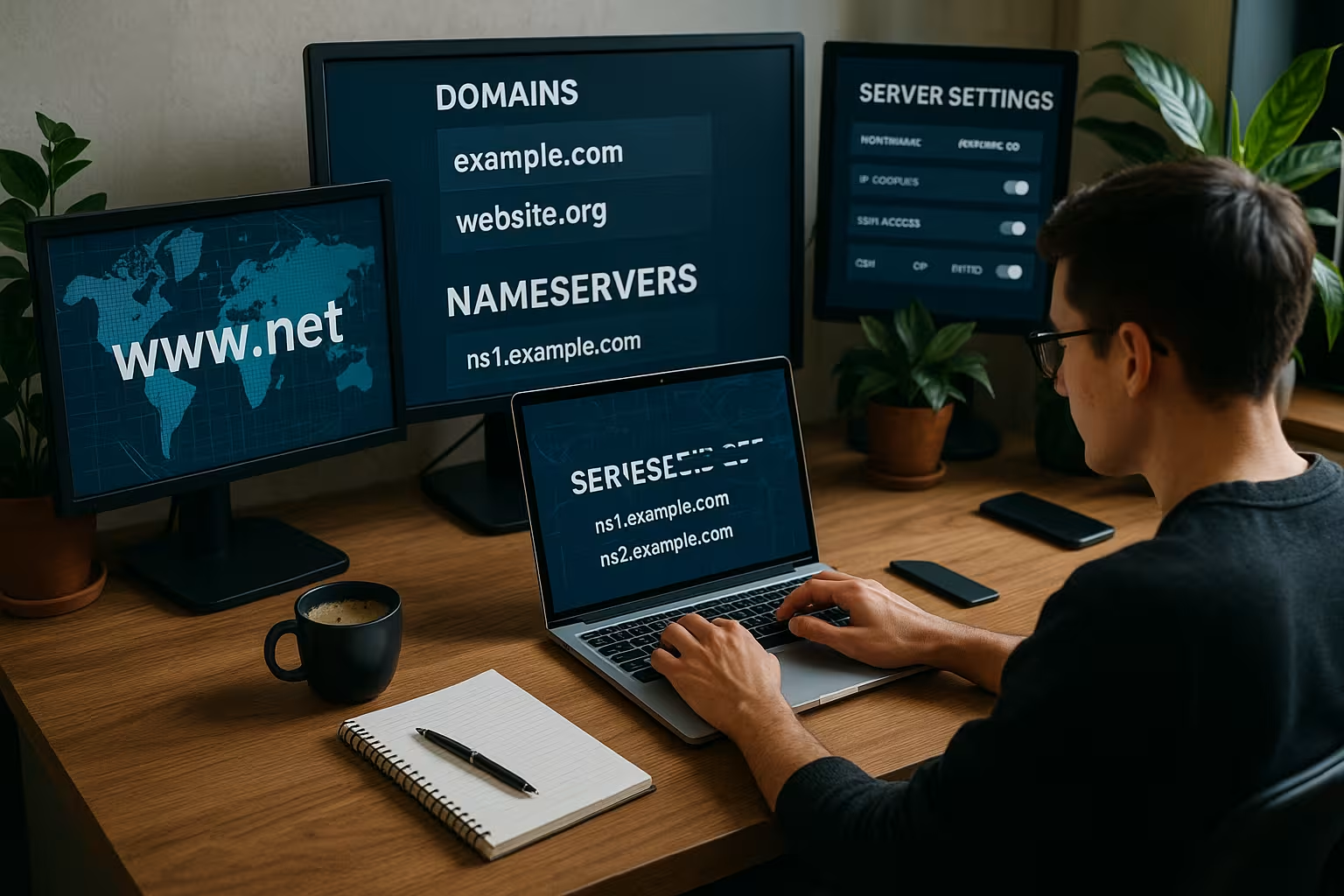
If you use subdomains of your main domain for the name servers, e.g. ns1.yourdomain.com, you need so-called Glue Records. These link your name server host name with the IP address directly in the registry - otherwise the resolution would go round in circles.
Example entry:
- ns1.yourdomain.com → 192.0.2.1
- ns2.yourdomain.com → 192.0.2.2
You enter these entries directly in the admin area of your domain registrar - there you will often find the item "Child hosts" or "Hostnames". Your name server will only work reliably once this data has been entered correctly and accepted by the registry.
In practice, it is advisable to set up the glue records before actually transferring the domain. This avoids outages or idle periods during which your domain is temporarily unresolvable. As soon as the glue records are in place, the name servers will be able to settle correctly. You should also create a dig- or nslookup-test against these new NS entries to ensure that everything is stored correctly.
Registration with the registrar and linking of the domain
Now you can connect your domain to the new name servers. To do this, log in to your registrar and replace the previous DNS entries in the "Manage name servers" section.
Enter the new servers directly - for example:
- ns1.yourdomain.com - 192.0.2.1
- ns2.yourdomain.com - 192.0.2.2
The changeover takes between 4 and 48 hours. An immediate effect can also be accelerated with short TTL values if necessary.
I will show you an alternative way to redirect DNS in this Introduction to DNS forwarding.
Once everything is working, it is worth checking the resolution from external locations. You can ask friends or colleagues in other countries to test your domain, or you can use tools that perform queries from various DNS servers around the world. This way, you can be sure that your name servers are also working properly globally.

Set up tests and monitoring
I strongly advise you to check the function of your setup - use tools such as dig or nslookup. This allows you to test on a daily basis whether entries are resolved correctly and whether the name server can be reached from the Internet.
I also recommend setting up a monitoring solution - be it via Nagios, Icinga or online solutions such as UptimeRobot. This allows you to detect failures at an early stage and react proactively. For critical production systems, it is particularly worth implementing email alerts.
After the successful basic installation, it is also advisable to automate regular zone checks. In the case of BIND, you can, for example named-checkzone and named-checkconf in scripts that are executed automatically. This will notify you, for example, if there is a syntax error in a zone file. Also, don't forget to make sure that zone transfers work properly on the slaves. A common error is an outdated serial number or a firewall that does not allow AXFR transfers (TCP port 53) through.
In larger landscapes, it is also worth using the Queries and Query rates to detect load peaks. If the metrics show unusual spikes over a longer period of time, this may indicate attempted attacks or simply a sharp increase in the use of your services.
Avoid typical mistakes
Many problems can be prevented immediately if you pay attention to a few points right from the start:
- Syntax error in zone files using tools such as named-checkzone
- Set glue records correctlyotherwise DNS queries will hang
- Port 53 keep open on TCP and UDP - in firewall and security groups
- Use at least two identical name servers with replicated zones
Most malfunctions are caused by small configuration details that would be noticed by testing - so plan enough time for a clean setup. Take special care to ensure that when DNS parameters are changed (e.g. TTL shortening), the new values are applied everywhere. Sometimes cache validations take longer than expected, especially if your setup is globally distributed.
Furthermore, some admins forget that DNS security is not only covered by DNSSEC: Robust network and server security is just as important. DNS servers can be vulnerable to DDoS attacks. Therefore, use rate limiting and possibly DNS response policies to prevent abuse. BIND9 or PowerDNS in particular have options that can limit or filter responses to potentially malicious queries.

Alternative: External DNS management instead of your own name server?
You do not necessarily have to operate name servers yourself. Some hosters offer extended DNS functions - including API management, SPF/DKIM configuration and GeoDNS, for example. This is often completely sufficient for simple web projects or online stores.
However, as soon as you manage several domains, need individual security guidelines or dynamic subdomains, a separate infrastructure is an advantage. In such cases own name servers through flexibility and control.
If you are unclear about the basics, this will help you DNS introduction with explanations.
External DNS management takes a lot of work off your hands, but you are dependent on the provider's security, updates and reliability. Even special use cases such as the automated deployment of large quantities of domains cannot always be perfectly integrated into the workflow if a provider prescribes certain adjustments or limits. For agencies or companies that require direct customer contact and quick configuration changes, external solutions are therefore often only halfway satisfactory.
Summary and outlook
Own name servers are worthwhile for anyone who wants more control, performance and autonomy over their web infrastructure. The setup is technically demanding, but can be solved with open source tools and modern admin tools such as Webmin. The most important things are: double server operation for redundancy, correct glue records and permanent monitoring.
If you manage many projects, want to separate several customer environments or value your own security strategies, then your own name server stack is indispensable. In the end, a well thought-out implementation with a focus on availability, accessibility and system maintenance is crucial. Also make sure you carry out regular security checks and consistently update your DNS software to avoid security vulnerabilities. This way, you will most likely have a stable and robust DNS solution for all your web projects in the long term.
If you plan to expand your setup after some time, you can add additional locations and thus create a GeoDNS that distributes requests based on the user's location. This enables shorter response times and can distribute the load better. In this way, you can scale your name server infrastructure up to global projects and always retain full control over all DNS entries.