
Plesk security
Automatic SSL renewal in hosting: error sources and solutions
Automatic SSL renewal in hosting ensures security - problems often arise due to DNS, caching or server errors. This helps you avoid typical SSL failures.
 Skip to content
Automatic SSL renewal in hosting ensures security - problems often arise due to DNS, caching or server errors. This helps you avoid typical SSL failures.
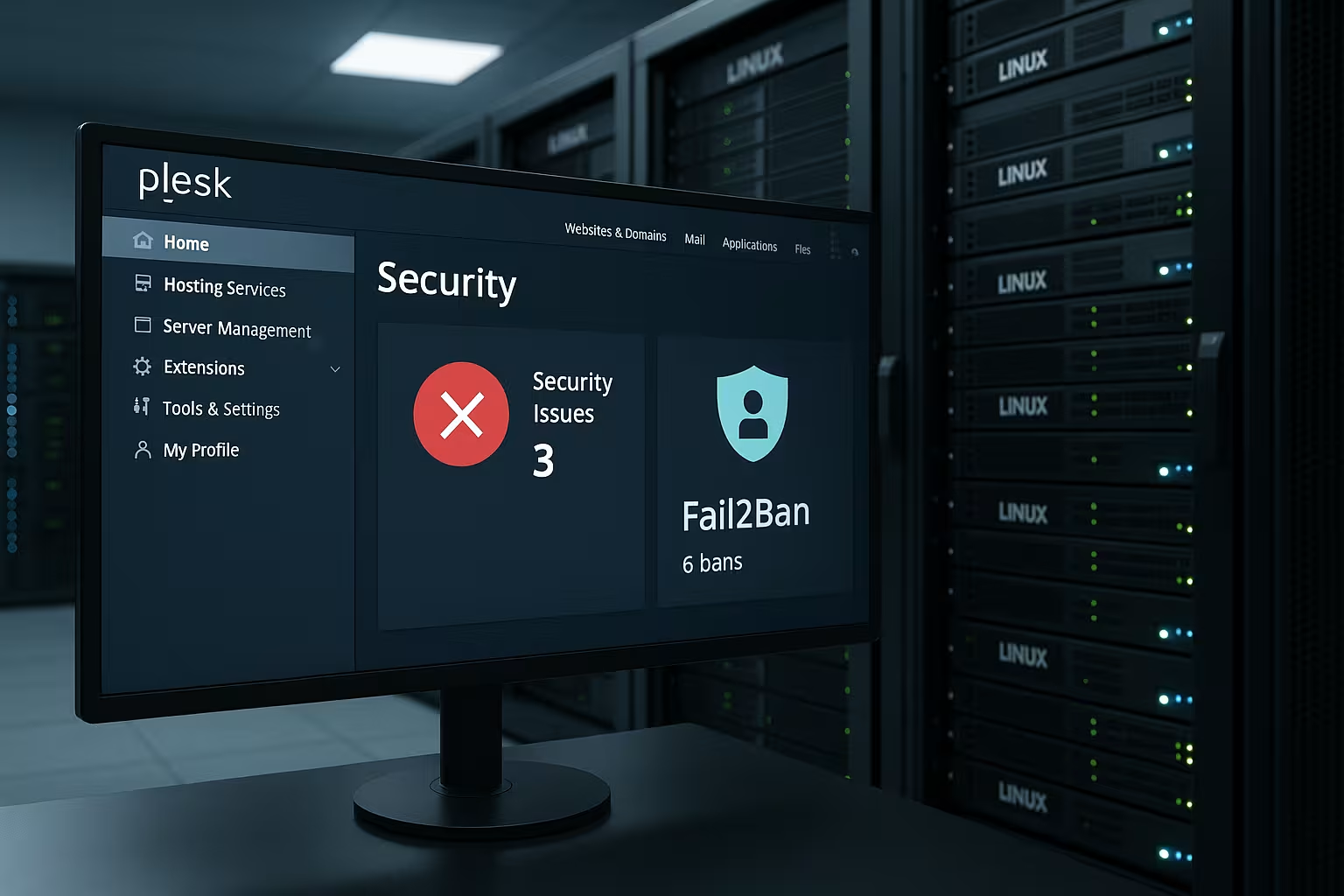
Learn how to effectively secure your server with just a few clicks in the ultimate Fail2Ban Plesk guide. Explained step by step.

Learn all about configuring the web firewall in Plesk and protect your website from SQL injection & XSS.

With the Cloudflare integration in Plesk, you can increase the security and speed of your website - find out all the advantages and the optimal setup.

Learn all about the vmware vulnerability CVE-2025-41236, its impact on hosting and cloud systems, and how to protect yourself effectively now.

Learn all about the best WordPress security plugins 2025. Protect your website effectively with these tools and hosting tips.

Learn how to optimally protect your servers with the Plesk firewall. Our expert guide shows best practices & step-by-step instructions for maximum security.

Learn how to close Plesk security gaps and secure your hosting with effective protection measures. Top tips for updates, firewalls and backups.

Our comprehensive website creation guide takes you through all the steps - from planning and design to publishing your own website.

Learn how WordPress theme optimization makes your website faster, more user-friendly and SEO-optimized!
Discover Plesk Obsidian's advanced security features that take your web hosting to the next level. Integrated firewalls, improved SSL support and more.

Discover how Plesk's automated malware detection revolutionizes the security of your web hosting and provides proactive protection.

Plesk offers the possibility to configure the web application firewall (plesk modsecurity) in the administration menu. What is modsecurity? Plesk modsecurity is a web application firewall,

In our video you can find a small tutorial how to create a Letsencrypt certificate for all domains for free in Plesk Onyx. The advantage is

With Plesk you can enable a simple and free protection against attacks. Under the Plesk settings, logged in as an administrator, you can configure the Fail2ban service.