 Skip to content
When loading times crash despite caching, plugin diets and DB tuning and the host reports CPU/IO limits, the WordPress scaling limits become apparent. I'll show you when optimization starts to fizzle out and which Hosting upgrade releases the blockages.
Key points
I will summarize the most important signals and steps so that you can make decisions with confidence. High utilization despite optimization indicates real Infrastructure-boundaries. Vertical scaling helps in the short term, while horizontal scaling is more sustainable. Caching only conceals problems up to a certain point. Point. An upgrade ultimately determines stability, TTFB and the ability to absorb traffic peaks.
- CPU/I/O limits show hard limits
- Caching helps, but does not replace an upgrade
- Vertical fast, but finally
- Horizontal scalable, requires architecture
- Autoscaling Catches peaks automatically

Where the WordPress architecture reaches its limits
WordPress processes every request synchronously and binds PHP, database and file system for this, which can result in noticeable delays during heavy traffic. Waiting times generated. Many plugins increase the size of the hook chain, which increases CPU time and memory per request. Sessions and transients often end up locally or in the database, causing multi-server setups without central caching to stumble. WP-Cron runs without a real scheduler if it is not replaced on the server side and clogs up execution during peaks. Media load and dynamic queries (e.g. in stores) multiply the challenges if no Object cache is available.
Vertical vs. horizontal scaling
I increase CPU and RAM first, as vertical scaling quickly takes effect, but it ends when the host no longer offers larger plans or the costs run away. Horizontal scaling wins at the latest with traffic peaks and parallel requests, because I distribute the load and gain redundancy. To do this, I need clean session handling, a central cache and shared media storage, otherwise file sync and sessions will slow down the system. The decision is based on growth, budget and operational maturity. If you have predictable peaks, you can start vertically; if you run unpredictable campaigns, you should rely on Load balancing.
| factor | Vertical scaling | Horizontal scaling |
|---|---|---|
| Furnishings | Simple, few changes | More complex, architecture required |
| Capacity | Limited by server size | Scaled over several nodes |
| Cost curve | Increases disproportionately | Increases rather linearly |
| Reliability | Single point of failure | Redundancy included |

Optimizations that work - right up to the lid
I use page caching because it saves dynamic work, and then check the Page cache limitseffect with logged-in users, shopping carts or personalized content. Redis or Memcached significantly reduce the database load as soon as many recurring queries occur, but in the case of cache misses, the truth falls mercilessly back on PHP and MySQL. Indexes, query review and the removal of heavy plugins create space until a single server can no longer carry the load. I minimize images, set lazy load and move assets via a CDN to reduce TTFB and bytes on wire. In the end, I come across a Power ceiling, when code and architecture brakes interact.
Hard signs that the ceiling has been reached
If the CPU load lasts longer than 80 percent, the I/O wait time increases and the RAM reserve tips over into swap, this feels like a permanent traffic jam on. Loading times remain high despite caching, especially for dynamic pages such as checkout, search or dashboards. Error patterns such as 502/504, database timeouts and PHP memory errors accumulate at peak times and are slow to subside after the wave. The bounce rate increases noticeably, conversion paths break off earlier on mobile devices and the session duration decreases. In the shared environment, there are also throttling and limits that slow down even clean code because no dedicated resources are available.
When optimization is no longer enough
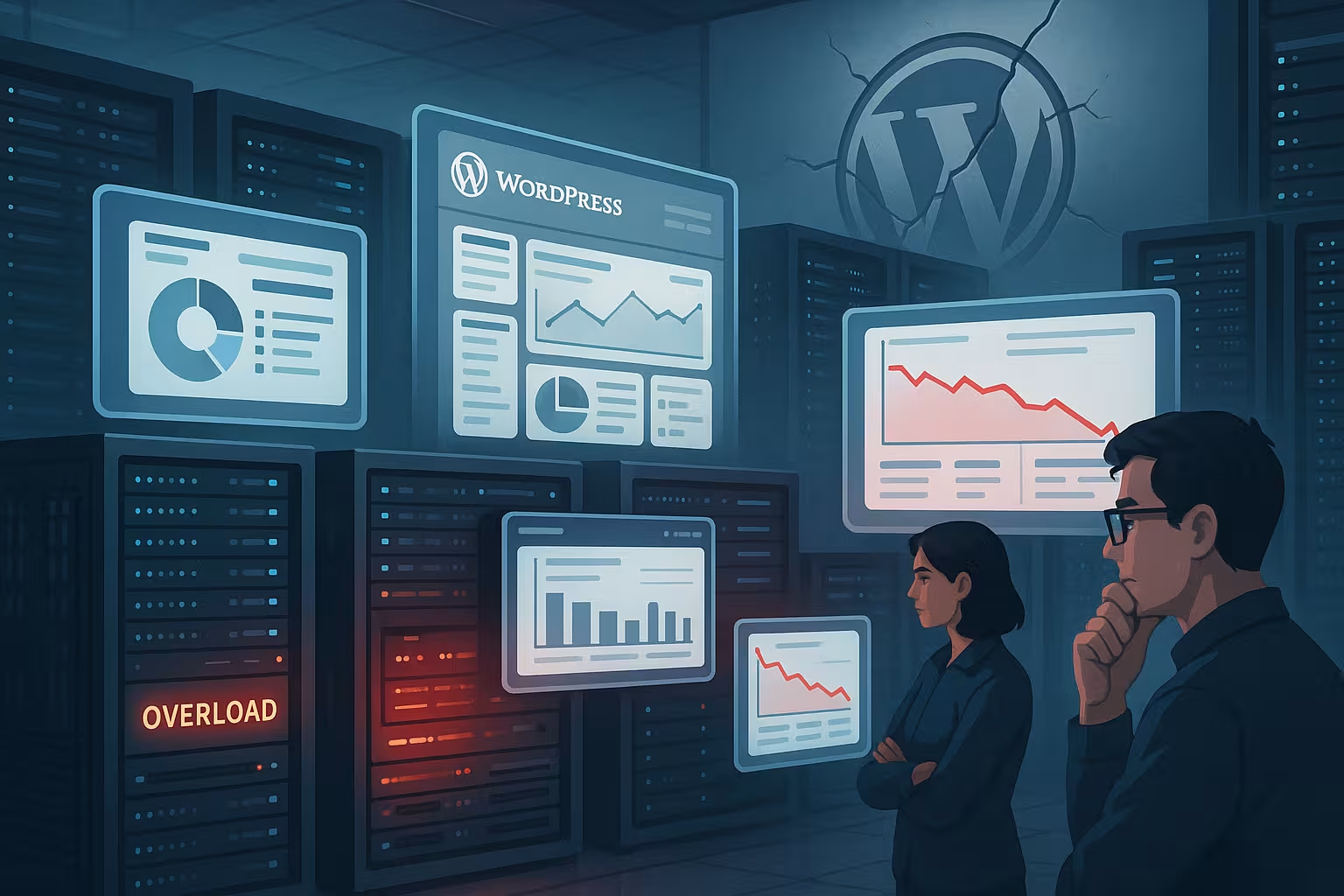
If I have cache, queries, media and plugins under control and the metrics still remain red, the eye of the needle moves from code to Infrastructure. A faster processor only executes bad code faster, but the blocking times and queues do not disappear. At the same time, I can't optimize away everything that needs to be solved by architecture, such as file sync, central sessions or DB replication. At this point, I choose between a larger server or a distributed setup, depending on the load profile and budget. If you have recurring peaks from marketing, TV or seasonal campaigns, you win with horizontal expansion and Autoscaling.
The sensible hosting leap
The path from shared to VPS, cloud or managed WordPress hosting determines whether there is peace of mind during operation and reserves for growth without me manually monitoring every peak. Sensible minimum values for growing projects are: 2 GB RAM, dedicated CPU, NVMe SSD, PHP 8+, Redis cache and an edge cache before the origin. For heavily fluctuating traffic, I use load balancing plus automatic scaling up and down so that the costs remain predictable. Media should be stored in a central repository (e.g. object storage) with pull CDN so that every node delivers identical files. Those who want less administration can rely on managed offerings with an integrated pipeline, monitoring and Rollback-options.

Practice: Monitoring and threshold values
I define clear thresholds: CPU over 80 percent longer than five minutes, I/O wait over 10 percent, RAM under 15 percent free, error rate over 1 percent or TTFB over 600 ms under load triggers action. A cache hit rate below 85 percent on hot paths shows me that I need to deliver content dynamically or tighten up rules. Application logs, slow query logs and a CPU-bound analysis help to isolate hotspots before they become outages. I correlate marketing events with load peaks so that capacity is available on time and the pipeline deploys outside of peak windows. With Apdex and real-user monitoring, I can see if changes have a real impact. Effect have on users.
WordPress special cases: WooCommerce, multisite and media floods
Stores generate dynamic pages such as the shopping cart, account and checkout, which bypass page caching and therefore use more CPU, database and resources. Redis meet. Cart fragments, search filters and personalized prices increase the load if there is no edge or microcaching before these paths. In multisite environments, the requirements for object cache, table sizes and deploy processes increase because many sites have to benefit at the same time; it is worth taking a look at the Multisite performance. Large media collections require consistent optimization, offloading and rules for responsive images so that each request does not load too many bytes. Without central sessions and a clean file strategy, horizontal setup fails, even if enough Node are available.

Server stack: PHP-FPM, OPcache and web server tuning
Before I scale, I set the stack to be lossless. PHP-FPM is the clock generator: I select the appropriate process mode (dynamic or ondemand), limit pm.max_children so that RAM does not slip into swapping, and set pm.max_requests, to intercept memory leaks. OPcache reduces compile time; enough memory and a valid preload strategy reduce TTFB, while I strictly disable debug extensions in production. Deliver at web server level HTTP/2 respectively HTTP/3, Keep-Alive and a tight TLS configuration to utilize the assets more efficiently. I adjust the Nginx/Apache buffer, timeouts and upload limits so that they match the burst load and proxy chain. Decisive: no unlimited workers storming the database, but controlled parallelism along the slowest component.
Scaling the database and object cache correctly
I start with the scheme: missing Indices on frequently filtered columns, bloated options table, autoload ballast - I tidy all this up first. Then I separate the read and write load: a Read replication takes up reports, searches and non-critical queries, while the master remains reserved for writes. A proxy layer can bundle connections, handle timeouts cleanly and coordinate failovers. The Object cache (Redis/Memcached) receives clear TTLs, namespaces and, if possible, deterministic keys so that evictions do not become roulette. It is important not to park transients and sessions in the local DB if several app servers are involved - otherwise race conditions and inconsistencies will arise.
Edge caching, cookies and invalidation
My greatest lever lies between the source and the user: the Edge cache. I define which paths are delivered completely statically, where microcaching (2-30 seconds) breaks peaks and which cookies rightly bypass caching. Many setups cache-bypass every WordPress cookie across the board - I reduce this to what is really necessary (login, shopping cart, personalization) and work with Vary as sparingly as possible. I actively plan invalidation: tag- or URL-based purges after publishing events, batch purges after deployments and a fallback strategy if purges fail. For critical widgets, I use fragment caching or ESI-like patterns so that the page remains static while small areas are dynamic.

Jobs, cron and background load
Everything that does not have to be synchronized goes into Background jobs: emails, thumbnails, exports, webhooks. I replace the WP cron with a system cron or worker that triggers at fixed intervals and scales with load. Job queues with backpressure prevent peaks from ruining frontend performance. I separate long-running tasks from requests that would keep users waiting and deliberately set short timeouts - I'd rather have a job retry than a blocking PHP process. In multi-node environments, I make sure that only a dedicated worker pool pulls jobs so that there is no race for locks.
Bots, crawlers and campaign tips
A surprisingly large part of the load does not come from humans. I differentiate between good crawlers and aggressive scraper bots and use Rate limits at the edge. I plan large crawls at night, ensure efficiency with sitemaps and consistent status codes and prevent search filters from creating infinite URL spaces. For campaigns, I specifically increase the edge TTL, activate microcaching on dynamic paths and test the „warm“ paths in advance so that the origin does not suffer from cold starts. For TV or social peaks, I combine queue pages for real overflows with aggressive cache preheating.
Capacity planning, load tests and deployment security
I create a simple capacity curve from metrics: how many simultaneous users, requests per second, database queries per request, cache hit rate. I derive conservative targets from this and simulate scenarios with load tests before product launches. It is important to set realistic Mixes from page views (listing, detail, search, checkout) instead of just start pages. I save deployments using blue/green or rolling strategies so that I can jump back at any time. I make database changes in small, resettable steps; long migration jobs run outside the peaks. Backups, recovery tests and a clear incident plan are not optional, but the basis for any scaling.
Alternative architecture paths: Headless and static hybrid
If the proportion of reading is high, I decouple the display: Headless with a frontend that pulls the content from the WP-API relieves PHP of rendering work and allows frontend nodes to be scaled independently. For highly editorial sites, a Static hybrid This makes sense: pages are pre-rendered on publication and delivered as static assets, while only interactive areas remain dynamic. This dramatically reduces the load and shifts it to the edge. The price is additional build pipelines and a deliberate invalidation concept - worthwhile if read access predominates and timeliness in the seconds rather than milliseconds range is sufficient.
Briefly summarized
I recognize the limits of WordPress in permanently high loads, persistently long loading times and errors under traffic, even though code, cache and media maintenance are in place. Then the responsibility shifts from fine optimization to architecture and I check vertical options against horizontal distribution with central services. With clear threshold values, logging and RUM, I remain capable of acting and plan capacity before the peak arrives. If you make heavy use of dynamic content, you need to supplement page cache with edge and object cache and at the same time consistently reduce the load on the database. In the end, a timely Upgrade Money, nerves and turnover, because performance is not an accident, but the result of appropriate Architecture.


