Skip to content
You have an address at a web hosting company, or you operate your own e-mail server and cannot send e-mails via your Telekom connection?
Then it is very likely that there is no technical defect of the web hoster, but that you are a victim of the paternalism of your Internet Providers.
The Telekom prevents the sending of e-mails via most e-mail servers that do not belong to the Telekom, or affiliated Telekom companies (e.g. Strato) or Telekom resellers.
This is very annoying and causes with most webhosting providers a high service effort every day, because the Telekom does not inform its customers about it, or only very insufficiently.
[ads1]
If you use a Speedport Router from Telekom, you can at least add your e-mail server in the settings, or deactivate this "security setting". It is only meant to prevent possible trojans on your computer from sending mails via the standard port.
1. log in to the Speedport Router
You can reach the Speedport Router by entering "speedport.ip" in the Internet browser. Please use the address line, not the google search field.
The login data is usually located under the device. If you have not changed them, you can log in directly and see the following overview.
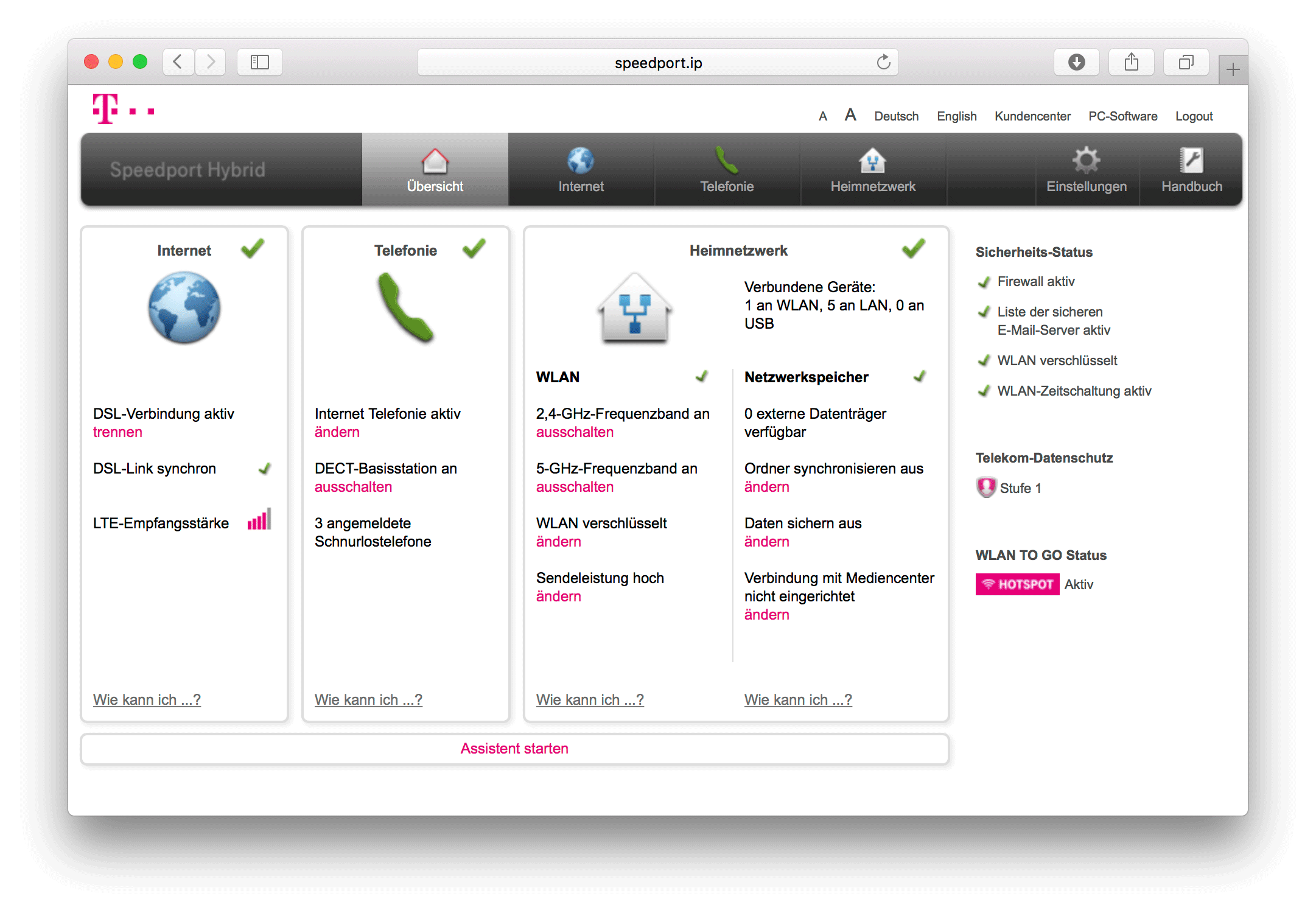
2. click on the menu item INTERNET

3. then select the menu item "List of secure e-mail servers" on the left.
The name is not a program here, considering how much Spam is sent daily from yahoo or hotmail.

4. then enter your email server in the list of servers.
You can obtain the mail server name from your Web host. Mostly it is a special server name which you can use to log into the administration interface. It is best if you also enter mail.yourcompany.com and your IP address.

Alternatively, you can switch this function off.
Done. From now on you can use e-mails via your e-mail server.
[ads1]